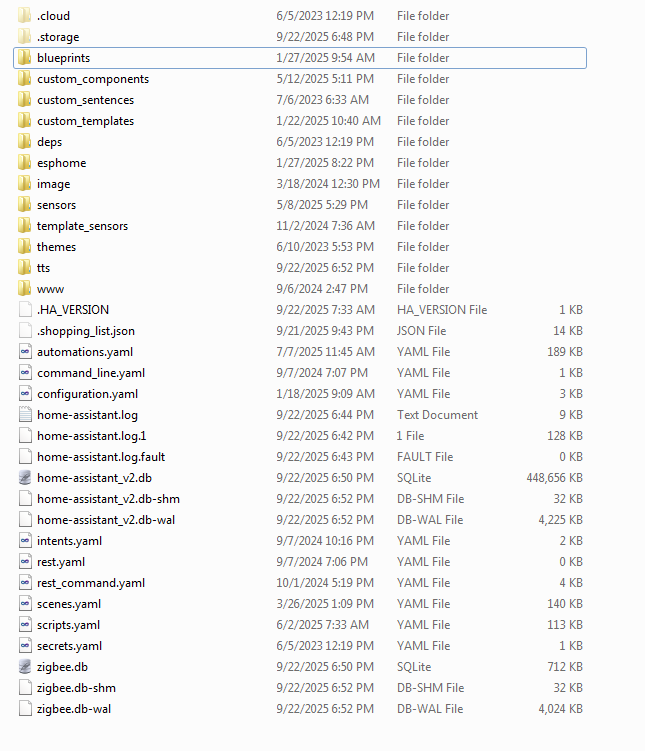
Hi guys. I bought the Yellow because I’m just not technical with the software and I just wanted something I could plug in and go. It’s been good but I have just been steadily loosing drive space and I can’t figure out where it’s going. Awhile ago I moved backups off of the device to store on a network file share and that bought me some space but now it’s creeped back up. Where is my drive space being consumed? I can’t seem to find over 8GB of data anyplace on the system. Any help would be super appriciated! I’ve attached images for reference if that helps. Thanks!
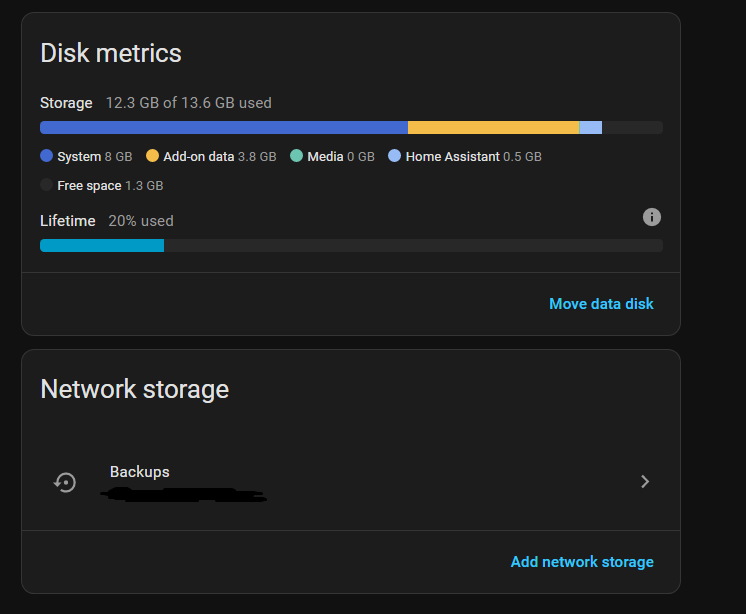
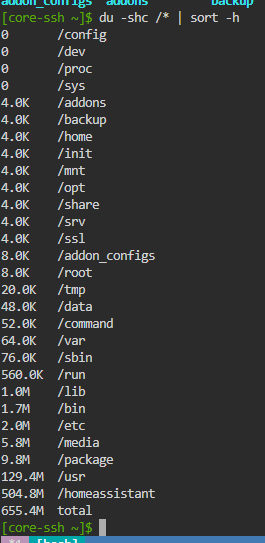
Your screenshot of disk usage is taken from the Home Assistant Docker container, so no way for it to see system usage. You need to enable SSH on HAOS using port 22222 and run the command there.
Debugging the Home Assistant Operating System | Home Assistant Developer Docs
Select all those folders in Windows explorer > right click > Properties. Give it a while and it’ll tell you how much space they’re taking.
Repeat the above steps, each time eliminating half the selected folders, to narrow down the greatest space hog. My best guess would be either one of the 3 custom_ folders or the esphome folder.
I believe only the YAML configs are in the esphome folder shown here, although the ESPHome Platformio tools are a hog in the ESPHome Docker container. I wound up deleting the Add-on and installing it stand-alone in a Proxmox Docker container for that reason.
2 Likes
Hi, thank-you for replying.
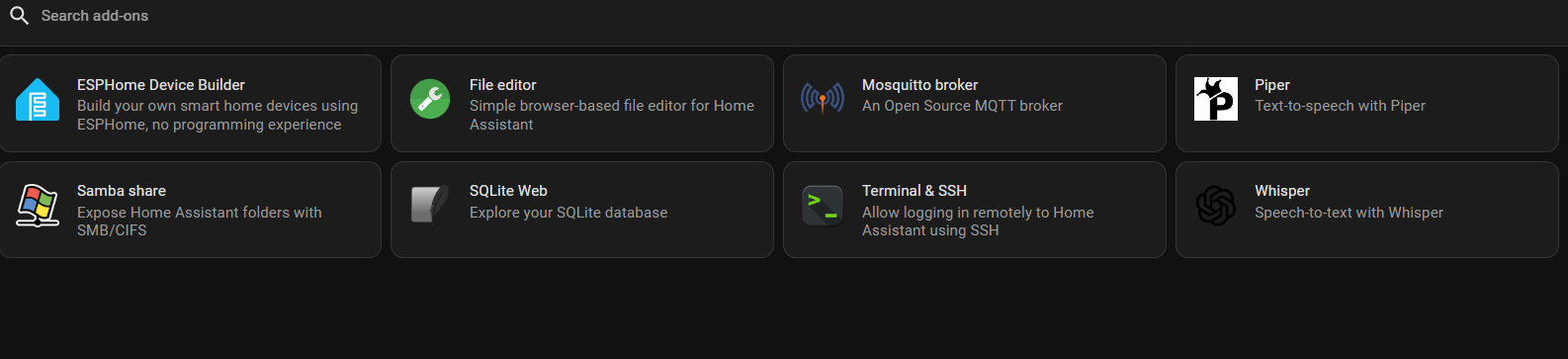
I’ll take a look at this but there’s this message at the top of the page " This section is not for end users. End users should use the SSH add-on to SSH into Home Assistant. This is for developers of Home Assistant. Do not ask for support if you are using these options.".
That seems like I’m into something way over my head. I’m just trying to find out is this usage of space is normal and what it may be consisting of. 
Thanks, I’ll take a look.
The entire directory and everything under it is 456 MB.
In case anyone cares, I’m still trying to find the drive space. Still can’t find an answer on how to figure it out that’s within my skills to persue. Would still really like some help with this. Thanks.
Use the guide I linked but use the Full access to files section. If you need help ask here or on discord were I can help you live.
Ok, I’ll try.