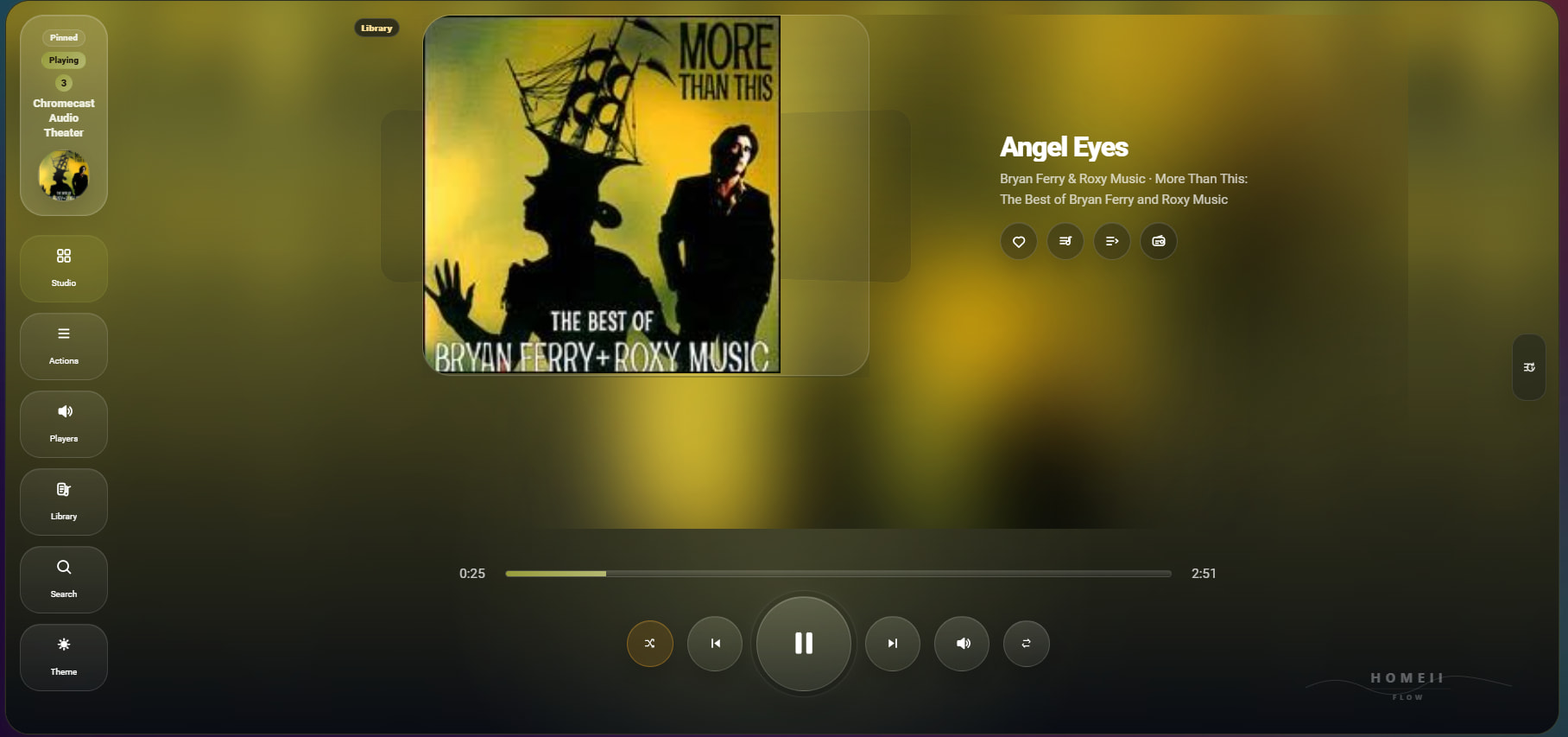
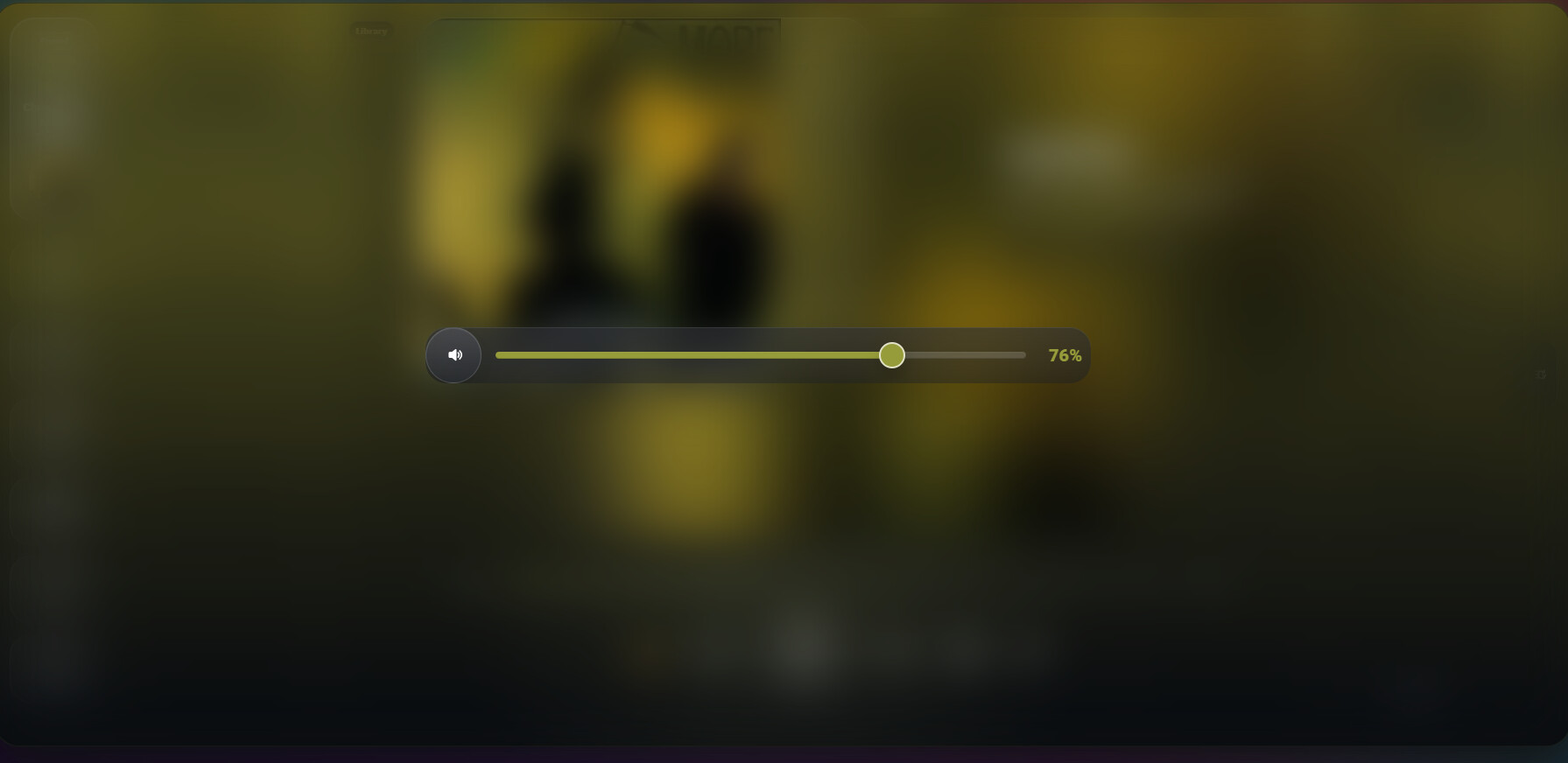
Great app. I installed but unable to load playlists hence unable to use it
I am accessing this dashboard over https I wonder if this has to do with it.
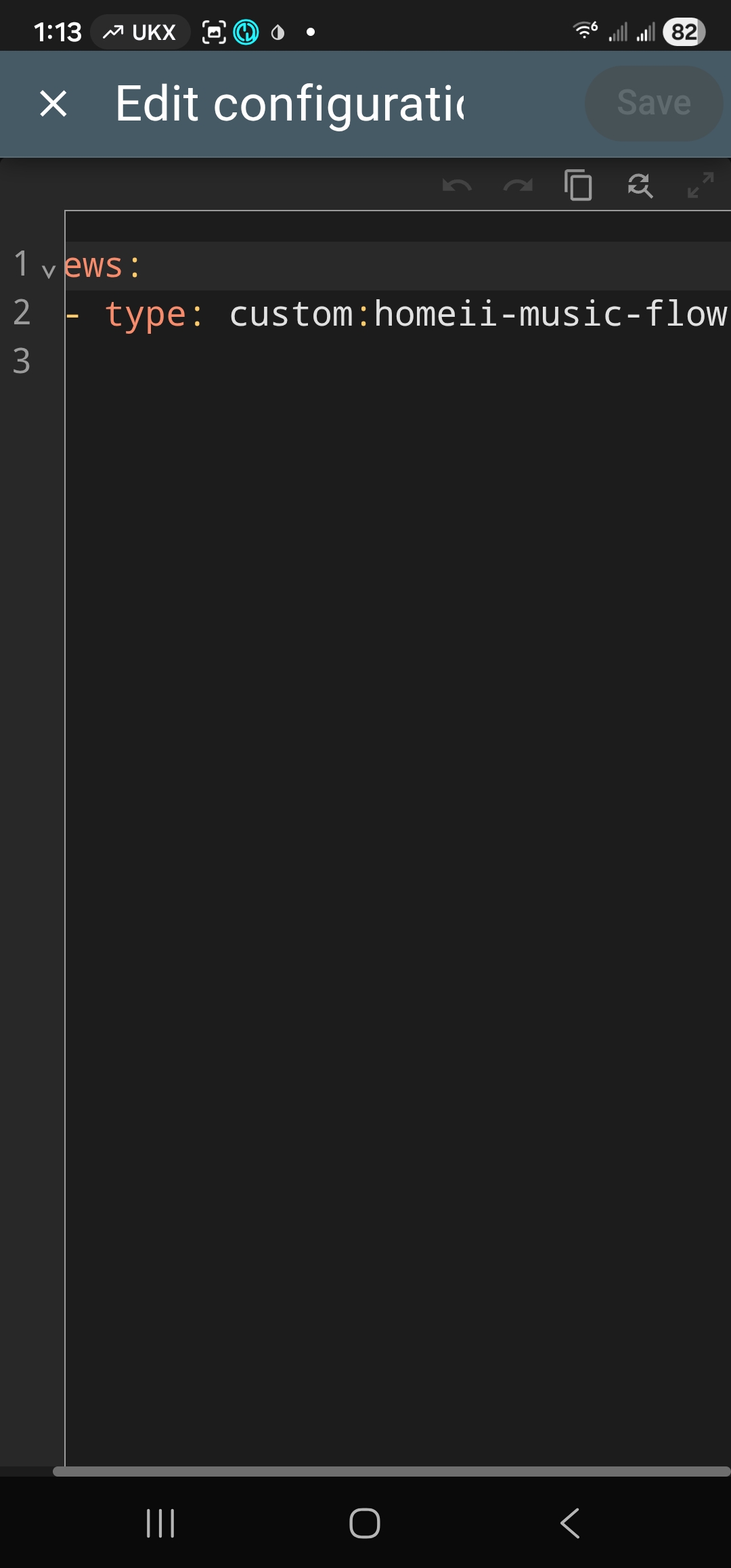


Thank you for testing it and for the screenshots.
I’m also using the card over HTTPS and playlist loading works on my setup, so HTTPS alone should not be the issue.
It may be related to the Music Assistant connection/configuration, the selected provider/library source, or a browser-side error when the card tries to load the library.
Could you please check a few things?
- Is Music Assistant working normally in Home Assistant itself?
- Do playlists load correctly in the native Music Assistant interface?
- Is the card configured with the correct Music Assistant instance / player?
- Does it happen on all devices or only on this browser/mobile device?
- If possible, can you check the browser console for errors such as failed to fetch, CORS, 401/403, or library/loading errors?
I’ll also add better error handling around playlist loading so the card can show a clearer message instead of just failing silently.
Thanks again — this is very helpful for improving the setup flow.
-
Is Music Assistant working normally in Home Assistant itself?---yes
-
Do playlists load correctly in the native Music Assistant interface?---yes
-
Is the card configured with the correct Music Assistant instance / player?--- not sure, minimal experience with yaml based cards, ?I only placed the snippet in thw screenshot in a brand new dashboard (not in a card) and it showed up as is
-
Does it happen on all devices or only on this browser/mobile device?---All
-
If possible, can you check the browser console for errors such as failed to fetch, CORS, 401/403, or library/loading errors?
Thank you and sorry for the trouble, I really want this to work, it looks beautiful
Thanks for the screenshots — I think the issue is the YAML structure.
It looks like the card was added directly under views::
yaml views: - type: custom:homeii-music-flow
It should be added as a card inside a view:
For example:
views:
  - title: Music
    path: music
    type: panel
    cards:
       - type: custom:homeii-music-flow
Or through the UI editor: Add card → Manual card → paste:
type: custom:homeii-music-flow
Since Music Assistant works normally and the player loads, this is probably not HTTPS-related — it looks like the card was placed at the wrong YAML level.
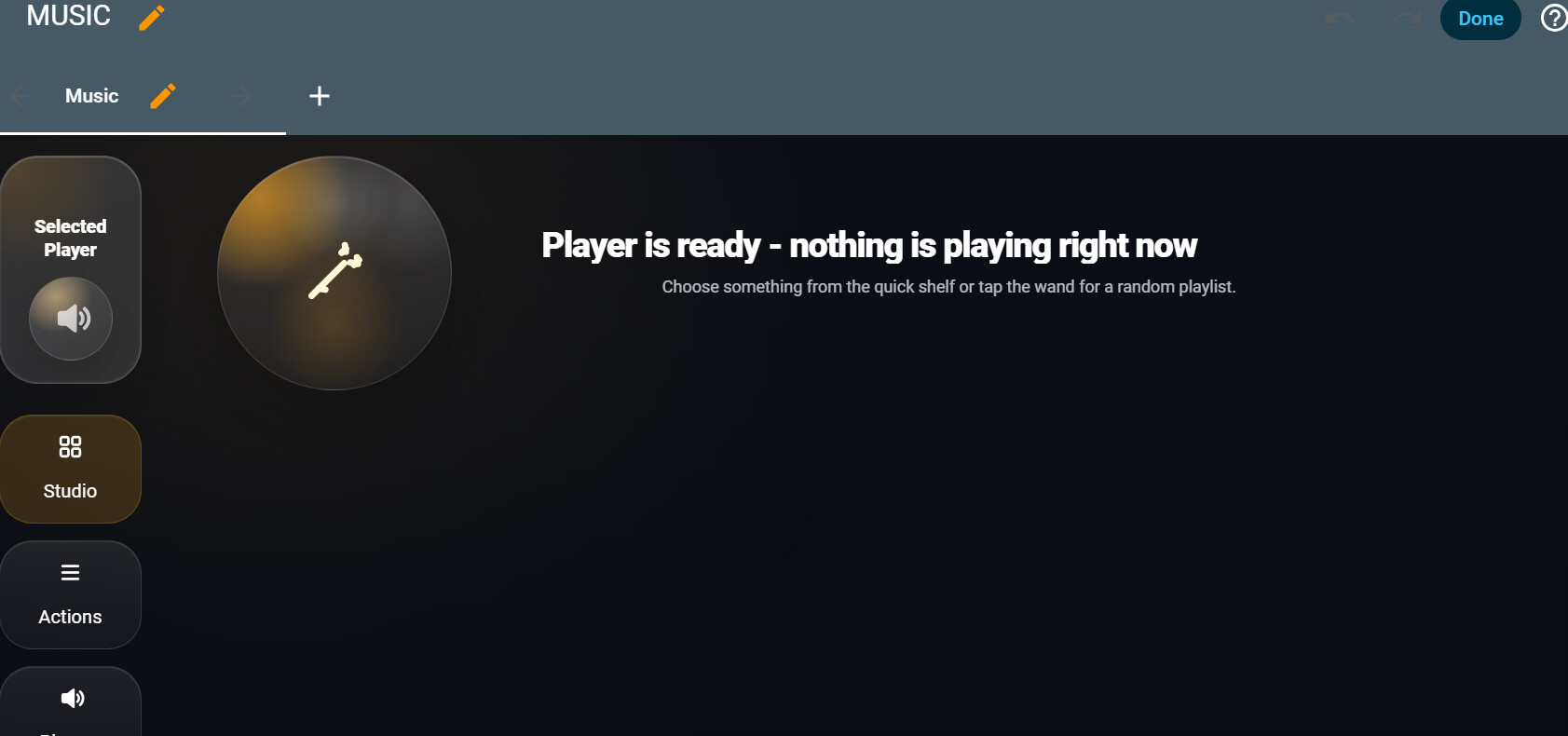
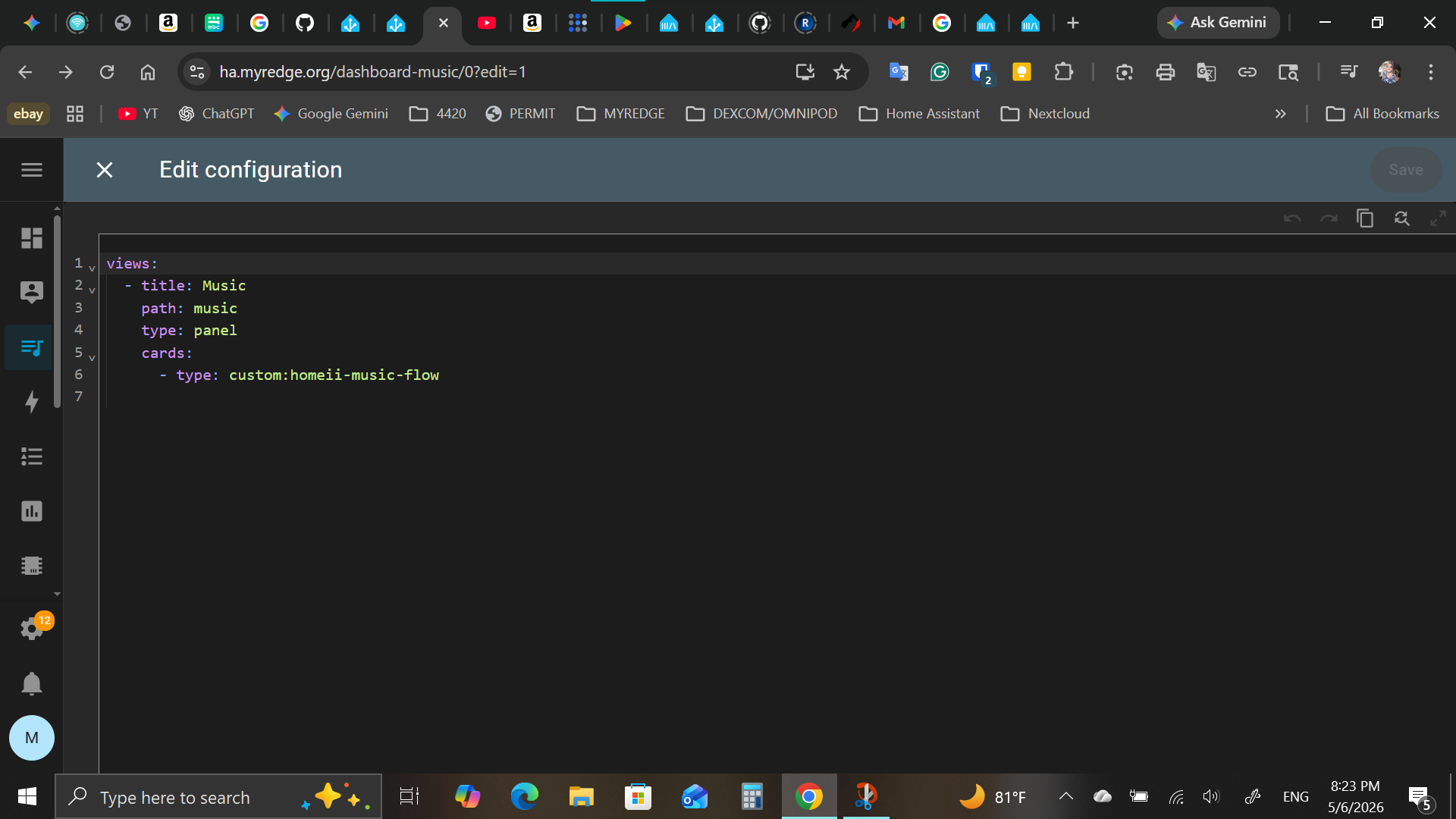
I did that but no change same result. thank you for your patience
am I supposed to add othe code to the ard to make it connect to MA?
homeii-music-flow.js…=1221938616520:8127 Uncaught (in promise) Error: Music Assistant config entry was not found
    at HomeiiMusicFlowCard._callService (homeii-music-flow.js…21938616520:8127:15)
    at async HomeiiMusicFlowCard._fetchLibrary (homeii-music-flow.js…21938616520:8296:17)
    at async HomeiiMusicFlowCard._getLibrary (homeii-music-flow.js…21938616520:8307:15)
    at async HomeiiMusicFlowCard._renderMobileMenu (homeii-music-flow.js…1938616520:29061:21)```


from browser consoleThanks — that console error is very helpful.
The issue is now clearer:
text Music Assistant config entry was not found
So this does not look like an HTTPS issue. The card itself is loading, but when it tries to fetch playlists/library data, it cannot detect the Music Assistant integration config entry inside Home Assistant.
Could you please check this?
Home Assistant → Settings → Devices & Services
Do you see Music Assistant listed there as an integration?
If yes, please let me know:
- Which Music Assistant integration version you are using
- Whether you have one Music Assistant entry or more than one
- Whether your Music Assistant players appear as media_player entities in Home Assistant
- If your MA player entity names are something like media_player.mass_* or something different
Music Assistant itself may work normally, but HOMEii Flow currently needs the Home Assistant Music Assistant integration config entry in order to load playlists/library data.
I’ll improve this in the next update by adding better Music Assistant detection and a clearer error message instead of leaving the playlists drawer stuck on “Loading…”.
Thanks again — this helped identify the actual problem.
HOMEii Flow 5.3.0 is out: Studio gets a serious upgrade
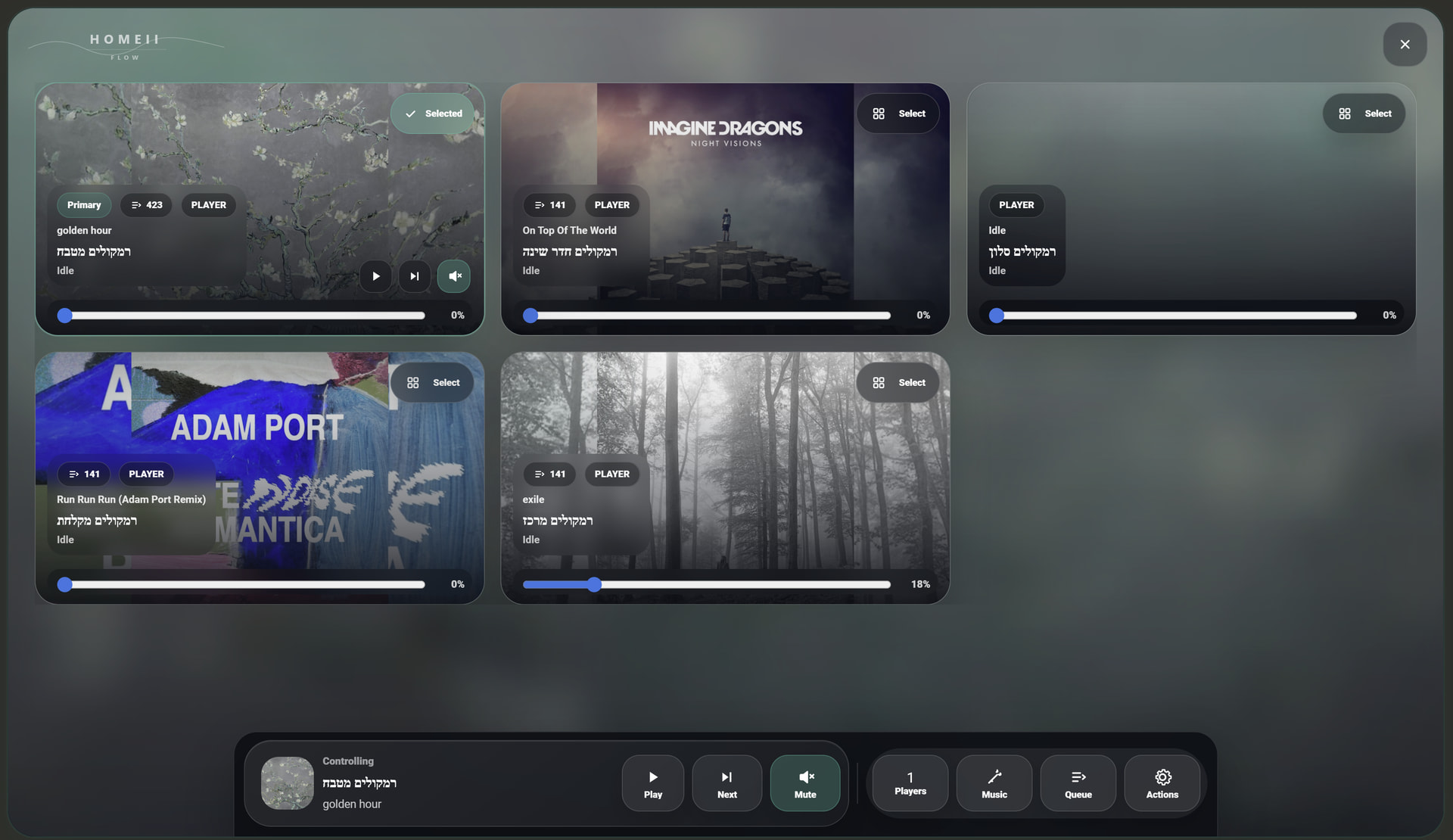
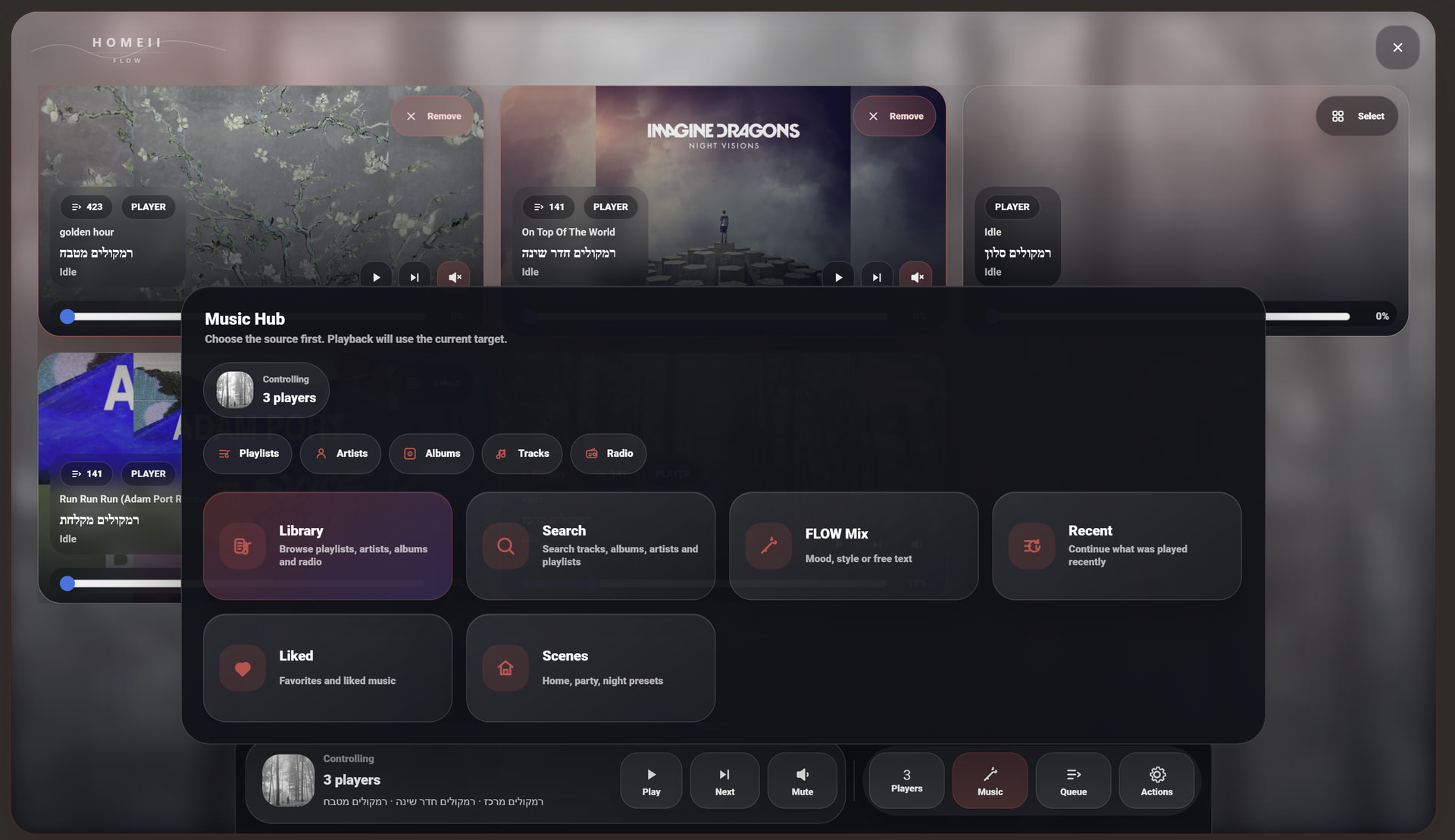
Hi everyone,
I’ve just released HOMEii Flow 5.3.0, and this version focuses heavily on turning Studio into a much more powerful and polished Music Assistant control room inside Home Assistant.
The goal of Studio is simple: one beautiful screen where you can understand what is playing, choose which players you control, manage groups, open music quickly, work with queues, and run common actions without jumping between different Home Assistant pages.
What’s new in Studio
-
Studio Scenes
Save local Studio scenes with selected players, visible players, group intent, volume levels, and current media when available. -
Better group awareness
Grouped players are now easier to understand, with a compact group summary and stronger visual badges on player tiles. -
Faster Music Hub access
Open playlists, artists, albums, tracks, and radio directly from Studio. -
Improved Queue Cockpit
A cleaner queue management panel for inspecting, transferring, cloning, refreshing, and clearing queues. -
Safer Studio Actions
Added a clear Stop all action that stops playback, clears queues, disconnects groups, and handles the local browser player when present. -
Studio Pro context
The Pro panel now shows target player, protocol, Direct API status, realtime token status, Sendspin state, player count, and a shortcut to Music Assistant.
Community fixes included
- Improved artwork reliability when connecting remotely to Home Assistant.
- Fixed desktop browsers sometimes not updating cover art until reload.
- Added clearer in-card notices when Music Assistant or players are not ready.
- Added optional
input_texthelper support for exposing the active HOMEii Flow player to automations/templates. - Replaced the old missing-cover placeholder with a more polished HOMEii-style fallback.
Install / Update
Update through HACS as usual:
Repository:
https://github.com/r11a/homeii-music-flow
Release:
v5.3.0
If you already use the card, update through HACS, clear browser cache if needed, and reload the dashboard.
I’d love feedback especially around the new Studio flow: player selection, group visibility, queue cockpit, scenes, and how it feels on wall tablets or slower devices.
I tried the scheduled option in morning, but, it doesn't work...
I scheduled the following:
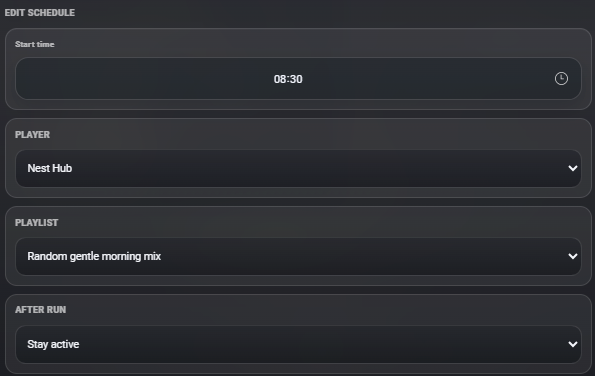
Am i wrong in something?
When you finish the settings you need to press at the bottom create schedule and see if it keeps the new schedule
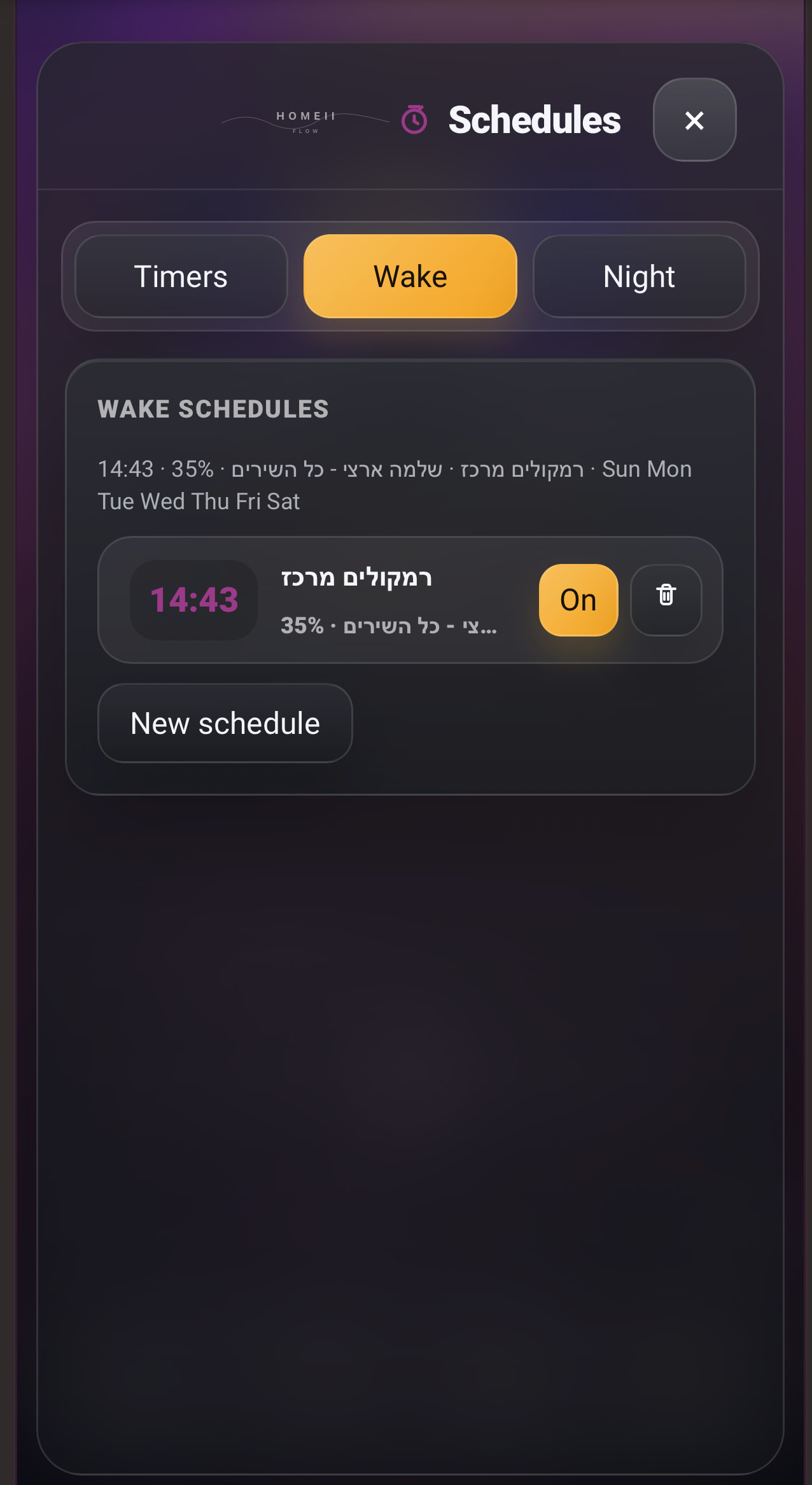
yes, i saved and actually it is active, but this morning did not worked.
Now i changed playlist so i'll se if it works.
Try new schedule for next 2-3 minute and see if it’s working
You can update to version 5.3.0
Already did and now is working.... Thanks!
Any chance for a Android Auto support?
Great, happy to hear it’s working now!
About Android Auto — that would be really interesting, but I don’t think a Home Assistant dashboard card can directly support Android Auto like a native Android music app would.
HOMEii Flow runs inside the Home Assistant dashboard/browser, so true Android Auto support would probably require a separate native Android app or a dedicated media integration layer.
That said, HOMEii Flow does include the “This Device” player concept, where the current browser/device can be used as a player, not only as a remote control. So on a tablet, phone, or wall panel, the device itself can become part of the playback experience.
I’ll keep Android Auto in mind and look into what is realistically possible, but for now the best supported path is through the Home Assistant dashboard and the built-in device/browser player experience.
I truly I appreciate your help. The mistake was that I did not add the MA integration. once I did, it loaded playlists etc.
This is a wonderful sleek modern player.
How can I make the card/view fit on my specific screen size?
Also, please let me know how can I help (testing, spreading the word etc....
Thank you
I tried to connect the browser but since i tried (several minutes ago) i still get this:
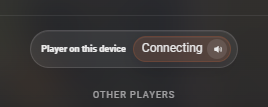
Maybe because (my fault) i logged as Home Assistant user and not with the MA credentials?
In this case how ro re-logged again?
From the instructions in the repo:
- For best Sendspin performance: the browser device and Music Assistant should be on the same local network.
- Sendspin URL security must match the dashboard: if Home Assistant is opened over
https://, configure Music Assistant with anhttps://URL so HOMEii Flow can usewss://; browsers blockhttp:///ws://Sendspin from an HTTPS dashboard. - If Home Assistant is opened locally over
http://, a localhttp://Music Assistant URL is usually fine and HOMEii Flow will usews://. - Mobile browsers can pause audio and WebSocket work when the app is backgrounded or the phone is locked. HOMEii Flow remembers the active "This device" intent during the current app/browser session and reconnects when the dashboard becomes active again.
I’m happy to hear it’s working and that you're enjoying the design!
To get the perfect fit for your screen:
• Adjust Height: In the card's General settings, you can manually set the height. It's optimized for a range between 830 and 850 (850px is the default). Staying within this range ensures the layout and visual effects remain perfectly aligned.
• View Type: For a full-screen experience, I recommend setting your Home Assistant view to 'Panel Type' or Section with full width.
How you can help: Since we are gearing up for the 5.3.0 'Studio Evolution' release, the best help would be to star the repo on GitHub and share a screenshot of your setup! Seeing how it looks 'in the wild' helps me improve the UI for everyone.