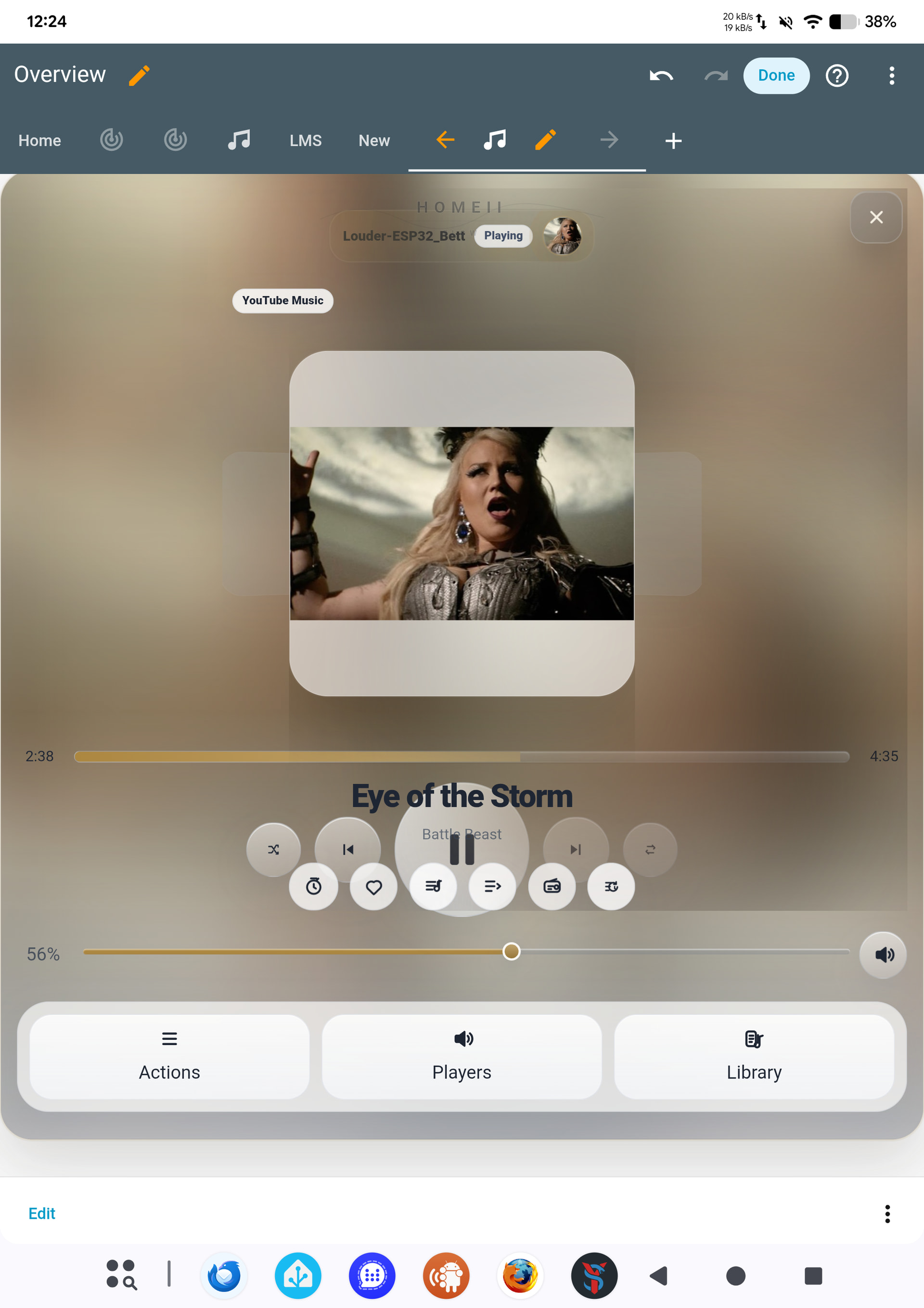
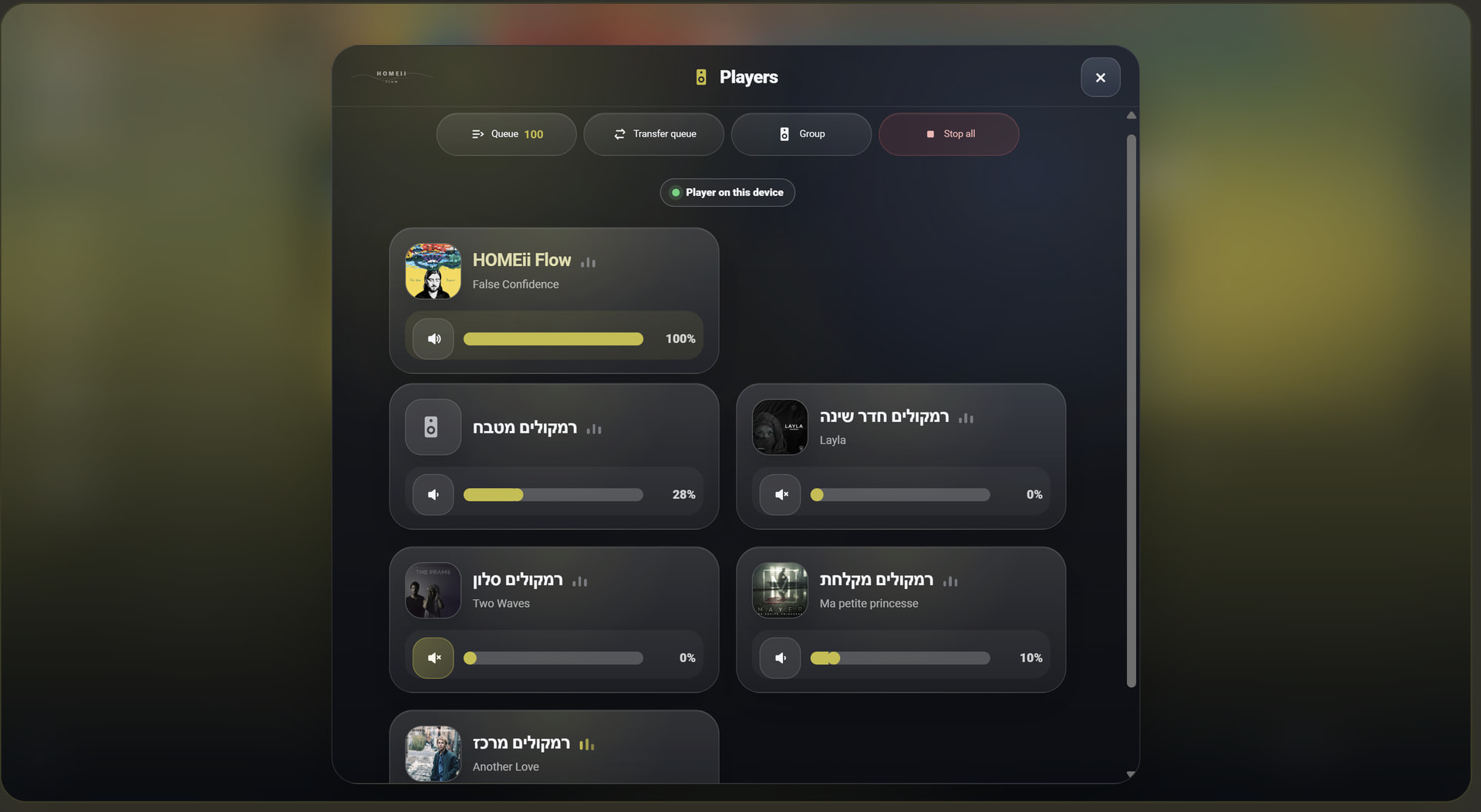
Right now, when a player group is playing, the main volume control shown in the player view is the volume for the currently selected/lead player.
For group-related controls, you can open Actions → Group, where there is group control, including the group/global volume behavior.
That said, your question gives me a good idea: I should probably make this clearer and add a dedicated group volume control directly in the player view when the selected player is part of a group.
So the card could show both:
the selected player volume
a group/global volume control
Thanks for pointing this out — I’ll look into improving this UX.
Good catch! While 'auto' is designed to detect the browser's language, sometimes a 'hard' override is the way to go to be 100% sure.
Regarding the language: Yes, you can easily change the default. Just change the line in your YAML from language: auto to: language: en This will force the card into English regardless of your browser settings.
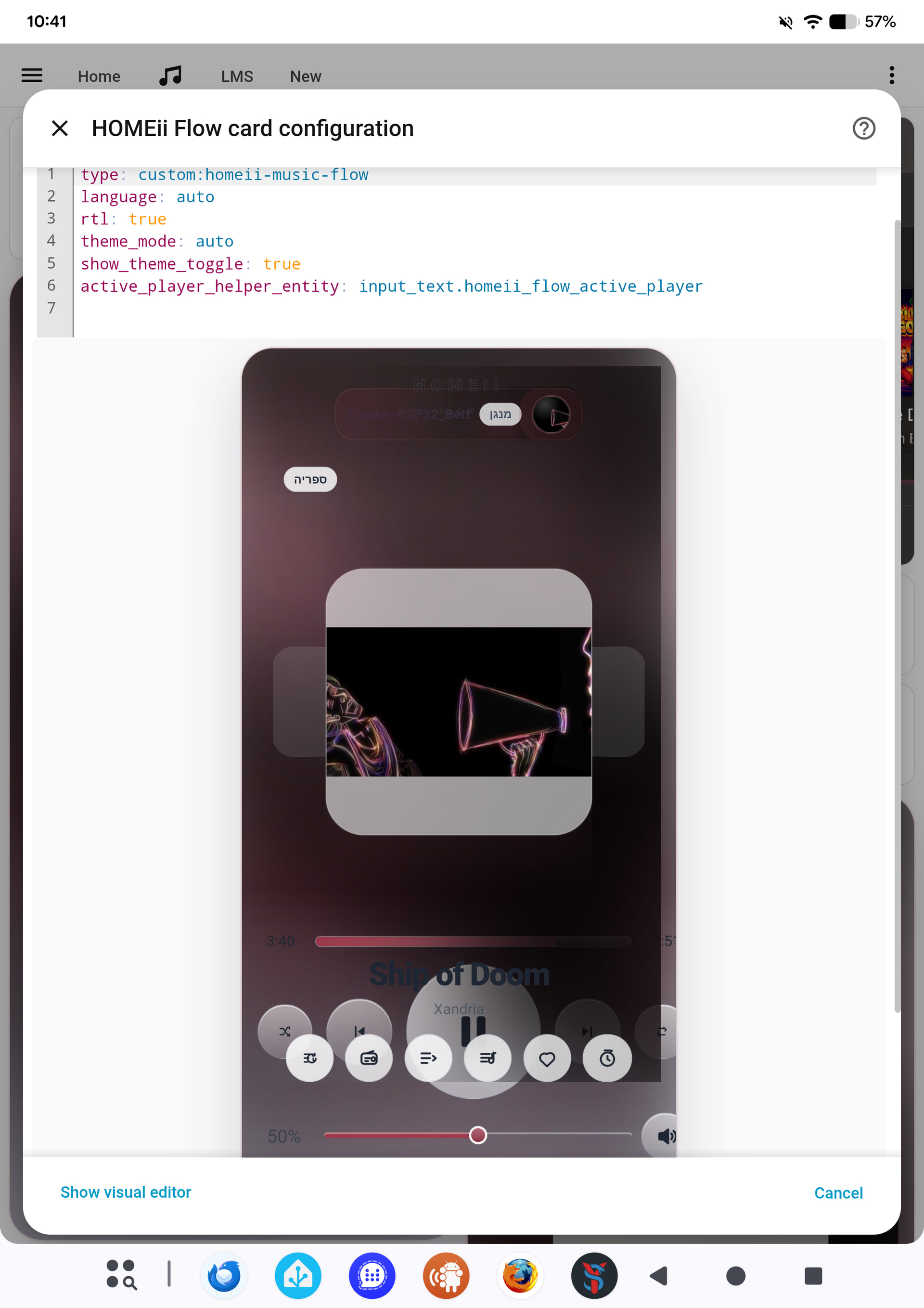
Regarding the layout (is it normal?): What you see in the screenshot is normal for the Configuration/Preview mode. Because the Home Assistant editor squeezes the card into a smaller preview window, the elements might look a bit tight. Once you hit 'Save' and view it on your actual dashboard, it will expand to its full sleek design and look perfect!
Thanks for the feedback—it helps me refine the 'Auto' logic for future updates!
I really like the card and it totally looks amazing!! Thanks for sharing this
One small bit im missing is an dedicated power button or i just was not able to locate it.
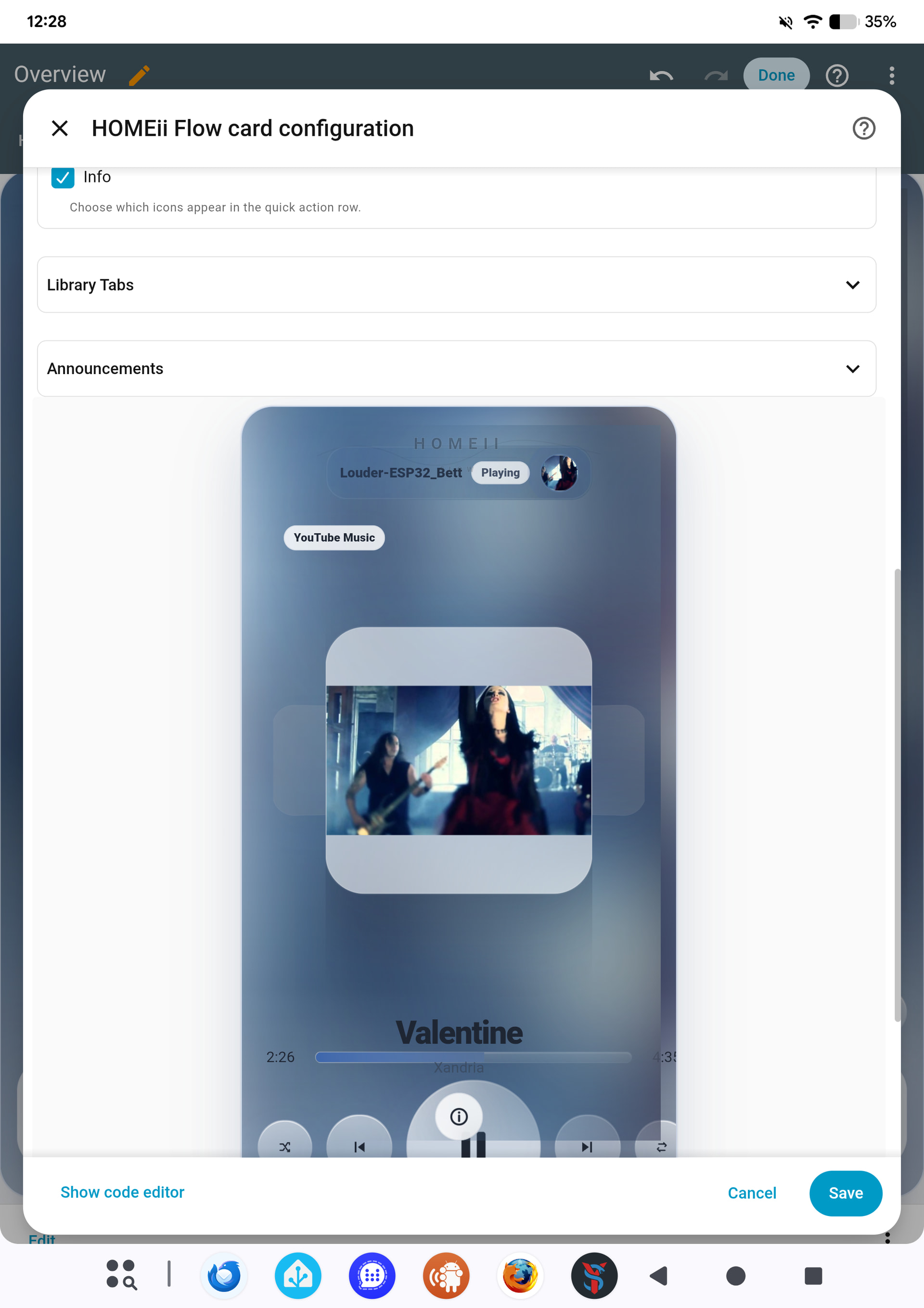
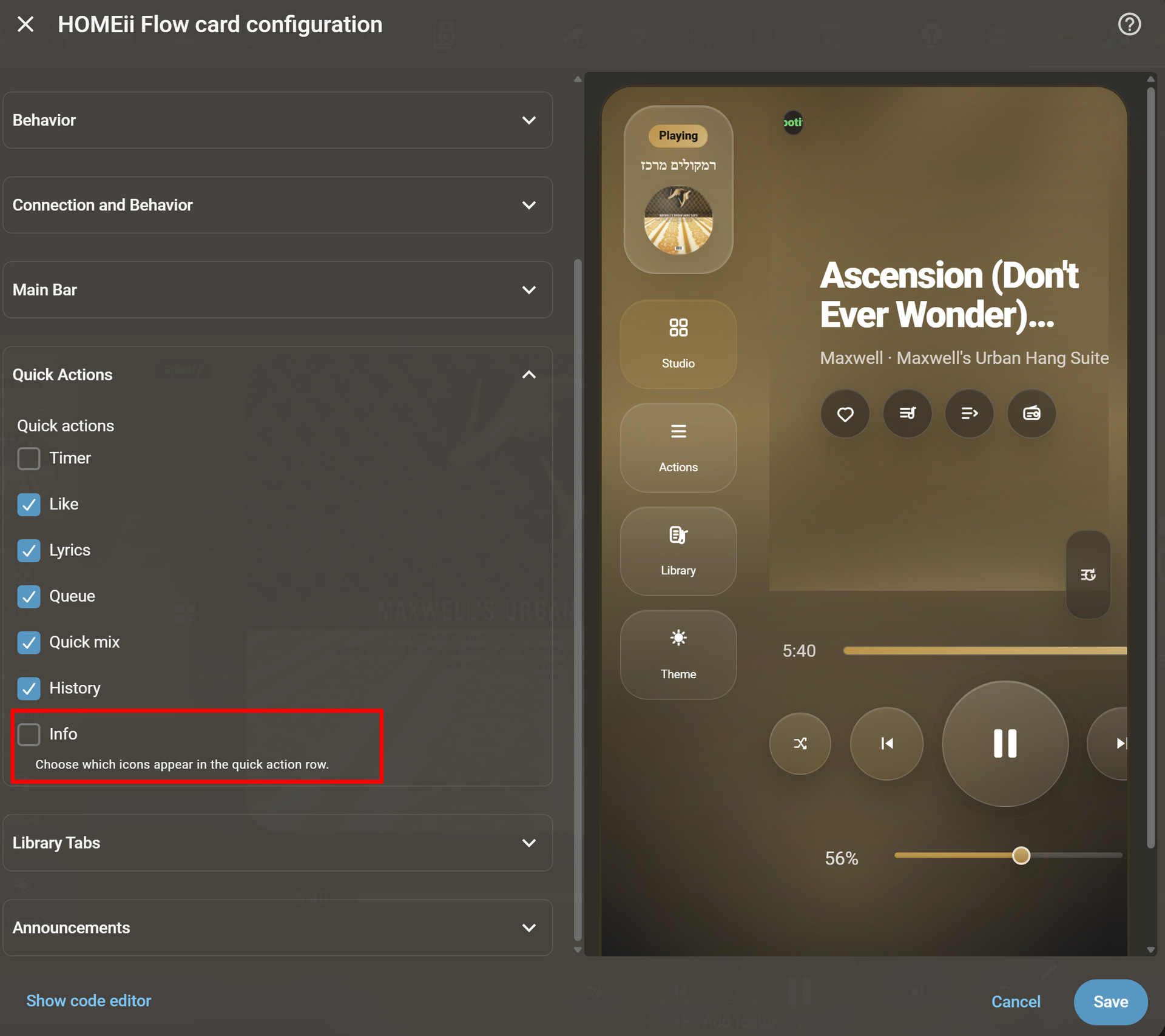
You're absolutely right! Currently, the power control is accessible through the Info icon, which opens the 'More Info' panel where the power toggle resides.
I realize that for a quick daily workflow, a dedicated power button is missing. Your feedback just gave me an idea: I’m going to add a dedicated Power Icon to the Quick Actions row in the upcoming update. This way, you'll be able to toggle your players on and off with a single click directly from the main interface.
Thanks for pointing this out—it’s exactly the kind of practical feedback that helps HOMEii Flow evolve. Stay tuned for the next release!
First of all, a huge thank you to the hundreds of you who have already installed and tested the card. Seeing the growth in the last few days has been amazing!
I’m currently working on the next update, and I want to make sure I’m focusing on what you actually need. Since I can’t test every single tablet or mobile device out there, I need your eyes.
I would love to hear from you:
Performance: Is the card running smoothly for you, or are you experiencing any flickering/lag (especially on mobile)?
Layout: Does anything look "squished" or out of place on your specific screen size?
Missing Features: Is there one small thing (like a dedicated button or a specific toggle) that would make this your primary player card?
If you found a bug or have a suggestion, please drop a comment here or open an issue on GitHub. Even a "Works great on my iPad!" helps me know which devices are stable.
Looking forward to your feedback so we can make the next version even more polished!
Hi,
is it planned to add other languages?
I would like to have a german version. Happy to support in translation/verficatioon if needed.
Thanks and Cheers
Dastonie
At the moment HOMEii Flow supports English and Hebrew, and the current translation logic was originally built around those two languages. I’m planning to move it to a proper i18n structure so additional languages like German can be added and maintained much more cleanly.
German would be a great first additional language, especially since it also helps test longer UI labels and layout behavior.
Your help with translation and verification would be very welcome. I’ll likely start by preparing an English translation template / key list, then German can be added from there and tested inside the card.
Please update and make sure to clear your browser cache CTRL+F5 (or the Home Assistant app cache) to ensure the changes take effect. Let me know if that fixes it
I use MA with Sonos Player; I've tested the integration both as a Home Assistant add-on and as a standalone installation. The problem occurs on all devices and browsers.
Since this happens on all devices and browsers, and you installed 5.4.1 fresh, this is probably not a simple browser cache issue.
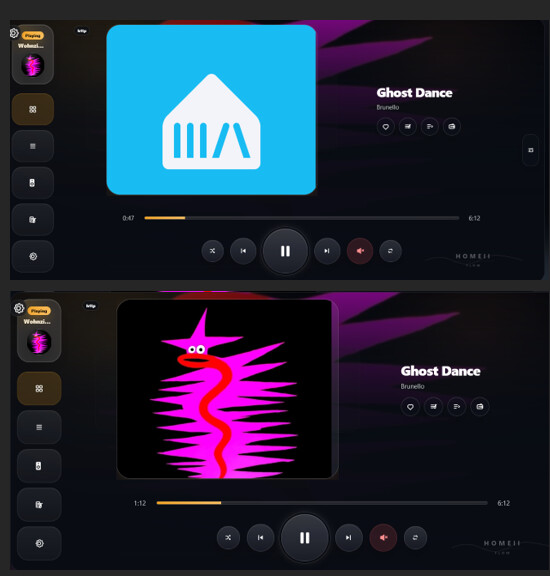
It may be related to how Music Assistant + Sonos exposes artwork. In some setups the artwork URL can stay the same while the image behind it changes, or the card may need to refresh the current queue/media snapshot more aggressively when the track changes.
A couple of details would help me confirm it:
When the track changes, does the song title update immediately in HOMEii Flow, while only the cover stays old/missing?
In Home Assistant Developer Tools → States, for the Sonos / Music Assistant media_player entity, does entity_picture or media_image_url change when the song changes?
Is this happening on the main player cover, library covers, or both?
I’ll investigate the artwork refresh logic specifically for MA + Sonos and see if I need to add a stronger cache-buster / forced artwork refresh when the current media changes.
When the track changes, the song title and duration are updated immediately. I'm playing local MP3 files. The status changes, and the cover art on my other media card also updates immediately. The entities on the development server are updated immediately. This occurs with the cover art on the main player
 מקווה שאתה נהנה מהכרטיס