Correct! The input_datetime entity does not include a timezone and cannot be parsed. A sensor of device_class timestamp does include the timezone and can reliably be used for calculating the remaining time.
Also correct! If any state is available for linked_valve_end_time, the HomeKit integration will use it. If the date is in the past, it will yield 0 as remaining time.
What you can do to solve this:
- Make the
linked_valve_end_timestate unavailable until it is updated with the actual end time - The integration will use the
linked_valve_durationas initial countdown in this case
Example how my template sensor looks like with OpenSprinkler:
- sensor:
    - name: Sprinkler S01 End Time
      unique_id: sprinkler_s01_end_time
      device_class: timestamp
      state: "{{ state_attr('binary_sensor.sprinkler_s01_station_running', 'end_time') }}"
      availability: "{{ state_attr('binary_sensor.sprinkler_s01_station_running', 'end_time') != None }}"
I’m using the end time provided by OpenSprinkler, but since it is not available immediately after activating the switch in HomeKit, the entity is only made available once the valve is actually open.
To make sure an initial countdown can be shown without knowing the exact end time yet, the HomeKit integration will use the default run time (assuming this is what will actually be used for later setting the valve end time).
Hi everyone,
I finally got the sprinkler timer working perfectly with HomeKit + Home Assistant. The timer now counts down correctly, persists when reopening the Home app, automatically stops irrigation on time, and even recalculates the end time if you change the duration slider on the fly. Here’s my full working configuration in case it helps someone else:
Helpers
input_datetime:
  sprinkler_end:
    name: Sprinkler End
    has_date: true
    has_time: true

input_number:
  sprinkler_duration:
    name: Sprinkler Duration
    min: 1
    max: 86400
    step: 1
    unit_of_measurement: s
Template sensor (timestamp for HomeKit)
template:
  - sensor:
      - name: "Sprinkler End Timestamp"
        unique_id: sprinkler_end_timestamp
        device_class: timestamp
        state: >-
          {% set s = states('input_datetime.sprinkler_end') %}
          {% if s not in ['unknown','unavailable','none',''] %}
            {{ as_local(strptime(s, '%Y-%m-%d %H:%M:%S')).isoformat() }}
          {% else %}
            {{ none }}
          {% endif %}
        availability: >-
          {{ states('input_datetime.sprinkler_end') not in ['unknown','unavailable','none',''] }}
Automations
1. Set end time when the valve turns on
alias: Sprinkler – Set End Time on Turn On
trigger:
  - platform: state
    entity_id: valve.garden_state
    to: open
action:
  - service: input_datetime.set_datetime
    target:
      entity_id: input_datetime.sprinkler_end
    data:
      datetime: >-
        {{ (now() + timedelta(seconds=states('input_number.sprinkler_duration')|int(0)))
           .strftime('%Y-%m-%d %H:%M:%S') }}
mode: single
2. Auto stop by duration (failsafe)
alias: Sprinkler – Auto stop by duration
triggers:
  - entity_id: valve.garden_state
    to: open
    trigger: state
actions:
  - delay:
      seconds: "{{ states(\"input_number.sprinkler_duration\") | int(0) }}"
  - choose:
      - conditions:
          - condition: template
            value_template: "{{ is_state(\"valve.garden_state\",\"open\") }}"
        sequence:
          - target:
              entity_id: valve.garden_state
            action: valve.close_valve
mode: restart
3. Recalculate end time when duration changes (live adjustment)
alias: Sprinkler – Recalc End Time on Duration Change
trigger:
  - platform: state
    entity_id: input_number.sprinkler_duration
condition:
  - condition: state
    entity_id: valve.garden_state
    state: open
action:
  - service: input_datetime.set_datetime
    target:
      entity_id: input_datetime.sprinkler_end
    data:
      datetime: >-
        {{ (now() + timedelta(seconds=states('input_number.sprinkler_duration')|int(0)))
           .strftime('%Y-%m-%d %H:%M:%S') }}
mode: single
HomeKit config
homekit:
  - filter:
      include_entities:
        - valve.garden_state

    entity_config:
      valve.garden_state:
        linked_valve_duration: input_number.sprinkler_duration
        linked_valve_end_time: sensor.sprinkler_end_timestamp
Result
- Sliders in HomeKit are linked to the
input_number.sprinkler_duration. - HomeKit countdown is correct and survives app restarts.
- Home Assistant handles the actual shutoff at the scheduled end time.
- End time dynamically recalculates if the duration slider is adjusted mid-run.
- Everything stays in sync between HA and HomeKit.
Big thanks to @fabiandev for the integration work. Everything is now working at 100%. A PR into HA core would be amazing, since this setup is stable and reliable
2 Likes
Thanks a lot for this complete guide 
The main feature has already been merged, so I’d expect it with the 2025.09 release of Home Assistant.
The PR that implements the custom duration slots is still open, I didn’t get a review yet unfortunately.
This means you should be able to switch to the official HomeKit integration soon, but the customizable min value, max value, and step size may still take a while.
1 Like
Just a heads-up:
- Support for the linked duration and remaining time entities is in the
2025.09beta and will likely be released soon - Support for min/max/step properties has been merged and I’m expecting it with the
2025.10release
You can follow the documentation for the HomeKit integration, which should reflect the supported features once released: HomeKit Bridge - Home Assistant
1 Like
So I am a bit confused how I will make this work when I have follwoing entities in place:
- number.garten_wasserswitch_countdown_1
- number.garten_wasserswitch_countdown_2
- valve.garten_wasserswitch_valve_1
- valve.garten_wasserswitch_valve_2
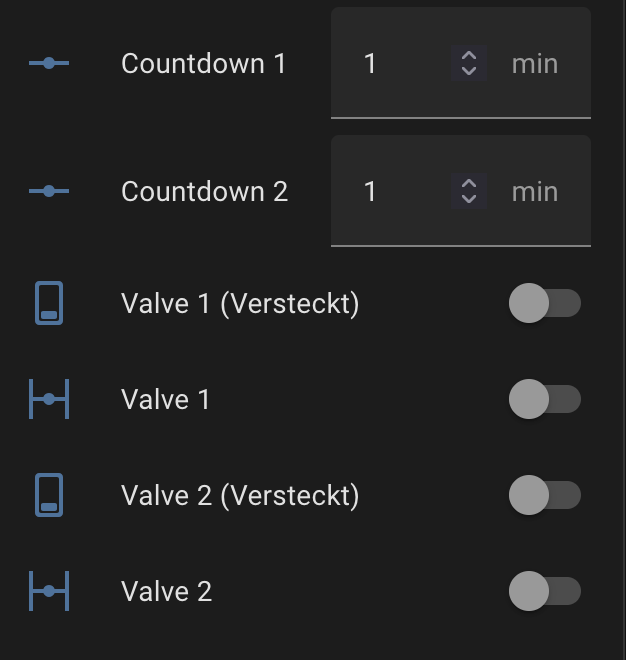
If I set number.garten_wasserswitch_countdown_1 to 4 and click on valve.garten_wasserswitch_valve_1 it will open the valve for 4 min.
I thought I could use this for the homekit integration as well but it looks like I need to have input_number instead of number.
Please can somebody help me how I can set this up correctly? Thx a lot
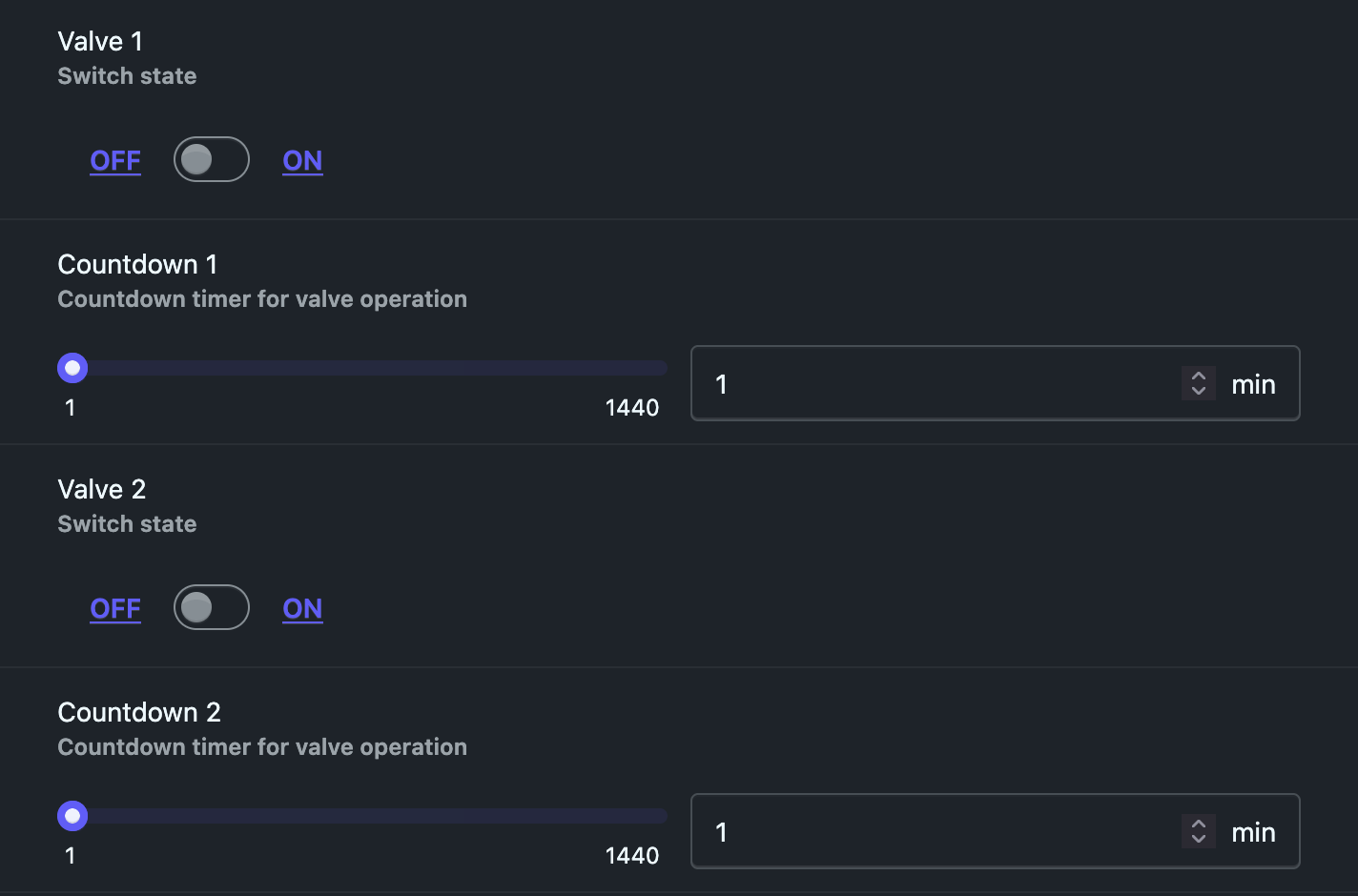
@redhannes you will need to use the following entity types to make it work with HomeKit:
- an
input_numberto provide the default duration - a timestamp
sensorto provide the end time of the valve (when it will close approx.)
How you could potentially make it work if you need to keep your existing entities as-is:
- Create an
input_numberfor linked_valve_duration and use the value for yournumberentities. How this can be done exactly depends on if your “countdown” entities are actually counting down, or just provide a default run time? - Update a timestamp
sensorfor linked_valve_end_time when the valve is turned on, and compute the state asnow + countdown

Hi there, I already addressed the multiple-zone issue in my PR
Add irrigation_system type to HomeKit bridge for multi-zone sprinkler support by qthuan · Pull Request #169114 · home-assistant/core
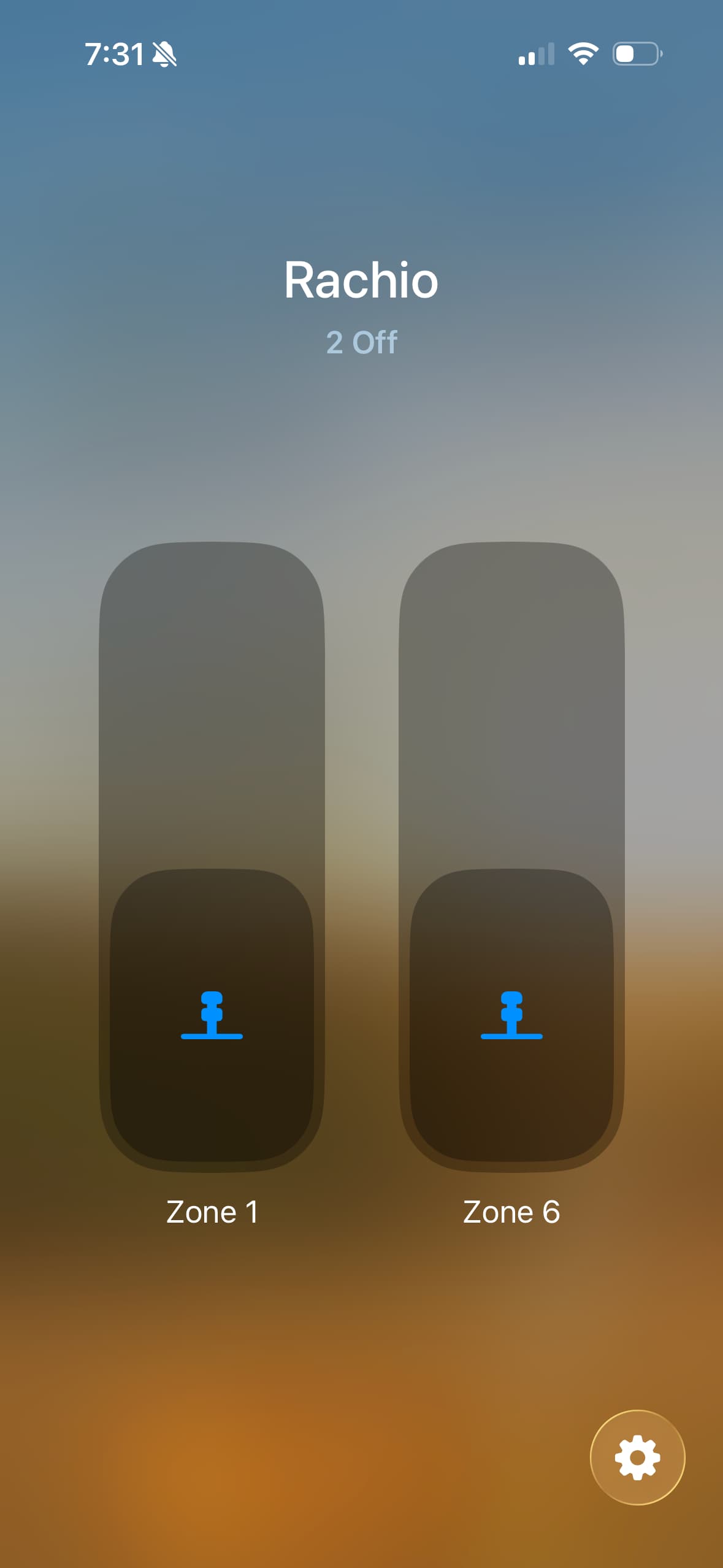
If that go through, then I will update the document for configuration