OR you can enter it directly into your automations.yaml file. Though if you do this it would be best to create another file so that you can still use the editor if you want to. To do this add this to your configuration.yaml file:
is there any way to see if an automation has taken place? This is another topic along the same lines, but I don’t know where to look for when any of the other automations that I’ve implemented actually happen.
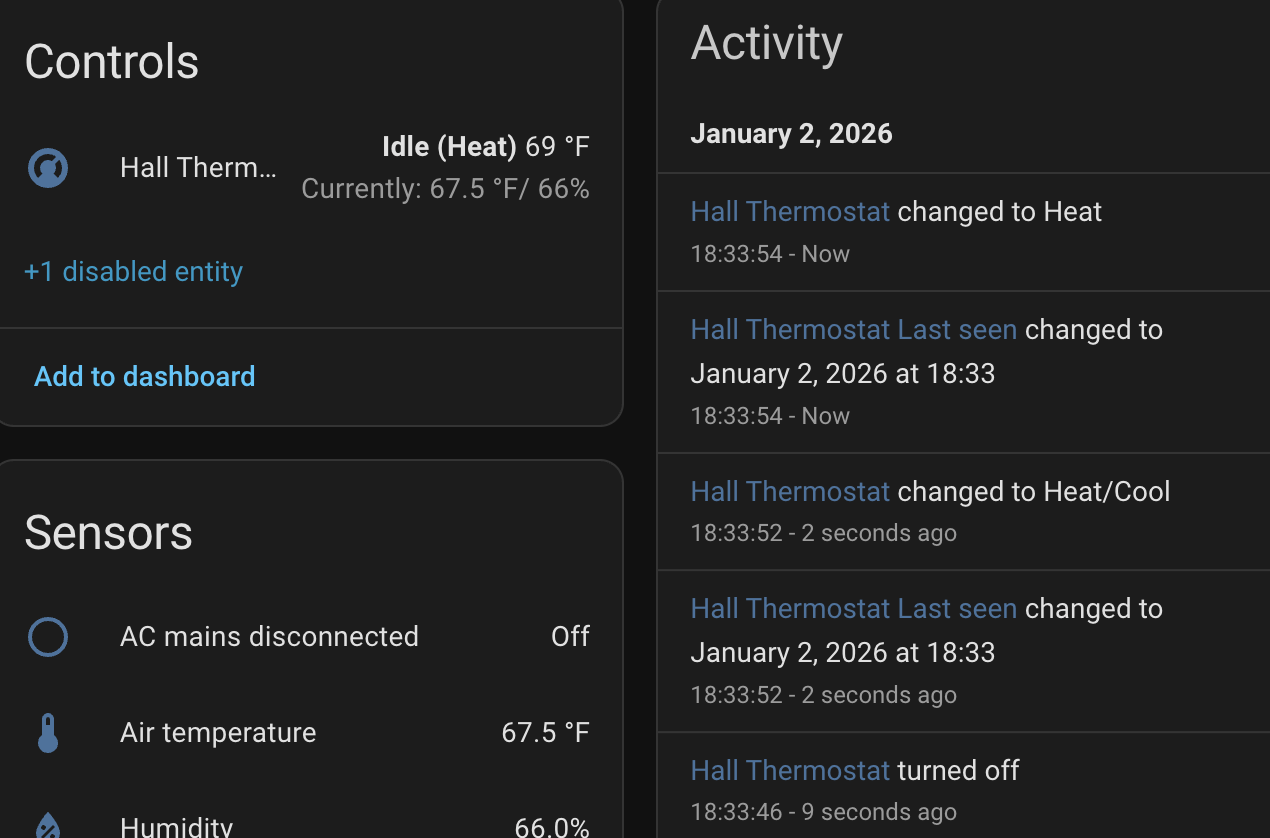
I am not getting state information for my thermostat. I will turn it on at the panel and the app/web says that it’s off and idle. I have to turn it quickly on then off using the app if I want to make sure it’s off. Then I will turn it off at the panel if I turned it on using web/app and the app will say it’s still on heat mode.
The zwave js for my T6 is obviously broken and the developer that is in charge of it on Github closed another issue related to the integration saying it wasn’t a bug but people here says it was so I don’t have faith he will ever fix it there, so I am trying to poll it like it should have been done in the first place.
@jeffcrum@busman that is it. I am wondering for my circumstance if this fits? I am not sure where to go for all the values to see what the options are and if this overkill or the perfect solution.
My ZWA-2 is sitting 10 feet from it but is reporting -74 dBm which seems low. I have two Vera controllers sitting nearby and am wondering if they might be causing the issue.
This is an invitation for issues later. Never mix manually-created automations with UI-created automations.
This is in my configuration.yaml:
automation ui: !include automations.yaml
automation manual: !include_dir_merge_list automations/

The first is where the UI will put UI-generated automations.
The second points to a folder containing my manually-generated automations. You can put any automation .yaml file in that folder. If something goes wrong, just delete the file and restart Home Assistant.
A bunch of places. That is part the device’s screen. When you included your T6 into the z-wave network the integration creates a device, which is kind of like a container, that groups all the entities (sensors and controls) for that device.
There’s Settions → Devices, you can press “d” on almost any page and search for devices.