I would like to create a weather forecast template that shows me the hourly weather forecasts for the current (or next day) for the times between 10 am and 6 pm (specifically the attributes condition, cloud_coverage and temperature).
So, for example, if it is 7 a.m., I would need the values for the current day and, for example, at 7 p.m. those for the next day. In the course of this time, e.g. at 2 pm only the remaining forecasts until 6 pm of the current day.
As far as I could find out, only a relative daily or hourly forecast is possible.
I have no clue how your data looks like but assuming you have multiple ‘hour’ sections under ‘forecast’ then the for-loop will give you value one, then loop back and give you the next value then loop etc. If the data is adhering forecast>hour>cloud_coverage then at least you would see the last value in the loop, since it does not do that three is something fishy…post the data too (not all if it is a lot)
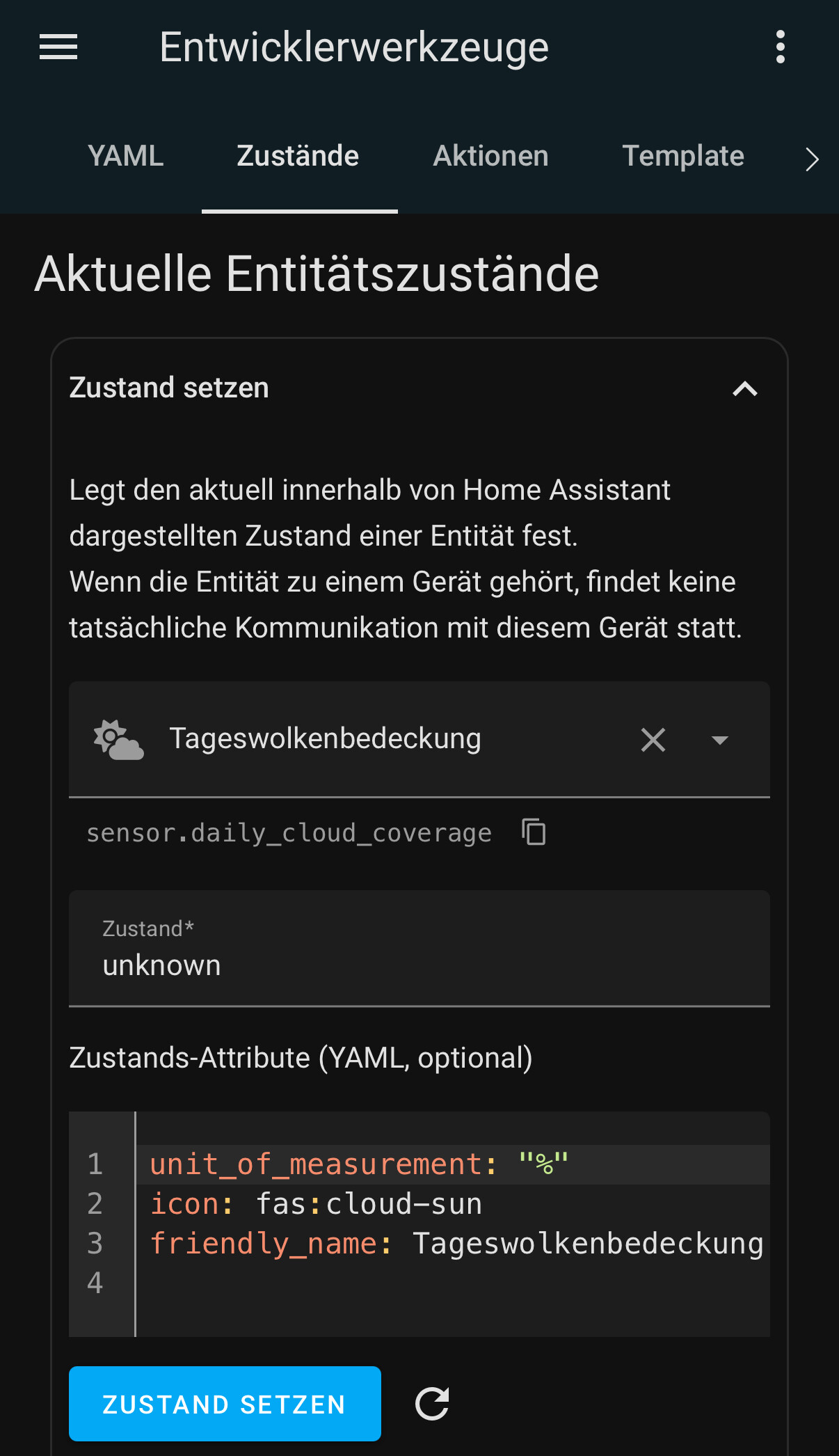
If this is in your config this way, that is an error. unit of measurement should be on a a separate line. If this is just a typo here, and it is on a separate line, then the state cannot be several numbers after one another (because of the loop). Then the output is expected to be a single number.
As I said, the way the template is now the sensor can hold exactly one number in its state, not six numbers in one string like your template outputs. If you want the full text with the six numbers, then remove the unit_of_measurement line. Without it the text is allowed.
If you use an attribute to hold the information then you can have multiple numerical values in a data structure like the original example. But then you need to change the template to something more akin to the original template.
All right, I think I’m getting the hang of it… Thanks @Edwin_D ! And if I understand it correctly, I have the impression that no further template sensor is actually necessary, because the first one already contains all attributes for the given time period and therefore also cloud_coverage.
But how can I read the values for cloud coverage from vinghera’s original template sensor for an automation, for example?
You can add separate attributes like in this thread (you need to replace some of the names from there with yours. Then you have separate attributes to test for in automations:
Your sensor now worked perfectly - or nearly. Today I found out, that the first two “forecasted” hours from now (18:39) on, are not 10:00 and 11:00 in the next (2025-08-09 morning, but 17:00 and 18:00 In the (2025-08-08, so todays) past:
Great! No, I hadn’t thought of that – thanks for pointing it out!
So what I saw yesterday at 6pm here was that here in Germany (GMT+2), it’s already 6 p.m., while according to GMT time, it’s only 4 p.m. Sure, then it shows me two hours (the GMT zone) for the current day according to the current calculation (10-6 p.m.), even though it’s already after 6 p.m. for me.
But finally that just means I would have to change the formula to subtract 2 hours. So if I want to know the forecast for the current day from 10 a.m. to 6 p.m. (GMT-2) and after that the forecast for the next day (same time), and I’m calculating in GMT, I just set the if / elif threshold value to 16:01 (GMT) instead of 18:01, like this, right?
          forecast: >
            {% set ns = namespace(fc =[]) %}
            {% for item in forecast_pv['weather.forecast_home'].forecast %}
            {% if ( 10 <= item.datetime[11:13]|int <= 18 ) and item.datetime|as_datetime < today_at('16:01')  %}
            {% set  ns.fc = ns.fc + [item] %}
            {% elif ( 10 <= item.datetime[11:13]|int <= 18 ) and now() > today_at('16:01') %}
            {% set  ns.fc = ns.fc + [item] %}
            {% endif %}
            {% endfor %}
            {{ ns.fc }}
The timestamps you’re seeing are in UTC, not GMT. Most of the time they’re interchangeable, but GMT fluctuates with winter/summer time changes, while UTC does not.
If you set your formula to deduct 2 hours, it’ll work for the next couple of months but then be off by an hour when you switch back to winter time.
I really suck at templating, but have a read here. There should be the info you need to handle UTC > local time conversions properly.
It allows to extract a substring. in this case the datetime attribute is actually a string so if you want to get text out of that you can use this.
Example…type this in Developer tools > Templates
{% set x = 'abcdefghijklm' %}
{{ x[2:4] }}     characters at indexes 2 and 3 → `'cd'`
{{ x[-1] }}      last character → `'m'`
{{ x[0:-1] }}    all but the last character → `'abcdefghijkl'`
While we’re at it: over the years I’ve always found many helpful people - like you - who have always explained many aspects of templating to me.
However, I would like to learn it properly from scratch, but I can’t find a good source for a Jinja2 introduction. Of course, I don’t mean that there are no really very good Jinja2 explanations. But such help pages live - especially for beginners - from the examples that illustrate their theoretical explanations. And unfortunately I can’t find such a comprehensive help or explanation page that uses concrete HomeAssistant examples.
But maybe you or someone else knows a good source for this or has a recommendation for how a beginner can learn the Jinja2 templating syntax from scratch with concrete HA examples?