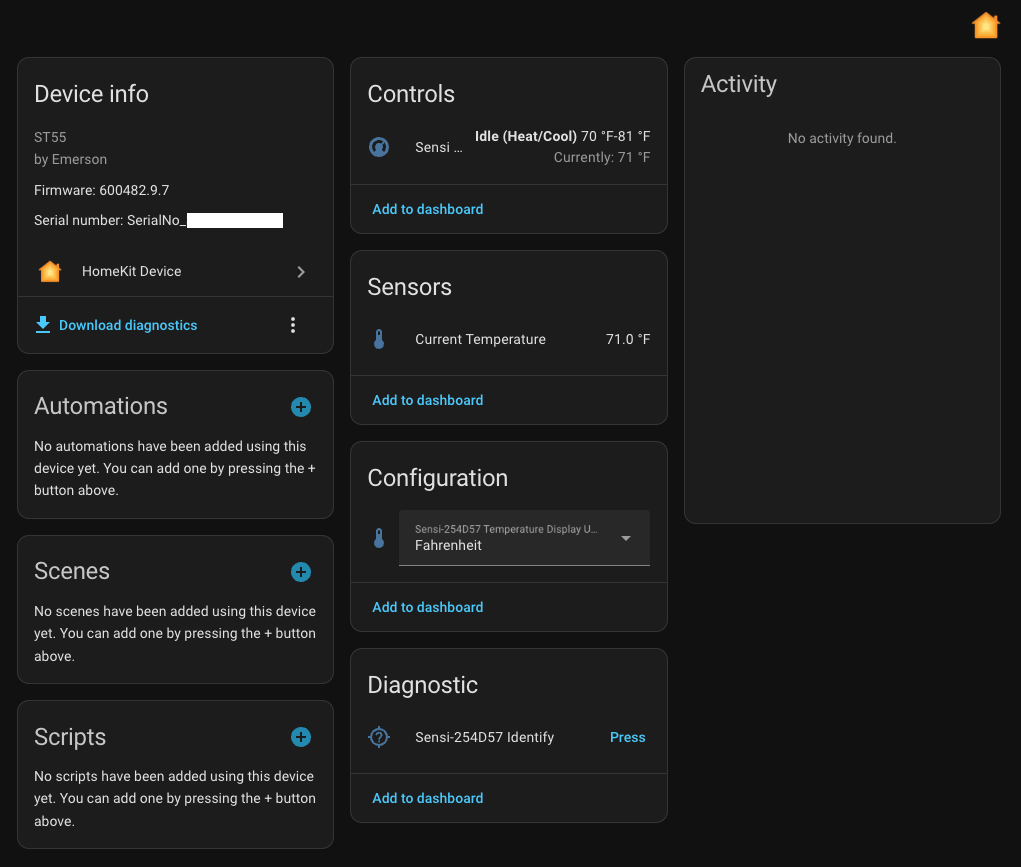
I just finished installing my first Home Assistant server (running in a Hyper-V VM) and in the Discovered devices it found my two Sensi thermostats. However trying to configure these seems to require HomeKit. I found and entered what appears to be the correct pairing code printed on a label on my Sensi devices but HA rejects it saying “Incorrect HomeKit code. Please check it and try again.”
AFAIK HomeKit is an Apple specific product. I do not have any Apple stuff in my house (personal preference). So am I out of luck? Do I need to setup something else to get this working? Can it be done without HomeKit?
I must say that it seems funny that HA can detect my Sensi thermostats but won’t actually connect to them.
I’m in the same boat and have the exact same setup. In fact, I could have written your post, right down to HA discovering the Sensis and no Apple stuff. Did you get your Thermostats paired up in HA?
Anyone had luck with getting these thermostats to work via Home Kit? I am looking at picking one up but wanted to be sure the Home Kit integration piece worked. Thanks!
Unfortunately had to reinstall HA and came across this thread.
I’m surprised because I have been using my Sensi thermostat with HA as a HomeKit Device for a few years with no issues. Just make sure that you include the dashes when entering the pairing code (ex. 123-45-678). It will not work without the dashes. No Iphone is needed.
I have to admit that the thermostat is a bit touchy. This time it required resetting by detaching from wall plate and removing the batteries and then re-configuring the WiFi connection through the application. Also, my unit is the simple Smart Thermostat, not the touch ones.
I too am using the Sensi integration via Homekit while I have no Apple devices. But I also discovered a slightly better Sensi interface via SmartThings, which I so use a lot.
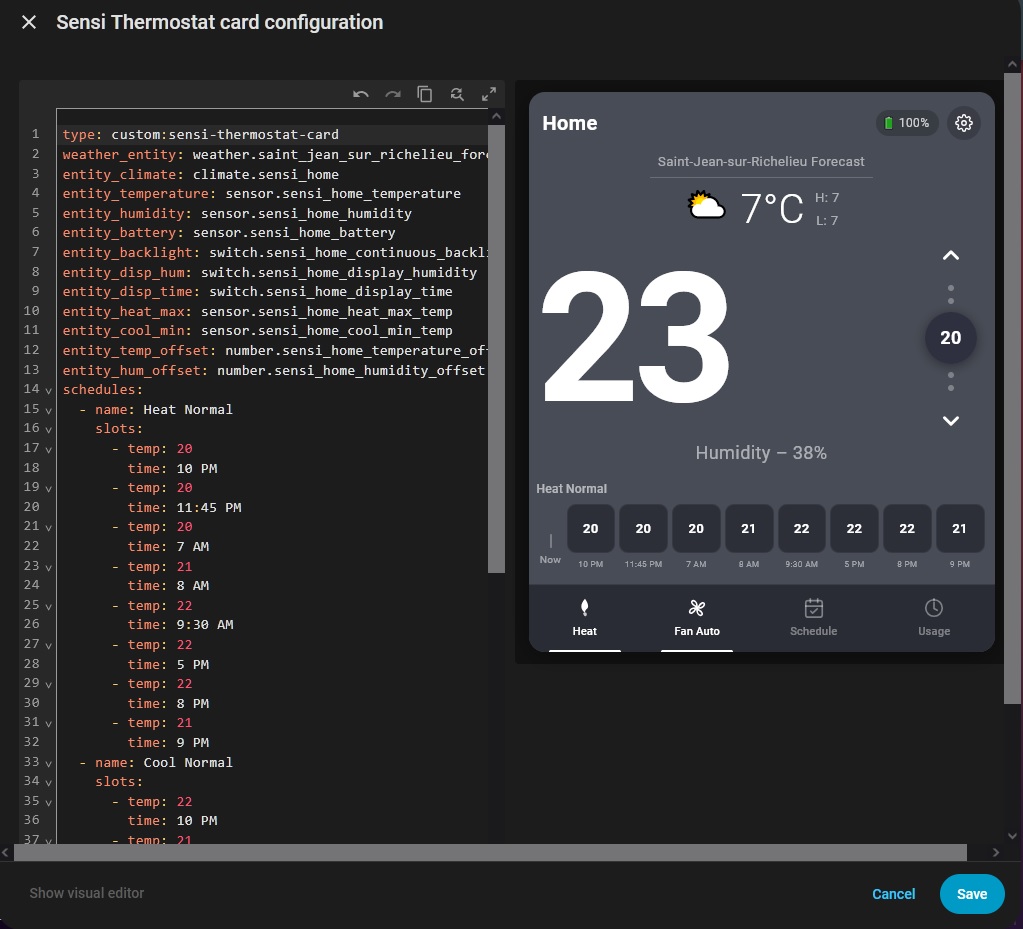
Once I installed the [GitHub - iprak/sensi:] iintegration, I asked “claude” to create a nice custom card for the sensi thermostat to add to my dashboard, and it came up with a nice looking implementation in javascript that mimic the android app interface. My dashboard is made of 5 columns so the card size fit perfectly in one of the column. Sometimes the settings I push via this card does not stick if I am also connected via the sensi app and I have to push the setting again, but I can live with that.
this implementation only cover basic HVAC modes, heat, cool, off, and basic fan settings : auto, on, Circulate.
other settings that can be set via this card are “activate backlight”, “show humidity” and "show time’, temperature offset and humidity offset. Those affect the sensi thermostat itself
Of couse the schedule part is just for show because there is no entity for that yet, so we can only specify the various schedules in the YAML configuration and use the schedule button to select which one to display on screen, that’s all that it does.