ive google for interface defaults and some have talked about old ways but thats a few years old and apparently itrs depreciated… how do i in 2025
set enp1s0 be the default each time it boots
enp2s0 enp3s0 are VLANS and i want it to default every time to enp1s0 how do you set it in the configuration that its the default every time? there should be a check box to force it to be first everytime
You can select it In settings >> system >> network
Must reboot to take effect I believe
I did this and seems it changed it cannot remember. I just Jaliscos to notice warlier today but all still ok so no problem. I do randomly find it reverts and kills access
ah ok i tried to use that nmcli command but its not in HA and cant even install it…
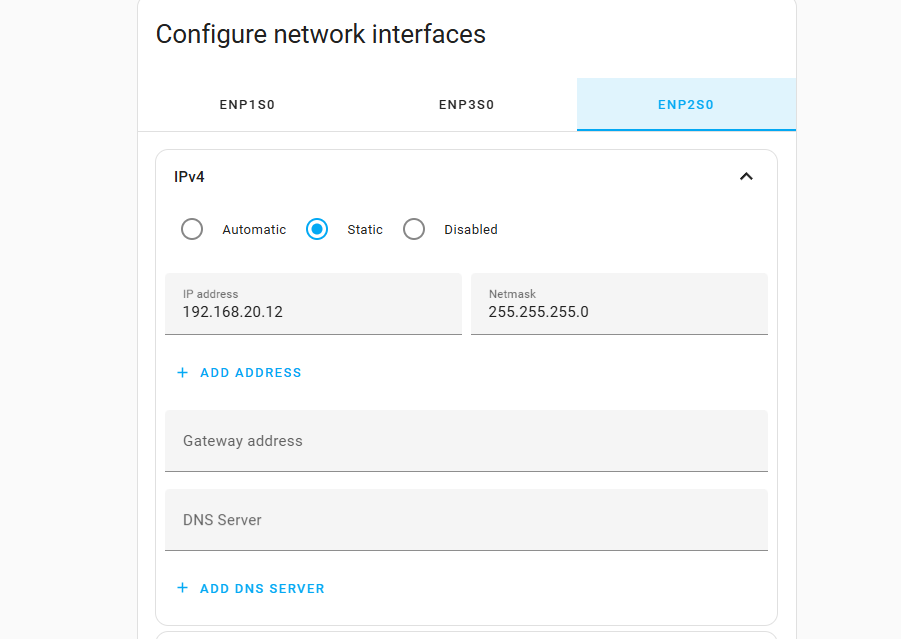
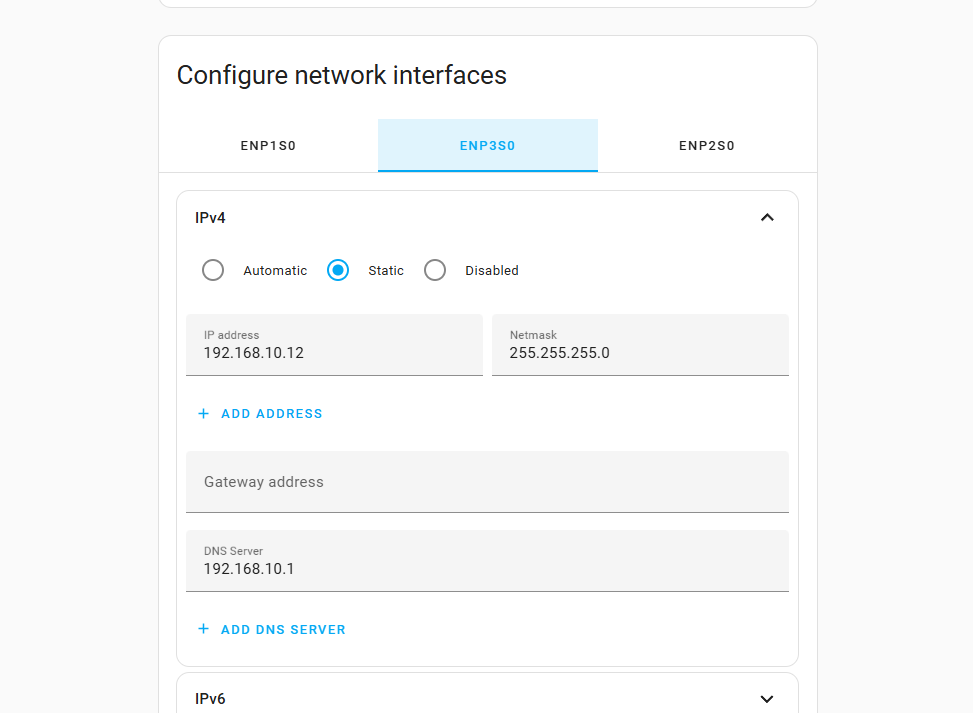
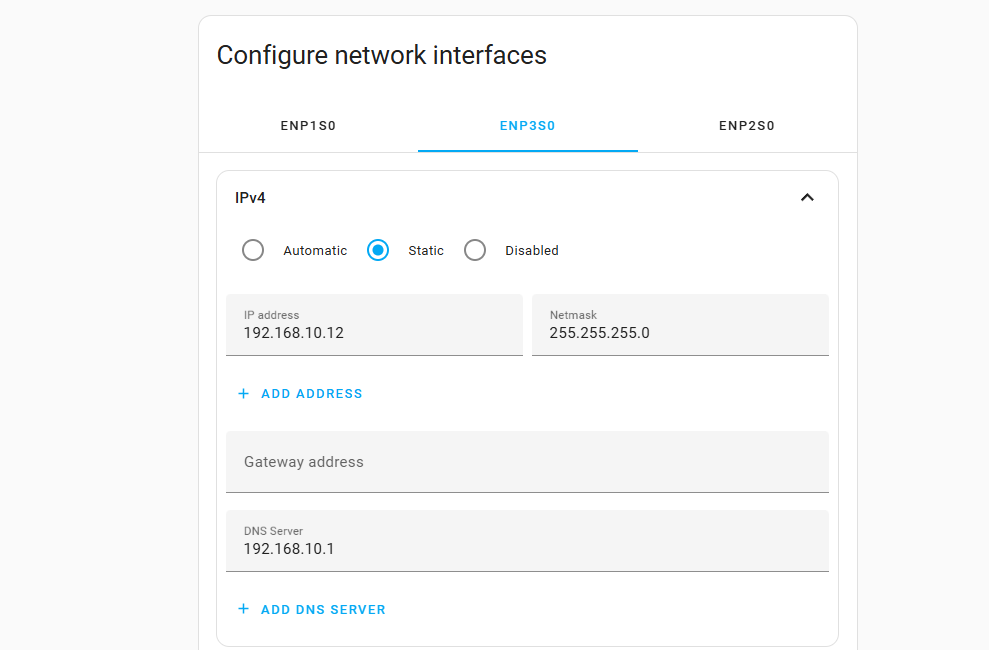
i did play with the settings system network i tried deleting the DNS and gateways on CAMERAS and IOT vlans leaving the LAN on dhcp… i set the others to static… it 100% i dunno how i got it to work… the one i got both dns and gateway deleted… when i do the other vlan i could only delete the dns if i try to delete gateway… it complains its set to none and doesnt save… so far after several reboots it stays connected to the VLAN its very frustrating that we cant just check a box and its defaulted as this interferface… and it be nice to be able to delete gateway and dns without issues… i did find you can add ip address’s to the current ip address i have no idea how that works… but you think it be nice if they fix it… since this issues been from 2022 and we in 2025
but so far its holding but it may go away i not sure… hoping it stays on the LAN as i been having issues with PFSense and routing through Camera and IOT…
the issue is when its not on Default 192.168.0.12 network Remote Assistant Connection doesnt work, internet doesnt work… you cant use the internet when on the Vlan’s HA apparently does asysmetric routing then. and pfsense community says multi home is something you wanna avoid doing… so i couldnt get it to work i seem to got it to stay on the 192.168.0.12 ip default… but it wasnt easy… it should be easy to choose your default and it just work outta the box after every reboot… cuz what happens is every reboot it would randomly choose one of the 3 networks…
so the real problem is with HA and not pfsense that you need to do leaps and bounds to get it to work easily… but a network interface default
i had managed to get pfsense to NAT route the vlans after trial and error but 100% doesnt wanna work cuz of multihome issues
i have HA connected on multiple lans – docker networks – and a few vlans.
I have all connections selected in the area I mentioned previously. occasionly HA unchecks all and defaults to a single docker network. This breaks a lot of things until I remember to go back and check them.
ya i use HA as a VM through unraid… i did get it to work setting NAT for openvpn and like camera subnet camera address and iot subnet iot address…
as i do openvpn site to site to a remote HA over the internet… now its not supposed to work that way… but i got it to work but it doesnt wanna work cuz of multple gateways and dns but i got it to work
i did get it to work better but HA keeps giving me hastle
i got 192.168.0.12 to point to 192.168.0.1 for gateway and dns
the camera network how ever i got to work i was able to delete dns and gateway… on the iot i was only able to delete dns… if i try to delete gateway it throws error that needs data and it got none… so have no idea how it worked for camera network but not the IOT… as from the pfsense community there solution is dont do multi home just use 1 interface connection that its a headache… but so far fingers crossed my 2 static ips settings and the dhcp on the 192.168.0.3 is holding but for how long dunno
but be nice if we could choose in the gui which interface is to be used as the Master and the other 2 are slave.s so when it boots up it chooses it and you dont have to worry like your case it breaks things cuz it changes…
if there was a way to make an automation to default the nic at bootup would be good too but thats how i worked mine around i just hoping it doesnt break… at say next update…
The only solution that works long term for me and is scalable to future releases of HASS is to set the default interface as static and give it a default gateway, then create DHCP reservations/static mappings for the affected VLANs/interfaces without a default gateway, this way HASS wont be able to assume those interfaces as the default ones.
Nothing else worked for me, i was able to get temporarily the correct interface as default because i have HASS virtualized but after a while it just insisted on using the other interfaces as the default ones, killing remote access for me.