I use a Huawei PV system. After a lot of back-and-forth, Modbus has finally been enabled for me. In addition to this “Huawei Solar” integration, I've also enabled “FusionSolarPlus,” which retrieves data from the WebGUI. Now I have a lot of entities and have no idea what they do. I can't make out what the names mean at all. I’d love to build one of those fancy energy dashboards using the data, but I have absolutely no idea which entities I need to specify and where. The wizard does try to do the work for me and filters out some entities, but there are still too many to figure out what I need to select.
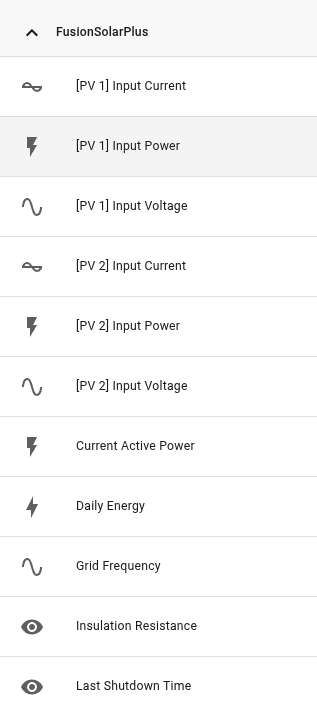
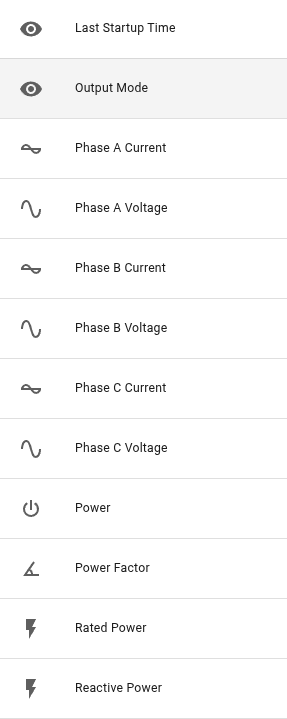
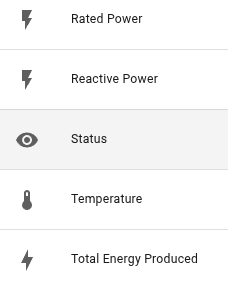
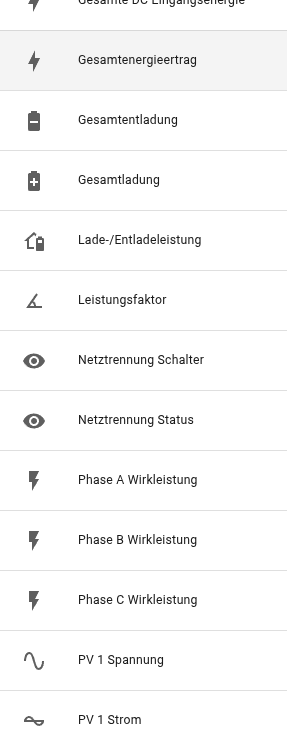
I have the following Entities in "FusionSolarPlus"
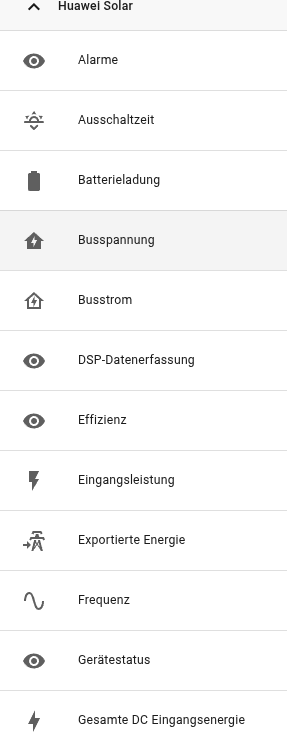
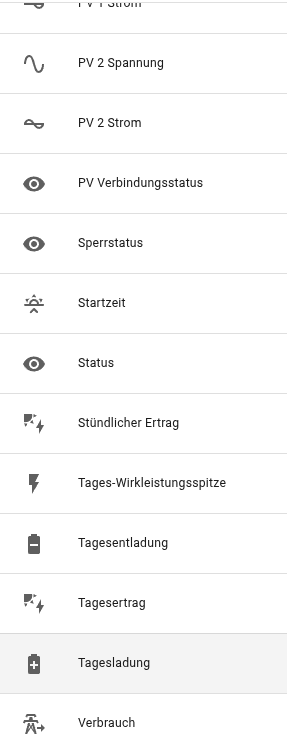
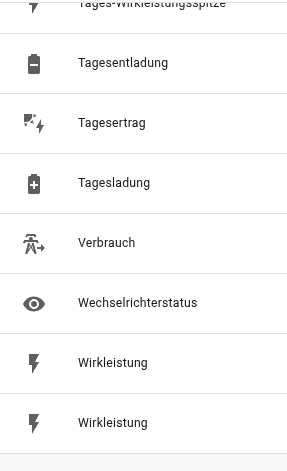
And this are the Entities from "HuaweiSolar"
Can someone please help me here to build a dashboard for electricity consumption and solar yield using these values?
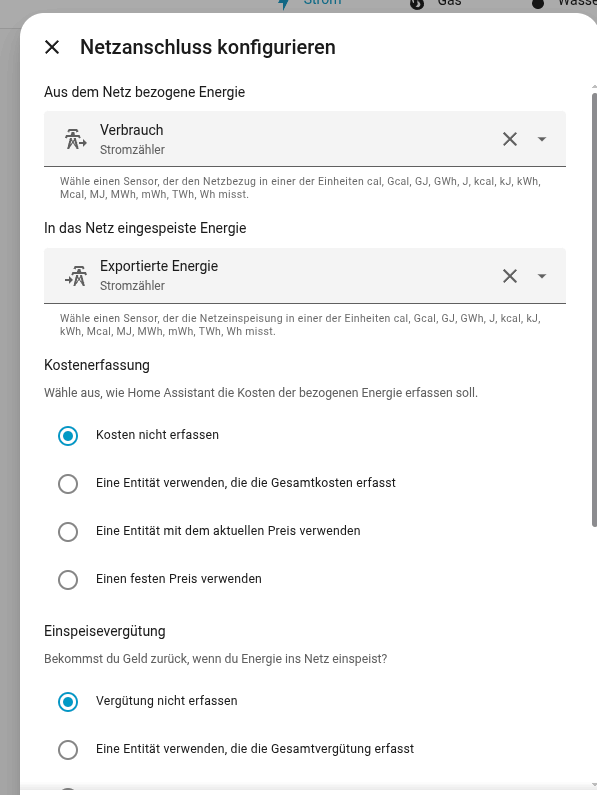
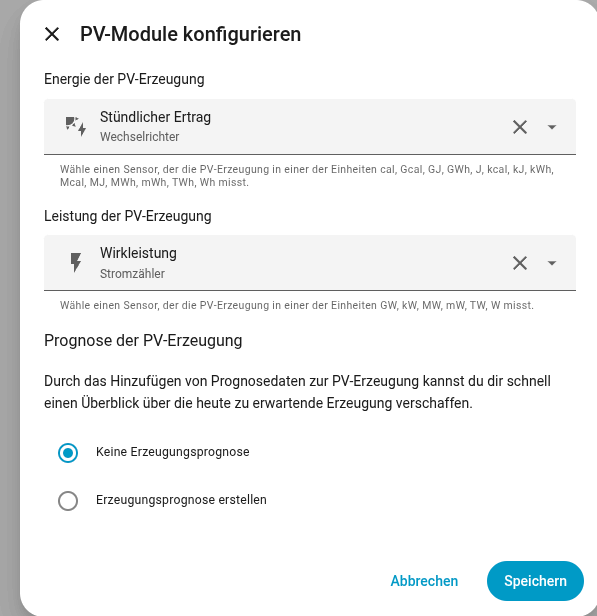
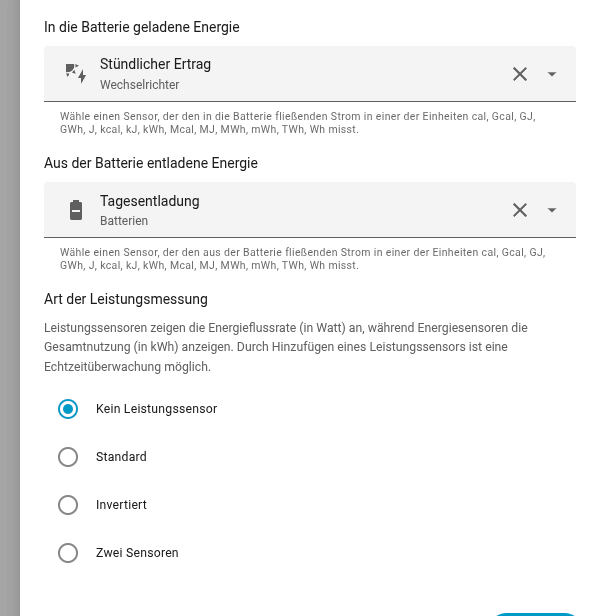
My current setup looks like this:
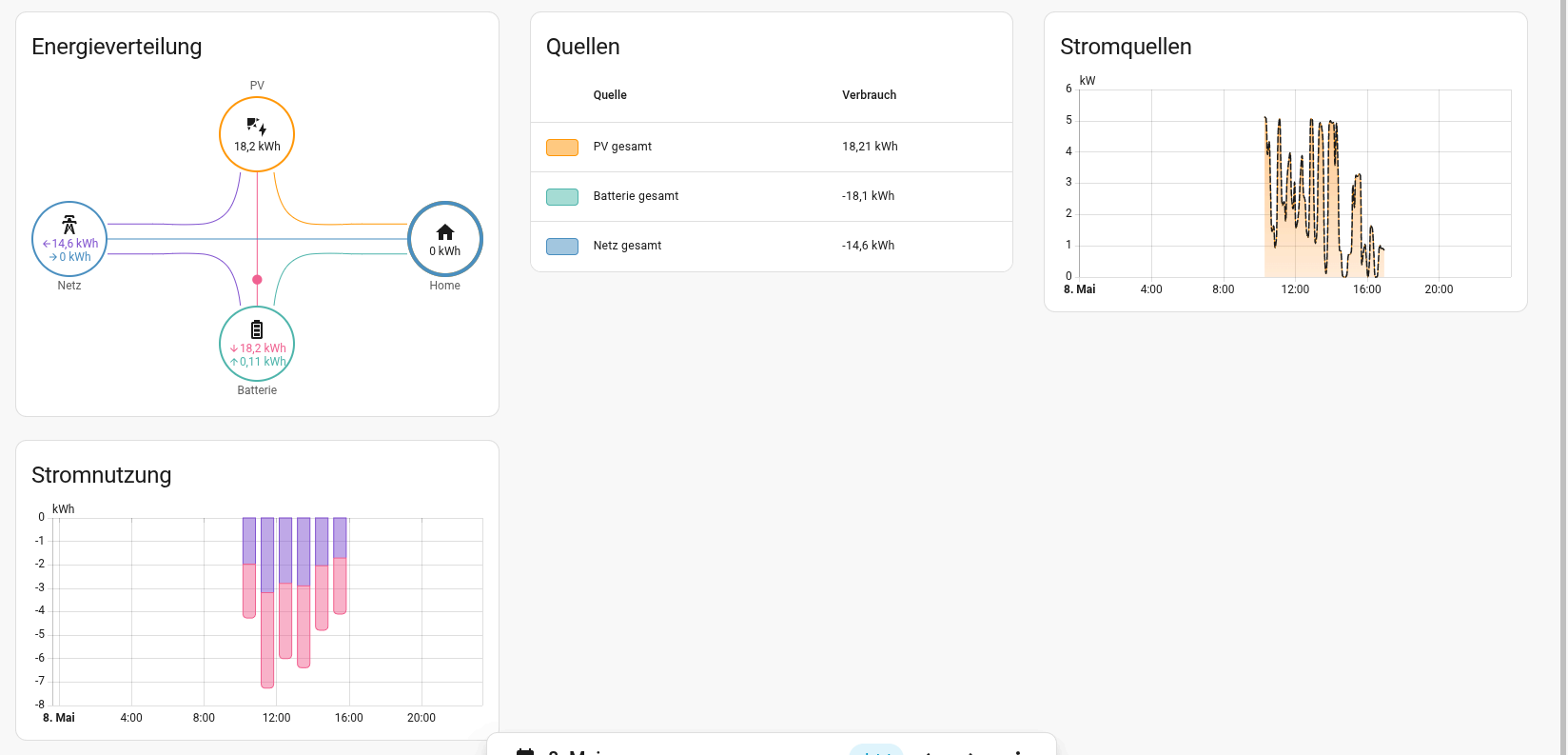
And this is the resulting dashboard:
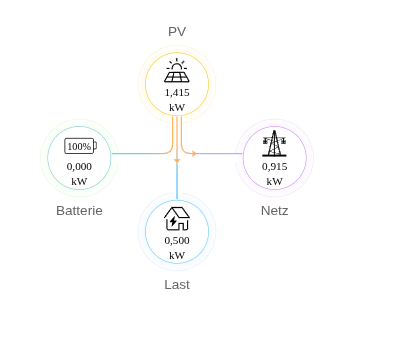
The Fusion Solar WebGUi is like this at the same time:
As you can see, the values didn't match.
Unfortunately, you might not get many replies because your question is pretty broad. It may help to be more specific about what exactly you are trying to accomplish with your dashboard.
It is also a little difficult for me to help directly because I do not speak German and would need to translate all of the entity names from your Huawei Solar device.
I was excited to help you as I also have a Huawei setup, but my entities dont match yours (maybe because of different hardware).
But your values may be OK. If you look closely Fusion Fusion solar is showing kW, but your HA dashboard is showing kWh - the "h" means how much used over 1hr.
kW = instantaneous energy use measurement right now
kWh = measurement over time (total energy usage over time)
What I suggest you do is set up a power usage card, something like that: Compact-Power-Card/README.md at main · pacemaker82/Compact-Power-Card · GitHub
Then compare this against what you see in Fusion Solar. For me, it almost perfectly matches.
Just be careful to choose the correct entity - remember, if measurement type is "kWh", that's not what you want for the above card, it must be kW (instantaneous usage).