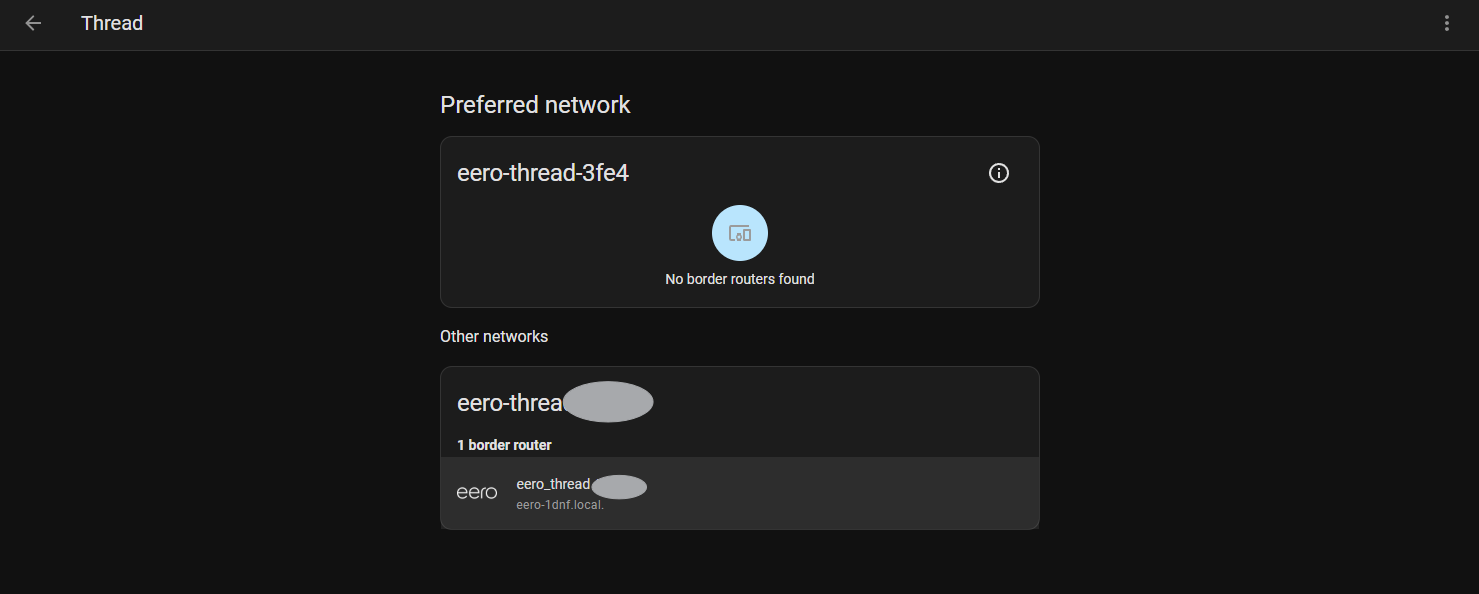
…just to follow up. My Nanoleaf bulb arrived. Eventually I was able to add it to the same Thread network as my other Thread devices. The Nanoleaf app provided the bits necessary to create the TLV dataset using the python script. After adding the dataset to HA I was able to set my preferred network. Getting closer.
At this point I still couldnt pair HA with matter devices. Another post had me check that HA had IPv6 enabled. It did not. Settings/System/Network enable IPv6 was the final peice of the puzzle.
Omg, impressive! That’s exactly what I’m trying to do. I’d like my HomePods join on my existing Thread network, to expand it instead of create a separate Thread network.
Thought I would piggy back off this thread as it seemed related to my problem.
I have flashed a sonoff Dongle-e with the open thread firmware and installed the open thread border router addon and added the sonoff as the hardware device.
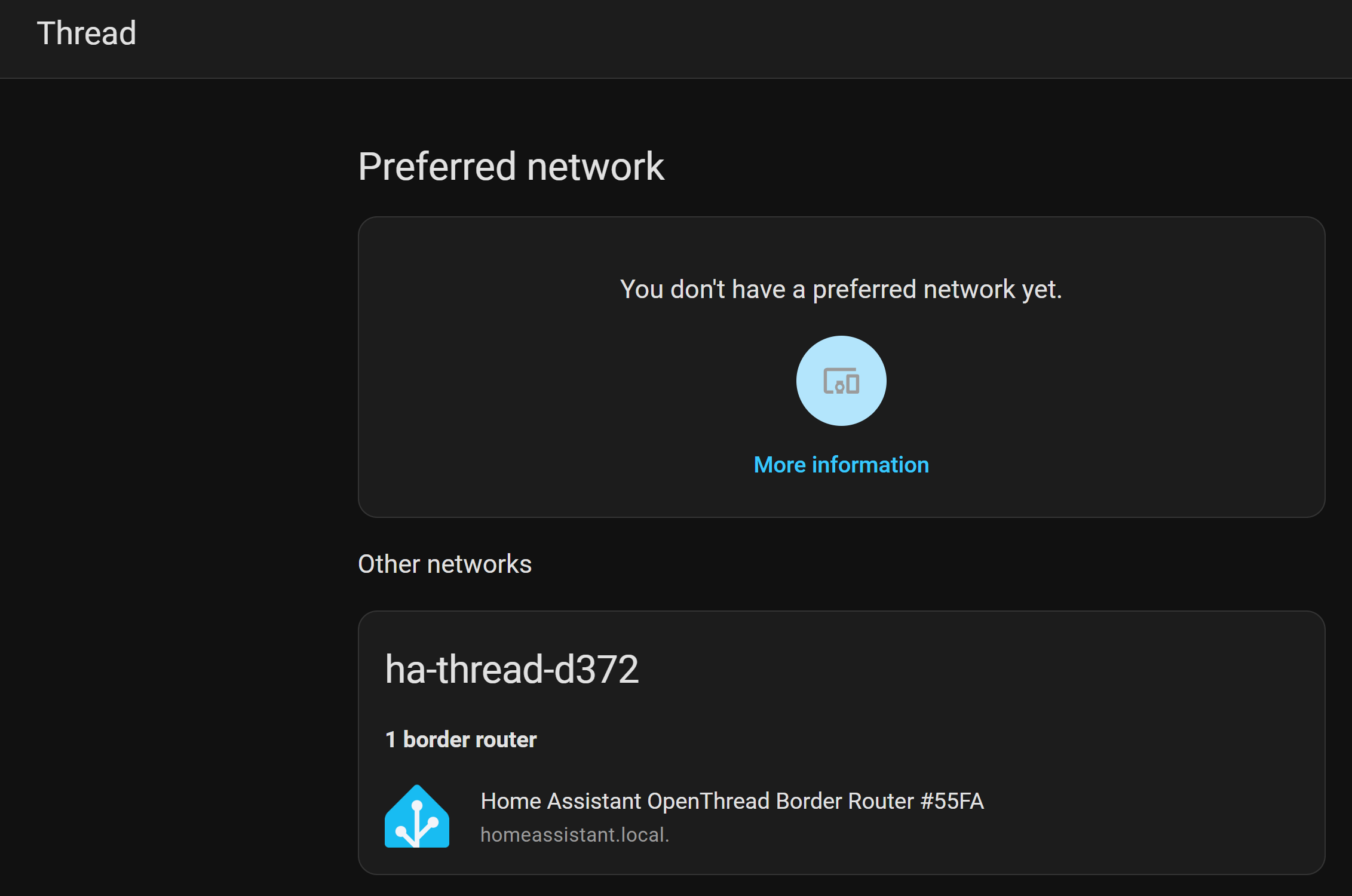
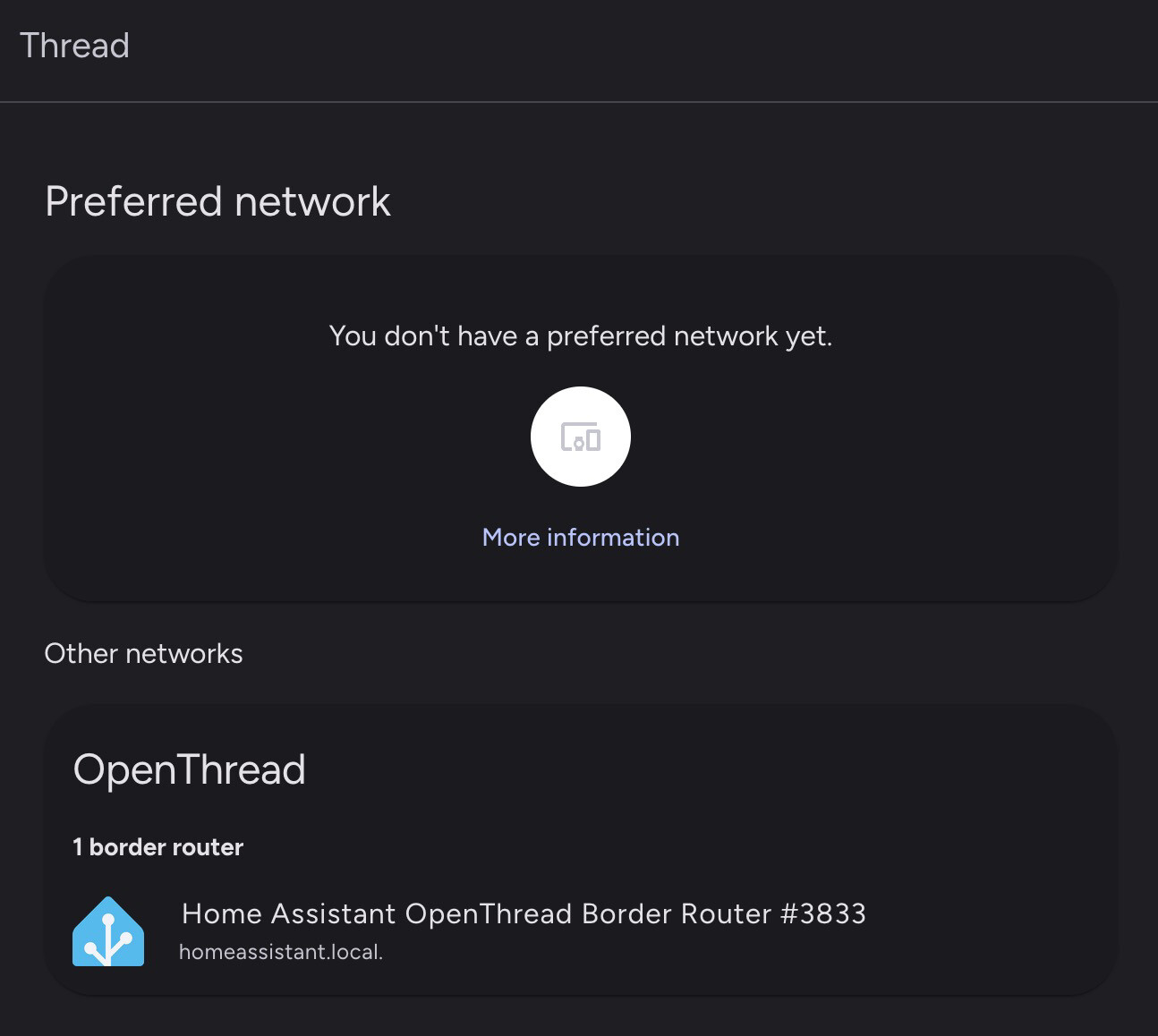
This automatically created a thread entry in my devices and services page like so:-
(The above help page describes a configure option that I dont have in my UI)
HA should now automatically make this my preferred thread network (I have no other thread devices at all).
However, its showing the thread network as an ‘other network’ and I cannot find any way to make it the preferred network.
I’ve restarted the Addon and HA, deleted and created the thread entity, always the same result… just shows as an ‘other’ network…
I flashed the sonoff using the open thread firmware from here:-
Help!
UPDATE:-
Simply uninstalling the open thread border router addon from the addons section, then reinstalling it, made the missing elements appear on the UI and I was able to set a preferred network!
I am having a similar issue with my Eero thread network. Does anyone know how to resolve this? I followed the steps above on the mobile device but it still won’t let me default it. Any ideas? I am trying to add an ikea matter device.
Simply uninstalling the open thread border router addon from the addons section, then reinstalling it, made the missing elements appear on the UI and I was able to set a preferred network!
Using a Skyconnect (ZBT-1) with Thread firmware (after migrating Zigbee to a ZBT-2). No ability to default it either.
Nevermind: It seemed to choose the Border Router as the preferred network after some supervisor update / reboot / etc. I just waited for a bit and it worked.
I had the same issue with a ZBT-2 and not being able to get a prefered Thread network and not seeing a key anywhere. The system reboot under advanced options (in restart menu) did the trick for me. Normal reboots were apparently now sufficient.