I was trying to make a family group with all the members of the family, to use in automation, such as if all present or not etc. I can create light group and sensor group under helper-groups. I am unable to find option to create person group. I watched some youtube videos, most of them nearly a year old, some of them asking to edit groups.yaml file however I cannot find this in my config folder.
Home Assistant 2023.2.3
Supervisor 2023.01.1
Operating System 9.5
Frontend 20230202.0 - latest
Are you interested in ‘members of the family’ or ‘presence detection of tracked individuals?’ It matters because you may not be looking for what you think you’re looking for.
Specifically, It sounds like you’re about to start building presence based automations - but we generally don’t build groups for that in HA land - there’s already something there that you can use without configuring additional ‘stuff’
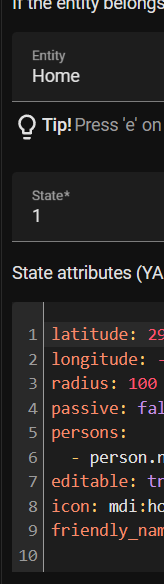
Most recommend looking at a Zone’s state for count of individuals currently in a zone (0=unoccupied) and there’s a multi valued ‘persons’ attribute that contains a list of all the person entities currently in that zone.
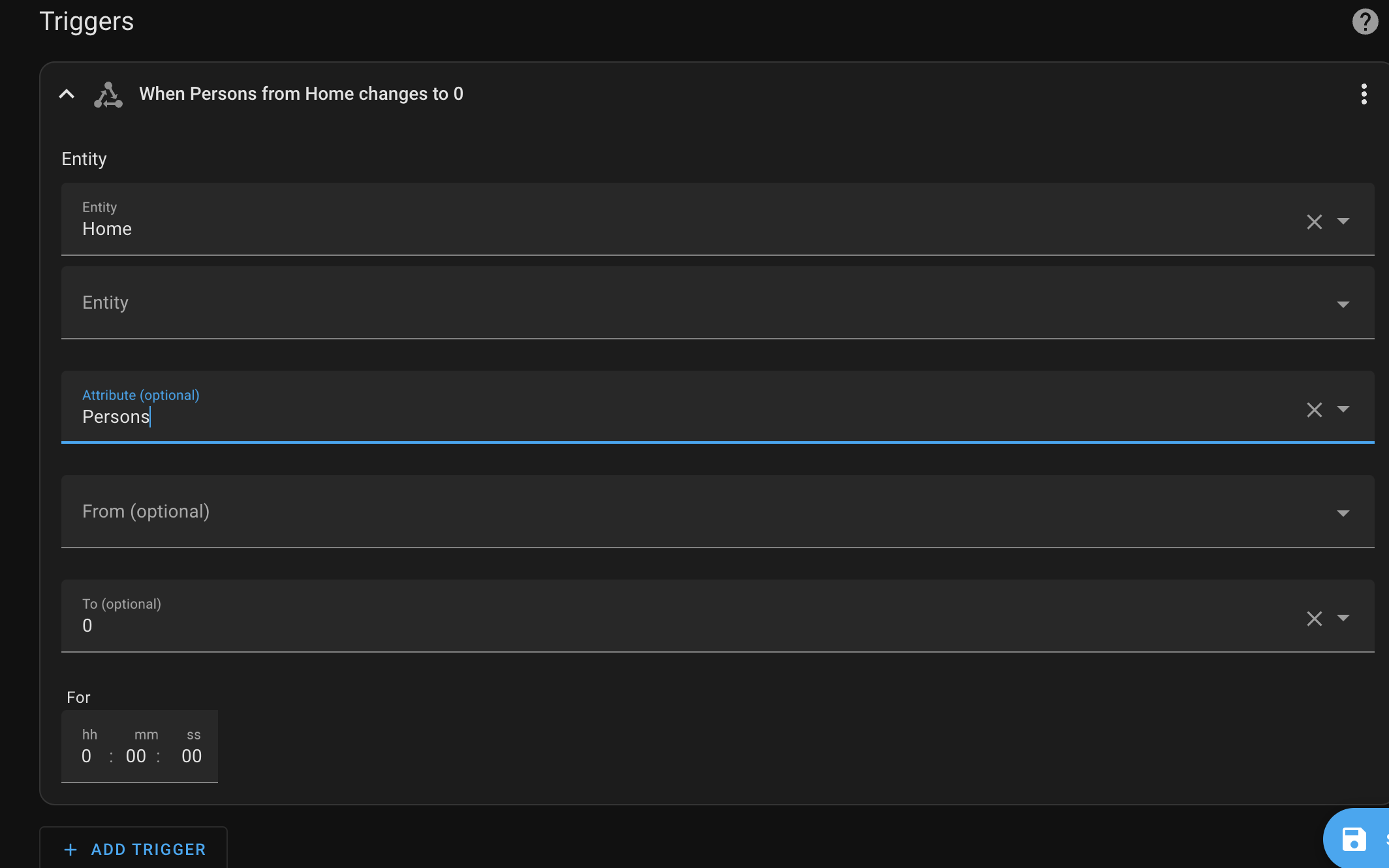
Thanks Nathan. Yes, I am looking for automation based on presence detection of tracked persons. Can this be done using GUI as I am not very good with YAML (yet!)
Would you be able to provide a step by step instruction on this?
I use Node Red for my automations so no i will not be able to provide examples
That said. You’re going to want to look at the ‘state’ of the zone, not the attributes. You’re only interested in the attributes if you’re looking for a particular person.
If I leave the attribute empty, what is the trigger, It will be “if the state of the home changes to” ? we need to give a value right? so that the HA knows when the state changes to 0 (means no one at home) and 1 means 1 person at home? Or have I understood completely wrongly?
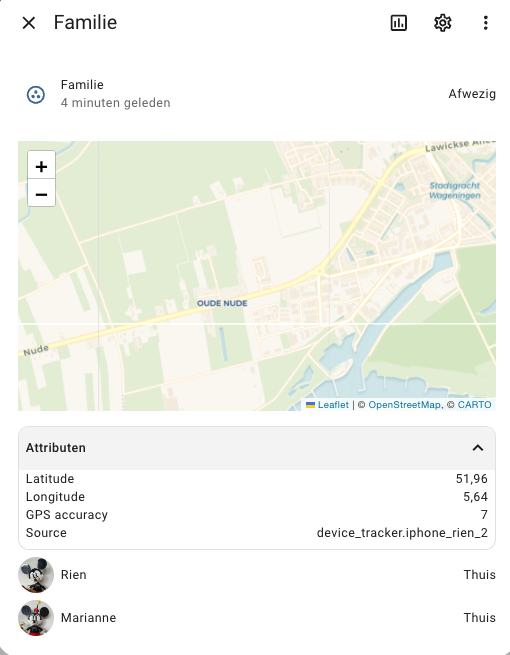
Check the state of the devices that are assigned to your persons. Assign that one which shows the correct state. If you assign multiple devices that one with the last refresh will be taken.