Hi,
is there any possibility to display SVG Files in a picture element ? If I use jpgs, the resolution is a problem, on many devices the graphics look blurry.
Not that I’m aware of. Have you tried high quality PNGs?
You could abuse custom:floorplan-card?
 - type: custom:floorplan-card
   full_width: true
   config:
      image: /local/floorplan/Ground.svg
that card uses svg 
I think he’s also referring to the individual items placed over the floor plan. That custom floorplan card might be an alternative, but it works a bit differently.
Just add an image element with the corresponding SVG file path
type: picture-elements
elements:
  - type: image
    style:
      left: 50%
      top: 45%
    image: /local/animated/forward16.svg
title: SVG Example
image: /local/pics/black-bg2.jpeg
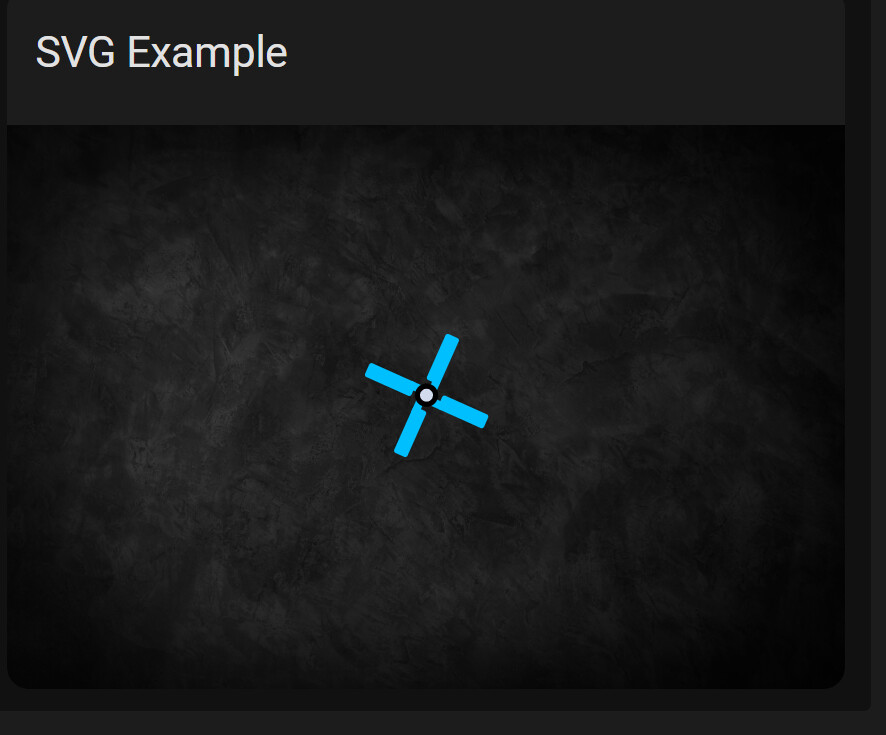
The SVG I used in the example is also animated and rotates. The image element also allows you to assign an entity to the element and utilize tap actions.
The fontawsome integration allows for it. Color functionality is disabled by default because of inherent security risks.
I don’t use fontawsome an can still reference SVGs in the card.
Ah wait, I glanced over the question too quickly. Yes, I use image elements with svg out of the box too. Fontawsome allows svg icons.
1 Like
I was using Fontawesome for the few custom icons I created.
I did a full system rebuild to migrate HA to my rack server and was too lazy to add it back. 
Thank you all for the help, svg files work perfectly now. My only problem is, that i can not use dark_mode_image in the elements. It simply does not use the second image that i want for the darkmode. Did one of you somehow made it work ?
This option is only defined for a main card’s image, but you need to have two different images of an “image” element, right?
If yes - here is long way (untested for svg, tested for jpg):
- Add an image element - but instead of adding an svg file, add a transparent png file of same dimensions.
- Using card-mod, set 2 differ background image dependently on a current mode (detailed here: main card-mod thread - 1st post - fantastic link - other stuff - how to style dependently on a light/dark mode).
I can’t find this card-mod thread. Can you post the link please ?
As was said - 1st post, fantastic link
Thank you very much.