How to install system support for Synology VMM

i'm running HASS under Synology VMM for a few years now and I've been alerted to the fact that I don't have the guest agent installed in my home assistant and therefore my virtual machine can never shut down nicely or do snapshots nicely

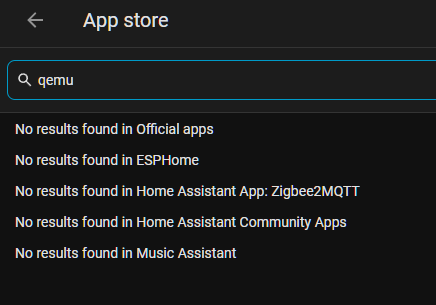
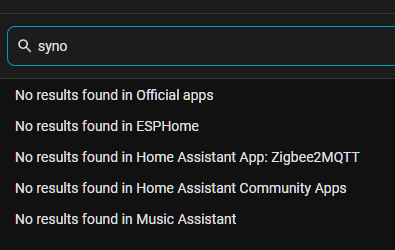
but when I search in the apps I do not find it

what am I supposed to do to get this working

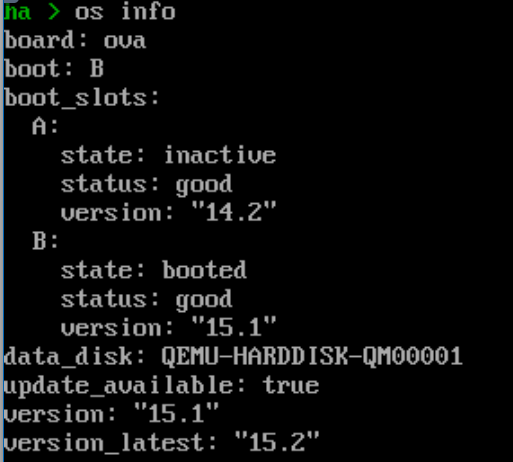
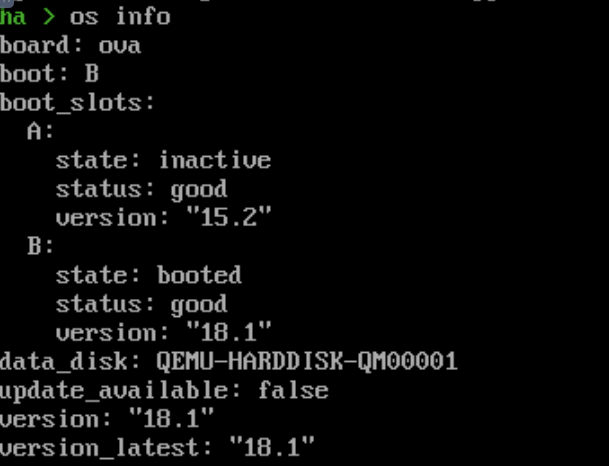
It's not an app. It's included in the VM images. Maybe you uses the generic image? What's ha os info say?

I don't remember how I installed this it was at least four or five years ago

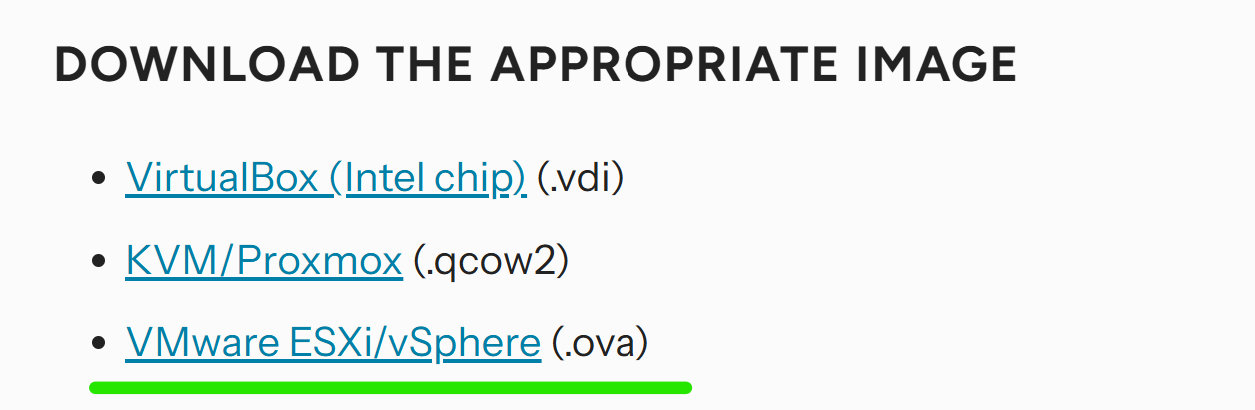
ova is the right one. Use the VM's "monitor"/serial terminal, log in as root if needed and enter login. Then check systemctl status qemu-guest. You'll most likely see that it's there and your problem is something else.

Thanks
indeed you are right I can see there is an agent there.

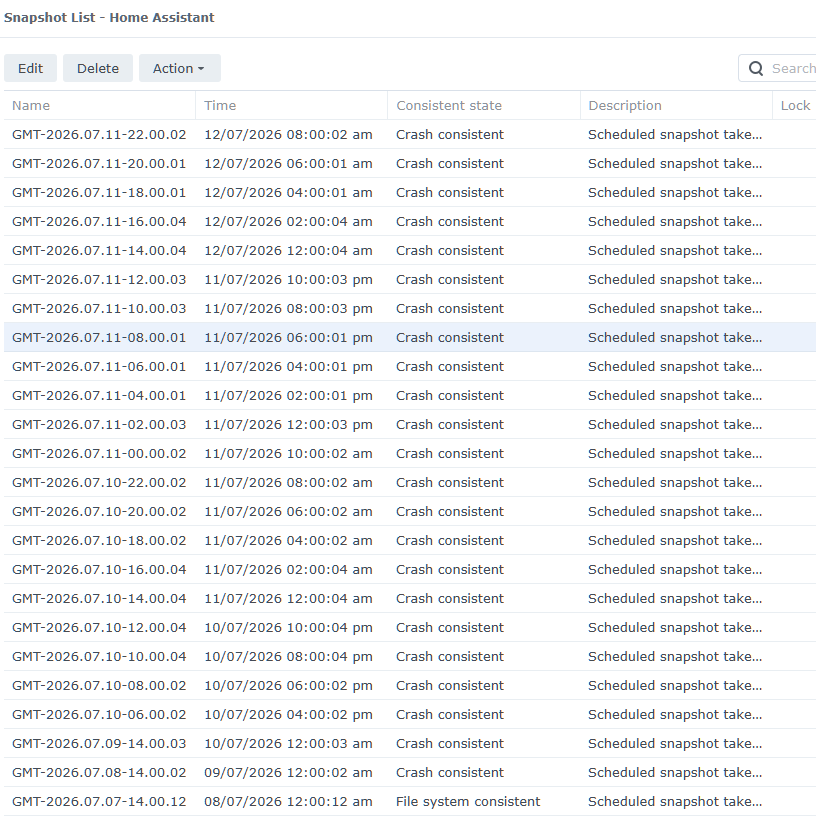
in that case why am I getting a lot of CRASH snapshots instead of file consistent snapshots?
is there anything I need to do to make this work better?

Sorry, I'm not familiar with synology's virtualization but maybe you can tell me/us more about those crash snapshots.

That looks like a pretty old version, over a year behind current which is 18.1.
Are you stuck there because of using Supervised install (As opposed to HAOS)?
If so that is possibly complicating things.

I cannot remember how I installed this. HAOS this sounds familiar.

I do remember that sometimes in the past I used to get messages saying update OS.

lately I have been getting updates for the core and not for the OS. how do I make it update?

nothing is showing up

oh no I have found some skipped update 15.1

I will try updating and it's offered me to update 15.2
and I'll see you all in a few days?

is it a bug that if I skipped one version way back in 15.1, I thought that meant I don't want to update to 15.2 but you should remind me again when 15.3 Gets released.

I didn't mean skip that component forever? although it has been a really peaceful couple of years

unfortunately it seems to still just do the crash consistent after updating everything that can be updated

it did manage one file system consist the day after We did all these updates

what can be wrong with this setup?

the Synology nas did system update overnight, And when I got up the virtual machine was suspended. There was something wrong with the image and it could not be resumed so I had to discard it.

the problem was not that I had to discard it but that the Home Assistant was down the whole time and could not manage my devices for example the air conditioning with the solar

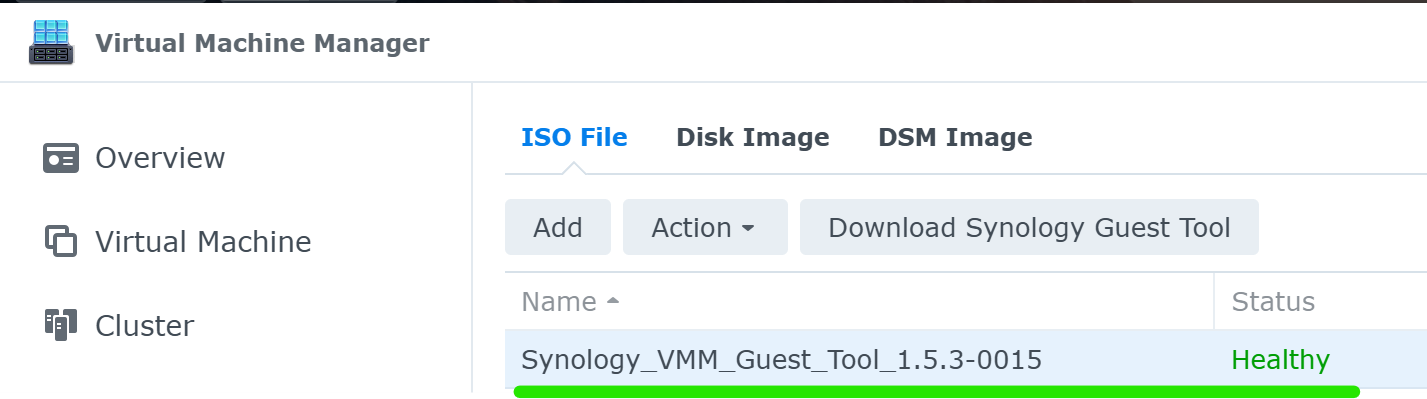
Do you have the VMM Guest tool installed via Synology?

I am able to take snapshots and shutdown the VM via Synology or HA. Although, I’d recommend always shutting down via HA to avoid HA database issues.

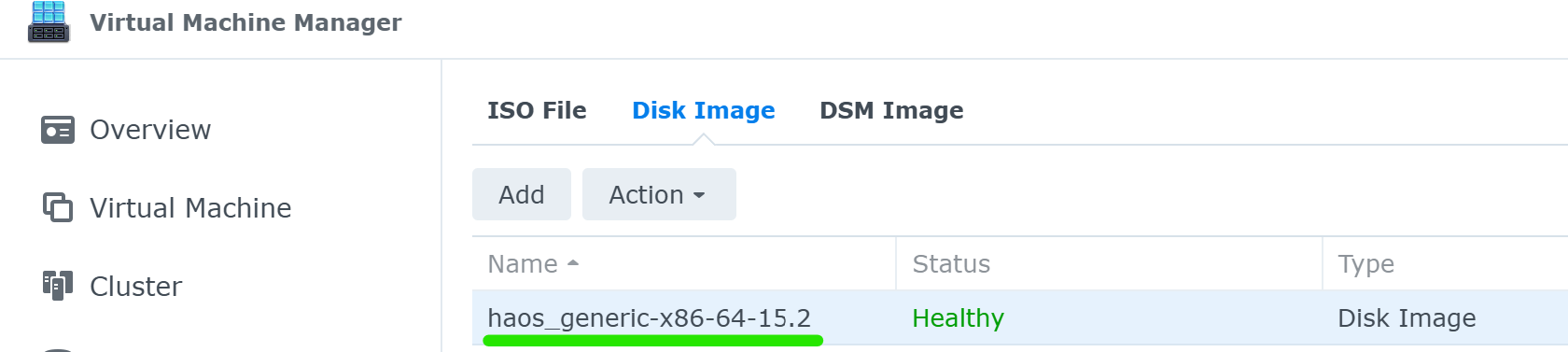
your disk image isn’t necessarily going to represent HA’s current version

No I don’t have VMM Guest tool listed there.
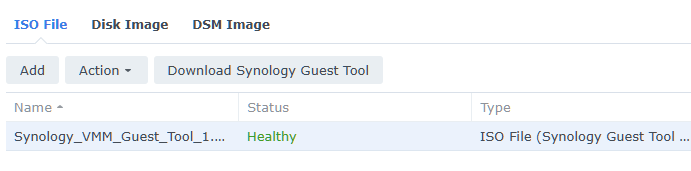
I’ve just pressed Download Synology Guest Tool and now it looks like yours.

do I have to do anything else

Shutdown HA, power up and test a snapshot and see if you still get an error.

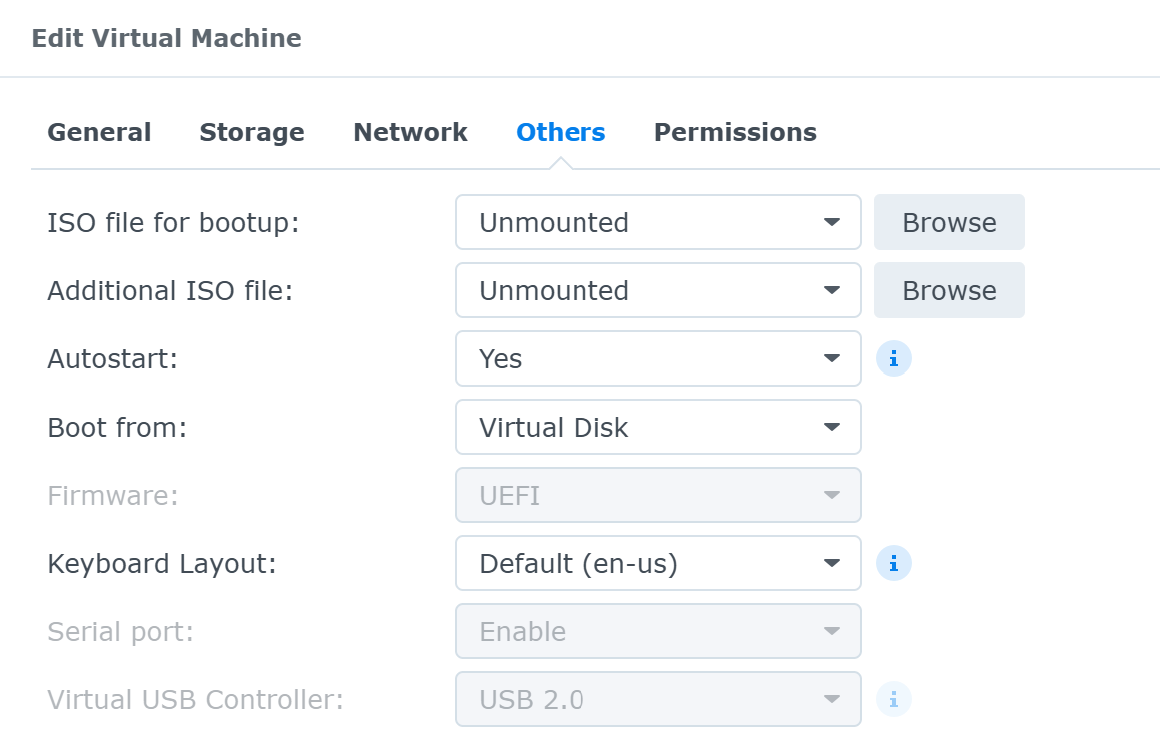
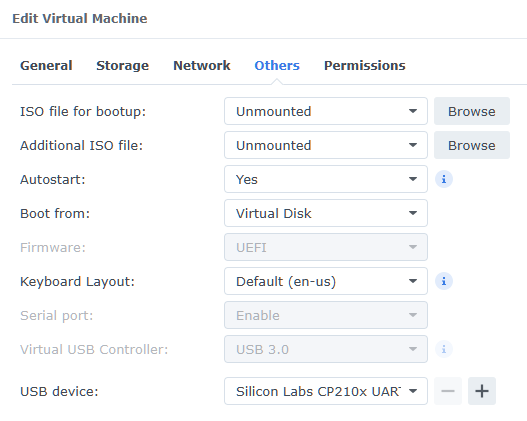
What does your Others tab look like in Edit Virtual Machine look like?

at the moment it looks like this I have to find a good time to reboot it the machine Sometimes it takes an hour

should I be selecting the ISO Files

No, selecting the ISO file is not required. More importantly, a reboot of HA should not take an hour. It should be less than a minute or so.

well yeah taking hours is kind of what started this thread.

snapshot seems to work fine
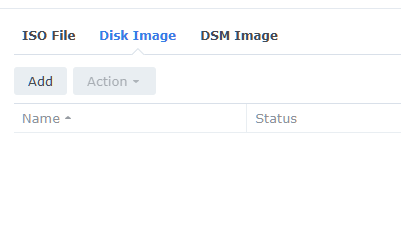
this pot is still empty

I’ll see how the automatic snapshots run in the next few days

That is just the original image you downloaded from Alternative - Home Assistant

haos_ova-18.1.ova is the latest image, but as I showed in the previous post, the image is only for the initial install. After that, the actual VM will use the latest HA version you update to.

Think of it as installing Windows 10 from a disk, but upgrading to Windows 11. The install disk is still Windows 10.