Hello, since we can monitor Android device with our home assistant, just installing the android app, I’d like to know if there’s a way to do the same with Windows PC.
Try open hardware monitor.
It is a stock integration.
A server works at least in Win9.
I use SSH Integration from HACS for monitor Linux and Windows over ssh.
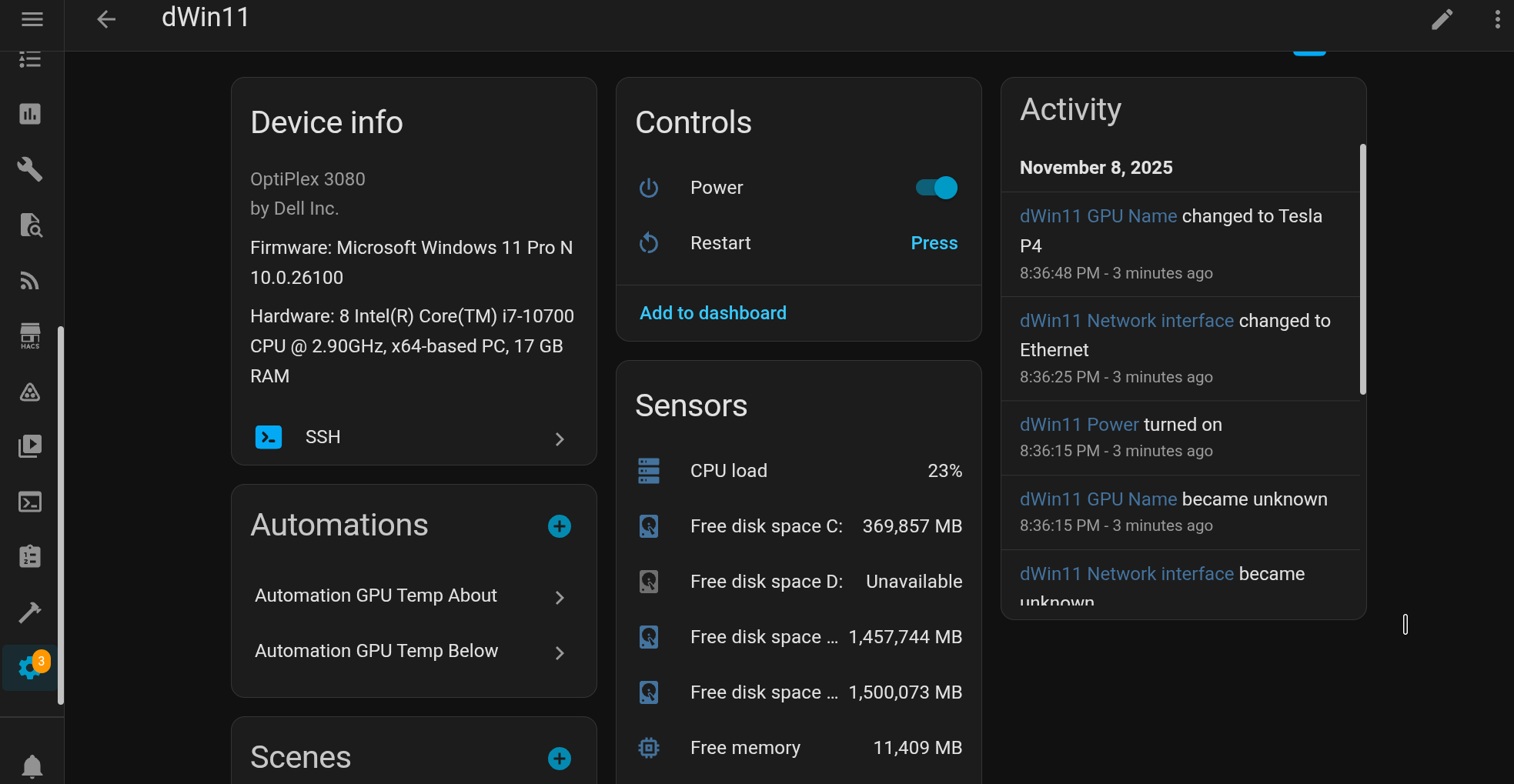
2 Likes
I tried glances, but is overkill for what i want, just monitor cpu and temperature usage.
I use System Bridge. It has a core integration.
Basically, all that’s needed is to download and install on your PC. The bridge logo appears in your system tray icons. There’s an option to start it when your PC boots up.
For the integration, just enter your PC’s IP address.
1 Like
I’ll explore the suggestions, but I have to correct myself about android system, because today I was scrolling the options on my smartphone device and between sensors I didn’t find CPU, memory or disk sensors.
Do you mean Android companion app? I very doubt it has system monitoring sensors… Just curious, do you really need these metrics for this probably mobile or handheld device?
Well, just curiosity.
System Bridge looked promising, having come to this thread for the same requirements, but note that its current installer is flagged as a virus by Windows. The contributors seem to have no enthusiasm to fix the issue as they are using linux. So I was unable to test this option.
It is a core integration. I’ve experienced the flagged virus issue and I just have Windows Defender make an exception. The installer and the application post-install will cause the flags. It’s flagging because of the software methods the installer/application uses can alter and monitor system files. I imagine the only true fix is to prepare the installer/application yourself by compiling it on the system it is to be installed as that is what the dev recommended (more advanced) or for someone to figure out how to compile a version that makes Windows happy (probably following their procedural development guidelines which would require someone certified in the methods by Windows). Oh well…