I know that this is borderline related to HA, but this is the place I have the highest hopes to find an answer
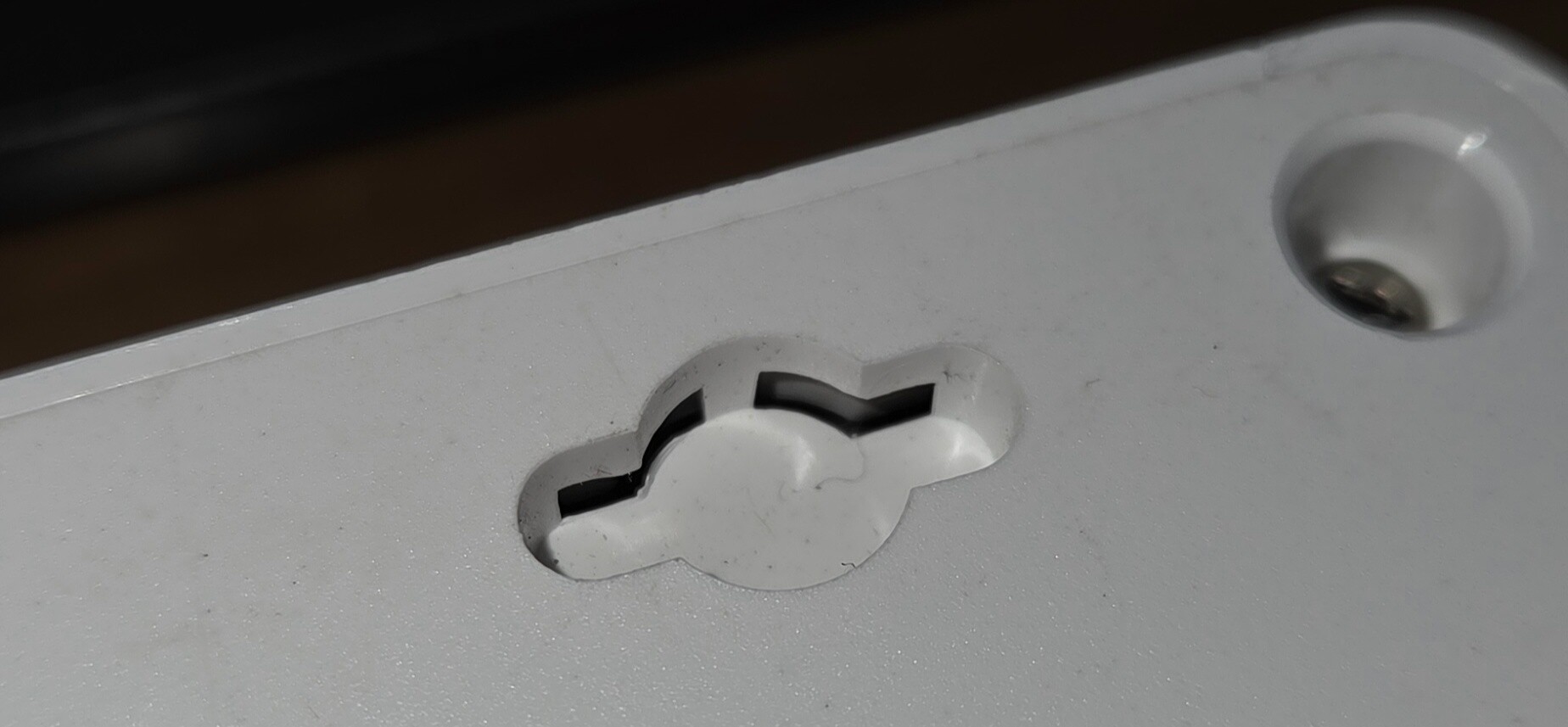
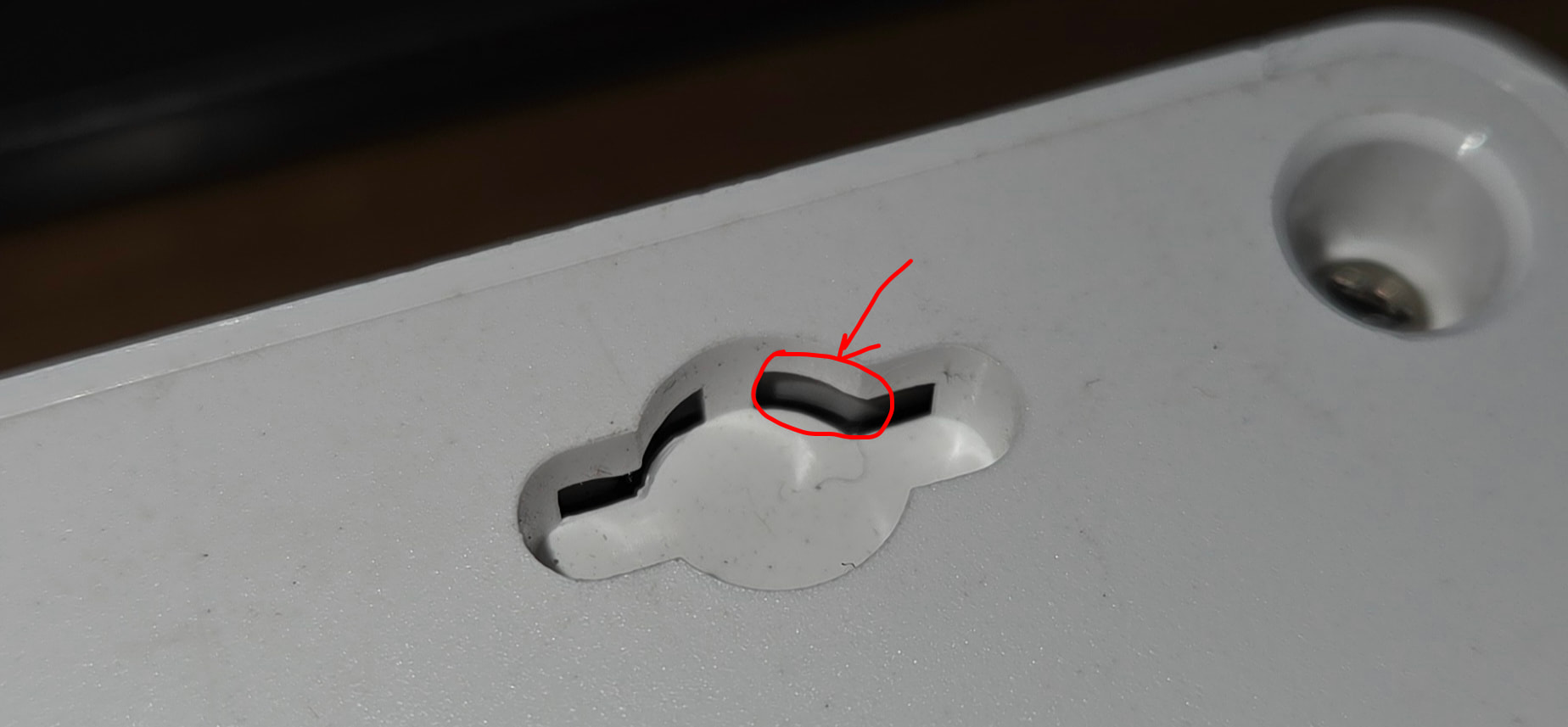
I was volunteered at home to mount all power switches to the wall. I am trying to mount a Meross MSS425F. It has weird connectors that suggest that it is wall-mountable:
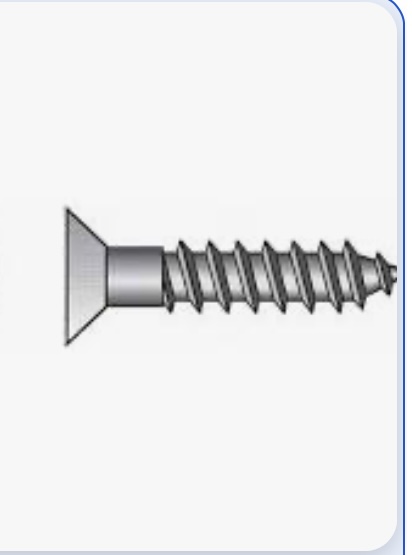
I thought it would be just a screw protruding from the wall a bit, and slid in the hole. No screw was thin enough.
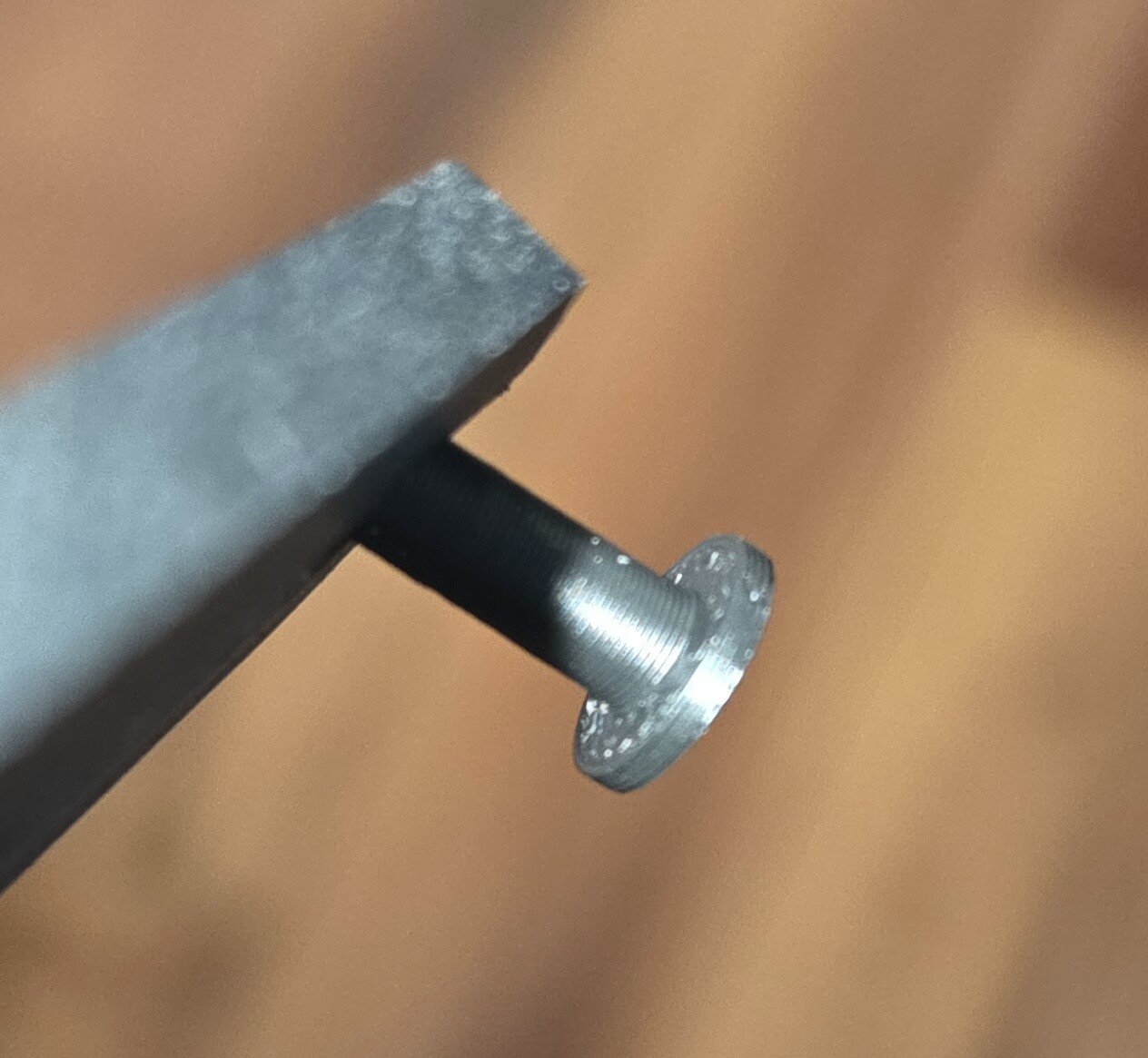
I then printed a flat nail like thingy that I thought would slid in. It then realized that the hole to slid something is not very deep (you can see the faint grayish part inside that blocks the entry.
Now that I think of it, I will probably print some brackets to slide it in, but would prefer to use screws.
Make sure the Meross strip is set up in the Meross app first and that Home Assistant can reach it on the same network. If it still won’t show up, check whether your model is supported by the integration and look at the Home Assistant logs for connection errors. The exact model number can make a difference here.
As other mention, it’s really hard to tell/suggest anything, as you don’t show the whole back-cover and which way is up or down … and how/where you wanna mount it, i.e fully visible ? , under a desk ? etc , i.e You want it horizontal or vertical ?
NOTE: You might just need to “slide it in” the other direction (if theres is nothing blockin there)
Also you don’t show whether it’s possible/or actually construckted to be slided in the other direction … beside as i assume , there is 4 of these holes, you actually don’t need all ( As long as you are aware that you anyhow cant rely upon that such screws hold, for dragging out a plug … meaning Always Hold Against The Strip, before dragging out a plug