I’m following the instructions here to set up a Sonoff Zigbee 3.0 USB Dongle Plus with Z2M on a different RPi than HA is running on. The adapter is connected to the RPi and I have configured ser2net as described and updated Zigbee2MQTT config yaml as instructed, but every time I try to start Z2M it fails to start:
Error: USB adapter discovery error (No valid USB adapter found).
and after each error, when I go back to look at my configuration.yaml file, the serial section of the yaml has reverted back from
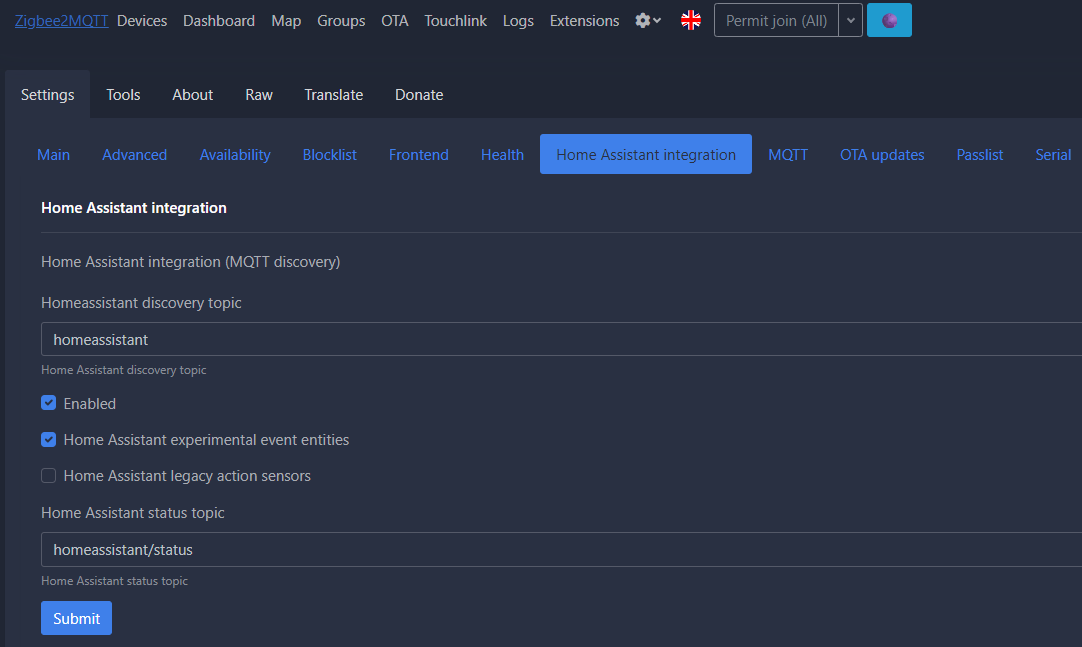
Are you running Zigbee2MQTT on the same RPi where the USB dongle is plugged in? If that is the case, you do not need ser2net at all. You would point Zigbee2MQTT directly at the USB port on the RPi. After it’s setup to connect to the USB port directly, and Zigbee2MQTT is running on the RPi, you connect to Zigbee2MQTT via a browser at http://192.x.x.x:8080 (the address of the RPi), and make sure to set the Home Assistant integration to enabled. Then HA should auto-detect it as an MQTT integration.
I am running HA/Z2M on RPi 1 and the dongle is connected to RPi 2. But I think you are suggesting setting up Z2M on RPi 2 and then connecting HA on RPi 1 to Z2M on RPi 2?
OK, apparently those official Z2M instructions for setting up a remote coordinator referred to above are slightly outdated on how to set up the HA Z2M part.
Using Claude Code to guide me through troubleshooting, I determined that the Zigbee2MQTT add-on/app will overwrite any changes to configuration.yaml made outside the UI. So be sure to make conifg changes using the Zigbee2MQTT add-on/app UI on the app Configuration tab, and specifically change the following under serial:
port: Set to tcp://192.x.x.x.x:20108 with the IP of your ser2net instance
adapter: Set to the adapter appropriate to your chipset (for Sonoff ZBDongle-P, zstack)
Note that adding the adapter type was Claude Code’s idea and I’m not sure whether that was necessary or is in all cases but at any rate it worked for me.