myriaxis
(Francois Boucher)
January 25, 2026, 10:58pm
1
Hi,
I’m trying to change the entity icon picture in a Mushroom Climate card and struggling to find the solution.
I managed to do it in a Mushroom Template card, but would prefer to do it in a Mushroom Climate card.
Here is my code in the Mushroom Template card:
type: custom:mushroom-template-card
entity: climate.neviweb130_climate_salle_a_diner
features_position: bottom
primary: "{{ state_attr(entity, 'temperature') }}"
picture: |
{% set heat_level = state_attr(entity, 'heat_level') | float %}
{% if heat_level < 1 %}
/local/heat-0.png
{% elif heat_level < 21 %}
/local/heat-1.png
{% elif heat_level < 41 %}
/local/heat-2.png
{% elif heat_level < 61 %}
/local/heat-3.png
{% elif heat_level < 81 %}
/local/heat-4.png
{% else %}
/local/heat-5.png
{% endif %}
I’m not sure how to implement this in the Mushroom Climate card. There are an “icon” and an “icon-type” option, but i found no example that would help me understand how to use them. I also look into card-mod, but all my tests have failed.
Help would be appreciated.
Thanks
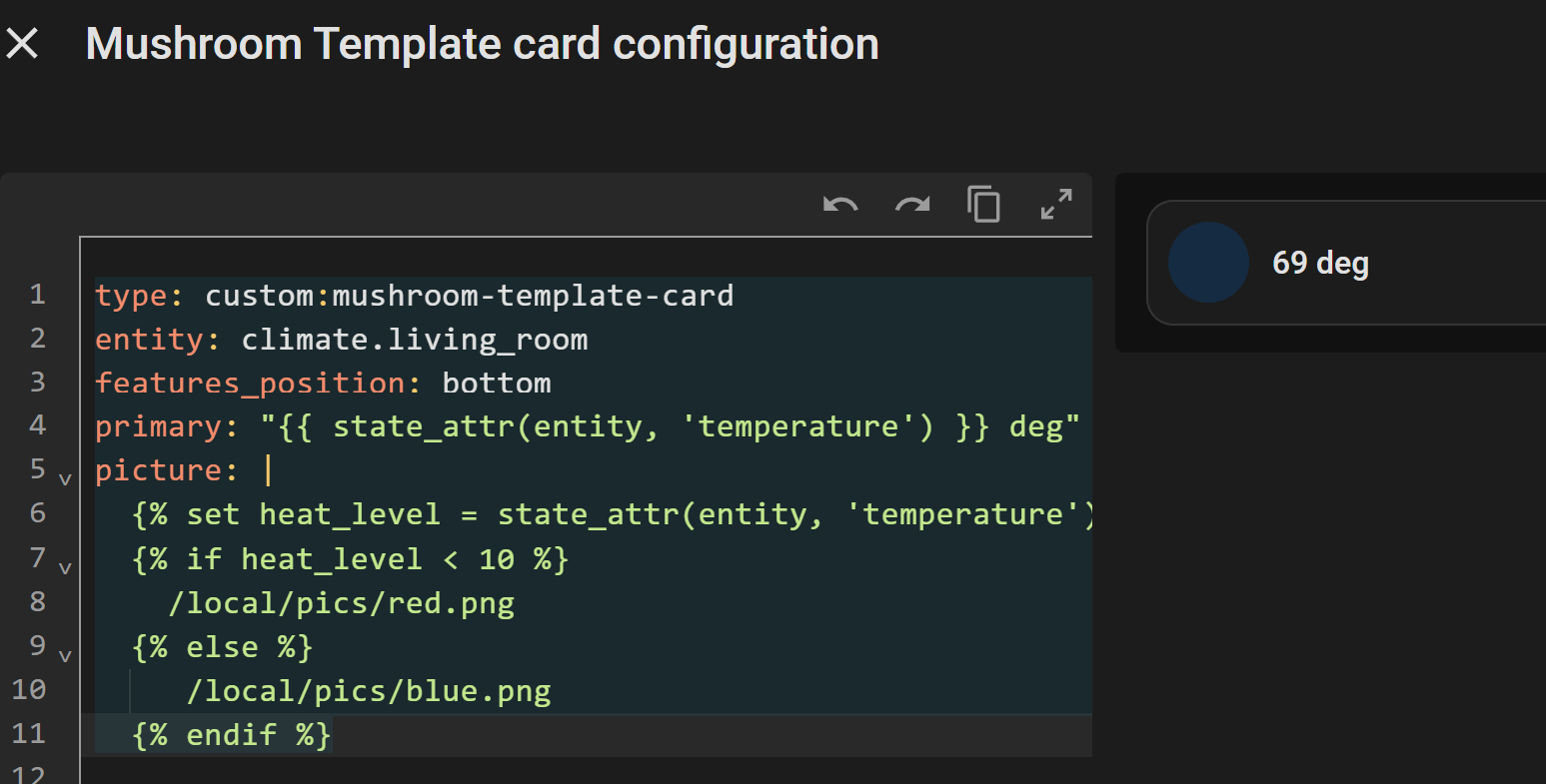
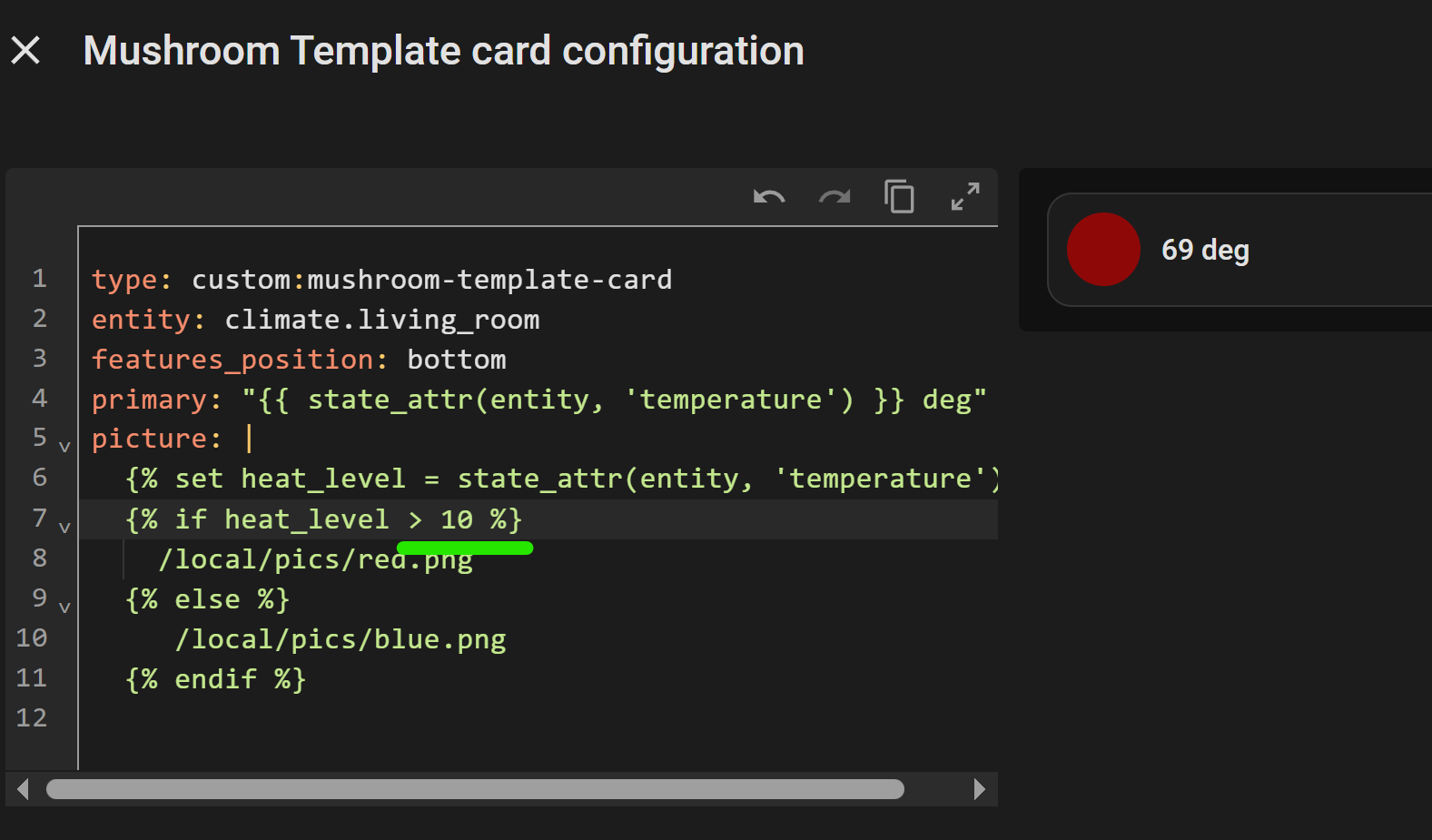
Test it with this and see if you get results. Fairly certain the attribute heat_level is your issue.
primary: "{{ state_attr(entity, 'temperature') }}"
picture: |
{% set heat_level = state_attr(entity, 'temperature') %}
You can verify attributes and it’s state in Developer Tools
type: custom:mushroom-template-card
entity: climate.living_room
features_position: bottom
primary: "{{ state_attr(entity, 'temperature') }} deg"
picture: |
{% set heat_level = state_attr(entity, 'temperature') %}
{% if heat_level < 10 %}
/local/pics/red.png
{% else %}
/local/pics/blue.png
{% endif %}
myriaxis
(Francois Boucher)
January 26, 2026, 2:12pm
3
Thanks @LiQuid_cOOled for the reply.
My objective is to modify the climate entity icon based on the heat_level attribute.
I successfully implemented the logic in a Mushroom Template Card. The icon changes every 20% to add/remove a colored wave bar. I think it’s better looking than the default icon.
type: custom:mushroom-template-card
entity: climate.neviweb130_climate_salle_a_diner
features_position: bottom
primary: |-
{{ state_attr(entity, 'temperature') }}
{{ state_attr(entity, 'heat_level') }}
picture: |
{% set heat_level = state_attr(entity, 'heat_level') | float %}
{% if heat_level < 1 %}
/local/heat-0.png
{% elif heat_level < 21 %}
/local/heat-1.png
{% elif heat_level < 41 %}
/local/heat-2.png
{% elif heat_level < 61 %}
/local/heat-3.png
{% elif heat_level < 81 %}
/local/heat-4.png
{% else %}
/local/heat-5.png
{% endif %}
secondary: Salle à dîner
Now, I’d like to do the same customization in a Mushroom Climate card. I probably have to use card-mod, but I don’t know how to implement it.
I’m far from being an expert, but I learn fast.
Thanks
You cannot template the Mushroom Climate Card but you could template with card mod
Example using a picture vs a icon
type: custom:mushroom-climate-card
entity: climate.living_room
name: Nest Example
hvac_modes:
- heat
- heat_cool
- cool
- "off"
fill_container: true
primary_info: name
secondary_info: state
card_mod:
style:
mushroom-shape-icon$: |
.shape {
background-color: transparent !important;
background: url('/local/pics/nest-blank.png');
background-size: cover;
background-position: center;
border-radius: 50%;
}
.shape:after {
content: "{{ state_attr('climate.living_room', 'temperature') }}";
position: absolute;
font-size: 12px;
left: 10px;
font-weight: 900;
}
ha-state-icon {
display: none;
}
It’s possible, but I’d template a sensor with an entity pic and reference that sensor if you are committed to using the climate card.
Something like this…
myriaxis
(Francois Boucher)
January 27, 2026, 12:00am
5
Hello @LiQuid_cOOled ,
I used your code to try it out on a Mushroom Climate card.
I made a few adjustments to remove the display of the temperature in the middle of the icon. Here is the code:
type: custom:mushroom-climate-card
entity: climate.neviweb130_climate_salle_a_diner
name: Salle à dîner
hvac_modes:
- heat
- "off"
fill_container: true
primary_info: name
secondary_info: state
card_mod:
style:
mushroom-shape-icon$: |
.shape {
background-color: transparent !important;
background: url('/local/heat-3.png');
background-size: cover;
background-position: center;
border-radius: 50%;
}
ha-state-icon {
display: none;
}
The custom icon is fixed for now just to perform the code testing. The default icon is still shown on top of the custom icon.
Any ideas why?
tomorrow I’ll explore the sensor template route.
Do it this way
type: custom:mushroom-climate-card
entity: climate.neviweb130_climate_salle_a_diner
name: Salle à dîner
hvac_modes:
- heat
- "off"
fill_container: true
primary_info: name
secondary_info: state
card_mod:
style:
mushroom-shape-icon$: |
.shape {
background-color: transparent !important;
background: url('/local/heat-3.png');
background-size: cover;
background-position: center;
border-radius: 50%;
}
.: |
ha-state-icon {
display: none;
}
myriaxis
(Francois Boucher)
January 27, 2026, 3:50am
7
Thanks, it works.
Is there a reference guide that presents all these modifications?
Check out these threads here and here
This is a good reference for CSS fields
W3Schools offers free online tutorials, references and exercises in all the major languages of the web. Covering popular subjects like HTML, CSS, JavaScript, Python, SQL, Java, and many, many more.
myriaxis
(Francois Boucher)
February 1, 2026, 7:10pm
9
@LiQuid_cOOled , thanks again for your help.
With the limited knowledge I have, I managed to declare a template sensor based on the heat level attribute and to reference it in the Mushroom Climate template.
In the “templates.yaml” (referenced in my “configuration.yaml”), I have:
- name: "Chauffage cuisine"
default_entity_id: sensor.chauffage_cuisine
unique_id: chauffage_cuisine_1
unit_of_measurement: "%"
device_class: power_factor
state_class: measurement
state: "{{ state_attr('climate.neviweb130_climate_cuisine', 'heat_level') }}"
picture: |
{% set heat_level = state_attr('climate.neviweb130_climate_cuisine', 'heat_level') | float %}
{% if heat_level < 1 %}
/local/heat-0.png
{% elif heat_level < 21 %}
/local/heat-1.png
{% elif heat_level < 41 %}
/local/heat-2.png
{% elif heat_level < 61 %}
/local/heat-3.png
{% elif heat_level < 81 %}
/local/heat-4.png
{% else %}
/local/heat-5.png
{% endif %}
If I reference it in a Tile card, I have:
In the Mushroom Climate card I have:
type: custom:mushroom-climate-card
entity: climate.neviweb130_climate_cuisine
name: Cuisine
hvac_modes: []
fill_container: true
primary_info: name
secondary_info: state
grid_options:
columns: 9
rows: 1
tap_action:
action: more-info
card_mod:
style:
mushroom-shape-icon$: |
.shape {
background-color: transparent !important;
background: url('{{ state_attr('sensor.chauffage_cuisine', 'entity_picture') }}');
background-size: cover;
background-position: center;
border-radius: 50%;
}
.: |
ha-state-icon {
display: none;
}
It works well, but after thought, I think I prefer the Mushroom Template card. Here is the code:
type: custom:mushroom-template-card
entity: climate.neviweb130_climate_cuisine
features_position: bottom
primary: |
Cuisine (
{{ state_attr(entity, 'temperature') }}
°C)
secondary: |
Actuellement
{{ state_attr(entity, 'current_temperature') }}
°C
picture: |
{{ state_attr('sensor.chauffage_cuisine', 'entity_picture') }}
grid_options:
columns: 9
rows: 1
Thanks for your help.
If you have comments or improvements, please let me know.