Hello, I’m trying to add a Tapo C520WS/TP42 to my home hassistant (HAOS 16.3 via virtualbox on Windows)
I was able to add the device via ONVIF integration, but the video stream sensor reported its status as “inactive” and the video doesn’t show up in the overview dashboard or in a generic picture glance card with url rtsp://[user]:[password]@[ip]:554/stream1 (the stream is correctly visible via VLC, my guess is the H264 format is the root cause of the issue). The preview reports no image/inactive while the video itself is flickering between all green and sometimes some correct frames.
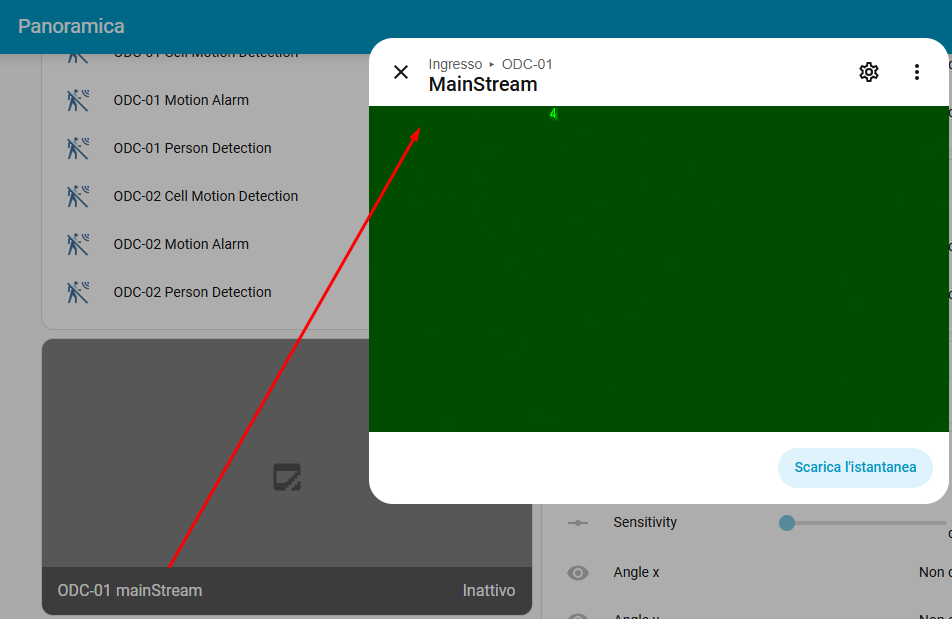
If go2rtc addon is installed, I can see the video in its main panel using the stream link, but I wasn’t able to pick up that link (https://[MY-HA]/api/hassio_ingress/[TOKEN]/stream.html?src=[CAMERA-NAME]) or any other variation (rtsp://localhost:8554/[CAMERA-NAME]) and use it on a card.
The only way that seems to work is the custom WebRTC camera card after installing HACS and WebRTC.
My final goal is to add PTZ actions to the picture glance card, which I’ve already tested, and see the video trying not to use HACS components (if possible).