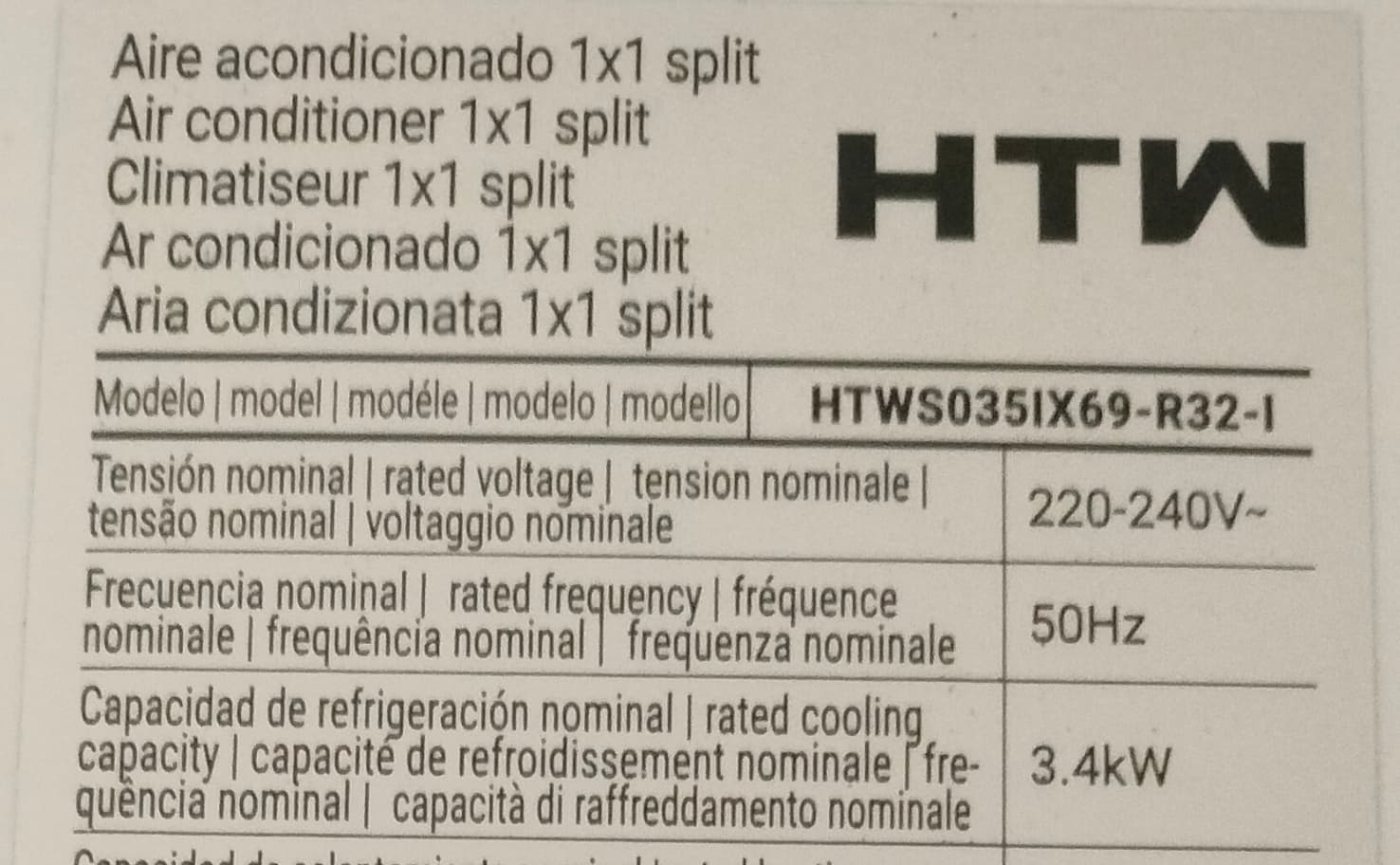
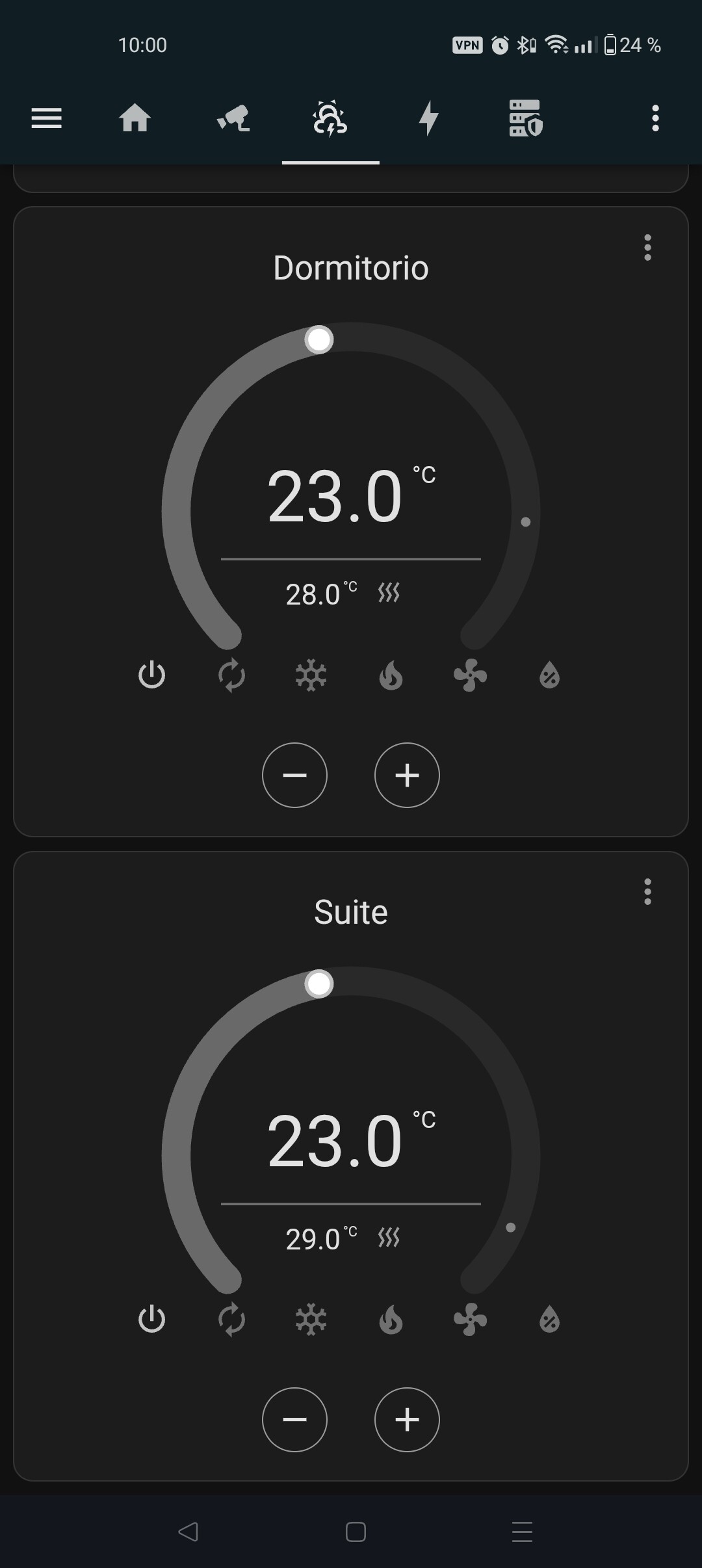
Hello, I’m a Spanish guy with a HTW built-in WiFi air conditioner, model S035IX69. It was really hard for me to make it work inside Home Assistant so I would like to share with you how did I do it.
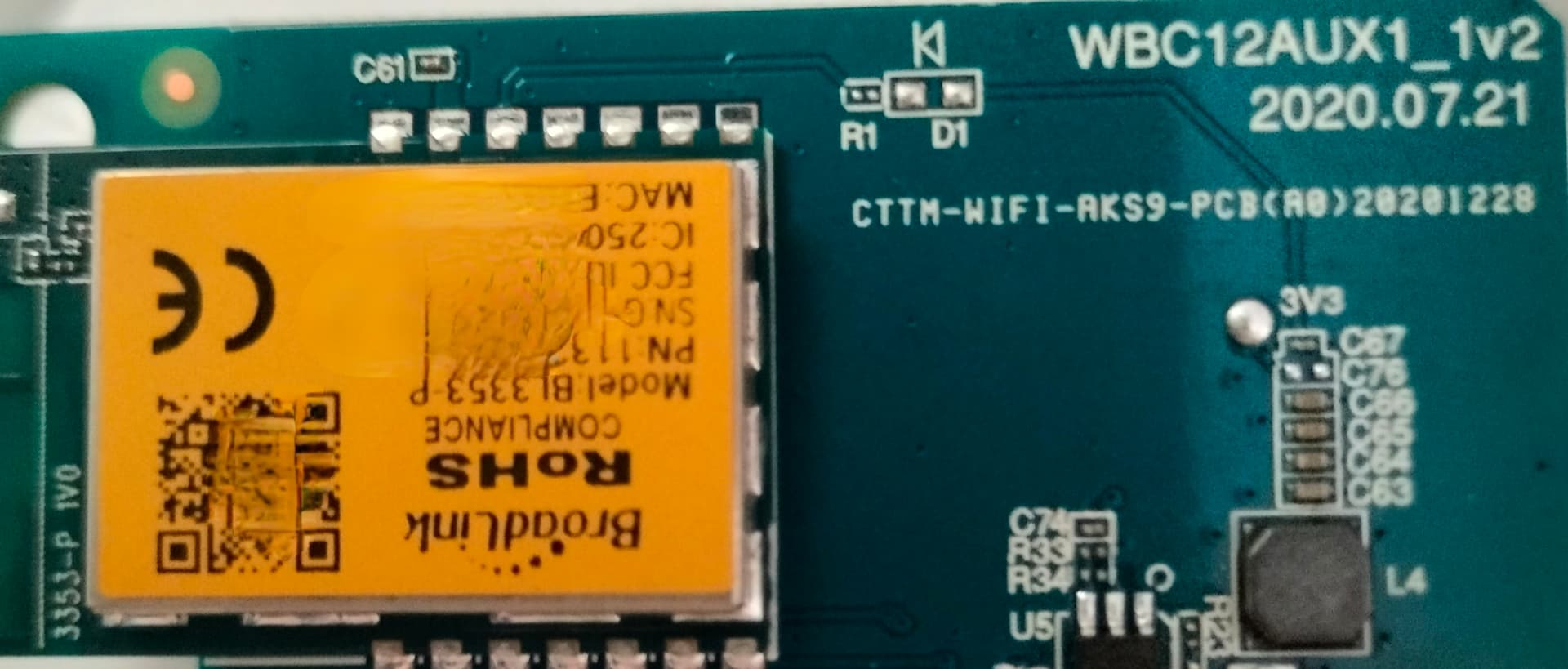
First of all, I opened it and I realize it has no USB port so I couldn’t try an ESPhome solution, like in another Midea A/C I have. This HTW A/C has a BroadLink BL3335P Wi-Fi module mounted on a custom PCB (WBC12AUX1_1v2).
So these are the steps:
- download AC freedom app on your phone and install it (temporarily).
- Create an account in the app
- click on “Add new device” and follow the instructions, prepare your A/C in AP mode, turning it on and pressing slowly 8 times the “Health” button… It will take around 5 minutes to show a wifi access point called AC-XXXX (alphanumeric characters). Following the instructions you’ll have the A/C working with te app.
- Use HACS to install this
HA AUX Cloud and restart your HA. - Go to configuration - Integrations - add new integration and select HA AUX Cloud, use the username and password you used to create the account on the AC freedom app.
- There you go! Just remember to use a thermostat card (I personally use “Better thermostat Climate Card”) to control your A/C in HA.
After that you can uninstall the AC freedom app.