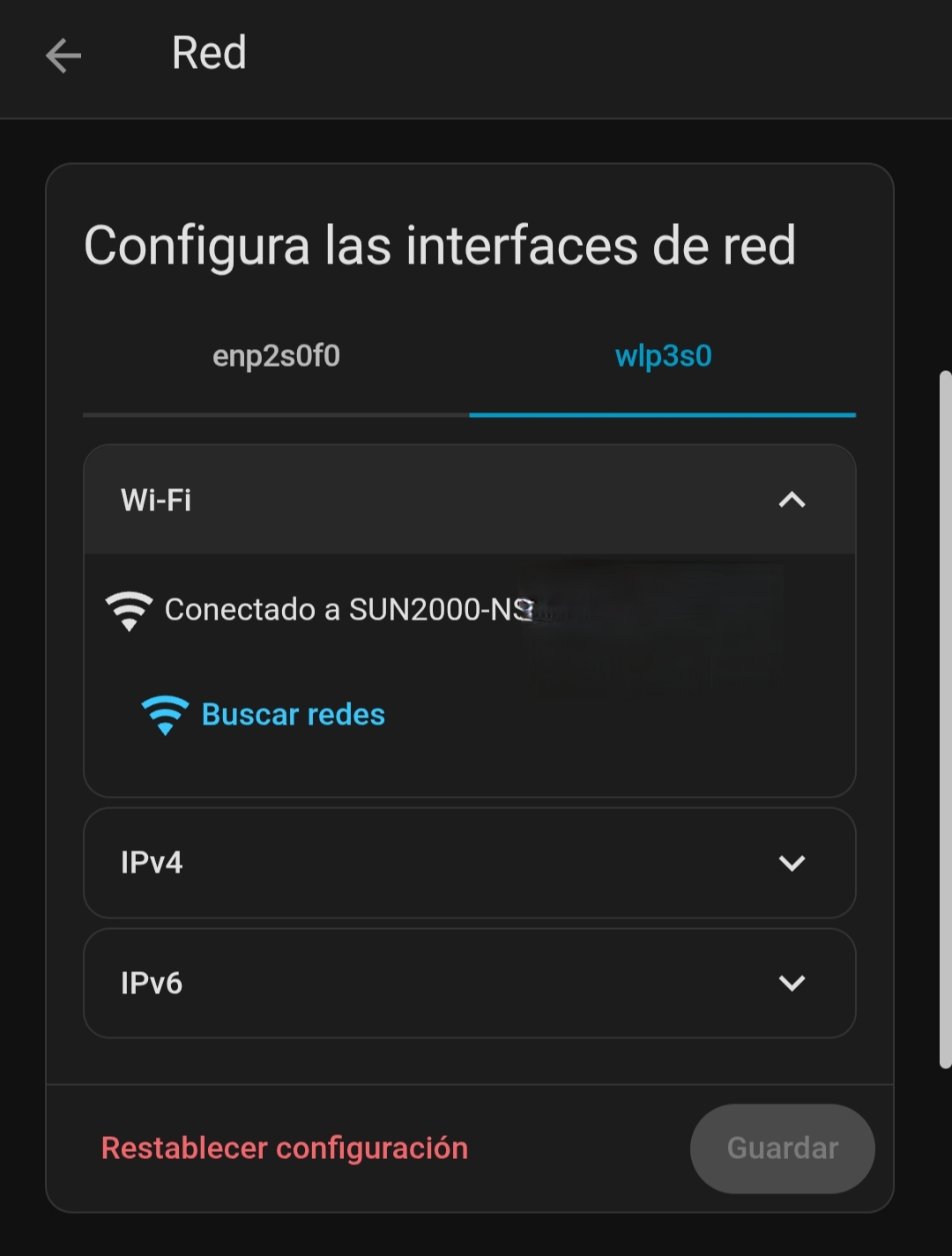
Oh, the trick that I do (because Home Assistant and the inverter are not connected to the same router) is to connect the HA server directly to the inverter’s Wifi, so the IP is the inverter’s autogenerated IP inside it’s access point.
Now my Home Assistant has two connections: a wired one with a LAN cable to router with internet, and a wireless wifi connection directly to the inverter.
Maybe there’s something I can do to elevate permissions this way, the error I get is this:
custom_components/huawei_solar/__init__.py:184


Cannot create optimizer sensor entities due to an unexpected error
Traceback (most recent call last):
  File "/config/custom_components/huawei_solar/__init__.py", line 184, in async_setup_entry
    await bridge.get_optimizer_system_information_data()
  File "/usr/local/lib/python3.13/site-packages/huawei_solar/bridge.py", line 617, in get_optimizer_system_information_data
    file_data = await self._read_file(OptimizerSystemInformationDataFile.FILE_TYPE)
                ^^^^^^^^^^^^^^^^^^^^^^^^^^^^^^^^^^^^^^^^^^^^^^^^^^^^^^^^^^^^^^^^^^^
  File "/usr/local/lib/python3.13/site-packages/huawei_solar/bridge.py", line 272, in _read_file
    return await self.client.get_file(file_type, customized_data, self.slave_id)
           ^^^^^^^^^^^^^^^^^^^^^^^^^^^^^^^^^^^^^^^^^^^^^^^^^^^^^^^^^^^^^^^^^^^^^
  File "/usr/local/lib/python3.13/site-packages/huawei_solar/huawei_solar.py", line 635, in get_file
    return await _do_read_file()
           ^^^^^^^^^^^^^^^^^^^^^
  File "/usr/local/lib/python3.13/site-packages/huawei_solar/huawei_solar.py", line 580, in _do_read_file
    start_upload_response = await _perform_request(
                            ^^^^^^^^^^^^^^^^^^^^^^^
    ...<6 lines>...
    )
    ^
  File "/usr/local/lib/python3.13/site-packages/backoff/_async.py", line 151, in retry
    ret = await target(*args, **kwargs)
          ^^^^^^^^^^^^^^^^^^^^^^^^^^^^^
  File "/usr/local/lib/python3.13/site-packages/huawei_solar/huawei_solar.py", line 576, in _perform_request
    return response_type(response.content)  # type: ignore[report-call-issue]
                         ^^^^^^^^^^^^^^^^
AttributeError: 'ExceptionResponse' object has no attribute 'content'
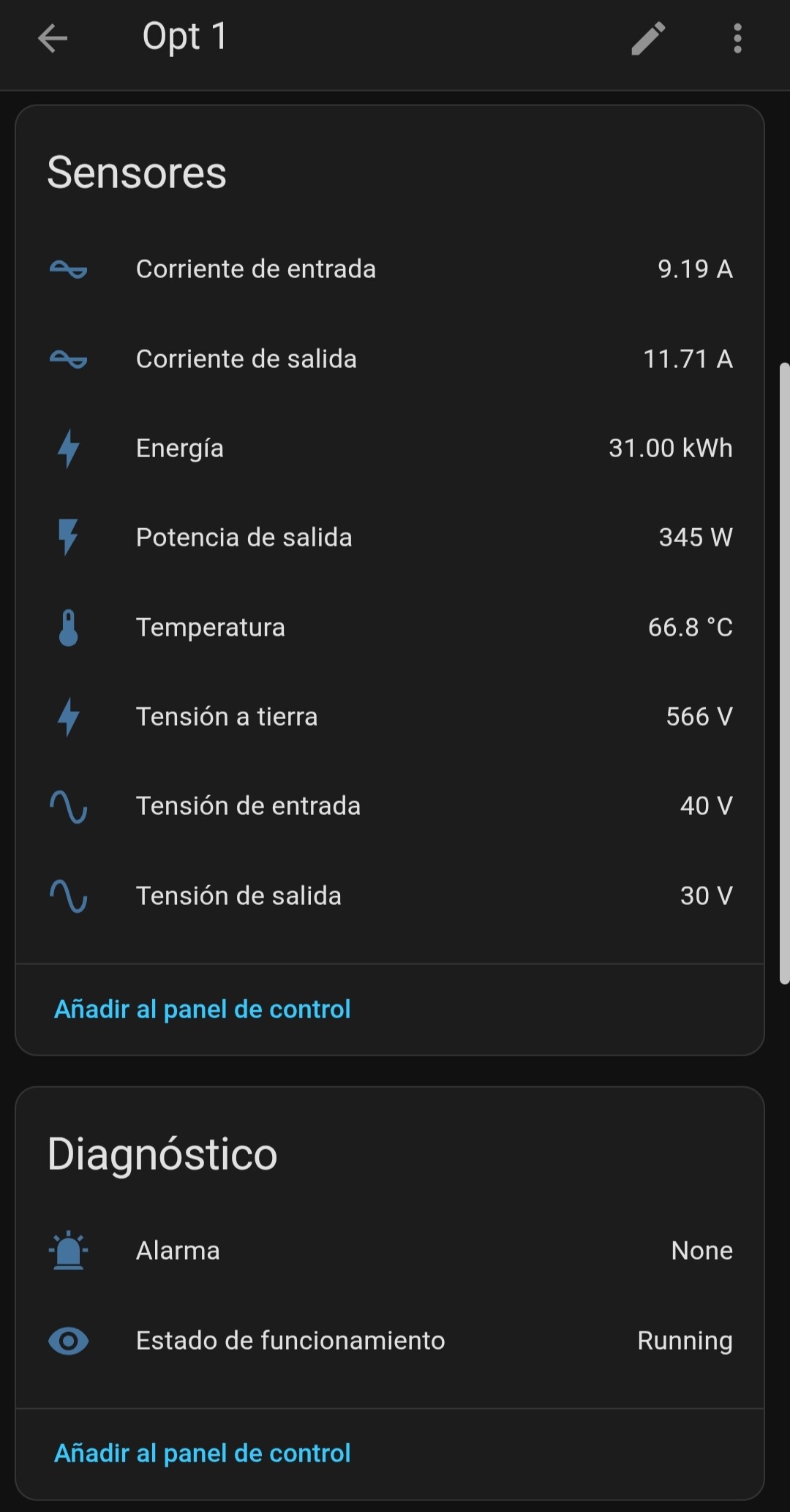
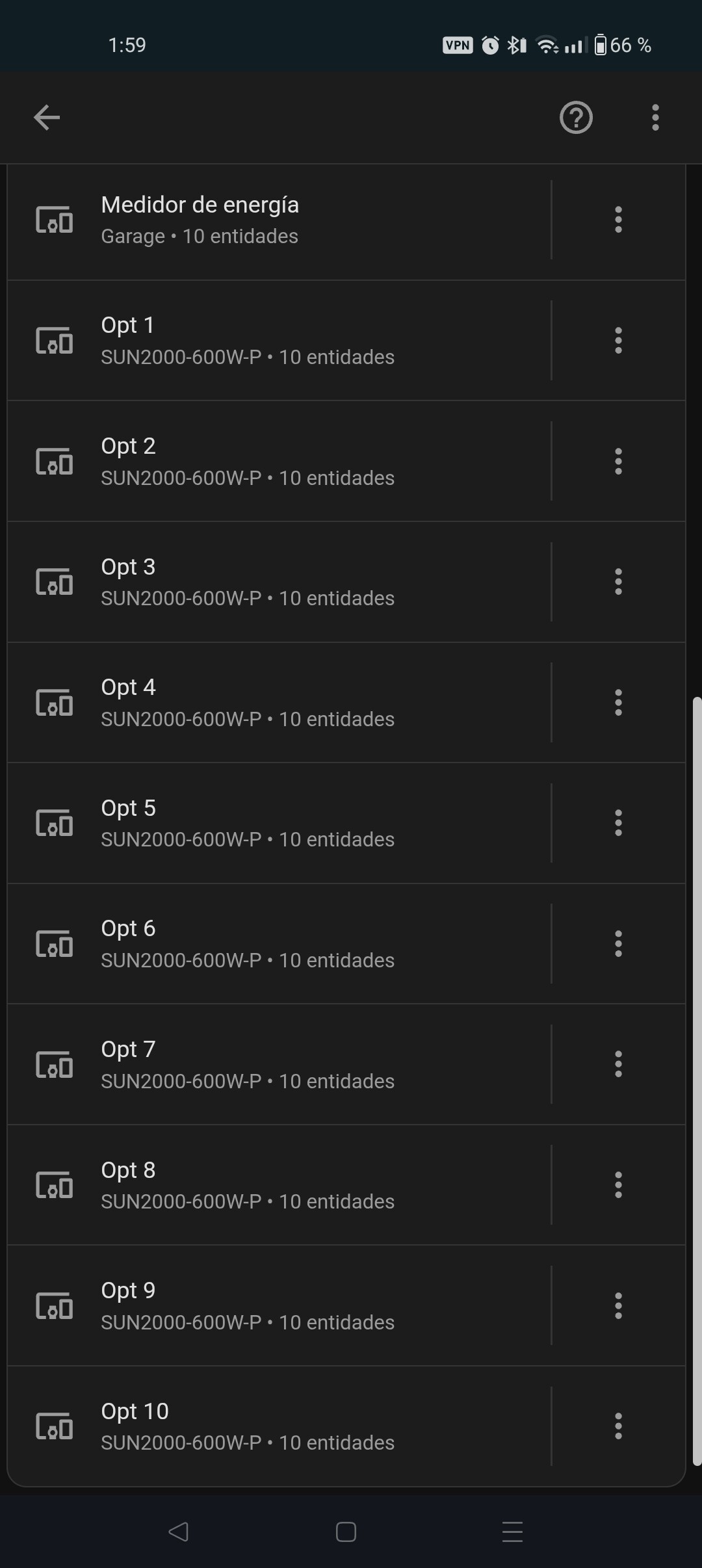
I guess Huawei optimizers only. I have 10 optimizers, they all show a lot of items, I’m trying to see how they behave through the day, with different shadows around, so I’m focused in ΔW (difference in watts) to see how they change depending on the time.
Some screenshots:
First off, huge thanks to everyone for the wealth of information shared in this thread! It has been invaluable in helping me connect my Home Assistant setup to my Huawei PV system via the Huawei Solar integration (using the installer password as said in the integration documentation and also in Huawei sun2000-5ktl-l1 inverter without dongle - #4 by luciandf).
For anyone else who’s struggling with the connection as I was, here’s a quick tip: I had to plug in a separate Wi-Fi interface to my Home Assistant instance and connect directly to the inverter’s hotspot as pointed out by @mabusdogma in Huawei sun2000-5ktl-l1 inverter without dongle - #26 by mabusdogma . Unfortunately, I couldn’t get it to work using the inverter’s IP on my local network. A bit of a setback, but at least it’s up and running now, and I can start pulling data from the system.
Now it’s time to dig deeper into automations based on solar production data. Excited to learn more!
Setup details:
Home Assistant running in a virtual machine originally with only a LAN interface passthrough and now with a Wi-Fi USB adapter passthrough too (TP-Link WN823N)
Huawei PV system:
Inverter: SUN2000-5KTL-L1
Battery: LUNA2000-5KW-C0
Dongle: SDongleA-05 (not used at all for connecting HA to the inverter, as said above)
Meter: (I’m not sure of the model—if anyone knows where to find this info, let me know!)
Hope this helps someone else facing similar challenges!
I’m adding this because I wasted plenty of my time on this. If you have a dongle and HA is not able to initialize the integration, remove it. My dongle (with ethernet cable) was configured, the inverter was correctly connected to the cloud, O&M was enabled, Modbus TCP enabled (unrestricted) and reachable at port 502. Despite this, HA was only able to initialize the connection, only to fail some seconds later.
Then I tried to connect the inverter to my Wi-Fi, but as long as the dongle was plugged into the inverter, the android app did not let me configure the Wi-Fi connection. Only after unplugging the dongle I was able to see the dropdown list with the available networks.
i don’t have a dongle. I have setup a raspberry pi closer to the inverter and I am going to use it as a bridge. I will have to see if this changes anything.
it is weird. ever since I connected the battery, the energy consumption is all wrong. it looks as if I consume a lot more from the grid now although the battery is only set to be charged from the panels.
 care to give more details about how you set it up?