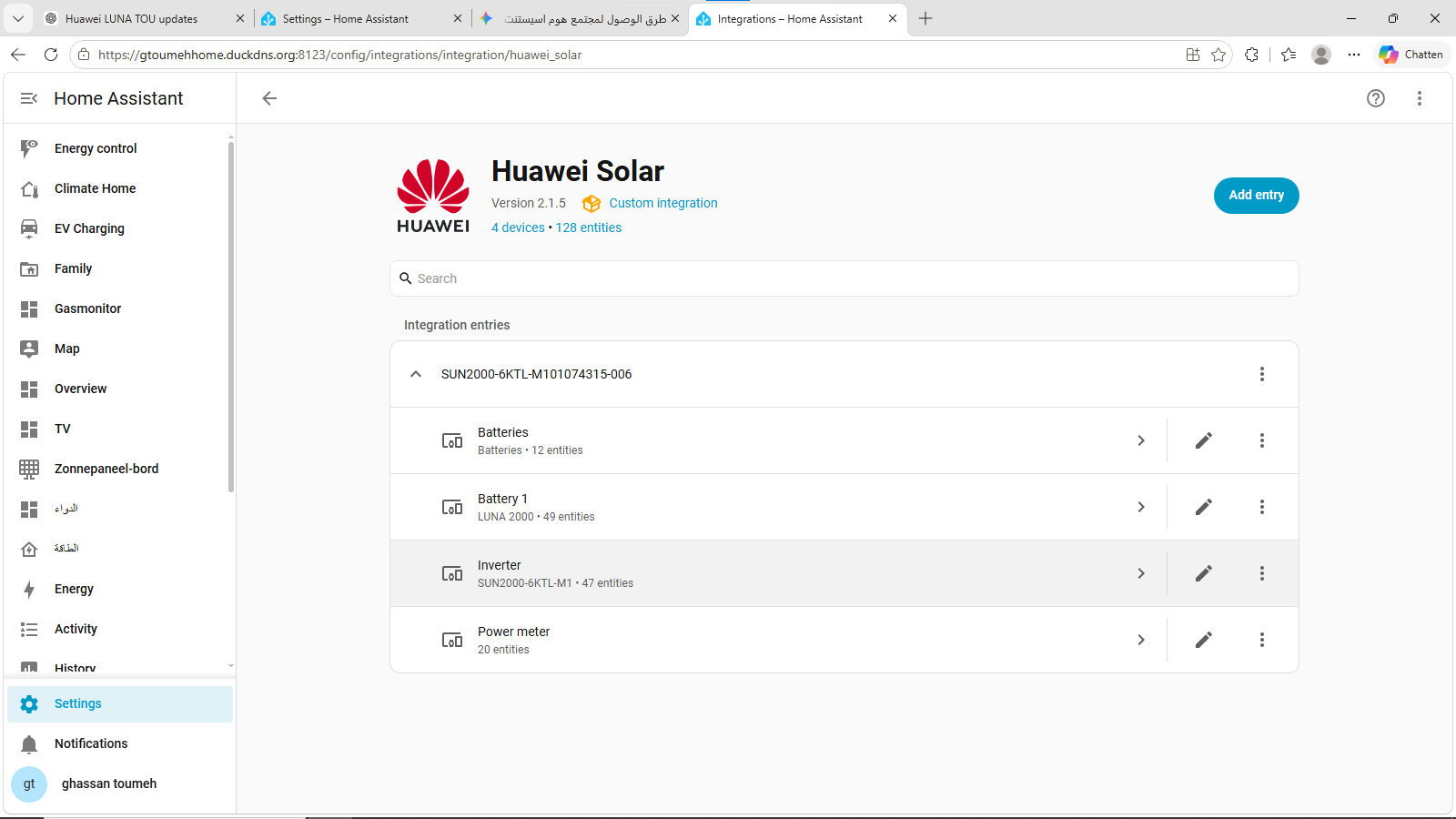
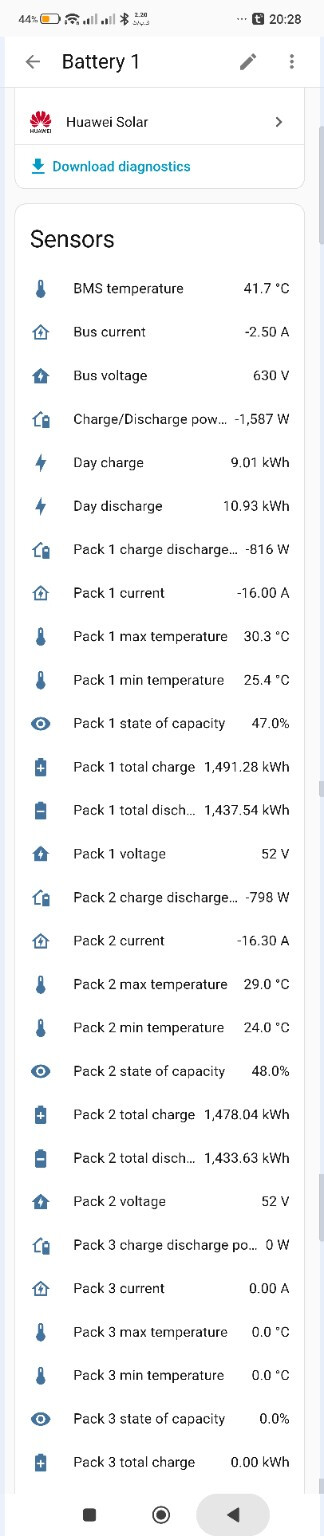
Home Assistant can successfully read the inverter and battery data, including SOC, charge/discharge power, pack values, temperatures, voltage, current, etc.
In FusionSolar, I can change the battery Working Mode to TOU (Time of Use) and configure charge/discharge periods.
For example, I can set:
08:00–22:00 → Discharge to load
Outside that period, the battery stops discharging to the house. This works correctly in FusionSolar and allows me to reserve battery energy during the night.
What I would like to achieve is the same control from Home Assistant.
Is there a supported or reliable way to:
change the battery Working Mode between Maximum Self-Consumption and TOU;
configure TOU charge/discharge periods;
temporarily stop battery discharge;
or change these settings through the Huawei Solar integration / Modbus TCP?
At the moment I can see the battery sensors in Home Assistant, but I do not see an obvious writable entity for these settings.
Has anyone successfully done this with a SUN2000-M1 + LUNA2000 + Smart Dongle?
If yes, does it require:
Elevate permissions;
installer credentials;
a Home Assistant action/service;
or specific Modbus registers?
I would prefer a supported/reliable method rather than raw register writes that may depend on firmware versions.
More in detail, I also have a SUN2000 + LUNA2000 + Smart Dongle setup, and use the 2 scripts below to switch between Peak Shaving for the day and either TOU or Forced Charge for the night, as part of my energy optimization setup (which has a very more scripts and variables at plan) – you should be able to adapt them to your setup.
alias: Set Battery to High Cost Time Range Configuration
description: ''
triggers:
  - trigger: time
    at: '06:56:00'
conditions: []
actions:
  - action: huawei_solar.stop_forcible_charge
    metadata: {}
    data:
      device_id: 0886083e26925dc07a86848e8f862e3d
  - action: number.set_value
    metadata: {}
    target:
      entity_id: number.pv_inverter_grid_charge_cutoff_soc
    data:
      value: '100'
  - action: number.set_value
    metadata: {}
    target:
      entity_id: number.pv_battery_pack_peak_shaving_soc
    data:
      value: '10'
  - action: select.select_option
    metadata: {}
    target:
      entity_id: select.pv_battery_pack_working_mode
    data:
      option: maximise_self_consumption
mode: single
Hi Ezio,
thank you very much for your detailed reply and for sharing your scripts. This is very helpful for me and gives me a much clearer idea of how to control the LUNA2000 working mode from Home Assistant. I really appreciate your help and the time you took to explain it. Thanks again!