Hey everyone,
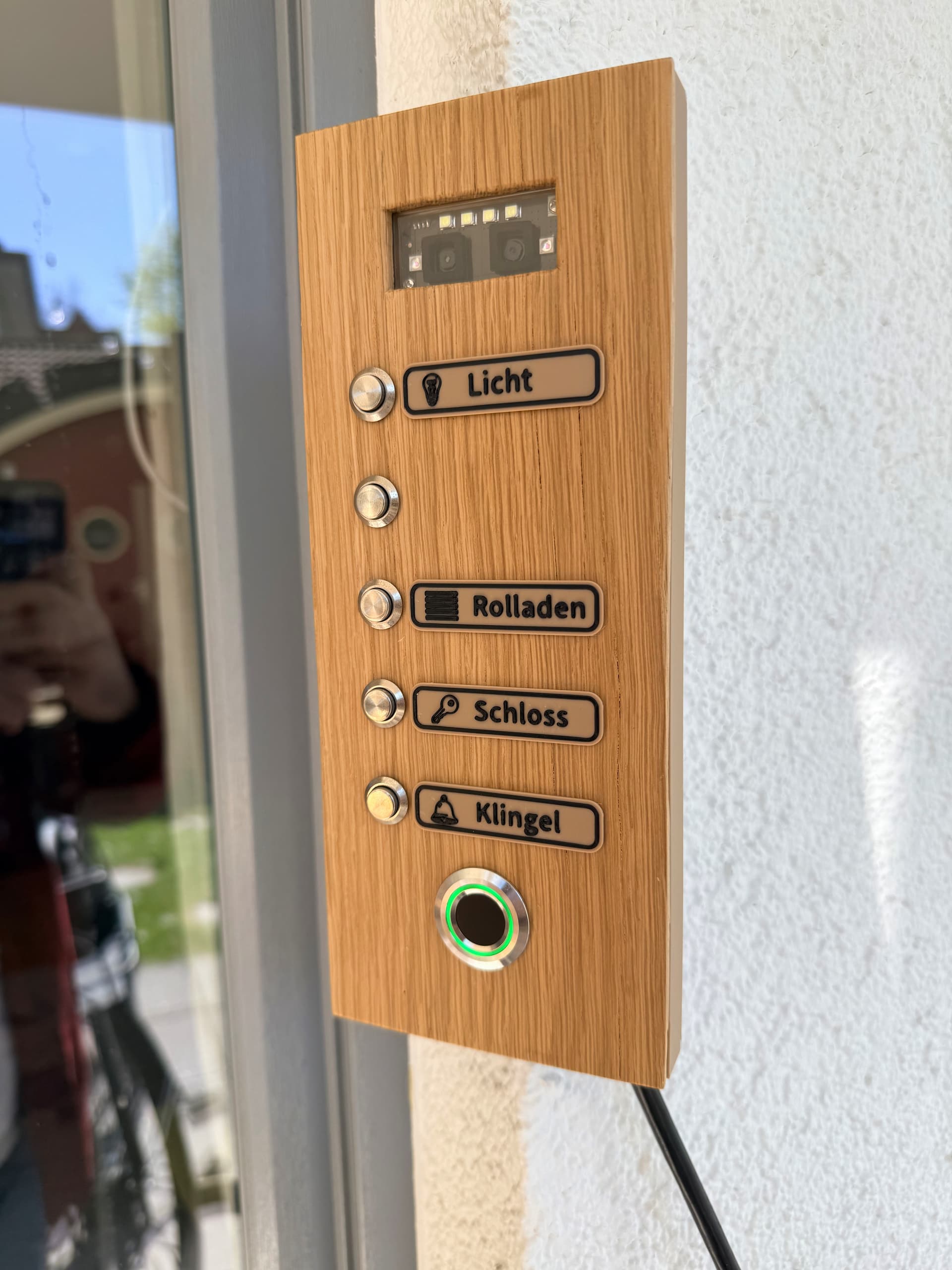
I’ve built a lot of ESPHome projects over the years, but this is by far the one I’m most proud of. I live on the ground floor and constantly use my patio door to enter my apartment, especially when coming home on my bike. I have a smart window handle from Siegenia on that door, so I needed a smart way to authorize myself from the outside.
The Backstory (V1) About 1.5 years ago, I built a basic ESPHome access panel (D1 Mini, R503 fingerprint sensor, 5 buttons). Scanning my finger authorized the buttons for 20 seconds so I could unlock the door and toggle the outside lights. It worked well, but the D1 Mini’s Wi-Fi connection started getting flaky. I wanted to upgrade to a PoE ESP32, but it simply didn’t fit into my old wooden enclosure.
While looking for parts earlier this year, I stumbled across a Mellow Labs video featuring a DFRobot gesture sensor. To justify the high shipping costs to Germany, I browsed their site and found the SEN0677 AI Vision Sensor, which supports 3D Face Recognition and Hand Vein Recognition! I ordered it immediately.
The catch? It had zero ESPHome support. So, I sat down and wrote a custom ESPHome component for it (with some help from Claude!).  Here is the GitHub Repo for the esphome-dfrobot-ai10 component
The Hardware (V2) Since I had this awesome new sensor, I designed a completely new panel from scratch:
-
The Case: Two 3D-printed parts that slide into each other on the wall. This makes maintenance super easy while the overlapping design keeps it highly water-resistant.
-
The Glass: I used a standard microscope slide as the glass cover for the AI vision sensor. Cheap, perfectly clear, and fits exactly!
-
The Faceplate: A 5mm solid oak board for clean look.
-
The Brains: An ESP32 with PoE (W5500 ethernet).
-
The Inputs: The SEN0677 face recognition sensor, 5 physical buttons, and a fingerprint sensor (which also acts as a breathing status LED).
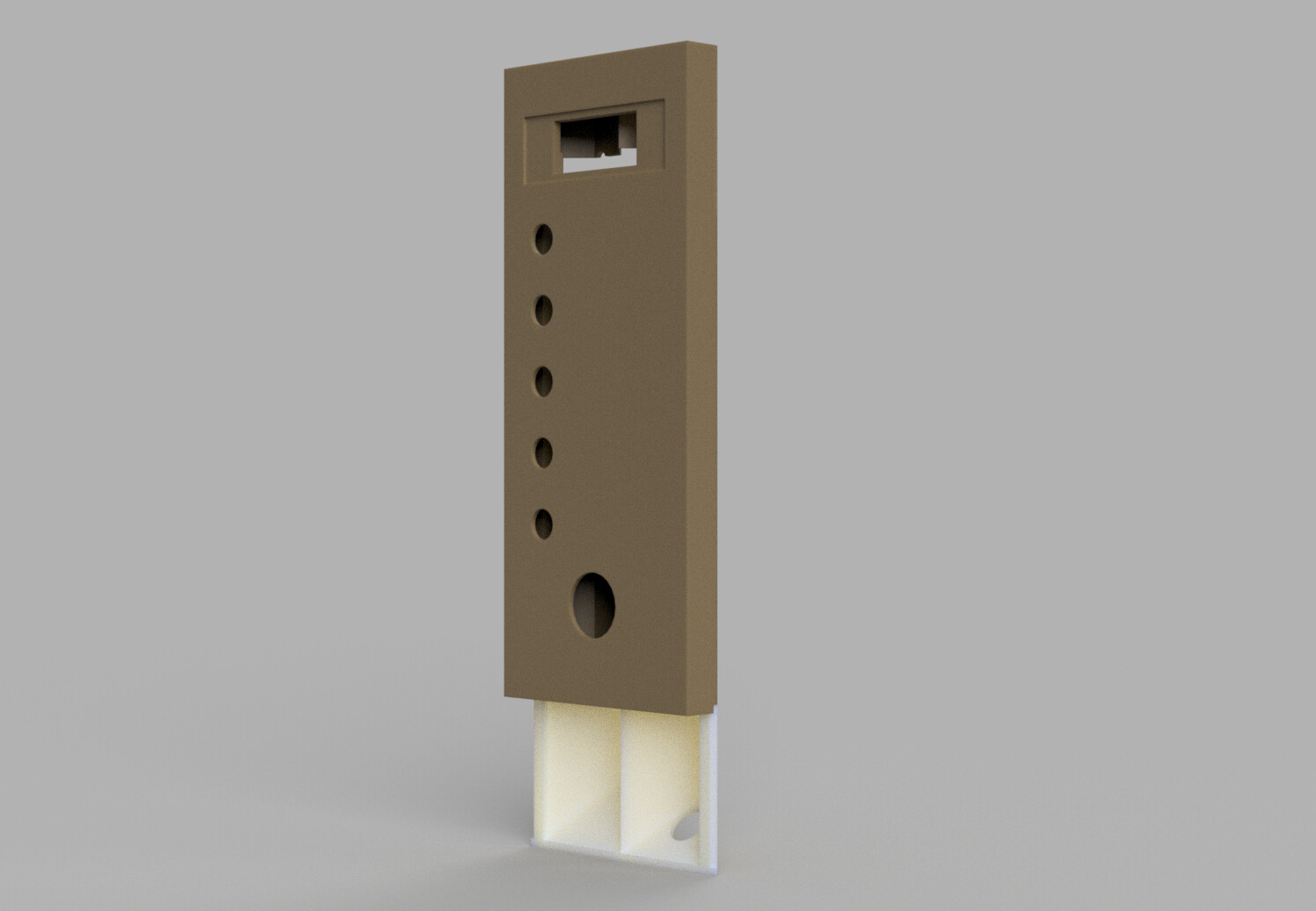
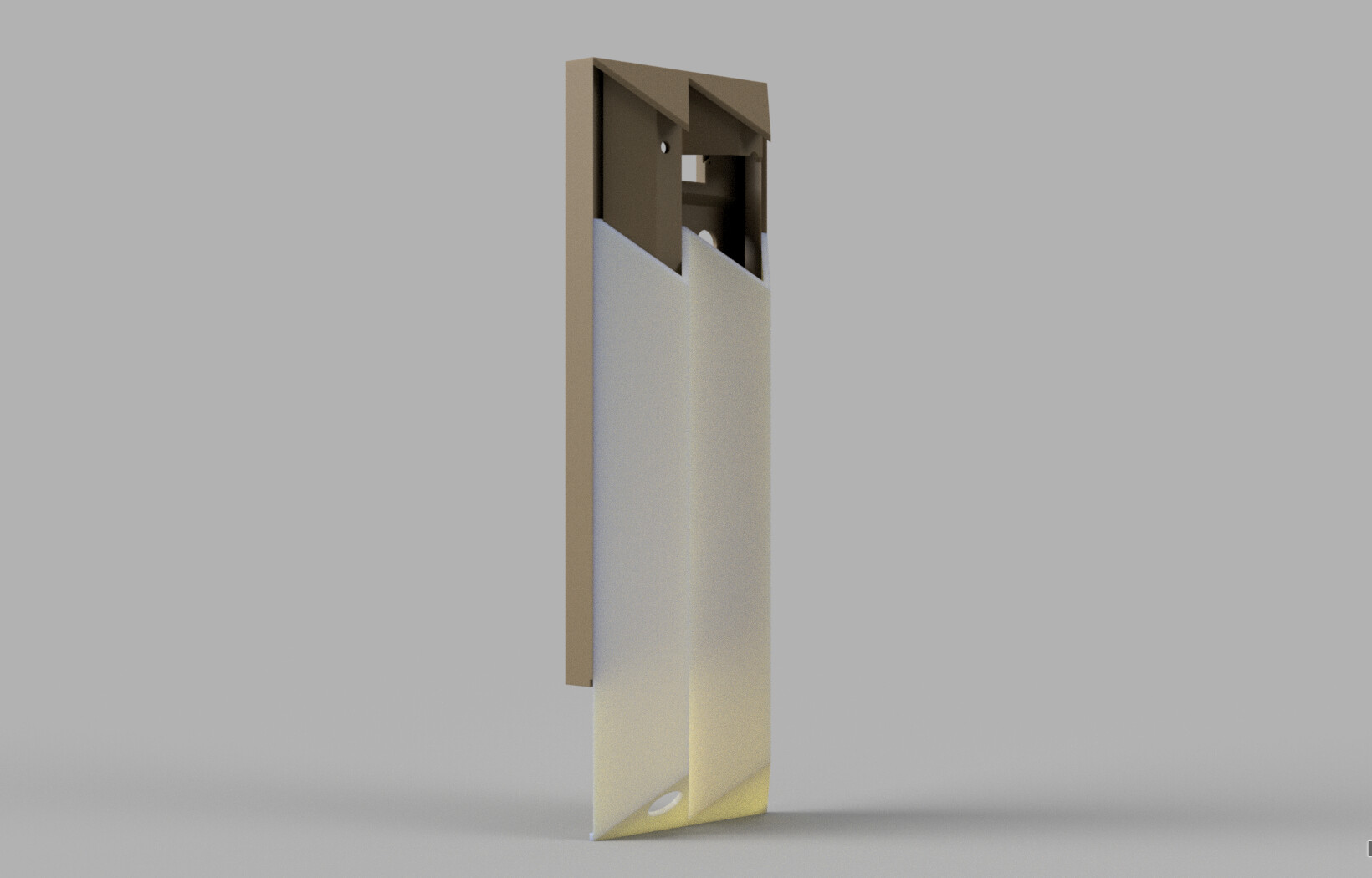
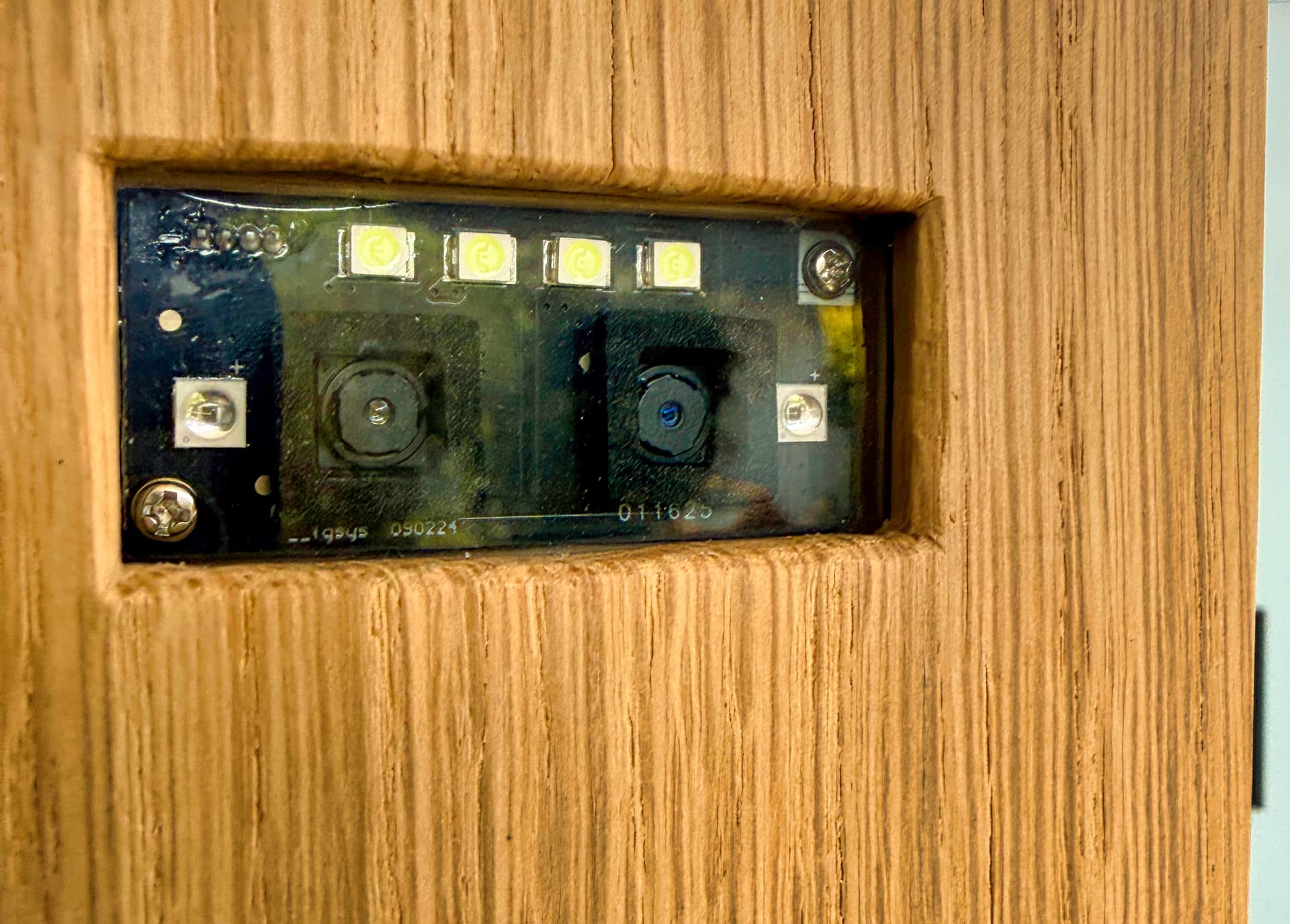
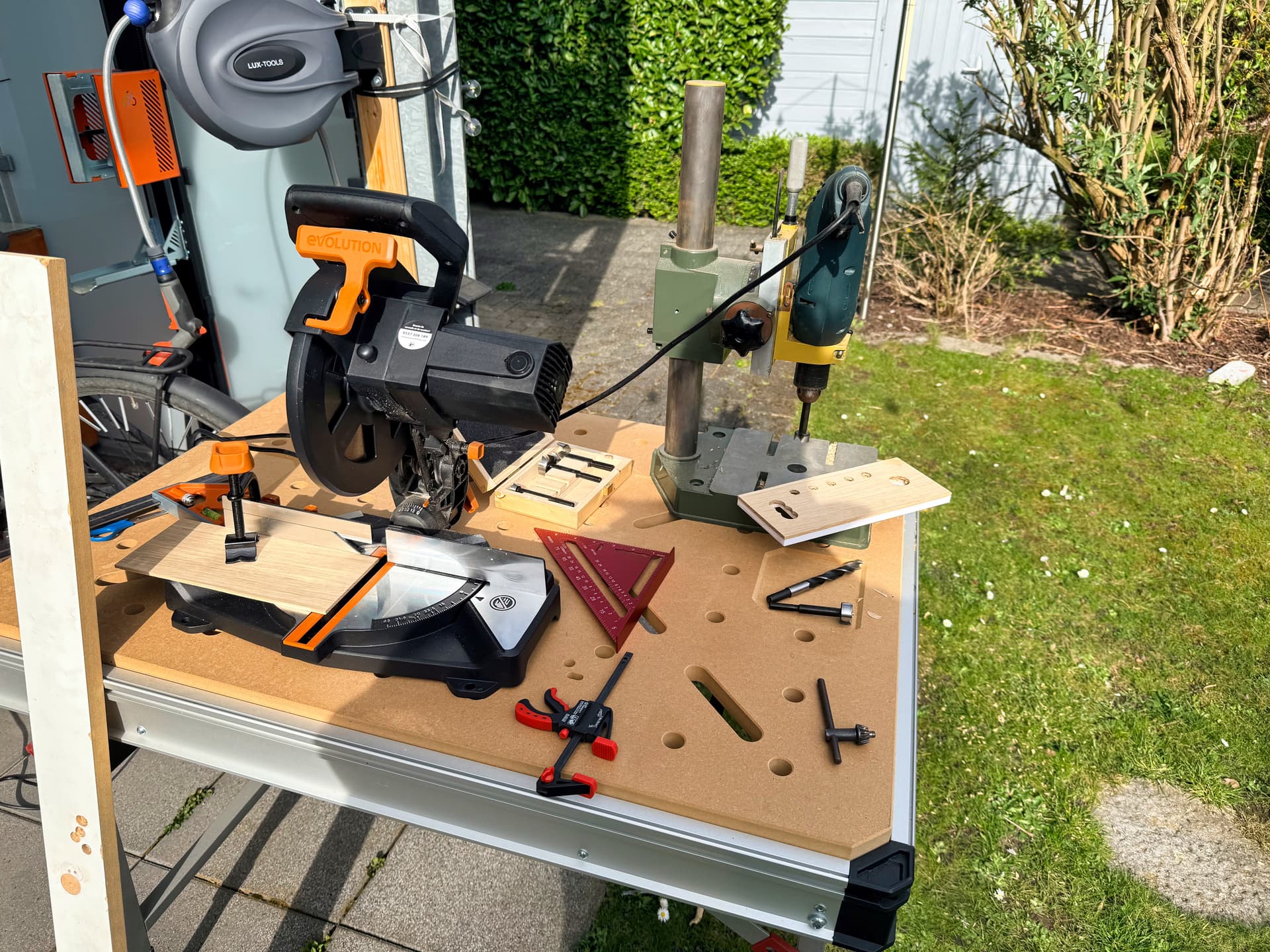
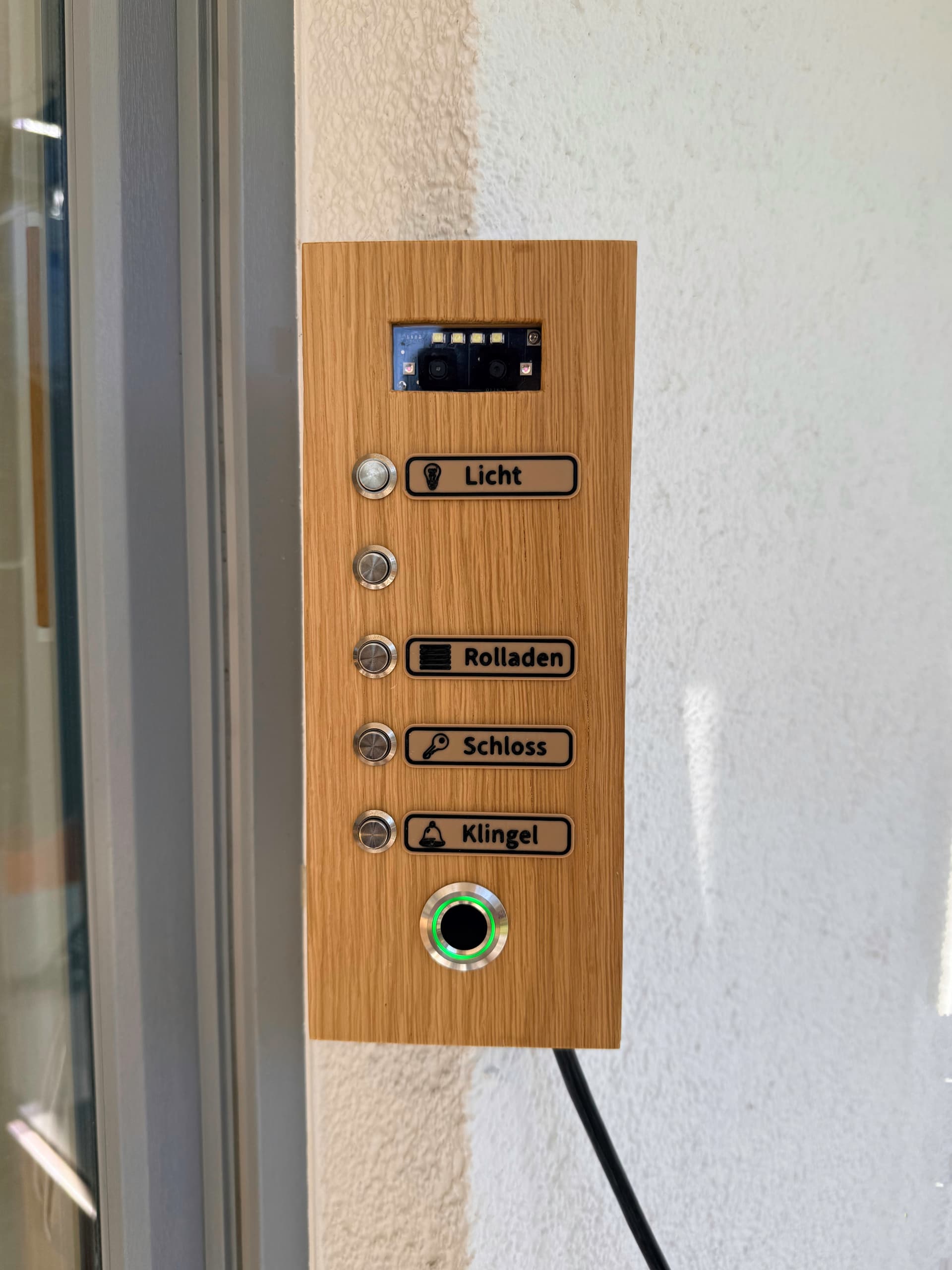
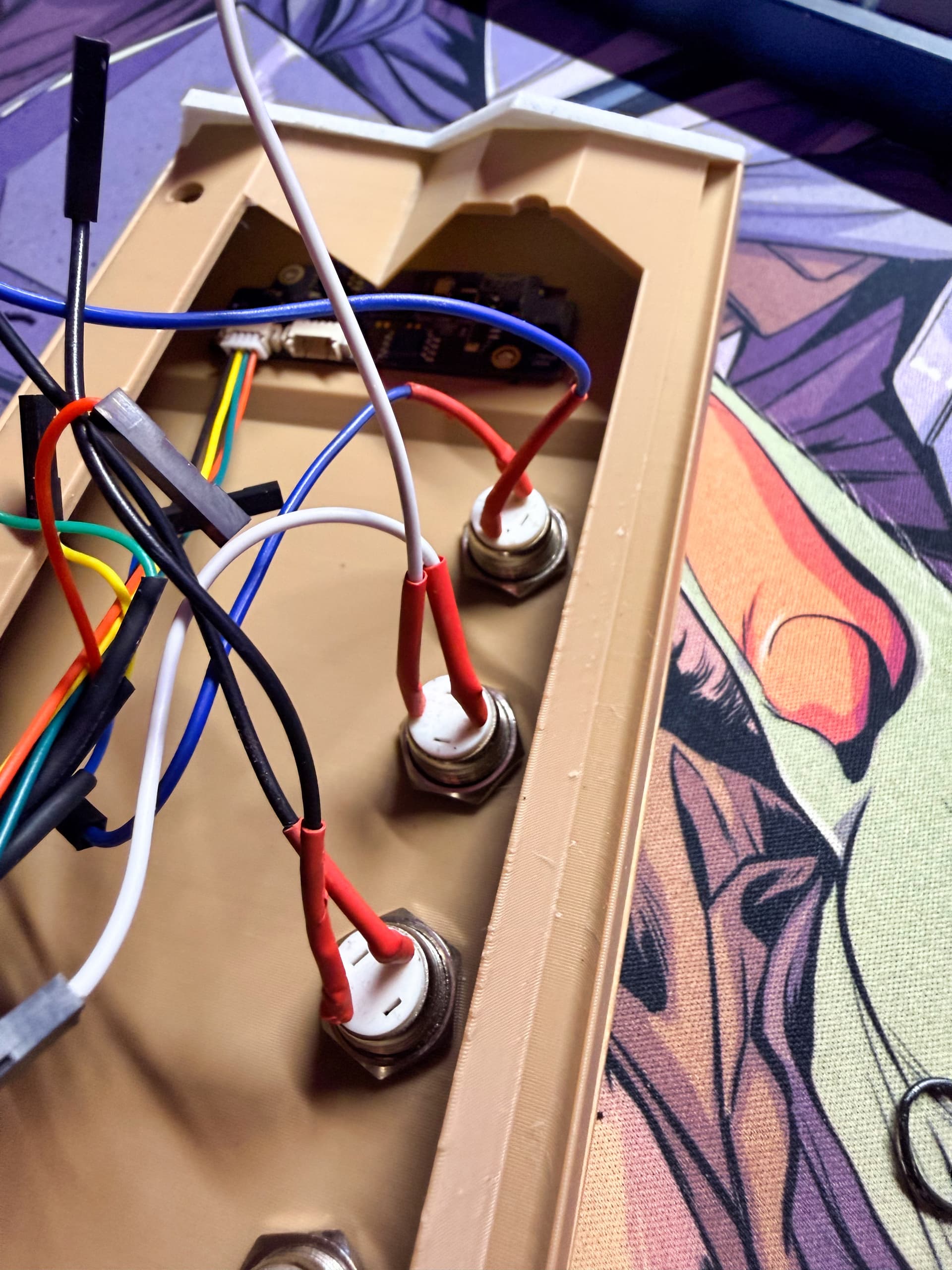
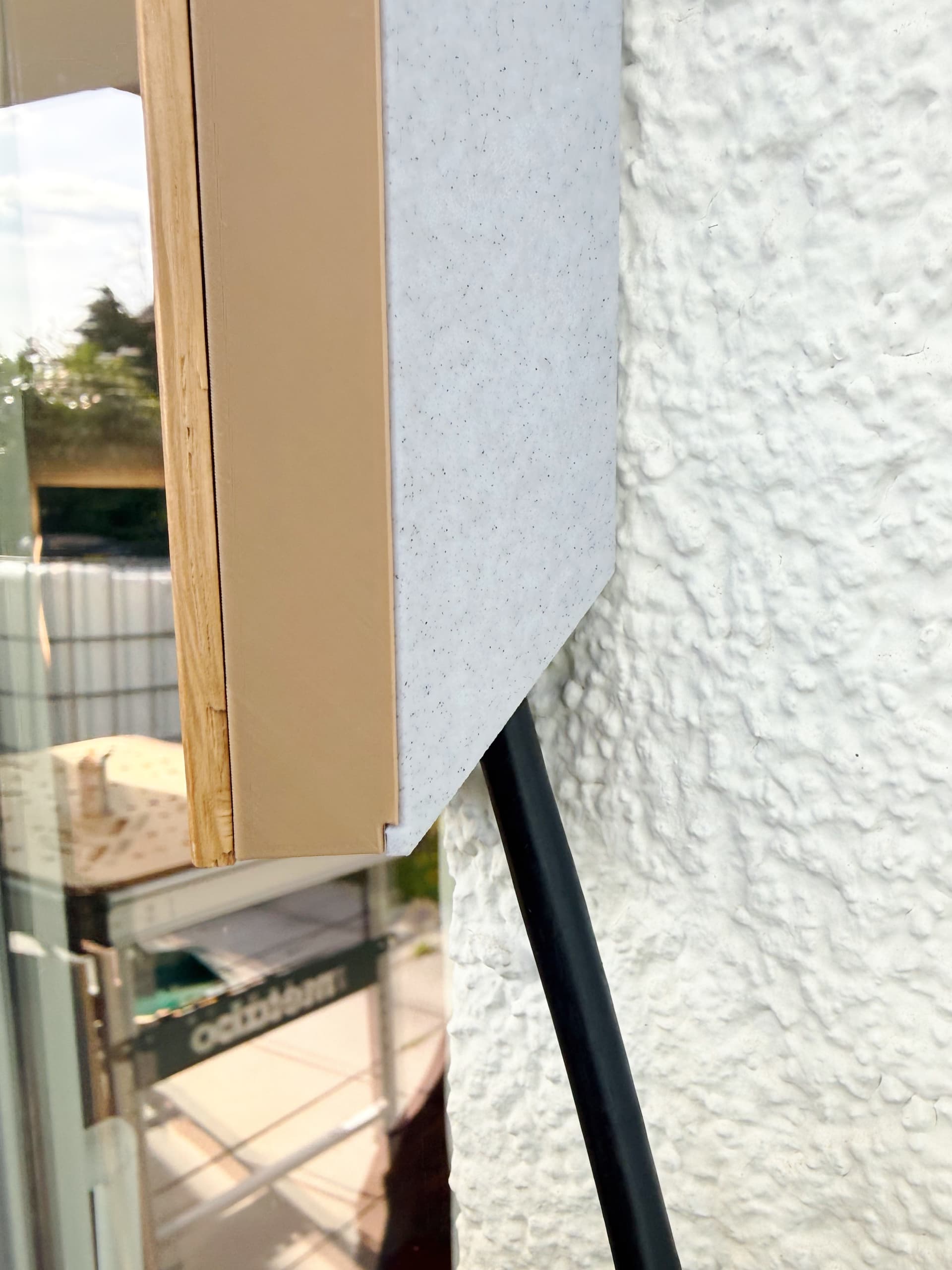
How it works in daily life (vs. SwitchBot): It works flawlessly. To save power and avoid unnecessary scans, the Face Recognition only triggers when motion is detected on the patio. Once it recognizes my face (or a valid fingerprint), the LED ring turns green, and it authorizes the local buttons to control the smart handle and the lights.
Fun fact: I actually also own a SwitchBot Ultra with the Keypad Vision, and the recognition on my custom DIY panel is significantly faster (almost instant) and generally more reliable! I can’t really speak to the hardcore security/encryption differences between the two since I don’t have the tools to test that, but I’ve been running this custom setup for a month now. I’ve had friends and family test it extensively, and so far, there have been zero false positives or hiccups.
Here is a snippet of my ESPHome YAML showing the implementation of the custom AI sensor, fingerprint logic, and the PoE config (I’ll put the full config in the comments if anyone wants to build this!):
# Using my custom component for the AI Vision Sensor
external_components:
  - source:
      type: git
      url: https://github.com/BobMcGlobus/esphome-dfrobot-ai10
      ref: main
    components: [dfrobot_ai10]

dfrobot_ai10:
  id: ai10_sensor
  uart_id: uart_ai10

  # Trigger for Face/Palm Auth
  on_recognized:
    then:
      - lambda: |-
          if (id(ai_recognized_user).state != name)
            id(ai_recognized_user).publish_state(name);
          auto type = id(ai10_sensor)->get_last_type();
          std::string type_str = (type == esphome::dfrobot_ai10::TYPE_PALM) ? "palm" : "face";
          id(auth_method).publish_state(name + " (" + type_str + ")");
      - script.execute: authorize_access

  # Also supports QR Codes for guest access!
  on_qr_scanned:
    then:
      - lambda: |-
          if (id(ai_qr_code).state != qr_data)
             id(ai_qr_code).publish_state(qr_data);
I’m super happy with how this turned out. It’s incredibly reliable and makes getting into the house with a bike so much easier. Let me know if you have any questions about the custom component or the build!

