Hi,
I am new to Home Assistant and coding just for hooby as an amateur.
My tuya thermostat return 2 paramater for hvac_mode: Off and Heat/Cool
When I look at the service which can be called I can see Heat and Cool parameters.
How can I get these and add as new icon to the bootom of the card. I am using this template:
Serivce page:
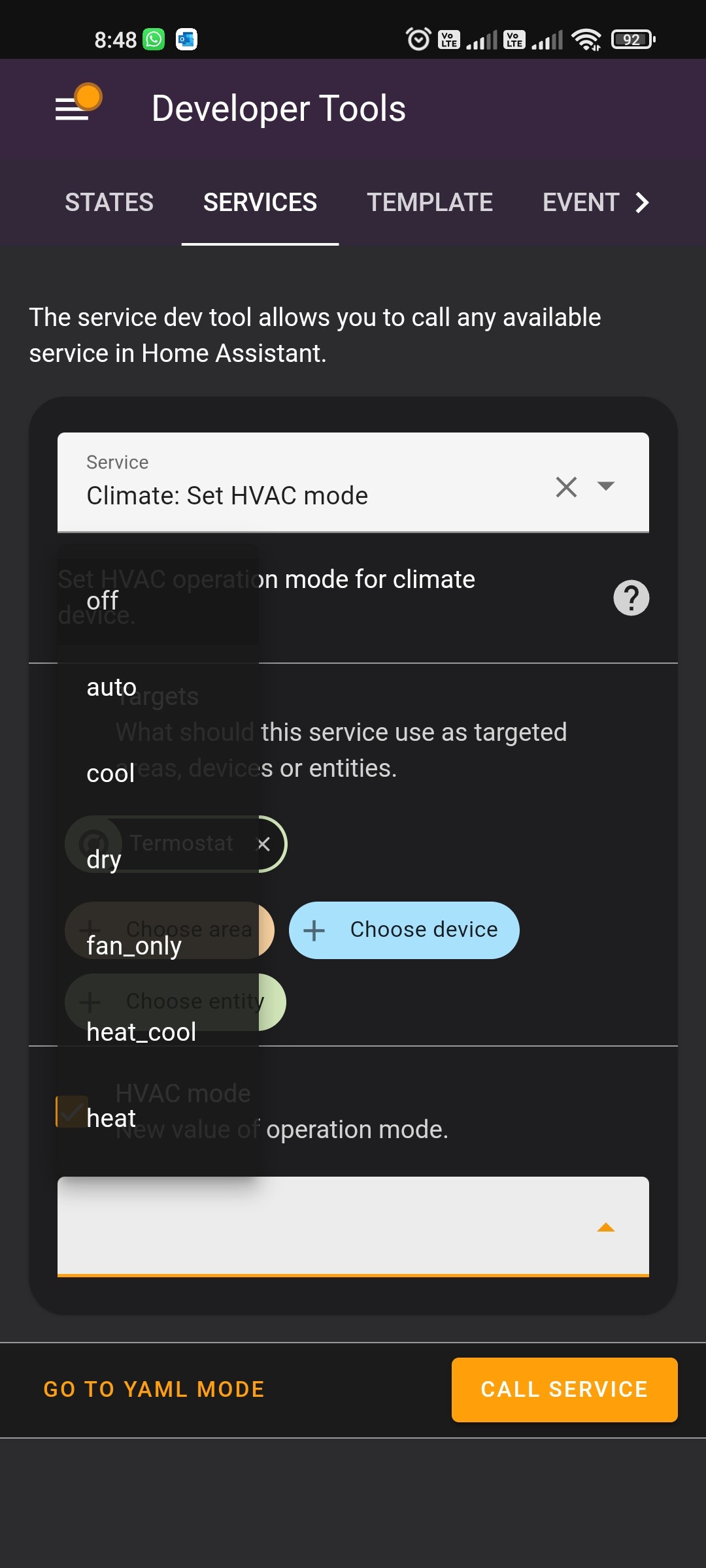
service: climate.set_hvac_mode
data:
hvac_mode: heat
target:
entity_id: climate.termostat
My code:
type: grid
cards:
  - type: custom:simple-thermostat
    entity: climate.termostat
    header:
      name: Termostat
      toggle:
        entity: switch.child_lock
        name: Lock
    icon:
      auto: mdi:radiator
      cooling: mdi:snowflake
      heating: mdi:radiator
      idle: mdi:radiator-disabled
      'off': mdi:radiator-off
      cool: hass:snowflake
      heat: hass:fire
      heat_cool: hass:power
      'on': hass:power
    layout:
      step: column
      mode:
        names: true
        icons: true
        headings: false
    unit: null
    decimals: 1
    step_size: 0.5
    label:
      temperature: Room
      state: State
    hide:
      temperature: true
      state: true
    sensors:
      - entity: sensor.temperature
        name: Temperature
      - entity: sensor.humidity
        name: Humidity
    control:
      hvac:
        hvac_mode: true
        'off':
          name: On/off
          icon: mdi:lightbulb
        heat_cool:
          name: 'On'
          icon: mdi:power-standby
        heat:
          service: climate.set_hvac_mode
          data:
            hvac_mode: heat
          target:
            entity_id: climate.termostat
        cool:
          service: climate.set_hvac_mode
          data:
            hvac_mode: cool
          target:
            entity_id: climate.termostat