Sorry, I’m a nooby here, I just bought a HA green and ZBT-2 and a few matter devices (some ikea, sonoff and aqara.) I’ve tried first with a ikea hub before HA and was not satisfied. Now I installed HA, and tried to restart everthing.
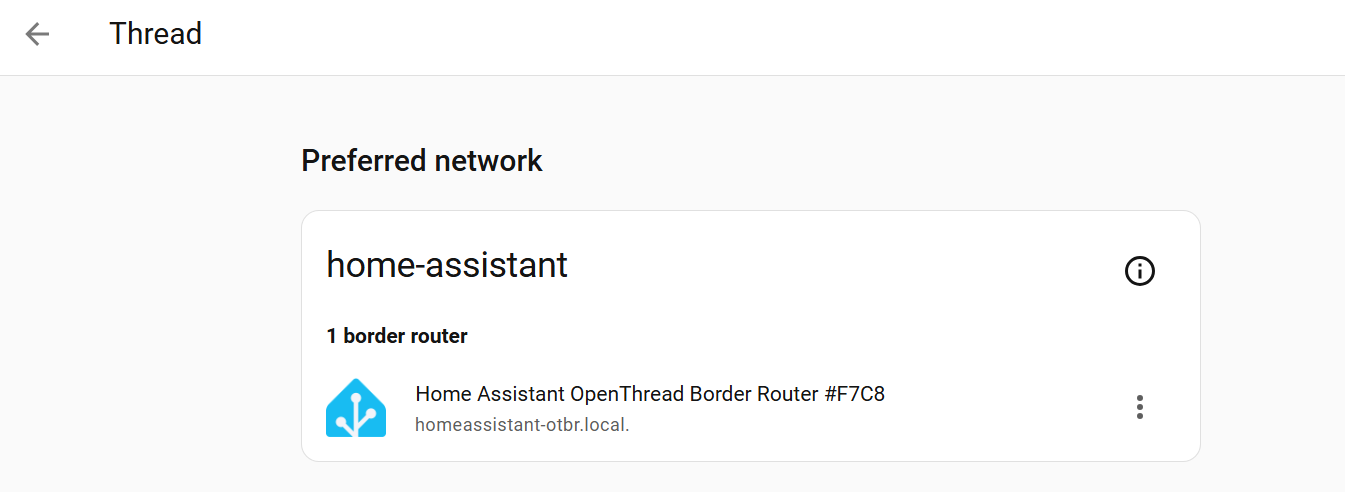
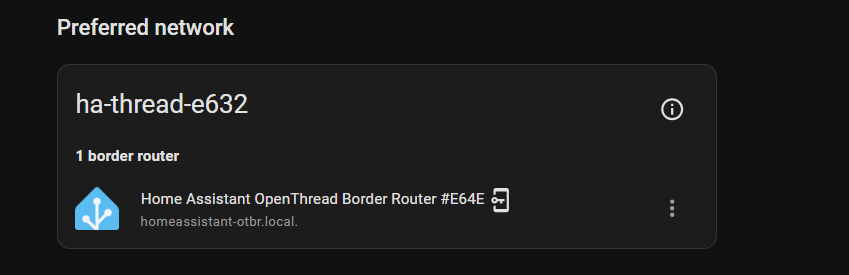
I have a Thread network showing up, I have installed all integrations (matter, thread, matter server).
Now when I try to sync with my android phone, I still get the old network of ikea , although it was deleted in HA and ikea app, from ChatGPT it says my android still kept the credentials.
i then try anothe android phone, installet HA, and got a message saying that there is not border router. Although everything seems fine in HA.
Then I tried to download a Thread Tools app and I got " No credentials found in your shared keychain" but it sees by HA thread network.
FYI: I’m an electronics engineed new to HA. I’m tried multiple restarts, deletes, etc.. lost 4 hours over this. I’m ondereing if I should go back to the Ikea as a boarder router and forget about the ZBT-2
Thanks but nothing changed. I did activate ipv6 as proposed in this thread. But I will not buy a BLE dongle just for this. Honestly I’m very disappointed after spending so much on the HA green + the ZBT-2 for such experience…
You don’t need an extra dongle. That’s only necessary for the direct pairing approach without phone. But i guess you have ro do some more troubleshooting. The ZBT-2 is rockstable for Matter over Thread. Have a look at your WiFi/LAN Setup: ipv6 and mdns should be forwarded throughout the whole chain: HA Green-LAN-Router/Wifi-Phone. Even some faulty configured LAN-Switch in between can break the pairing process.
To get rid of the “wrong credentials” in your android phone you have to uninstall the google home app (reinstall later if you want) and most important you have to clear the cache of Google Play Services AND DELETE the data of Google Play Services! Otherwise your Android phone wont save the new Thread Credentials from your Companion App and but keeps the credentials of your old system.
Then go to the Companion App/Troubleshooting/Synchronise Thread credentials (when you do it twice the second pop up should say something like " Home Assistant and your phone are in the same network", or so).
Only then you are sure that the credentials sent from your phone are correct. It’s not sufficient if the pop up only says something like credentials are synchronised or something similar. Do it twice.
Unfortunately you might have to add your credit card(s) to your Google Wallet again (if you are using it) because they are stored in the play services data. Regular Customer Cards data is not affected interestingly.
But it is the only way to clear the Thread credentials in your Android phone.
Good luck!
Again: clearing the play services cache is NOT sufficient! You have to delete the data as well!
Thank you for the help!
It works now, even if I don’t really know what I did exactly to solve the issue.
I did activate ipv6 in HA (not great experience, had to install terminal for that, why there is no button for that in the network UI).
Then I added as preferred device in my router (only option I had).
Then I deleted all data from Services Google play (thankfully I did not use so many google features, I could resync my phone easily ) (I think that this was mainly the issue, I think it was keeping “alive” the credentials of my old network) then I could no longer user matter. I changed for my wife’s phone (which was new to matter network).
Then restarted a bunch of times everything.
I synced credentials in the companion app menu , troubleshooting. (on both phones)
Then after a while suddenly I could finally pair something using still my wife’s phone.
My phone said Matter is not available, according to the HA help, it needs 24h to reinstall. I will check it tonight.
WHAT A PAIN!!! I spent in total probably 10 hours in this whole process. I really appreciate the community help ! I will start the adventure of connecting everything in my home (don’t know why yet but I will )
If your wifes phone worked, then it is a sign that the ipv6 activation was missing in the first place. As long as the synchronisation of Thread credentials on your own phone (Troubleshooting Companion-App) doesn’t come up with “Your phone and Home Assistant are in the same network” , pairing with your phone won’t work.
Then you have to clear the play services data again and resync the credentials in the Companion-App instantly afterwards before google tries to restore your old credentials from its own cloud.
Yeah the first setup of Matter over Thread in HA can be a pain in the a… but once it works, it should get better. !-)

 ) (I think that this was mainly the issue, I think it was keeping “alive” the credentials of my old network) then I could no longer user matter. I changed for my wife’s phone (which was new to matter network).
 )
)