Aimero
February 11, 2026, 10:50am
1
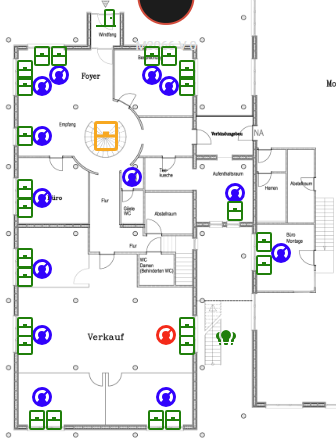
Hi there, I want to change the color in the overview depending if the TRVs are Heating, Idle or off.
Currently I have this configured, but it doesn’t differenciate between idle and off
         - type: state-icon
            entity: climate.it_thermostat
            style:
              top: 85.2%
              left: 9.7%
              "--state-climate-off-color": blue
              "--state-climate-idle-color": green
              "--state-climate-heat-color": red
Do you have suggestions or solutions how to solve this?
You probably meant a Picture elements card.
type: picture-elements
elements:
  - type: state-icon
    entity: climate.ecobee
    style:
      top: 10%
      left: 50%
      "--state-climate-off-color": blue
      "--state-climate-idle-color": green
      "--state-climate-heat_cool-color": red
image: https://demo.home-assistant.io/stub_config/floorplan.png
(heat_cool - because this is one of possible modes of the device)
Please next time post a code accorgingly to forum rules, currently it is unformatted & cannot be analysed.
Aimero
February 12, 2026, 12:24pm
3
Sorry, I forgot the code element.
Oh yeah, right. Picture elements.
I did exactly what you posted. It’s the same.
But there is no difference between idle and off. In both states the icon remains blue (in my example).
heat (red) works though
Open your climate entity in Dev tools → State & see what modes does it support.
Aimero
February 12, 2026, 12:33pm
5
hvac_modes:
  - "off"
  - auto
  - heat
min_temp: 4
max_temp: 35
target_temp_step: 0.5
current_temperature: 22.9
temperature: 22
hvac_action: idle
friendly_name: Service Thermostat
supported_features: 385
it has a hvac action “idle”
So I guess it is not possible?
It is a Sonoff TRVZB
Aimero:
hvac_action
I honestly do not know a meaning of this property.
Aimero
February 12, 2026, 1:10pm
7
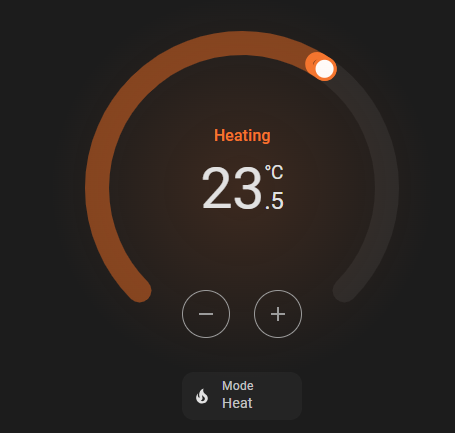
the HVAC mode can be Auto, Heat, or off.
when heating it looks like this:
I see. not having myself HVAC, so asking.
Aimero
February 12, 2026, 1:31pm
9
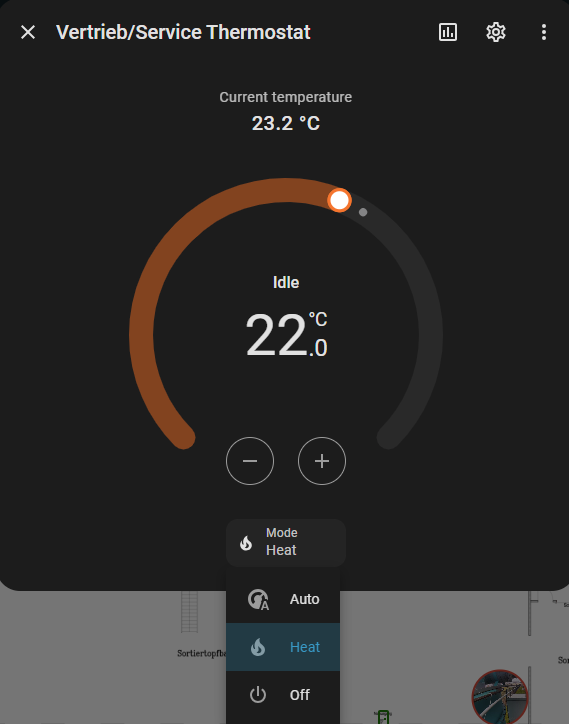
This is IDLE
hvac_modes:
  - "off"
  - auto
  - heat
min_temp: 4
max_temp: 35
target_temp_step: 0.5
current_temperature: 23.4
temperature: 22
hvac_action: idle
friendly_name: "Vertrieb/IT Thermostat "
supported_features: 385
This is heating
hvac_modes:
  - "off"
  - auto
  - heat
min_temp: 4
max_temp: 35
target_temp_step: 0.5
current_temperature: 23.3
temperature: 24
hvac_action: heating
friendly_name: "Vertrieb/IT Thermostat "
supported_features: 385
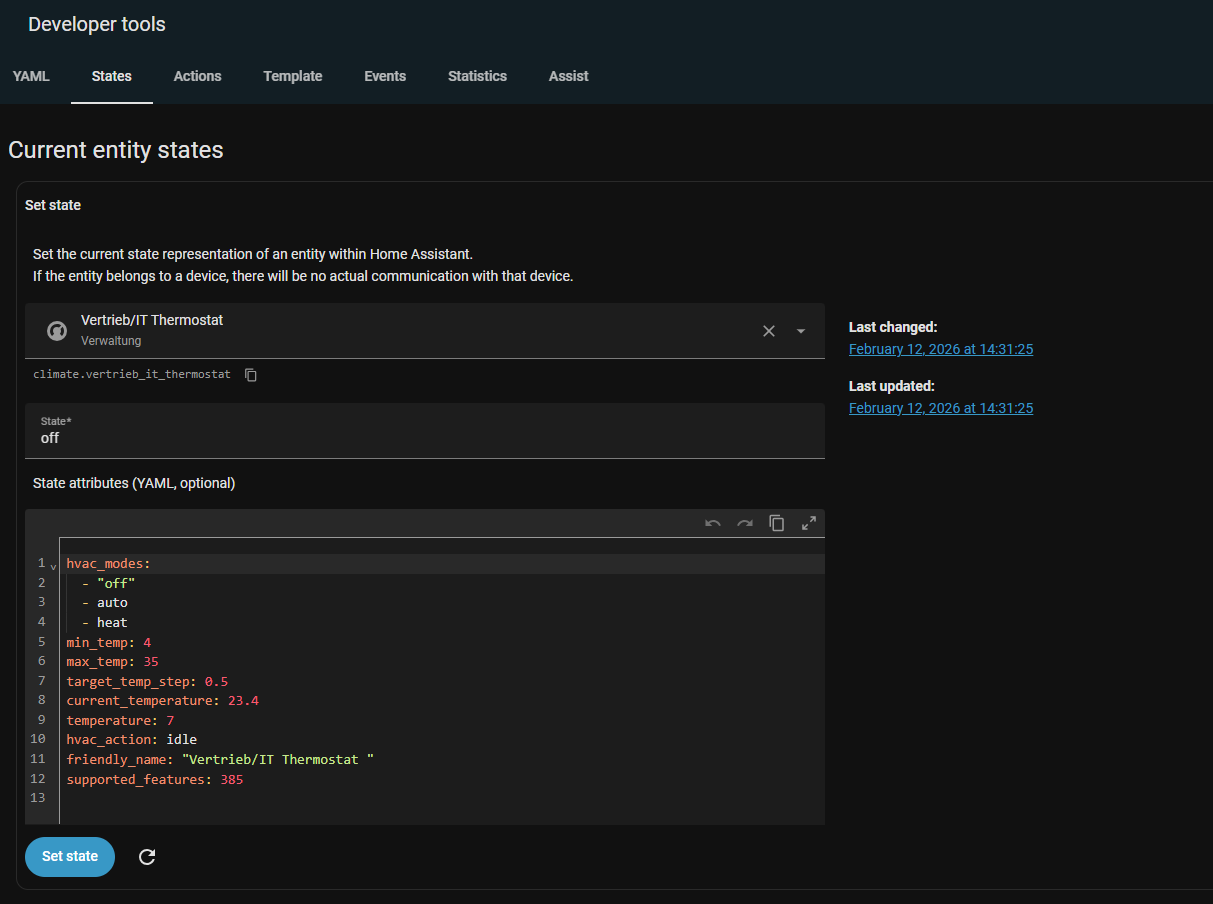
This is off
hvac_modes:
  - "off"
  - auto
  - heat
min_temp: 4
max_temp: 35
target_temp_step: 0.5
current_temperature: 23.4
temperature: 7
hvac_action: idle
friendly_name: "Vertrieb/IT Thermostat "
supported_features: 385
You are showing attributes, but what a state is?
Aimero
February 12, 2026, 1:35pm
11
Well, this is what it shows or am I looking at the wrong place?
Exactly what is needed.
To style a color of an icon in Picture elements card, check this way:
Aimero
February 12, 2026, 1:58pm
13
Cool thanks! I’ll try that
Note that you need to change a color ONLY when the attribute “hvac_action = idle”, otherwise default “out-of-box” color should be applied.