Is there a way to preview images directly within Visual Studio Code Server for Home Assistant?
I have tried a few extensions, but none of them seem to work.
No replies yet! Does that mean it’s not possible, or just so easy that no one bothered to answer? 
It means no one understands the question.
I have never used VS Code Server. (I tried CS, but writing code with a text editor is how I started in programming and I still prefer it over an IDE). Yes, I’m that old.
Next, preview what? Your question is nebulous (a fancy word for unclear).
Thanks for clarifying!
By preview , I meant being able to click on an image file in the left sidebar of Visual Studio Code Server (inside Home Assistant) and have it display the image on the right side. Similar to how Visual Studio Code normally shows image previews.
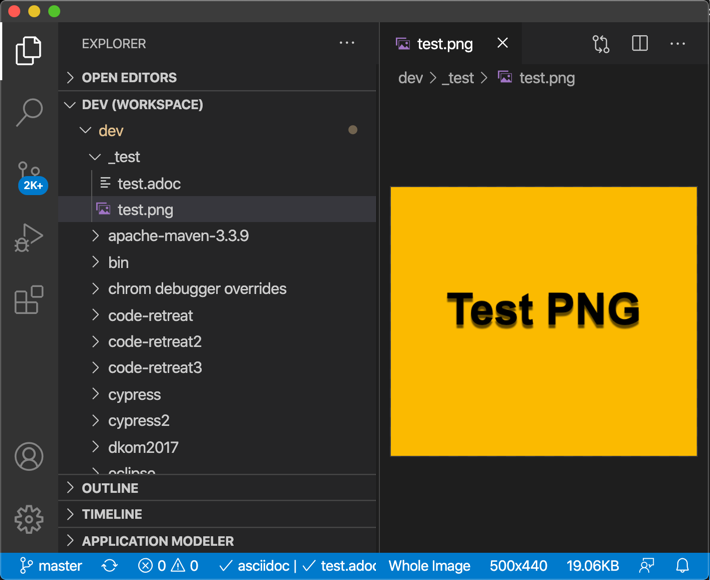
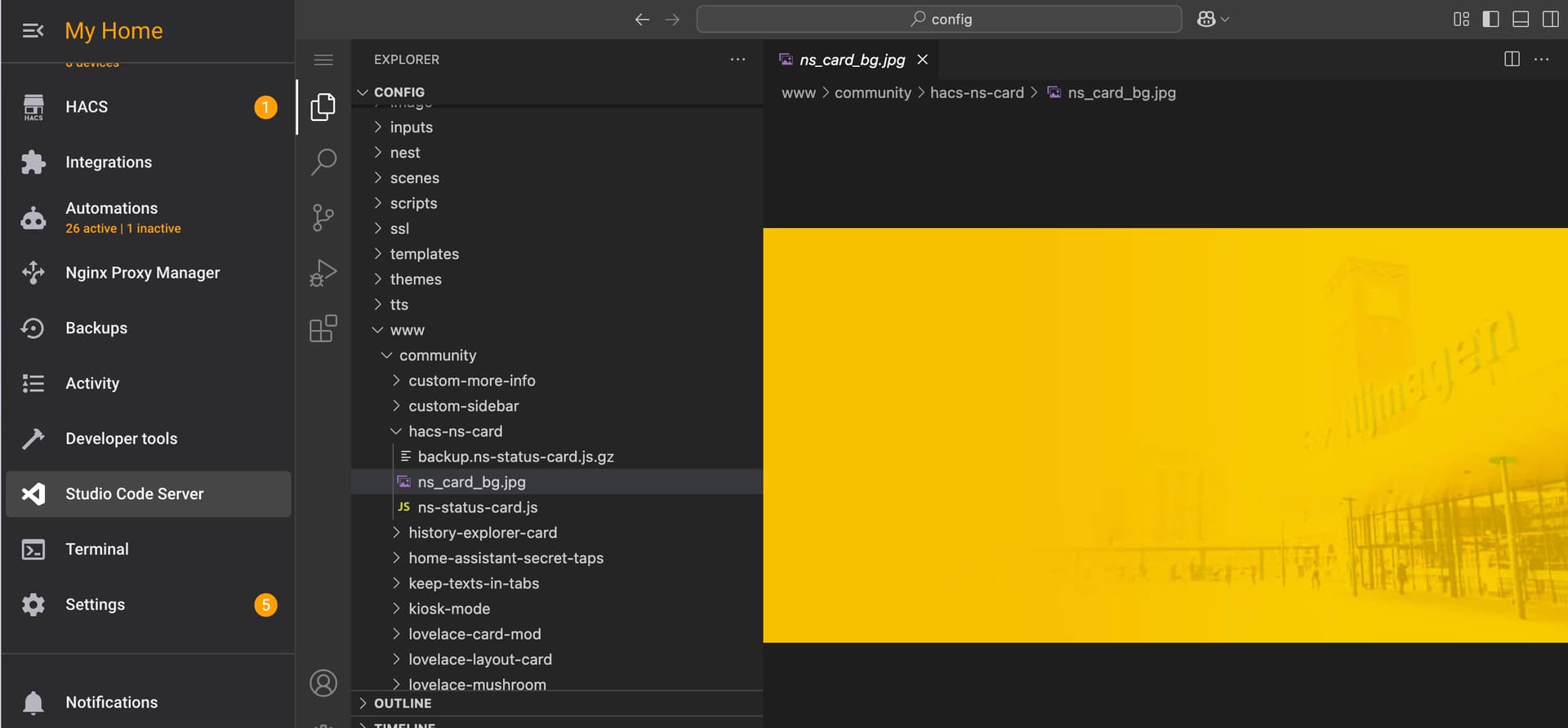
Thanks @elchininet
It appears that image previews within VSCode Server are only available when accessing your Home Assistant instance via https://.
However, when accessing it locally through http://, Home Assistant restricts certain actions such as viewing images for security reasons.
Now the question is: how can I access my local Home Assistant instance using https:// ?
At the moment, doing so it doesn’t work.
I was not aware of that restriction but I use Home Assistant through https so it makes sense.
You just need to add SSL options to the http integration. This tutorial has the necessary steps. It is not strictly necessary to generate the certificate from the Home Assistant instance though. If you want to access from a custom domain from the Internet you can do it in this way.
1 Like