While Google Drive and OneDrive are popular choices for externalizing Home Assistant backups, I wanted a solution that fits into the Infomaniak kSuite ecosystem. Being a kDrive user, I was a bit frustrated at not being able to centralize my HA backups alongside my other files.
To solve this, I’ve developed a custom integration that turns your Infomaniak kDrive into a native backup target for Home Assistant.
Seamless Sync: Respects Home Assistant’s native retention policies.
Large File Support: Handles backups of all sizes, including chunked uploads for files larger than 1GB (crucial for those with large Media folders!).
Automatic Cleanup: Automatically deletes files from both the backup folder and the kDrive trash to optimize your storage space.
Secure: Based on the official Infomaniak kDrive API.
If you are looking for a reliable, European-hosted alternative for your backups, feel free to give it a try! Feedback and contributions are more than welcome.
thank you very much for the great integration. The backup is created and uploaded to my kDrive, but an error message still appears in the log.
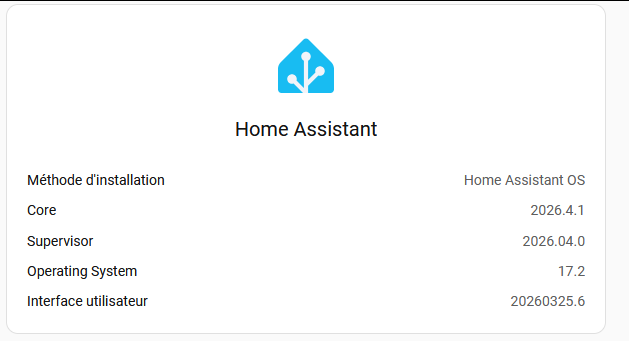
Home Assistant OS 2026.1.3

Logger: homeassistant.components.backup
Quelle: components/backup/manager.py:585
Integration: Backup (Dokumentation, Probleme)
Erstmals aufgetreten: 3. Februar 2026 um 05:08:25 (2 Vorkommnisse)
Zuletzt protokolliert: 05:06:56

Unexpected error for infomaniak_kdrive.infomaniak_kdrive_default: cannot access local variable 'tmp_path' where it is not associated with a value
Traceback (most recent call last):
File "/usr/src/homeassistant/homeassistant/components/backup/manager.py", line 585, in upload_backup_to_agent
await self.backup_agents[agent_id].async_upload_backup(
...<2 lines>...
)
File "/config/custom_components/infomaniak_kdrive/backup.py", line 128, in async_upload_backup
await self._client.upload_stream_to_folder(filename=filename, open_stream=open_stream, size_hint=size_hint)
File "/config/custom_components/infomaniak_kdrive/client.py", line 197, in upload_stream_to_folder
if tmp_path:
^^^^^^^^
UnboundLocalError: cannot access local variable 'tmp_path' where it is not associated with a value
Thanks a lot. I’m also a ksuite user since nearly a year and kicked google out of my daily buisiness. But still I had to use google for homeassistant backups. I just installed your integration easily and look forward to next nights backup-time. Again: Thanks a lot for this integration and your work.
Same for me, the backup seems OK but for each backup send on kdrive, I 've a notif and theses logs
although, the backups have been send correctly to Kdrive
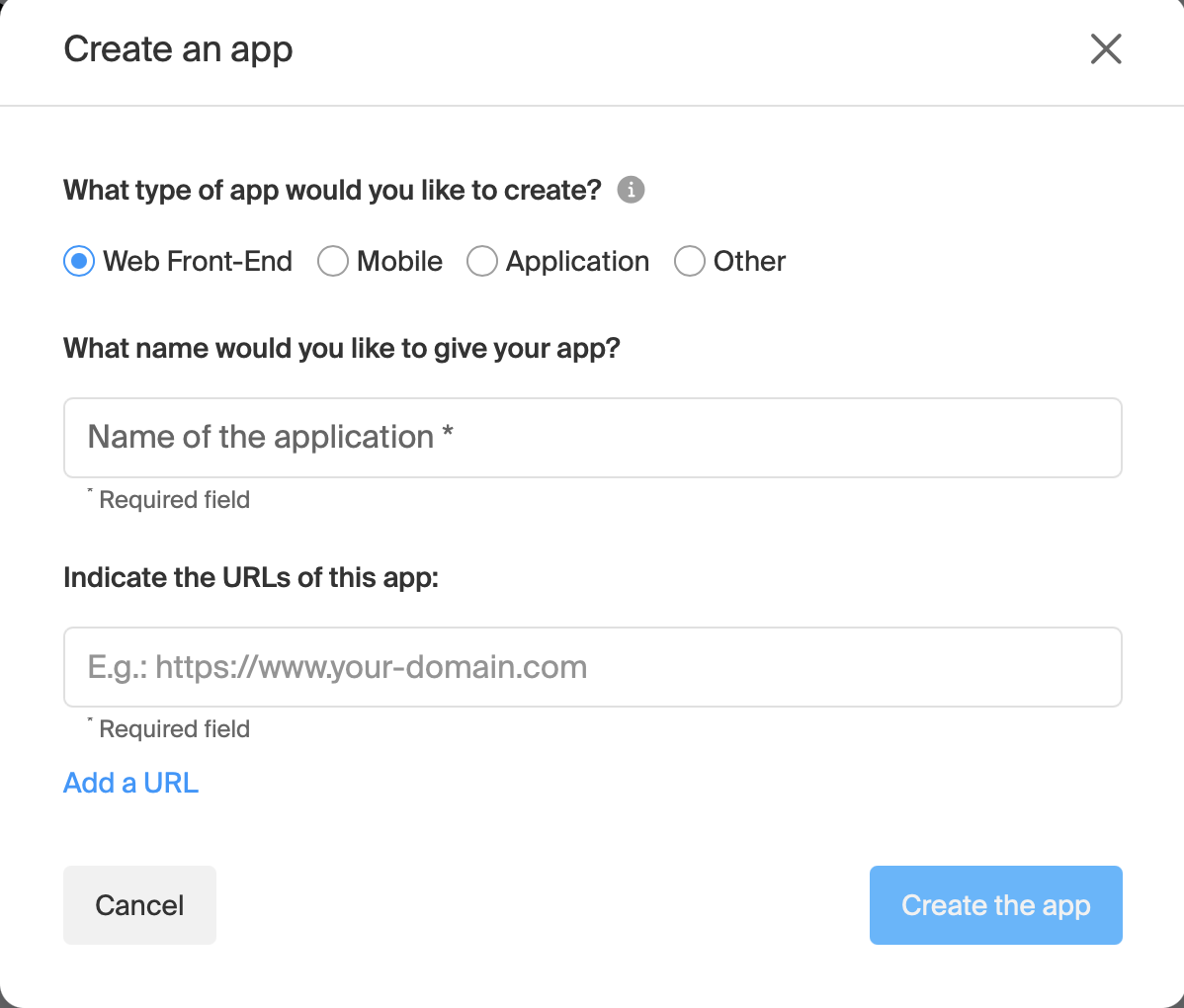
I’m kinda new to Infomaniak. I use it for mail for some months already and I am satisfied this far. Now I would like to use kDrive and would love to have HA do an automatic backup to kDrive and this HACS integration would be the perfect solution. But… If I go to settings / developers I don’t see API tokes, but API APPS. Am I missing something or has it changed?
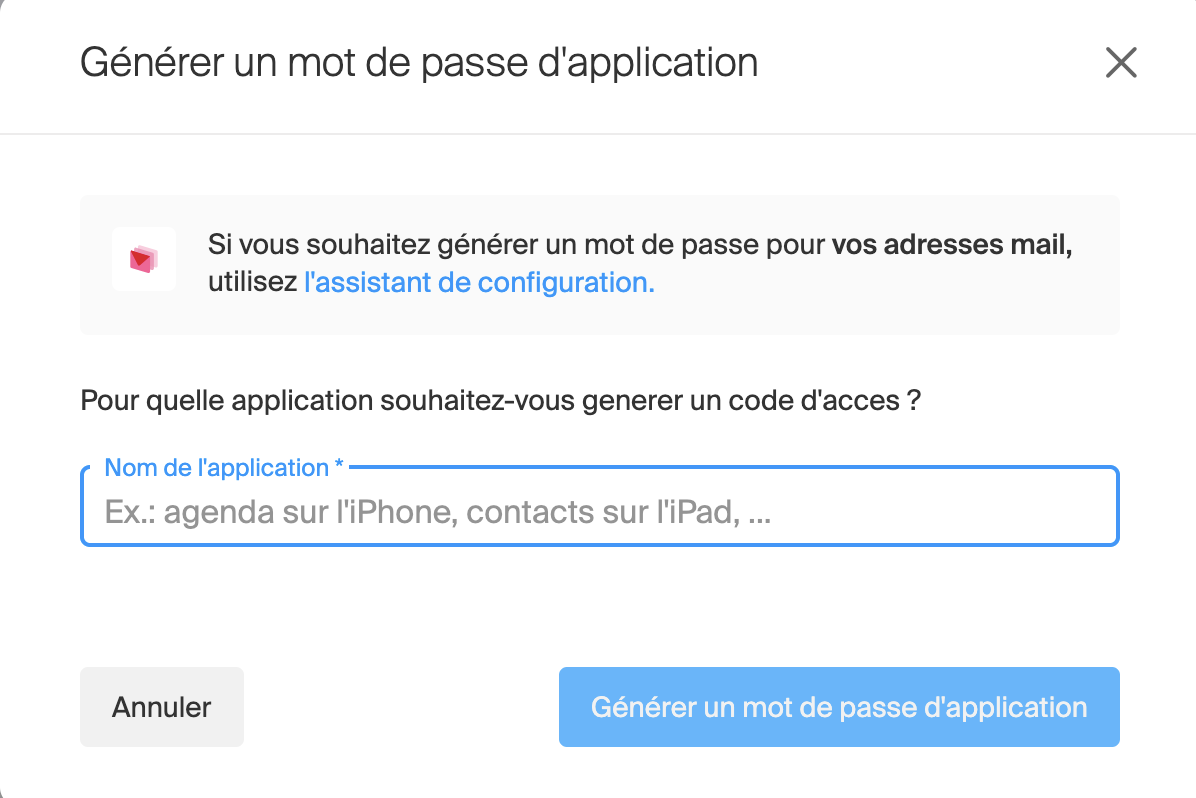
Hi @NoClaim, I don’t have this interface, I go to https://manager.infomaniak.com, then My Profile (Mon profile en français) and App password (Mot de passe d’application en français), and then Generate a password application (Générer un mot de passe d’application en français), and I have this :
Hi Maxim
I’m very interested by your kDrive integration.
I wanted to add the repo, but I have the following error message: https://github.com/maximlefebvre/homeassistant-infomaniak-kdrive is not a valid app repository
Hi @maximlefebvre,
Sorry for my late answer.
No, I tried to add manually the repository https://github.com/maximlefebvre/homeassistant-infomaniak-kdrive to HA.
Moreover, after your message, I installed HACS, but I can’t find your app inside… or at least I don’t know what to look for (tried Infomaniak, kDrive,…).
Hi @timop, yes, you need to click on the 3 dots in the top-right corner, and then to click on “private repository”, and then add https://github.com/maximlefebvre/homeassistant-infomaniak-kdrive
I have the MyKsuite+ plan, which does not include WebDAV, and it works perfectly (since we use the APIs). I will be able to remove my backup from Google Drive! Excellent!
Hi Maxim
I am very interested in your kDrive integration, as I am moving away as much as possible from GAFAM services.
I followed your GitHub readme for the integration, but I keep getting the same error when entering the API key and folder: invalid_folder_url.
 GitHub - maximlefebvre/homeassistant-infomaniak-kdrive