As this is a fairly new device, I can not find any related info about it. Does this mean HA does not support this remote (yet)? Is there any way to fix this? Thanks for pointing me in the right direction.
I have this one also and can’t connect it with Conbee 2 stick (Phoscon / deConz). Hope someone can help?
I have not found any source on the internet about this switch. Except how to connect it with Hue, you can connect it to the Zigbee network and then to separate lights. This is working with my test. But i’m not able to integrate it with Home Assistant (not with Conbee 2 and not with Hue bridge).
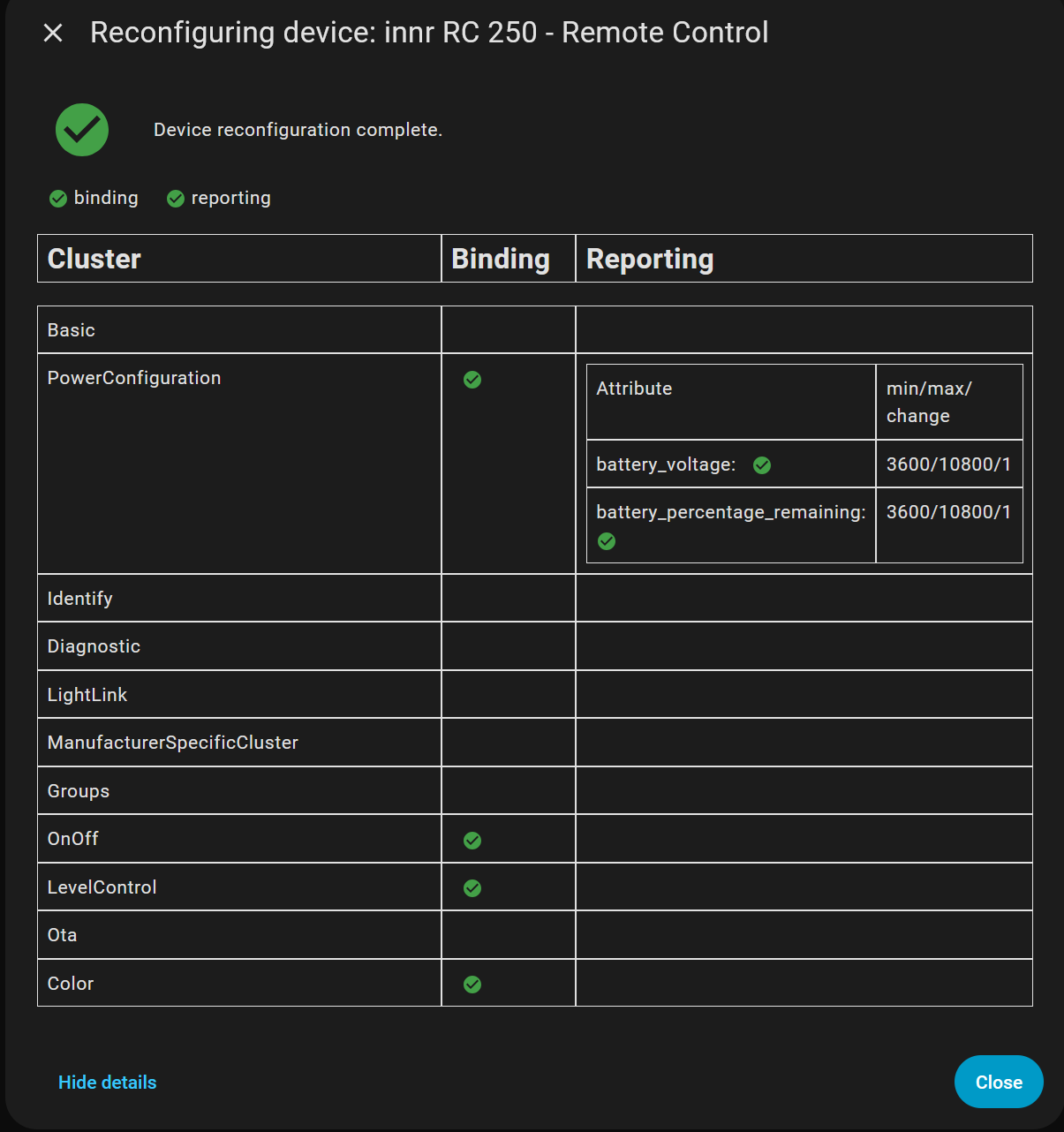
Indeed Peter, it’s still a problem. I just tried to add both the RC 210 and RC 250 from innr. They both connect but the configuration step does not make all the capabilities of the devices available. I’m not familiar yes with the development tools but I’m a developer.
Any pointer on what’s the right process to make an unsupported devices properly supported?
Where are the logs where one can inspect events (assuming button press generate events)?
One it has been discovered properly where should one share back the results so that others can use them too?
How come the configuration fails in the first place? I thought the point of Zigbee was precisely to have a protocol insuring compatibility.
I just got an RC250 and am finding the same problem. I can trigger on ZHA events though, so not all is lost, it’s just a bit harder in the GUI. If I finish an automation I can maybe adapt a blueprint to make it easier for people.
There’s an issue on Github, but it doesn’t look like anyone is working on it actively.
Yes, please share back if you get something. Somehow I manage to only get an event once then nothing more. So I toggle another light on once, nothing since.
I had some test automation that worked to switch a light on and off, but I’m not actively using it in my home yet, so it’s not complete yet, only the on-off button is mapped. I’ll post here when I have something more useful.
Here’s my automation with all the buttons. It’s not a blueprint, you’ll have to edit it to insert the right id’s for remote and light. The commands are a bit stupid so you need a helper to de-cycle the left and right buttons. Your problem with not seeing events at all anymore probably means you lost contact with the device and need to re-pair it??
I might go ahead and make this into a full blueprint but I first want to figure out the templating because I had to make the code very ugly to make it work, since I couldn’t figure out how to use the trigger variable to decide what the command was…
FWIW I took my own advice into account (sigh) so after pairing/unpairing and reconfiguring, absolutely 0 thinking, I do indeed manage to get all events properly. It’s a bit of a mess but I can get the on/off main button, increase/decrease brightness and the side buttons too (even though they somehow keep track of a value, not very convenient).
It’s been a bit tricky but seems to work reliably now!