I bought this Fingerbot (Bluetooth) and its been nightmare ever since. it was working well, and I could make it work again with those HACS repositories, but I don’t want to rely on anything from tuya cloud. And I am also facing the issue where the arm doesn’t retract. Some people are facing that issue with zigbee pair
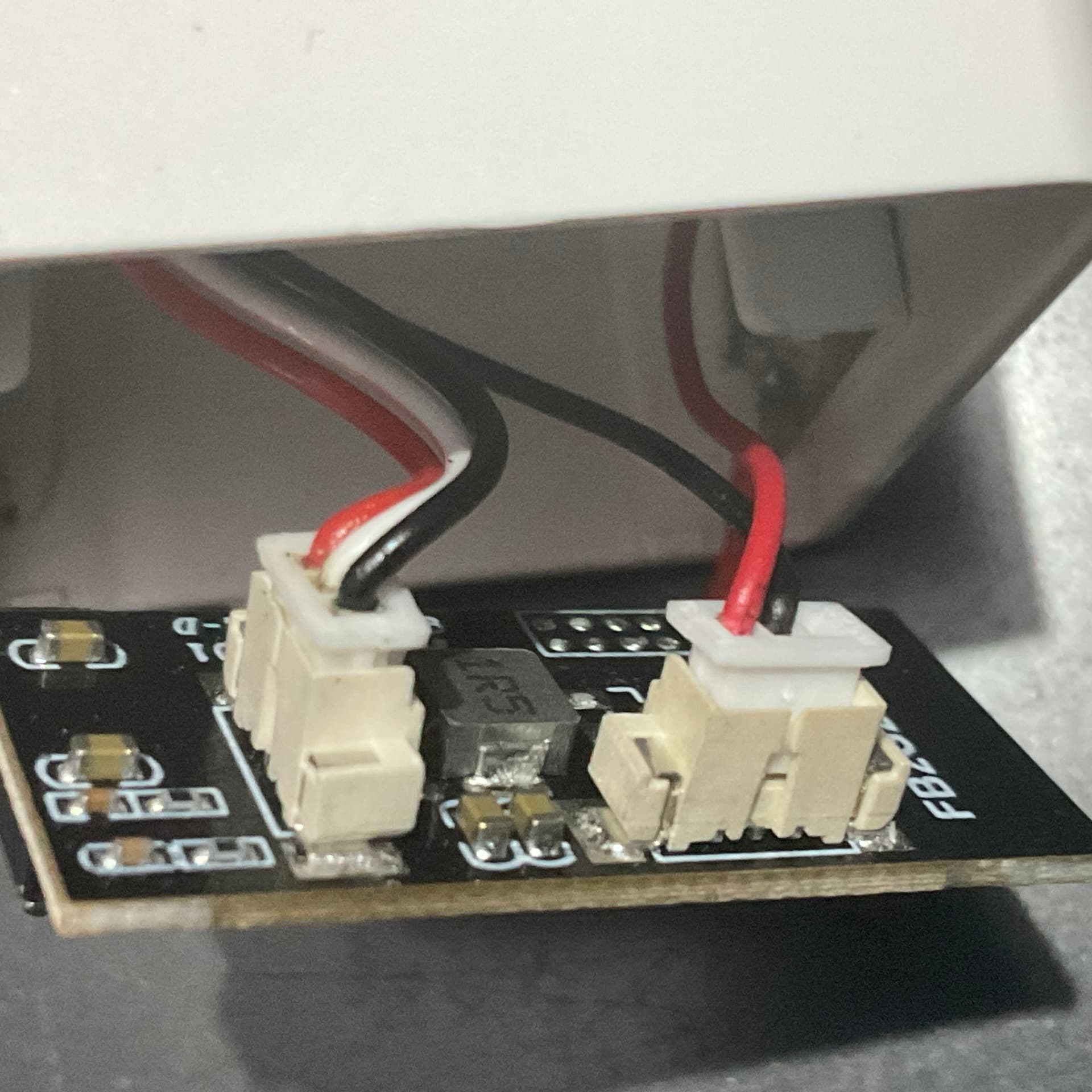
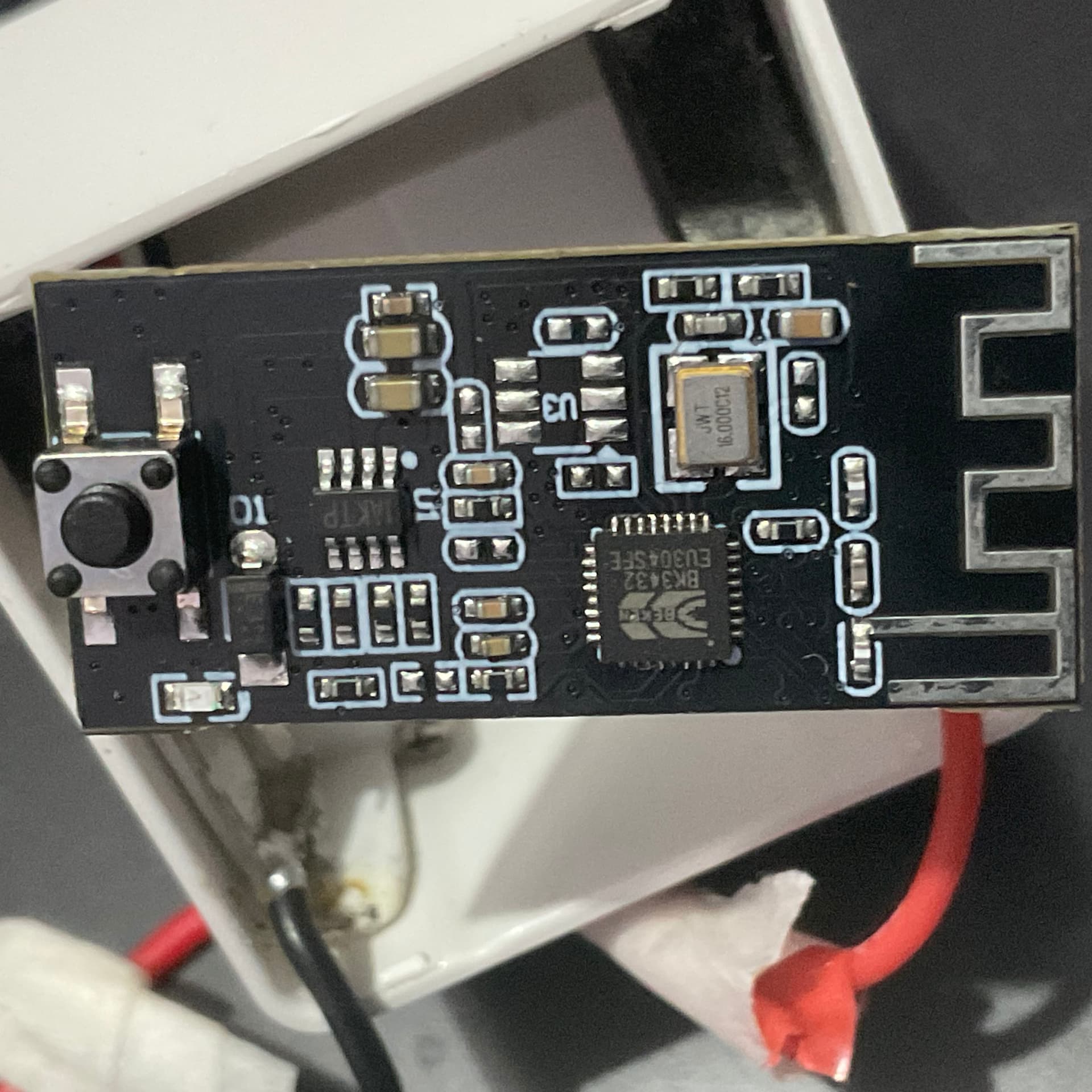
So I opened up the back panel to see and its just a stupid board loaded with tuya bloatware that is all of my trouble. This thing is heavily over-priced. , I want to just slice that board off and put my own esp32 or esp8266 module in there. Has anyone tried to make it work without tuya.
Can this be flashed with esphome ??
What are my options ??
interesting, so I think I need to pick up soldering iron and fix it myself then.
so, Motor driver, esp8266 or esp32, and powersource. I will be using the fingerbot to power a device so it will be close to a powersource. I can simply give it external DC power. I think that should be enough ?
Do you think the zigbee version of the Fingerbot would have been a better choice ? OR do they require some sort of connection to tuya cloud as well ?
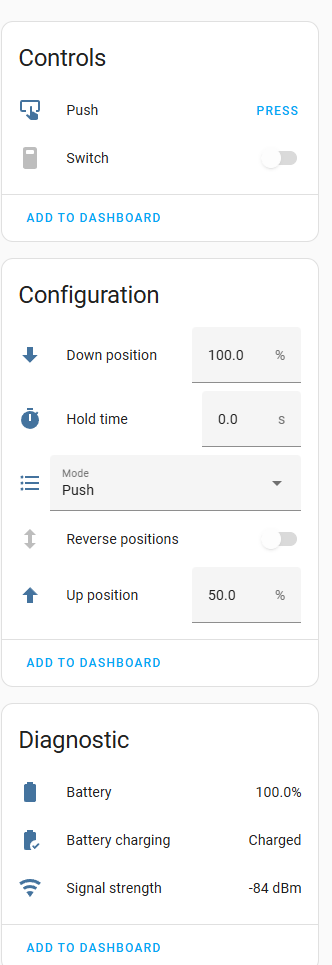
I am using Tuya BLE custom integration, which fetches device id and device key from Tuya cloud account (not changed over time) and home assistant communicates with device using Bluetooth only.
I have ESPHome devices acting as Bluetooth proxy so I can manage this device.
(not shown here) I have also replaced the board with esp32 with esphome in it - connected GPIO4 of esp32 to the PWM wire of the servo - supplied both the servo and esp32 with 5v supply.
Make sure the voltage doesn't drop below 5.0v, it generally drops when servo starts as it pulls a lot of current and voltage drops making esp32 go haywire. It took me a lot of time to figure it out.
here is the esphome code that I uploaded to the esp32 board
esphome:
  name: esp32-servo
  friendly_name: esp32-servo

esp32:
  board: esp32dev
  framework:
    type: arduino
#     version: latest
#   flash_size: 4MB
# preferences:
#   flash_write_interval: 1min

# Enable logging
logger:
  level: DEBUG

# Enable Home Assistant API
api:
  encryption:
    key: "T*******************************lsLmA="

ota:
  - platform: esphome
    password: "6*******************************9"

wifi:
  ssid: "MY_WIFI_ACCESS_POINT"
  password: "PASSWORD"

captive_portal:
# Define PWM output for servo (SG90 usually uses 50Hz)
output:
  - platform: ledc
    pin: GPIO4
    id: pwm_servo
    frequency: 50 Hz

# Servo component
servo:
  - id: my_servo
    output: pwm_servo

# Expose a number in Home Assistant to control the angle
number:
  - platform: template
    name: "Servo Angle"
    id: servo_angle
    min_value: 0
    max_value: 180
    step: 1
    optimistic: true
    set_action:
      - servo.write:
          id: my_servo
          level: !lambda 'return x / 180.0;'

# Move servo to 180° on boot
on_boot:
  priority: 800
  then:
    - delay: 500ms          # Optional: allow everything to initialize first
    - number.set:
        id: servo_angle
        value: 180
it now works without tuya now (yay), only issue is that esp32 is power hungry. I didn’t have other low power boards to try. Maybe I will try esp8266 later.
Please if anyone finds something wrong with above then please correct it.