Integrating Huawei Smart Charger 22kW (not detected by Huawei Solar integration)

Hello to the entire community,

I’m reaching out to you after trying countless approaches without success, hoping someone with more experience can lend me a hand.

My goal is to integrate my Huawei charging station into Home Assistant to be able to see the charging power, the energy delivered to the car, the charging status, and ideally, to control it remotely…

Here is a precise overview of my situation:

Solar System: I have already successfully integrated my Huawei inverter and battery using the custom “Huawei Solar” integration. It communicates via Modbus TCP and everything works perfectly: I can see production, consumption, battery status, etc. The charger, however, is not detected as a device within this integration.

Charger: It is the 22 kW Huawei Smart Charger model. From what I’ve been able to see, the installed firmware version should be V100R023C10SPC120.

Connection: The charger is not physically connected to the inverter but is a standalone network device. It is stably connected to my LAN via an Ethernet cable (RJ45) and has its own static IP address that responds correctly to pings. To function, it needs to see the inverter’s data via Modbus TCP; in fact, in its configuration screen, it recognizes the inverter as an “electric meter” from which it presumably gets the consumption and production data.

The Problem:
I am unable to “see” and control the charger from Home Assistant in any way. The main integration does not detect it automatically.

My question is:
Has anyone managed to integrate this specific standalone charger model? Is there an integration (perhaps in HACS) that I haven’t found?
Can the charger send its data via Modbus TCP? If so, can I use the generic Modbus integration in Home Assistant?
In the latter case, if someone had a working YAML configuration and would be kind enough to share it, I would be immensely grateful.
2 Likes

I’m in the same situation and very curious if there’s any possibility to get the charger into Home Assistant.

Edit: I just saw they released a new beta version with Smart Charger support. Very nice!

1 Like

Hi,
Oh yes! Finally!

I’ve been trying to find out how to do this for a month.
I’ll try it right away and let you know if it works.

Thank you very much for report me this update!

No, nothing, I can’t find the wallbox.

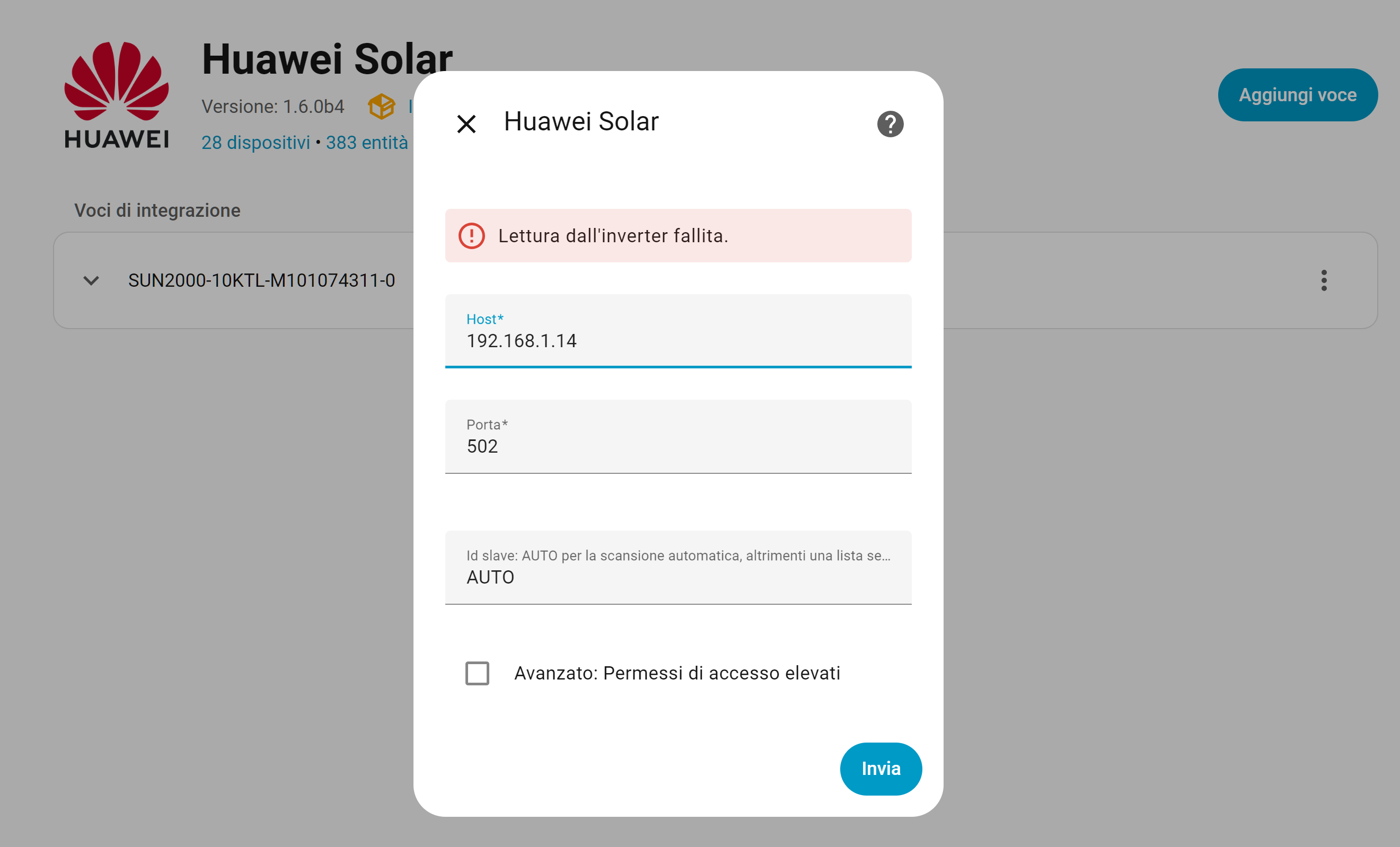
I updated Huwaei Solar to the latest beta version, but it doesn’t work. When I try to configure the charging station, it returns an error and cannot communicate with the wallbox’s ModbusTCP server.

The static IP address of the wallbox is 192.168.1.14.

This is the problem:

Do you have any solutions?

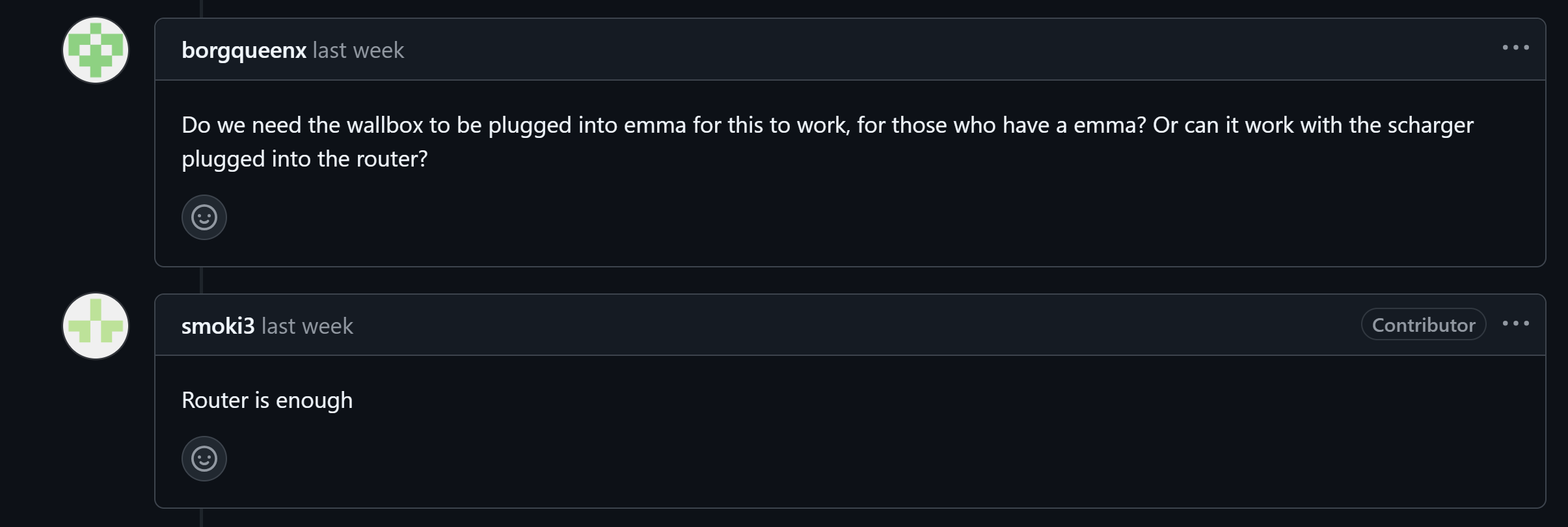
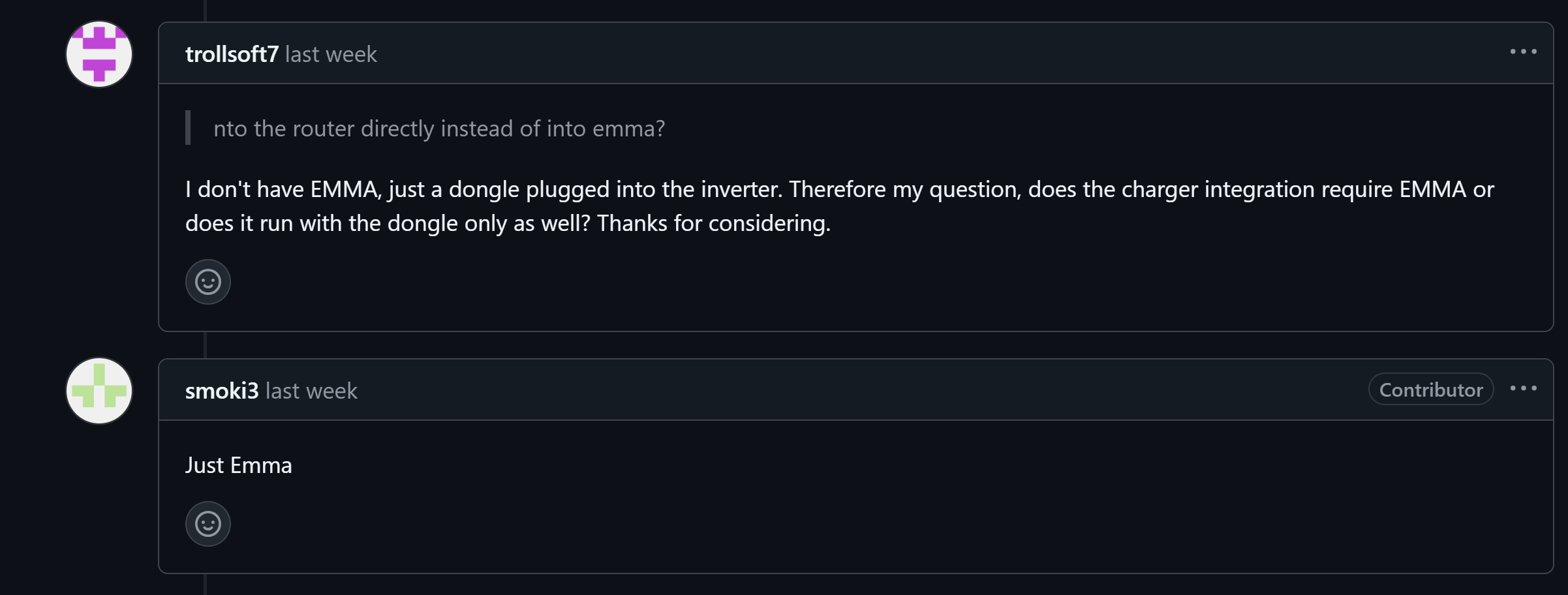
UPDATE : Is it necessary to have EMMA to integrate the wallbox? I don’t have EMMA, my 22 kW wallbox is directly connected to the router and has its own IP address.

This is not clear on the GitHub repository.

1 Like

I made a script in python to see if Scharger responds, and I noticed that it only responds on 502 (to the IP of the Sdongle A5 key) but when querying the registers as per the beta specifications, it drops the connection, in my opinion something needs to be activated inside the dongle that guarantees the consultation of the registers

Ho fatto uno script in pyton per vedere se Scharger risponde, ed ho notato che risponde solo sulla 502 (all’ip della chiavetta Sdongle A5) ma all’interrogazione dei registri come da specifiche beta, butta giu il collegamento, secondo me c’è da attivare qualcosa all’interno del dongle che garantisca la consultazione dei registri

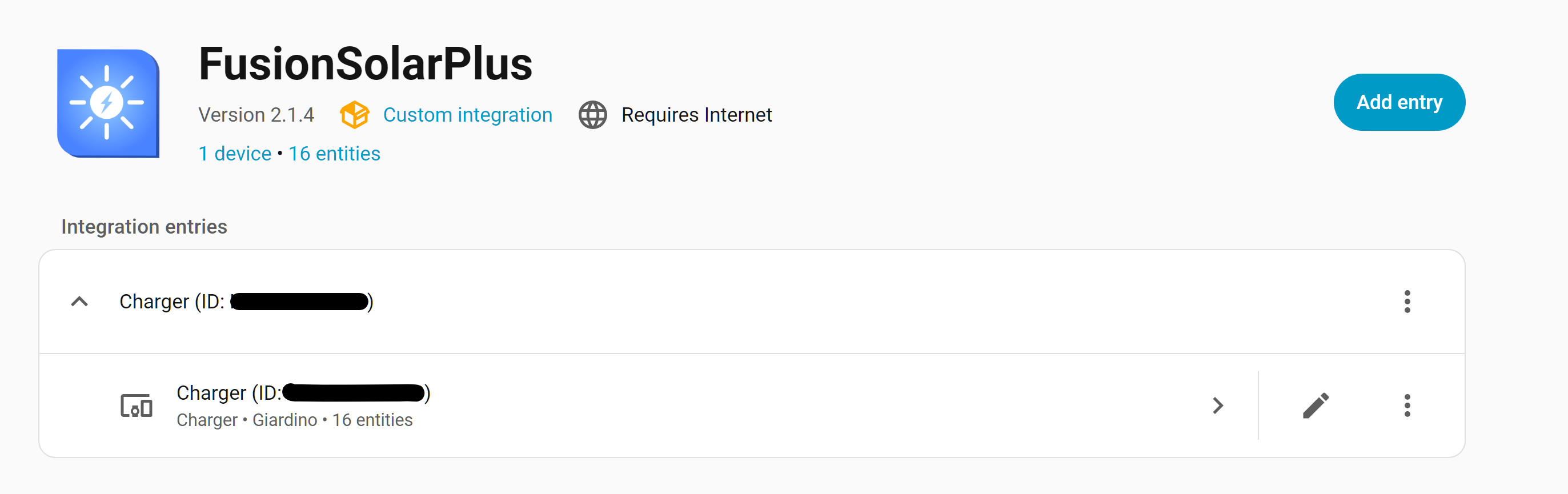
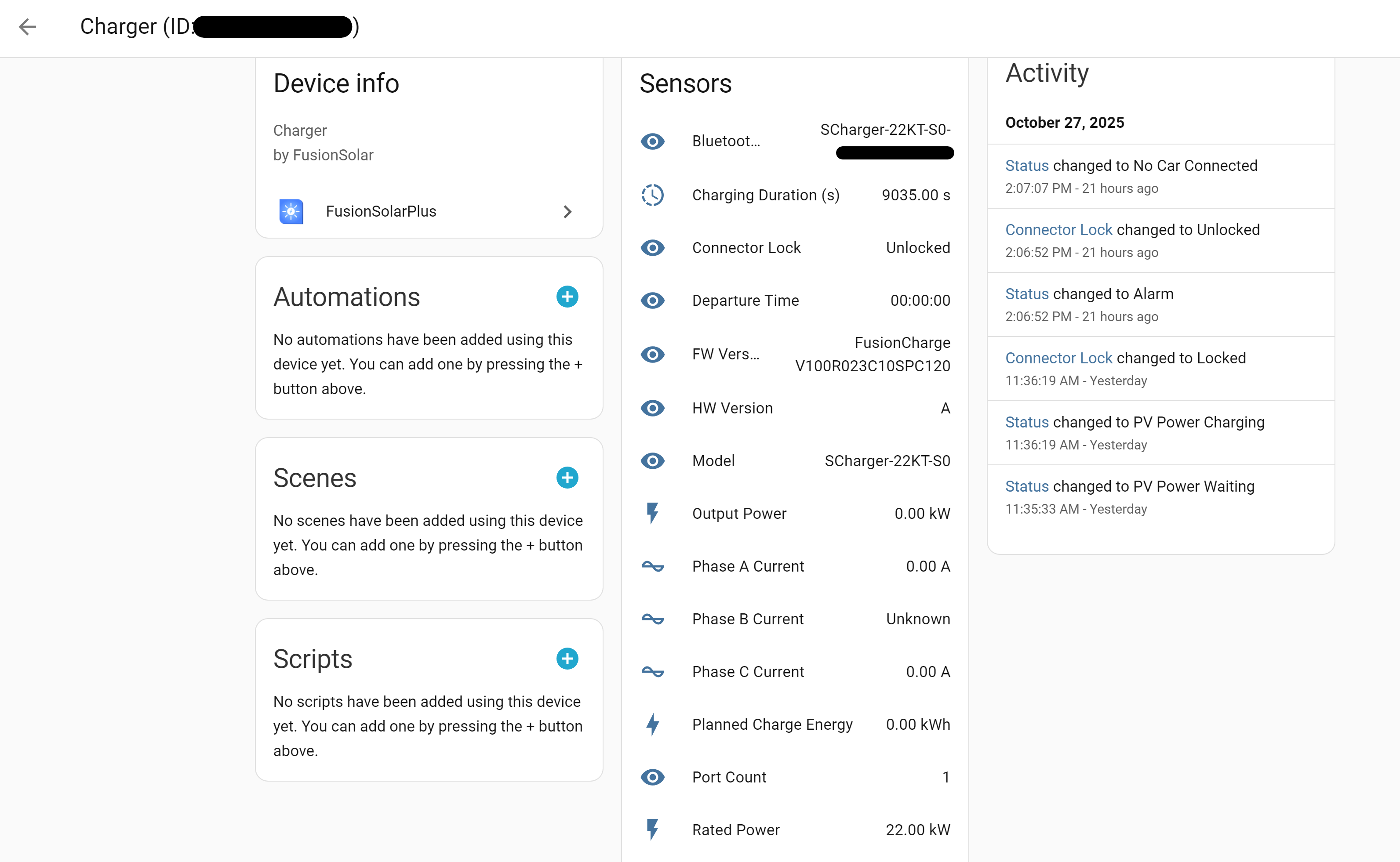
EN : I can make it work using another integration to receive data from the wallbox. The integration is FusionSolarPlus (GitHub - JortvanSchijndel/FusionSolarPlus: Integration to connect FusionSolar with Home Assistant) and uses the Fusion Solar cloud to receive data.

For now, this isn’t a huge problem because the wallbox is the only device in the entire Huawei ecosystem that doesn’t have a 5-minute limit for cloud data updates (unlike all other devices that send data to the cloud every 5 minutes), so I can get updated data every 30 seconds. It’s a shame, however, that everything doesn’t work locally via Modbus TCP because this means that with the charging station, I am still “tied” to the Huawei cloud.

IT : Per adesso visto che non riesco a farlo funzionare utilizzo un’altra integrazione per ricevere i dati della wallbox. L’integrazione è FusionSolarPlus (GitHub - JortvanSchijndel/FusionSolarPlus: Integration to connect FusionSolar with Home Assistant) e usa il cloud Fusion Solar per ricevere i dati.

Per adesso non è un problema enorme perché la wallbox è l’unico dispositivo di tutto l’ecosistema Huawei che non ha il limite dei 5 minuti per l’aggiornamenti dei dati sul cloud (a differenza di tutti gli altri dispositivi che inviano al cloud i dati ogni 5 minuti) per questo motivo ogni 30 secondi riesco ad avere i dati aggiornati. Peccato però che non funzioni tutto in locale via Modbus TCP perchè in questo modo con la colonnina sono ancora “legato” al cloud Huawei

Hello Matteo, do you have the IAC meter? I am trying to add it but it doesn’t work.
Thank you for your workaround — my charger worked.

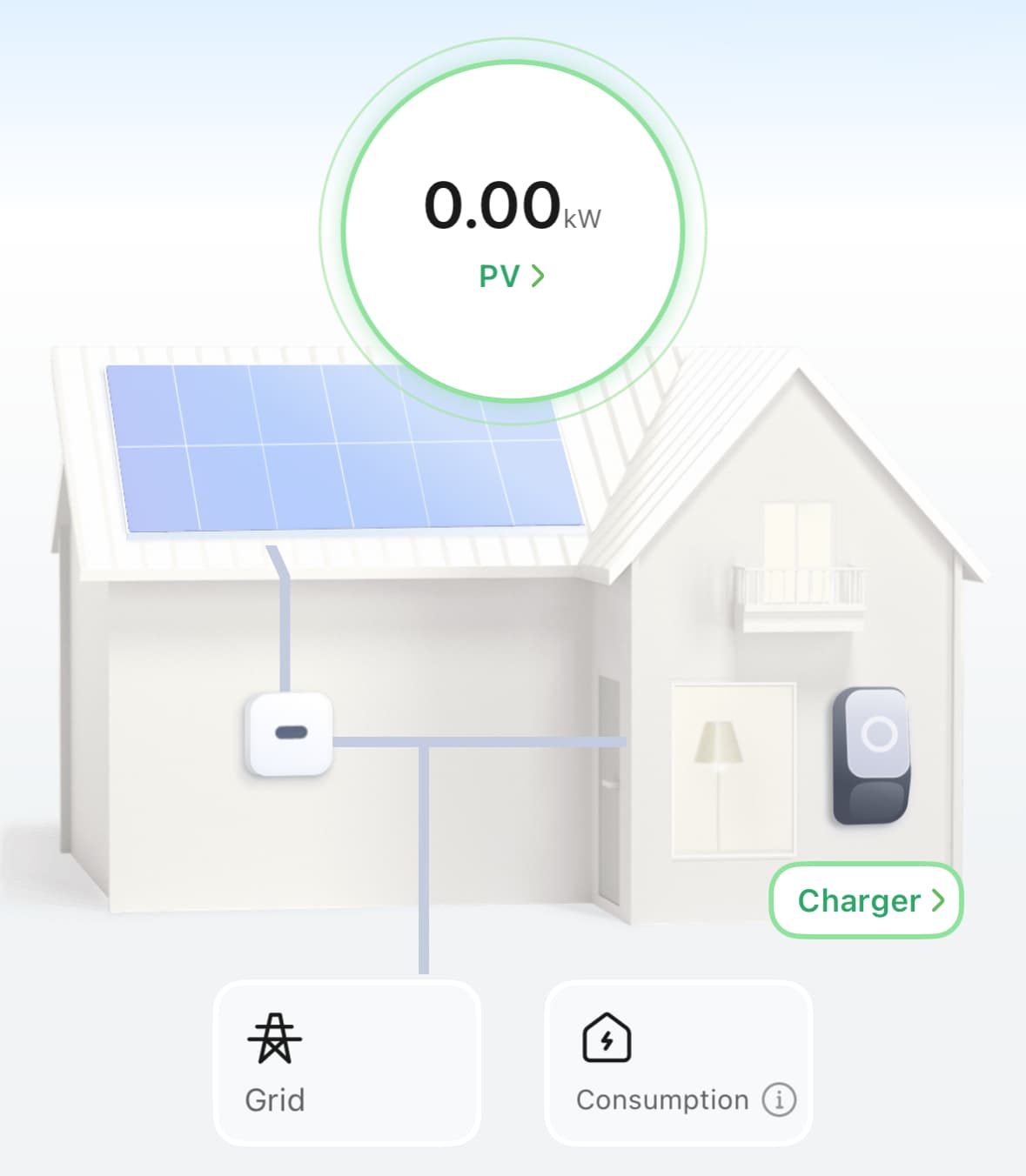
Did you manage to add the meter to FusionSolar dashboard? I can see the inverter stats, I can see the charger, in charger I can see the meter, but it doesn’t all work together

Hello Michael

Follow

Ah , that’s amazing, thanks @tetraxasa

Were you able to set fusion solar app to show usage from the meter connected to the charger? I can’t get it to work together. I can see the charger, I can see the meter (under the charger), but the app doesn’t show the energy flow as I expected.

We are waiting to help from jort the guy that create that repository stay tune all in this issue 38 has the same problem

Blockquote

Sure, but that’s on HA. I mean if you managed to configure the meter to show in the FusionSolar app (ex. on iphone)

Me → Plant management → your name → add device->connected device ->iac meter

yes, I can see it there and it reports data, but is not reflected on the energy flow diagram on the dashboard as per my screenshot above

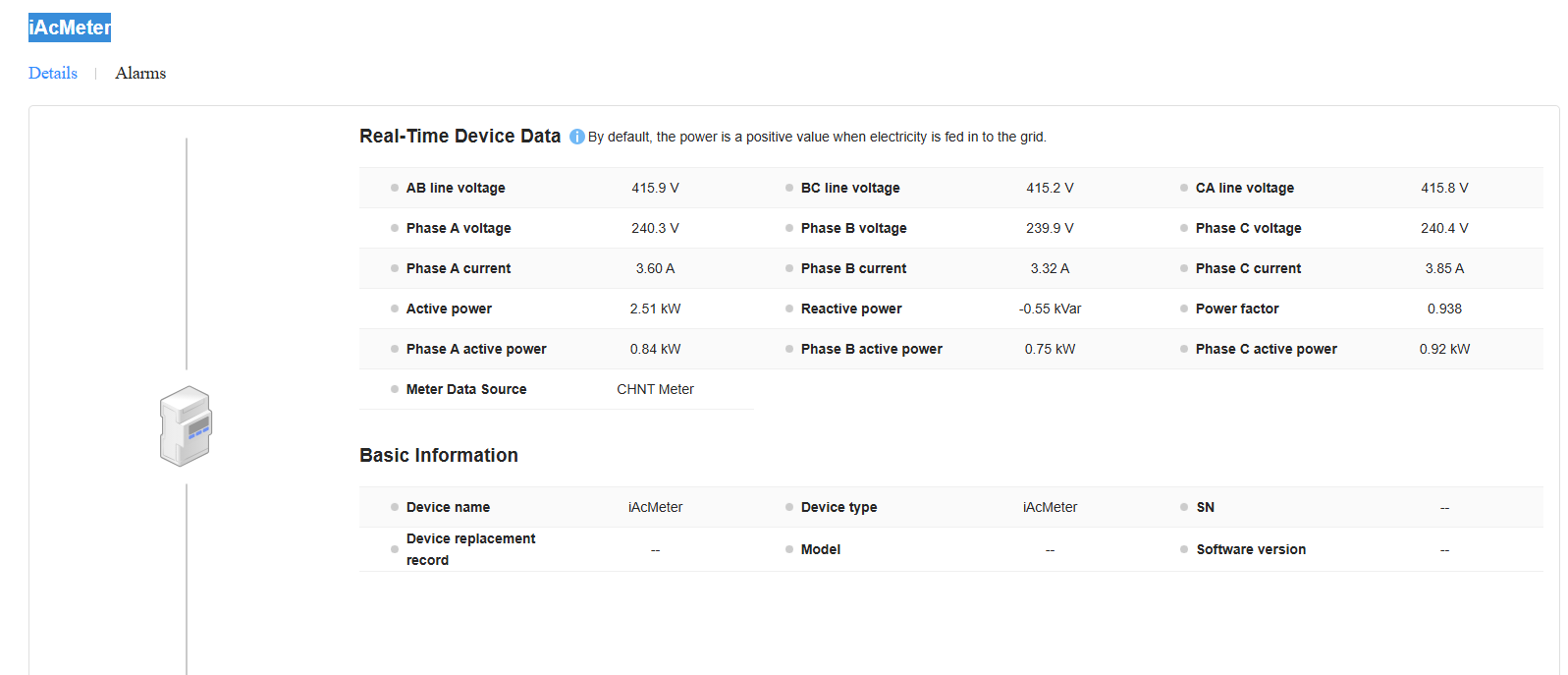
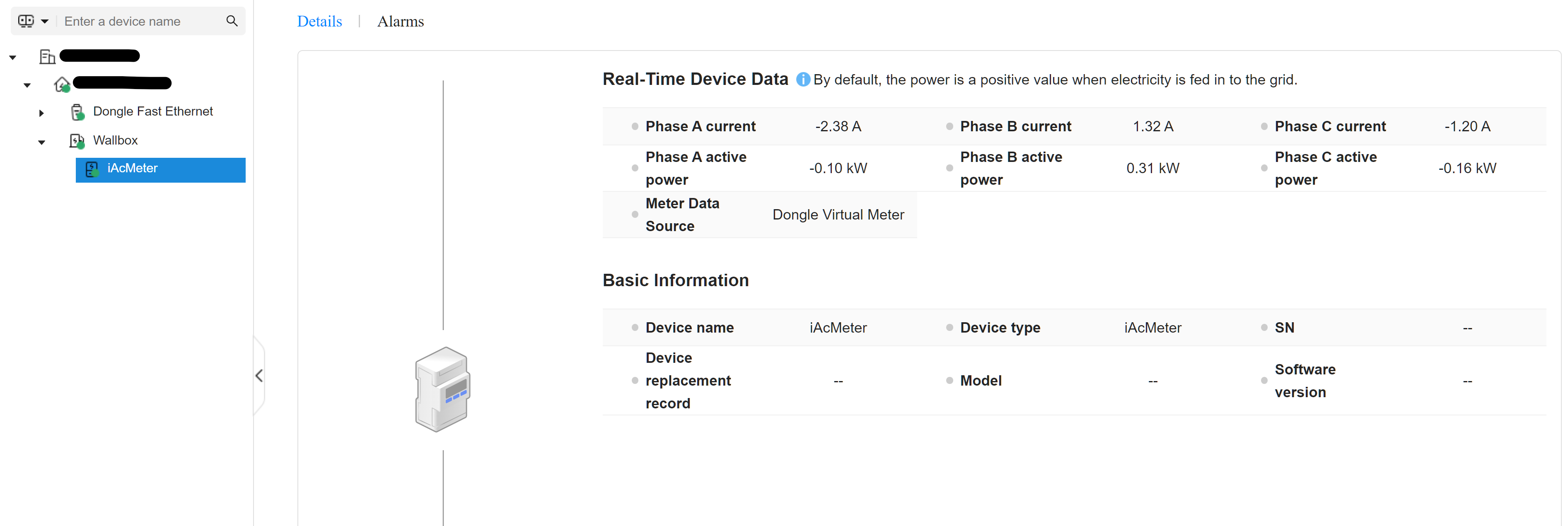
Hi @tetraxasa , i have iAcMeter but in my case is not a real CT Clamp but it’s a “Virtual Dongle Meter”.
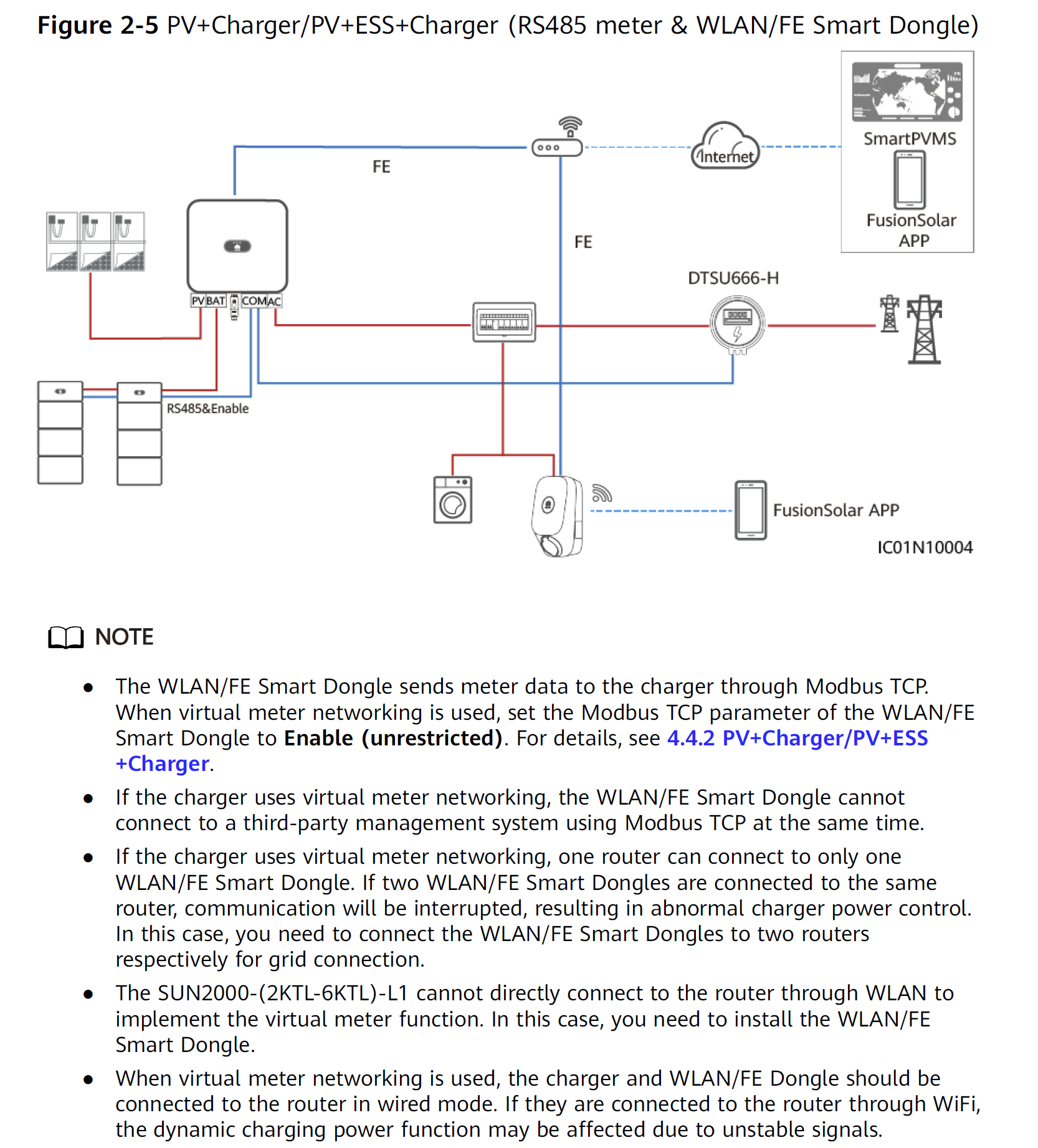
Huawei manual specify that, if you have already a meter linked with inverter you can use directly these meter to send all information about power flow to charger without install others clamps.

This is my iAcMeter:

This is the scheme i follow: