hey @matteo_malvezzi
I integrated the charger via FusionSolar plus and can see it etc… I’m missing the step of how I can actually control the charge as in set the charge rate etc… I guess Im close but just missing something- Can you advise
I think you cannot control the scharger from Fusion Solar Plus. You can just read data.
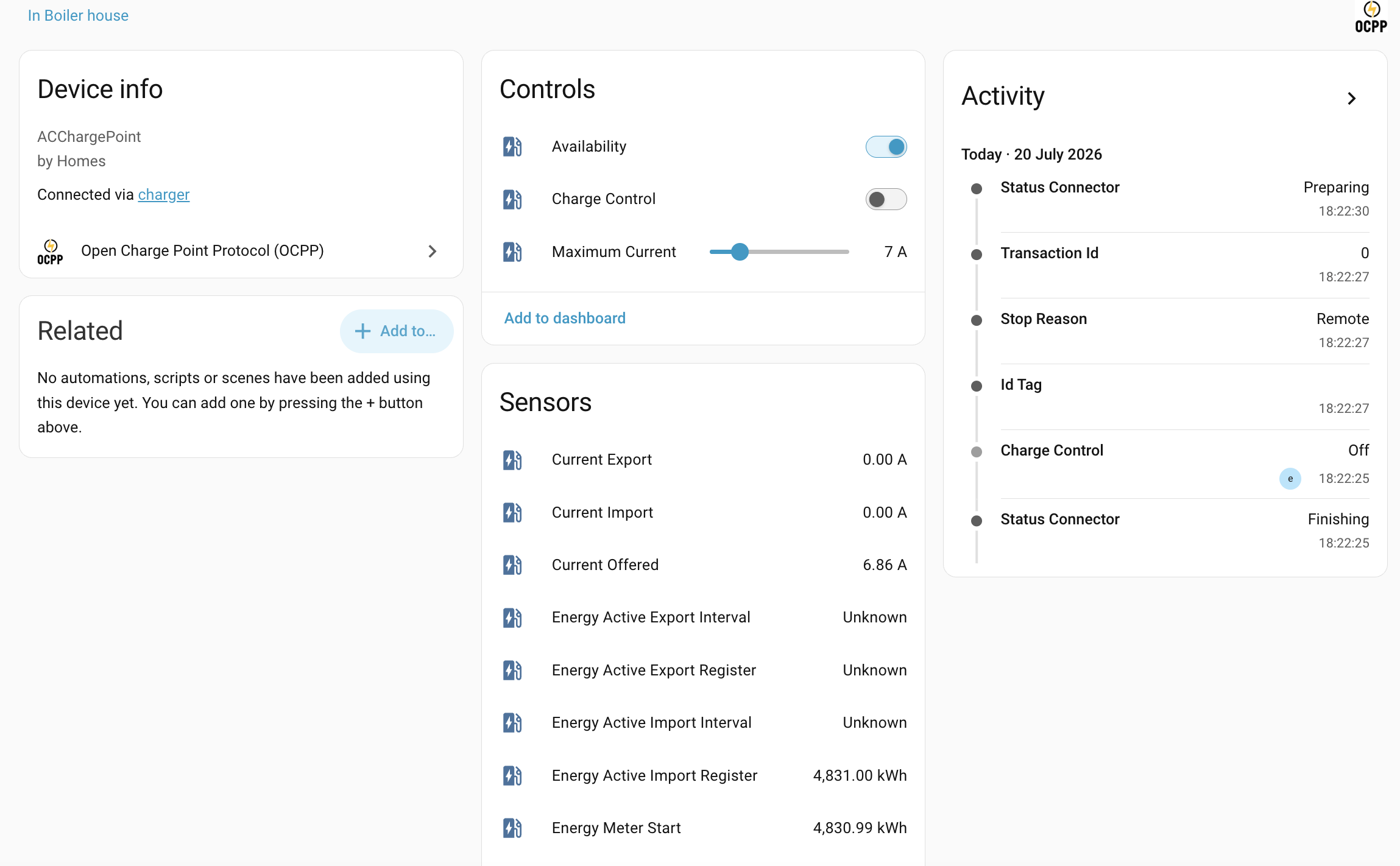
Hi. By activating OCPP, can you still use Dynamic Charging Power? I’m really interested in OCPP control but do not want to loose Dynamic Charging Power.
Hi @gdenas, I’m wondering the same thing for my SCharger-22KT-S0. I haven’t enabled OCPP yet, so I can’t confirm from my own charger.
My setup: SUN2000 inverter with a Smart Dongle (no EMMA). The charger gets PV data from the dongle over Modbus TCP, and I currently use PV Power Preferred / Dynamic Charging Power from the FusionSolar app.
What I found so far, all second-hand:
- In lbbrhzn/ocpp discussion #1823 a user reports that after OCPP is configured, surplus charging controlled by EMMA stops working, and the only way back is a factory reset (no firmware downgrade). That user has EMMA, so I don’t know if the same applies with a dongle.
- Other users say Huawei’s OCPP implementation only covers on/off, start, current limits and session tracking, not phase switching or scheduling.
- OCPP needs firmware V100R023C10SPC220 or later (SPC231 fixes some issues).
Has anyone tested this with the Smart Dongle setup? Specifically: after enabling OCPP, does PV Power Preferred still work, and can you switch OCPP off again without a factory reset?
Hi everyone,
a few of you in this thread mentioned FusionSolarPlus by JortvanSchijndel for reading charger data through the FusionSolar cloud, and that the one thing missing is switching the wallbox from Home Assistant. I needed exactly that for my own SCharger, so I built it on top of the original.
This is a fork, not a replacement. All entities, the API layer and the login/captcha handling come from Jort’s work. I only added the charger write side and some robustness fixes. Please keep using and starring the original, and see his sponsor page too.
Fork: GitHub - Matthias2703/FusionSolarPlus: Integration to connect FusionSolar with Home Assistant · GitHub (branch feature/charger-control)
What it adds
Charger control is off by default and has to be enabled per charger entry (Configure » Enable charger control). With it on you get:
- Charging Mode select: Charge now / PV surplus / Scheduled (the three modes of the FusionSolar app)
- Cable Lock select: always lock / lock when charging / lock after being inserted
- Dynamic Power switch
- Start charging / Stop charging buttons (same requests the app sends)
- Read-only extras: charge sessions (180 days), last session energy / duration / start / mode, power limit and the two PV thresholds the app doesn’t show
Writes are deliberately conservative: only a fixed whitelist of signals can be written, values are validated first, and every change is confirmed by reading it back. Switching the schedule resends the whole plan list (the cloud replaces it as a whole), so it only happens if two reads agree on a complete list of repeating plans. The plans are backed up before each write and restored automatically if they don’t come back unchanged.
Other changes: request timeouts (a stalled Huawei endpoint could block HA startup), configurable update interval, negative battery values no longer read as 0, NaN filtering, proper reauth/ConfigEntryNotReady handling, German translation, and tests for the charger layer.
Please test, and know the limits
- It uses unofficial cloud endpoints captured from the FusionSolar app. Huawei can change them at any time.
- So far it has been tested on one charger only (SCharger-22KT-S0 with an EMMA). Reports from other models and setups (no EMMA, several connectors, other regions) are very welcome. Please open an issue on the fork with your charger model and the debug log.
- The power limit is read-only on purpose. On my charger, lowering it below the power of a saved charging schedule (11 kW to 10 kW) made the cloud delete all schedules. I had to recreate them in the app. Change the limit in the FusionSolar app, which warns about this.
- Plans are stored in UTC by the cloud; the integration never edits them, it only resends them as read.
If you try it: add the repo to HACS as a custom repository and pick the release v2.3.5-charger.1 in the “Redownload” dialog (HACS only offers releases and the default branch, and the default branch master does not contain the charger control). Without HACS you can copy custom_components/fusionsolarplus from the branch feature/charger-control into your config folder by hand. Then restart and enable charger control in the options of the charger entry. Please make a note of your schedules in the app first, just in case.
To the maintainer and anyone who wants it upstream
@JortvanSchijndel: all of this is yours to take. Feel free to merge any or all of it into the original, in whole or in parts, I’m happy to split it into separate PRs (control, history sensors, robustness fixes, translation) against your repo and adapt it to your style. I’d rather have one well maintained integration than two. Until then the fork stays available for testing.
Feedback, bug reports and charger-model results are very welcome, here or as issues on the fork.
@mvierling Great work, this is exactly what I was looking for. Two things I noticed while testing:
1. Error on Start/Stop charging
Pressing the button shows:
Error: Could not start charging: start-charge returned no chargeStatus: None
The command actually goes through and the charger starts charging, so only the error is wrong. It looks like (with the help of AI) the cloud answers with an empty body, and _charge_command in charger_api.py treats a missing chargeStatus as a failure. Real errors (exceptionId, code != 0) are already raised by _json(), so I changed the end of the function to:
python
if isinstance(body, dict):
    return body.get("chargeStatus")
return None
With this the error is gone and the charger still starts. The existing test test_a_charge_command_without_a_status_is_an_error would need updating accordingly, so that an empty body is accepted and an exceptionId still raises.
2. Start charging ignores the Charging Mode
With Charging Mode set to Scheduled, pressing “Start charging” starts charging immediately instead of following the schedule. I assume start-charge is the app’s “charge now” request, which bypasses the plans. In the app, in Scheduled mode, I send a separate “Schedule” command to charge according to the plan.
Would it be possible to add a button that reproduces that command?
Thanks for testing and for the detailed report, both points are fixed on the feature/charger-control branch:
-
“Could not start charging: start-charge returned no chargeStatus: None”
You were right: the cloud answers with an empty body although the command goes through. An empty body is now accepted. Real errors (exceptionId, code != 0) still raise as before, and the tests cover both cases. -
Start charging ignores the Charging Mode
Also right: start-charge is the app’s “charge now” request and bypasses the plans. I captured what the app sends for its “Schedule” button in Scheduled mode (charger/auth/confirm-auth) and added it as a new Schedule charging button. It does not charge right away; the charger waits for the saved plans and charges inside them. So in Scheduled mode, use Schedule charging instead of Start charging.
To get both changes, redownload the branch feature/charger-control in HACS (or copy custom_components/fusionsolarplus again) and restart Home Assistant.
One caveat: I captured the Schedule request from the app, but have not yet seen it run on a second charger. If you try it, please let me know whether the charger then waits for your plan as expected (in the app it shows as waiting). If it doesn’t, an issue on the fork with the debug log would help.