and was looking for a way to integrate it in HA. It should use a BLE Sig Mesh standard and I was able to add one to a Moes Tuya Bluetooth Gateway (https://www.aliexpress.com/item/1005005637088709.html) but only via Olight proprietary app and not with SmartLife/Tuya app.
I had to put the gateway in pairing mode, then add it to Olight app (same procedure as adding a Sphere…). After this you can control the light (with the app) via the gateway through WiFi.
Now if I could extract the local keys it should be possible to control the Spheres in HA with LocalTuya/TuyaLocal etc…
To answer my own question, this is how I managed to integrate it in HA. Step 1 - Add Sphere to Bluetooth Gateway
I followed the instrucions in this video: https://youtu.be/iRx4gJucEPI
Install and open Olight app from your app store
Register an account (can be a disposable one, it will be handy later)
Pair the Sphere with the app
Pair the Bluetooth Gateway with the app
Click on the Bluetooth Gateway icon within the app
Click “Add device”, then “Associate Bluetooth devices”
You should be able to select the previously paired Shpere
In order to verify that you actually associated your Sphere to the Gateway try to control it (from the gateway) with phone’s bluetooth disabled
Step 2 - Retrieve DeviceIDs and localKeys
This is a bit complex, I won’t be able to give a step by step guide for this (YMMV)…
I broadly followed the method used in this post Retrieve localkey for Tuya Based Devices Using Bluestacks and Frida.
I rooted a (relatively) old Android phone in order to be able to install and run frida server (see this Android | Frida • A world-class dynamic instrumentation toolkit).
Then I installed the Olight app on the rooted phone and used frida to trace and log, from a PC connected to the phone via USB and ADB, all significative strings
This will open Olight app, I logged in and fetched from Tuya servers the previously registered devices, opened both of them and stopped the trace with ctrl^c
In file trace.out I was able to identify the Json strings with all the info of the two devices…
You will need nodeId for the Sphere and devId and localKey for the gateway (but save the other info, they may be handy in the future…).
Step 3 - Integrate with Home Assistant
I had to use a modified version of Localtya, the standard one from rospogrigio don’t support devices connected though hubs/gateways and Tuya Local from make-all didn’t worked.
This is the version that I used (note that this will overwrite rospogrigio’s localtuya):
Add the integration, then Add a new device: you will need to use devId, localKey and IP (the private one, you may need to recover this from your router…) from the Bluetooth Gateway and nodeId from the Sphere…
In order to streamline the configuration, this is the template I saved with all the entities, you need to save this in config/custom_components/localtuya/templates/sphere.yaml
And now your Sphere should be under HA control… Sometime, when it becomes unavailable, I need to turn it on manually in order to get it back, don’t know why.
In the meantime Tuya Local started to work () and I made a PR to support Spheres, so you should be albe to use standard Tuya Local instead of the modified LocalTuya mentioned in my post (which I couldn’t manage to make it work with more than one Sphere…)
This may help other Olight users poking at Home Assistant / Tuya Local support. The Olight/Tuya SDK appeared to leak useful local key/device material into ADB logcat under the Thing-Network tag. I do not believe that logcat path requires a rooted phone — just USB debugging and ADB — but I have only confirmed it on my own setup.
Try this while opening the Olight/Olink app or triggering device/network initialization: adb logcat -v time | grep -i “Thing-Network”
I don’t have any Olight Spheres and was trying to open up my Olight Ostation 2 Charger. I eventually gave up on BLE for now because Tuya BLE support is still blocked by the Tuya 3.5 security handshake as near as I can tell.
The Wi-Fi path was much easier. Once I had the local keys, the Ostation 2 worked locally through Tuya Local (wifi) almost immediately. I wrote up the charger integration here:
So far I LOVE the charger and being able to power it down automatically at night (since the batteries dropping in the device are a bit loud) and track AAA and AA battery health is pretty cool.
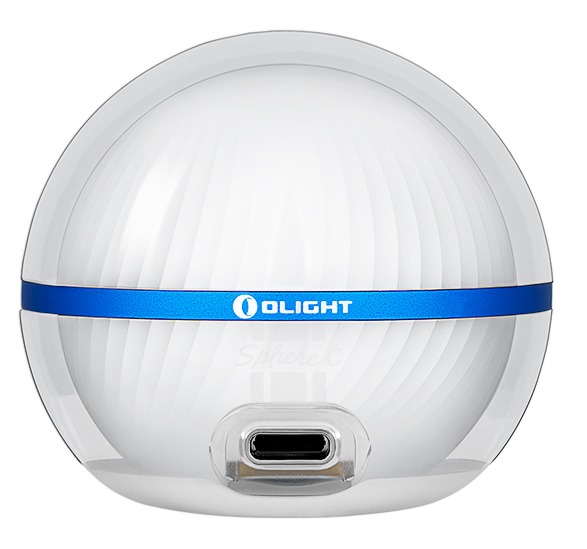
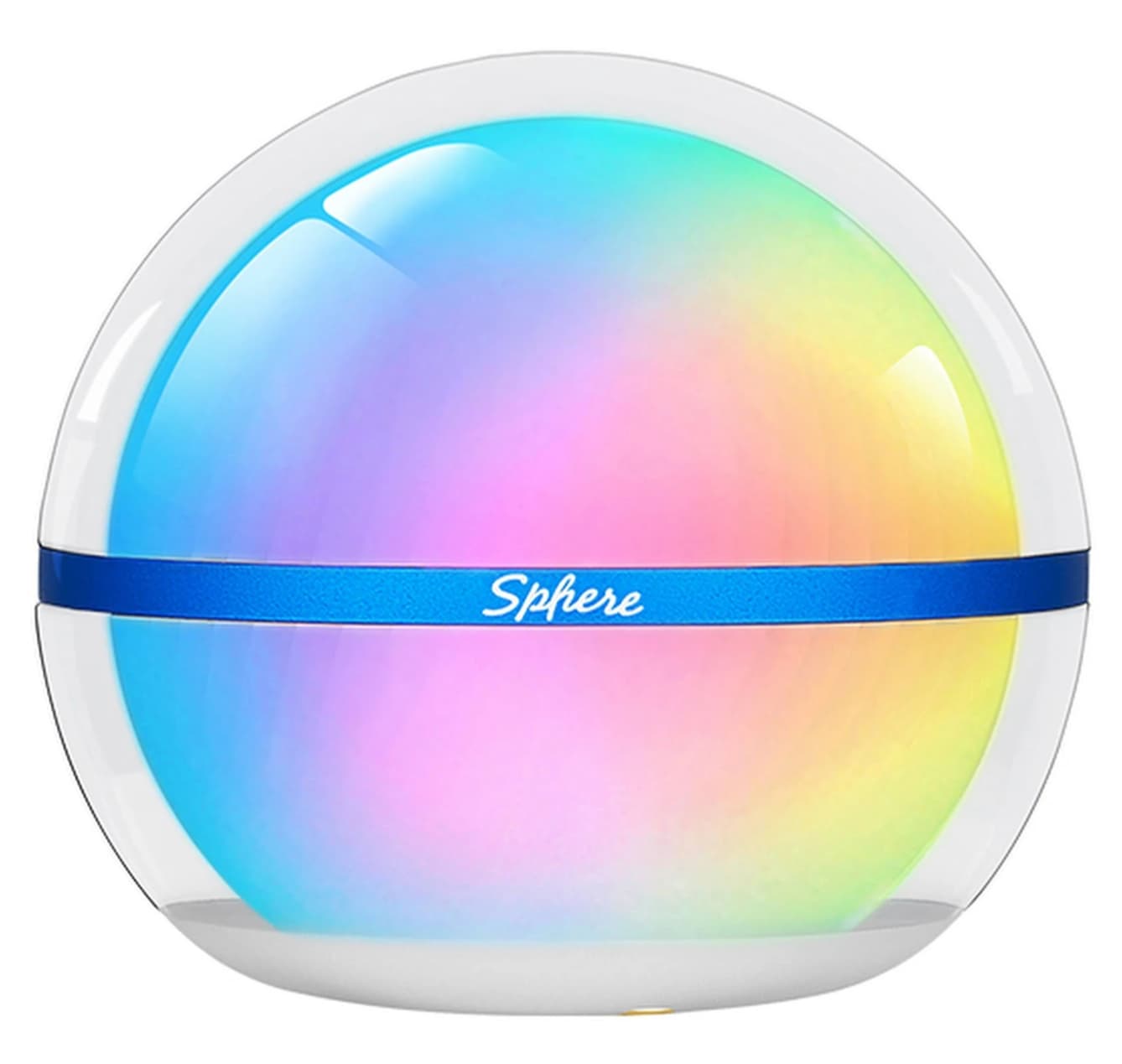

 ) and I made a PR to support Spheres, so you should be albe to use standard Tuya Local instead of the modified LocalTuya mentioned in my post (which I couldn’t manage to make it work with more than one Sphere…)