🏠 Material Home Assistant
✨ Bring the Google Home app experience (Material Expressive 3) directly into Home Assistant
Hello everyone! 
Many of you have been looking for a way to combine the power and flexibility of Home Assistant with the clean, intuitive, and modern interface of the Google Home app.
It is from this very idea that Material Home Assistant was born—a suite of custom cards and dialogs that implement Material Expressive 3 design principles to deliver a cohesive, elegant, and fully responsive dashboard. It is optimized for any device: from smartphones and wall-mounted tablets to full-sized PC screens.
We are thrilled to announce the launch of the brand-new version v3.0.0, now managed through our new official integration! To ensure the long-term sustainability of the project, the ecosystem is now split into three tiers: Free, Pro, and Ultimate.
 Discover the Tiers and Included Components
Here is what each level includes, complete with visual previews to help you choose the perfect setup for your home:
 Free Plan (Free forever)
The core design remains accessible to everyone. It includes the essential cards to build a modern dashboard:
 Material Dashboard Card (Basic)
 Material Button Card
 Material Slider Card
 Material Climate Card
 Material Lights Card
 Material User Card
 Material Menu Card
 Material Media Page
 Material Sensor Dialog (Basic)
 Installation Guide (Free Version)
If you have HACS installed, click the button below to add the repository directly:

Next, simply install the plugin from the HACS Frontend screen.
More information and alternative installation methods (local file or CDN) are available on our Official Documentation.
 Base Modules Preview (Free)
 Light Mode (Dashboard Card)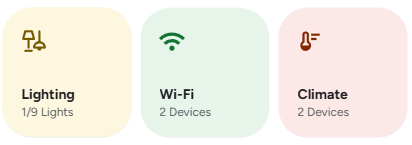
 Dark Mode (Dashboard Card)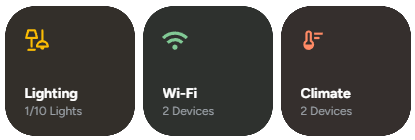
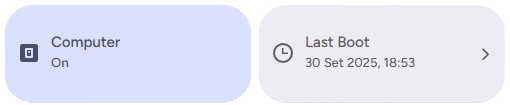
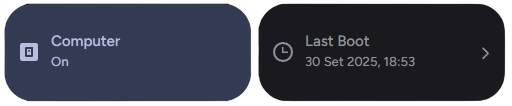
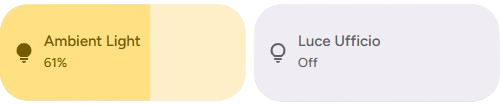
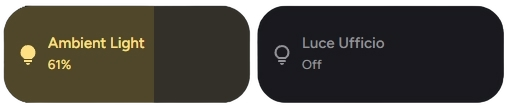
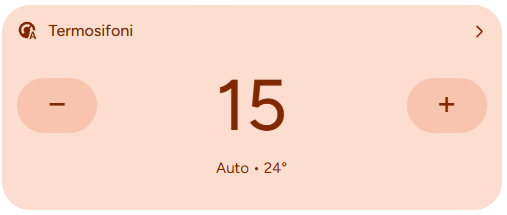
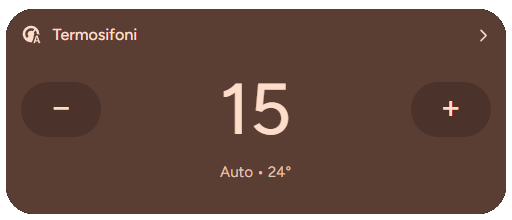
Many more previews are available here: Website Previews
 Pro Plan (Advanced Features)
Designed for those who want to push Lovelace to its absolute limits with dynamic logic and extra components:
-
 Everything included in the Free tier
 Material Battery Dialog
 Material Options Card
 Material Circle Progress Card
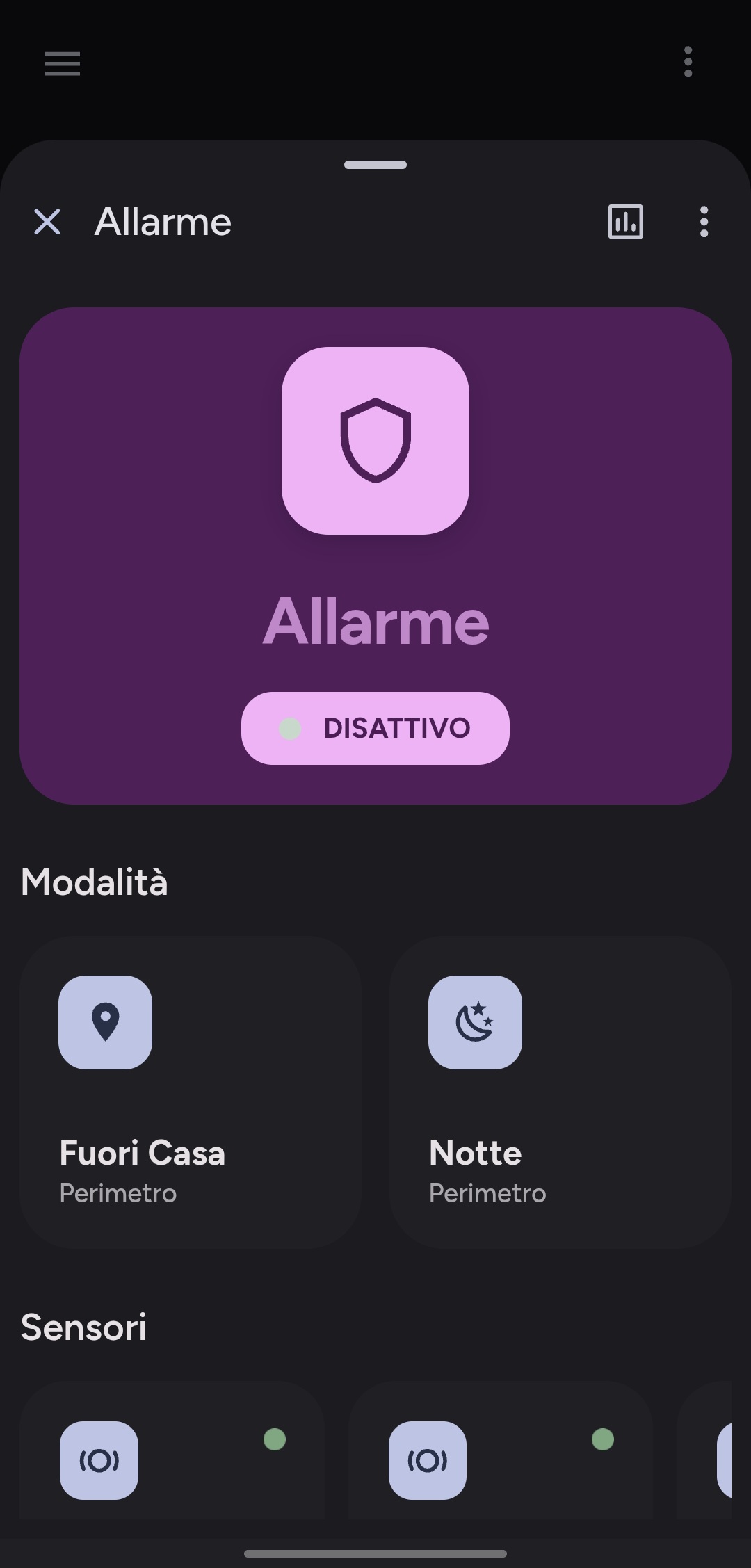
 Material Alarm Card
 Material Template Card & Advanced Actions
 Installation Guide (Paid Version)
IMPORTANT FOR THOSE UPDATING: If you are migrating from previous versions or want to activate a Premium tier, it is mandatory to completely remove the free version of the cards before installing the paid integration.
Keeping both versions installed simultaneously will cause layout conflicts or prevent modules from loading properly.
If you have HACS installed, click the button below to add the integration repository directly:
Next, simply install the integration from your HACS interface.
More information and alternative installation methods are available on our Official Documentation.
Advanced Modules Preview (Pro)
|
|
|


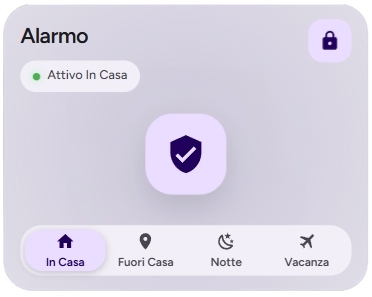
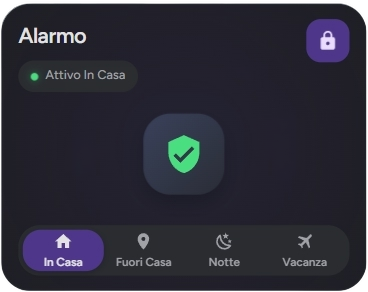


Many more previews are available here: Website Previews
 Ultimate Plan (The Definitive Experience)
The complete package featuring all advanced system dialogs and interactive pop-ups for a 100% integrated home experience:
-
 Everything included in the Pro tier
 -
 Dedicated Support
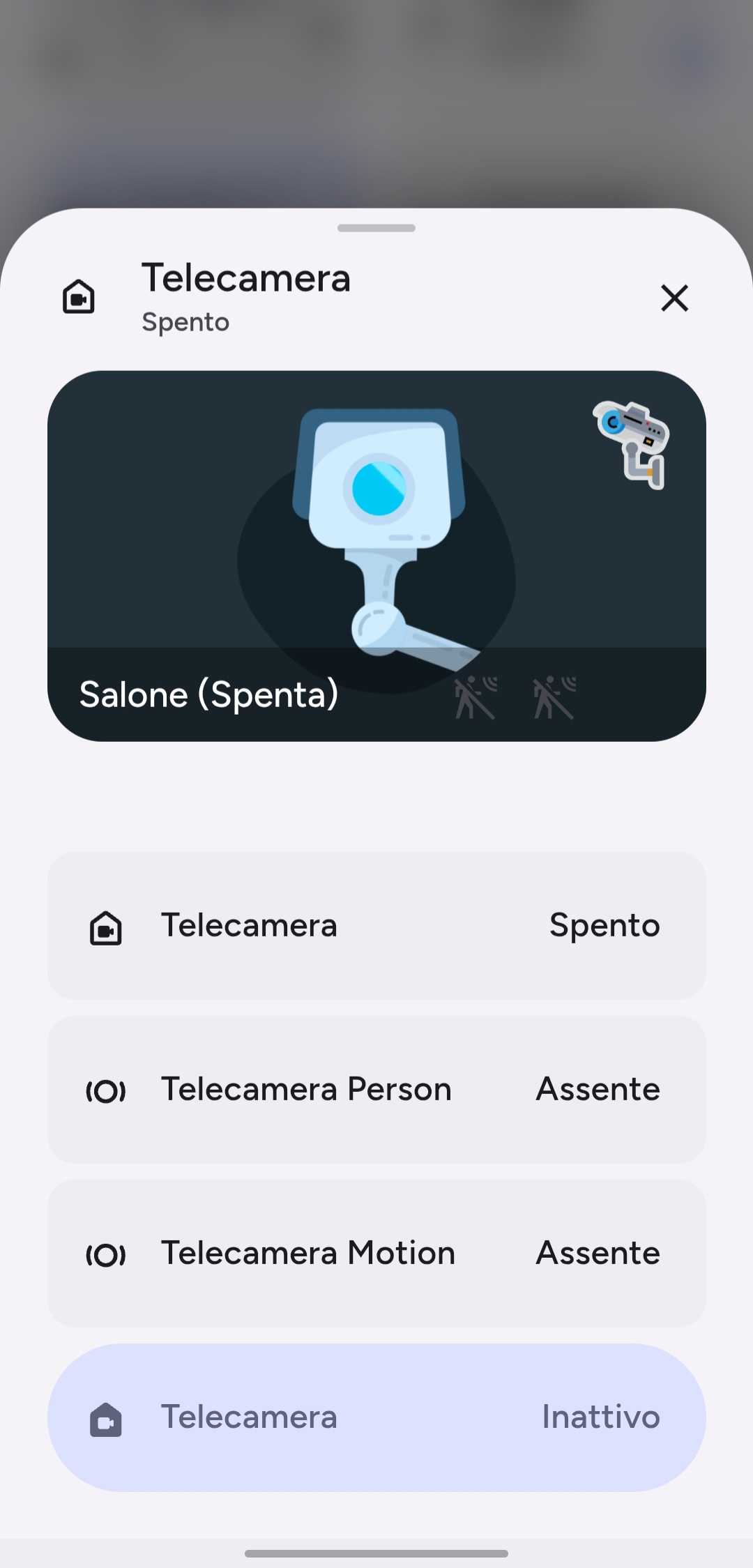
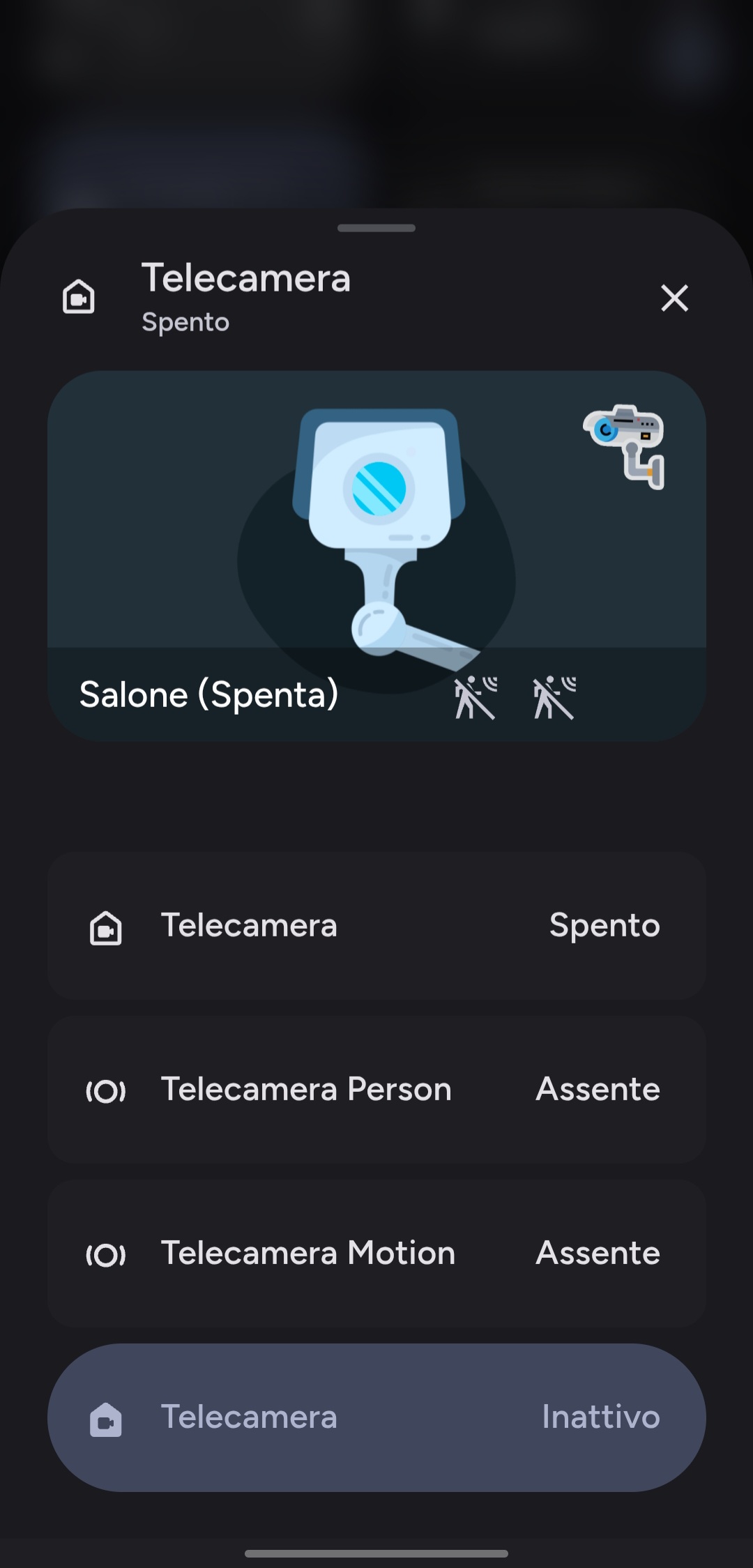
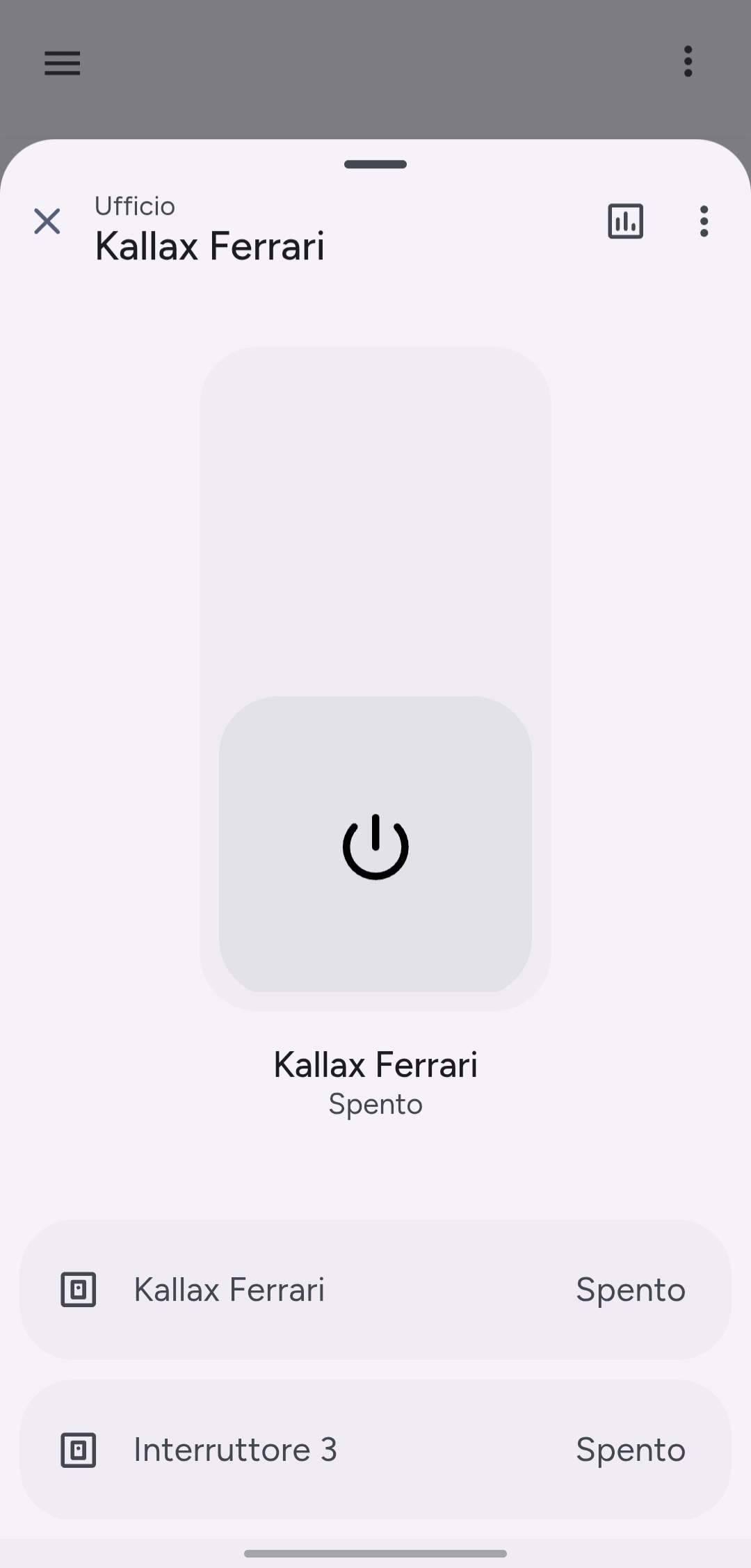
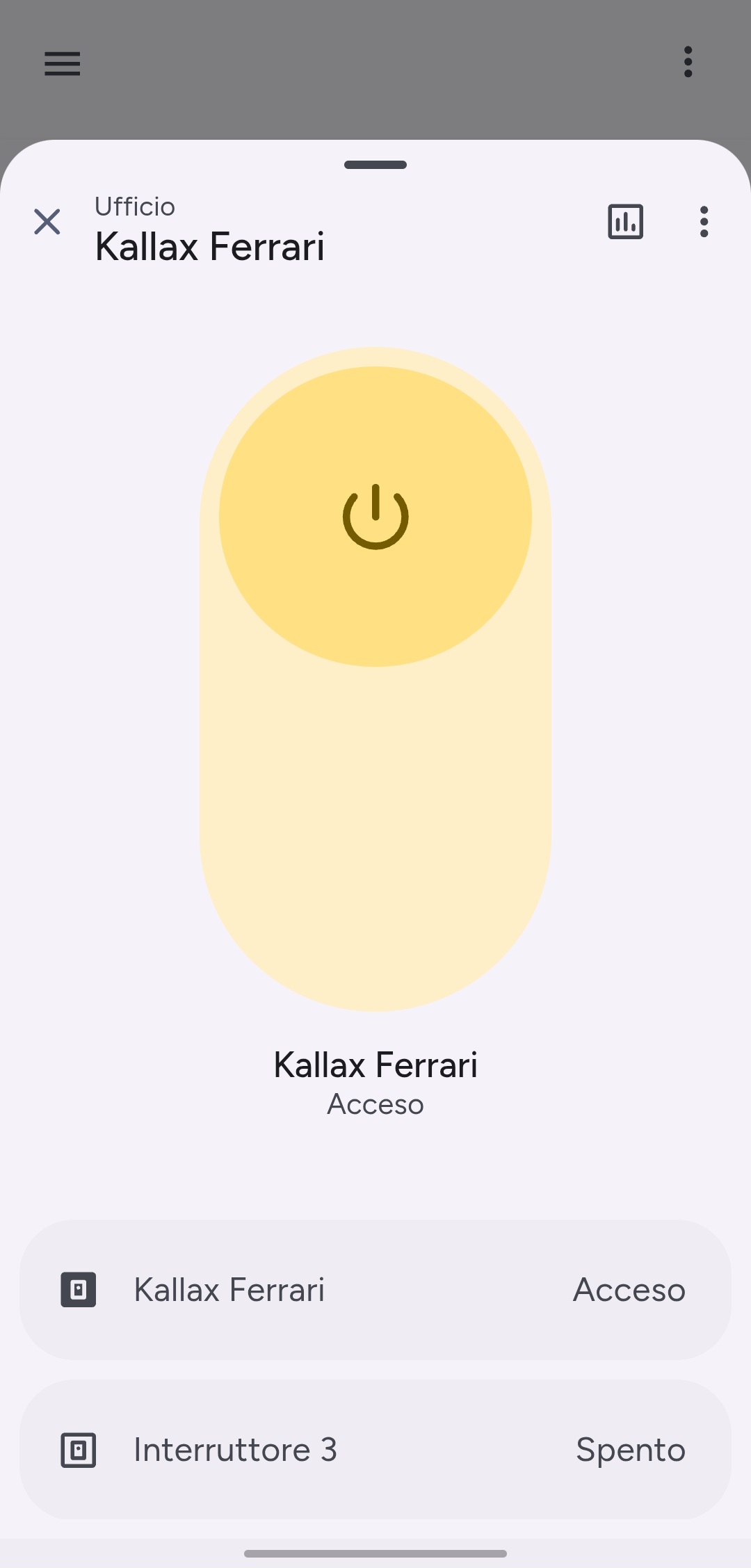
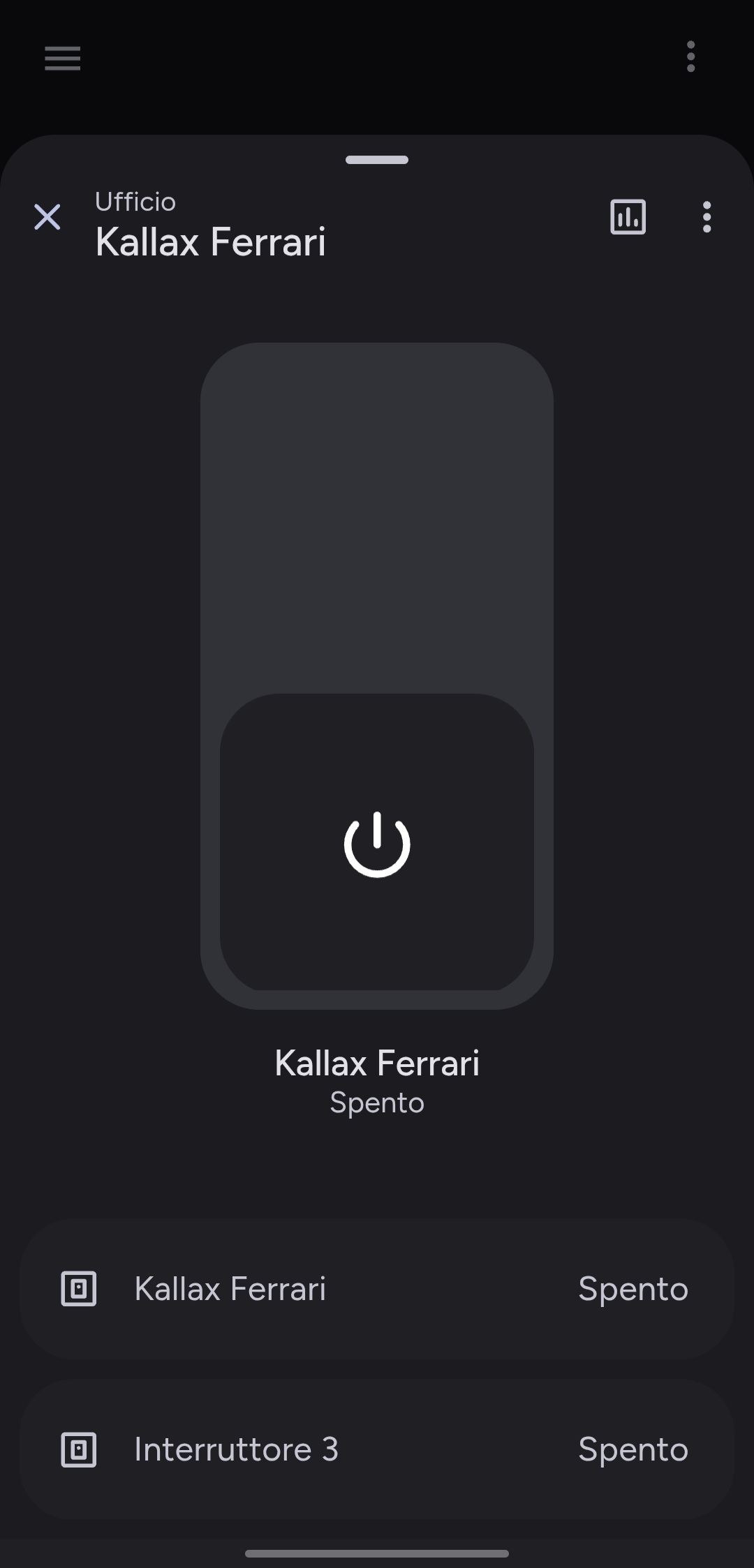
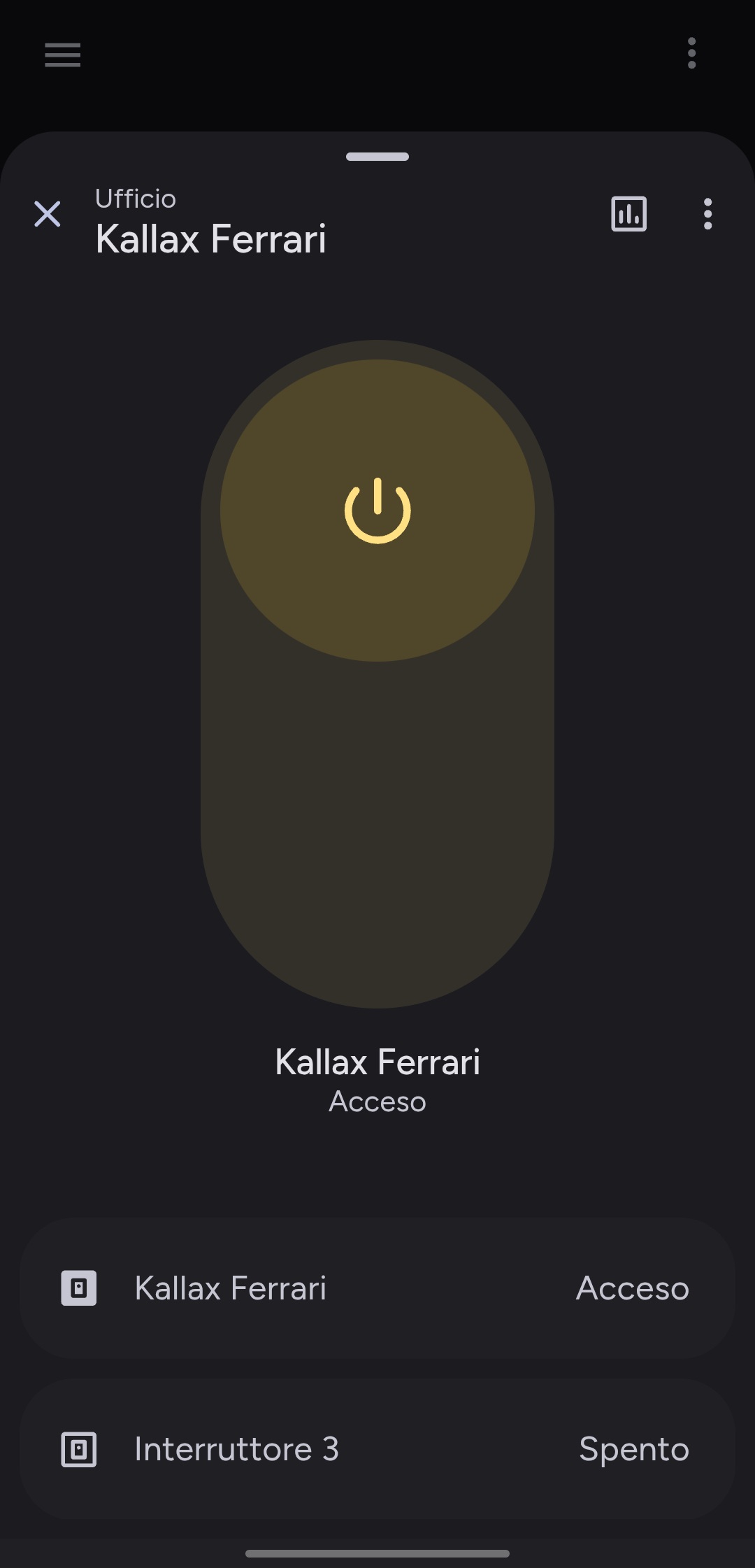
 Material Dialog Card
 Material Popup Card
 Interactive Overlays Preview (Ultimate)



 How does the backend integration work?
Starting from version 3.0.0, managing the entire ecosystem has become incredibly straightforward:
-
 Configuration Wizard: A graphical assistant built right into the Home Assistant UI that guides you step-by-step through activating your license token, checking dependencies, and handling the automated installation.
 -
 Automatic Resource Management: Say goodbye to manually adding Lovelace resources in your dashboard panel; the integration injects and manages everything behind the scenes.
 -
 Instant, Automated Updates: Through the official integration, all component updates are handled instantly and automatically, ensuring you always have the latest features and fixes without lifting a finger.
Important Registration Note: When purchasing a plan or configuring your license on the website, please make sure to use a valid and real email address. This is absolutely critical for managing your account, keeping track of subscriptions, and securely receiving your personal access token.
 Choose your plan and get started!
Licensing options are flexible and securely processed via Stripe, offering Monthly subscriptions, Yearly value plans, or Lifetime One-Time purchases:



 Tech Support: [email protected] or open an issue
This project is actively developed with a lot of passion by a team of two developers. Drop a comment below to let us know what you think, which cards you are loving the most, or what new integrations you would like to see in the coming releases!
Material Home Assistant is an independent project and is not affiliated with, endorsed by, or sponsored by Google. 'Google Home' and 'Material Design' are trademarks or registered trademarks of Google LLC.


 Material Home Assistant Integration (