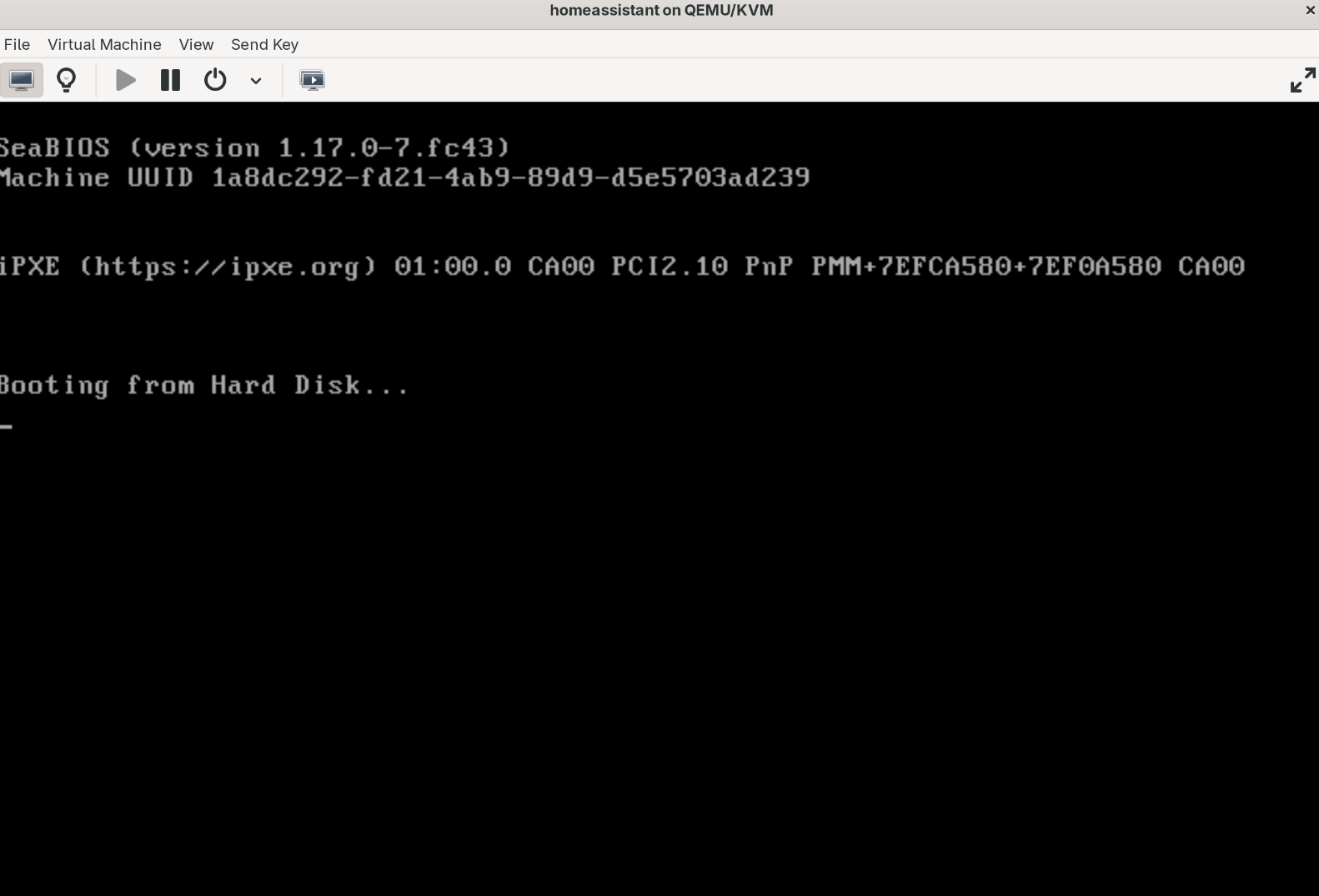
Is something wrong with the latest QCOW2 image?

URL used:

https://github.com/home-assistant/operating-system/releases/download/16.3/haos_ova-16.3.qcow2.xz

I made sure to extract it, of course:

$ sudo file /var/lib/libvirt/images/ha.qcow2
/var/lib/libvirt/images/ha.qcow2: QEMU QCOW Image (v3), 34359738368 bytes (v3), 34359738368 bytes

I can’t boot in on either of my KVM virtualization hosts (alpine/fedora). Can someone give it a try and let me know?

Edit: This is caused by booting a BIOS vm, instead of UEFI. In addition to this, a secure boot key reset is needed

I still can’t figure out the issue on the Alpine virtualization host below

Things regarding KVM have changed in this Kernel. Revising my setup. Issue is not resolved, but it’s not related to HAOS as I have tested the latest image separately.

I had to assign 6gb ram instead of 4gb. I lost patience after a few hours with 4 gb of ram. It got stuck “waiting 20 minutes” at the browser. With 6gb it completed in a more reasonable time.

First time installing it in kvm. Not sure if this speed is normal.

image
HAOS requires UEFI.

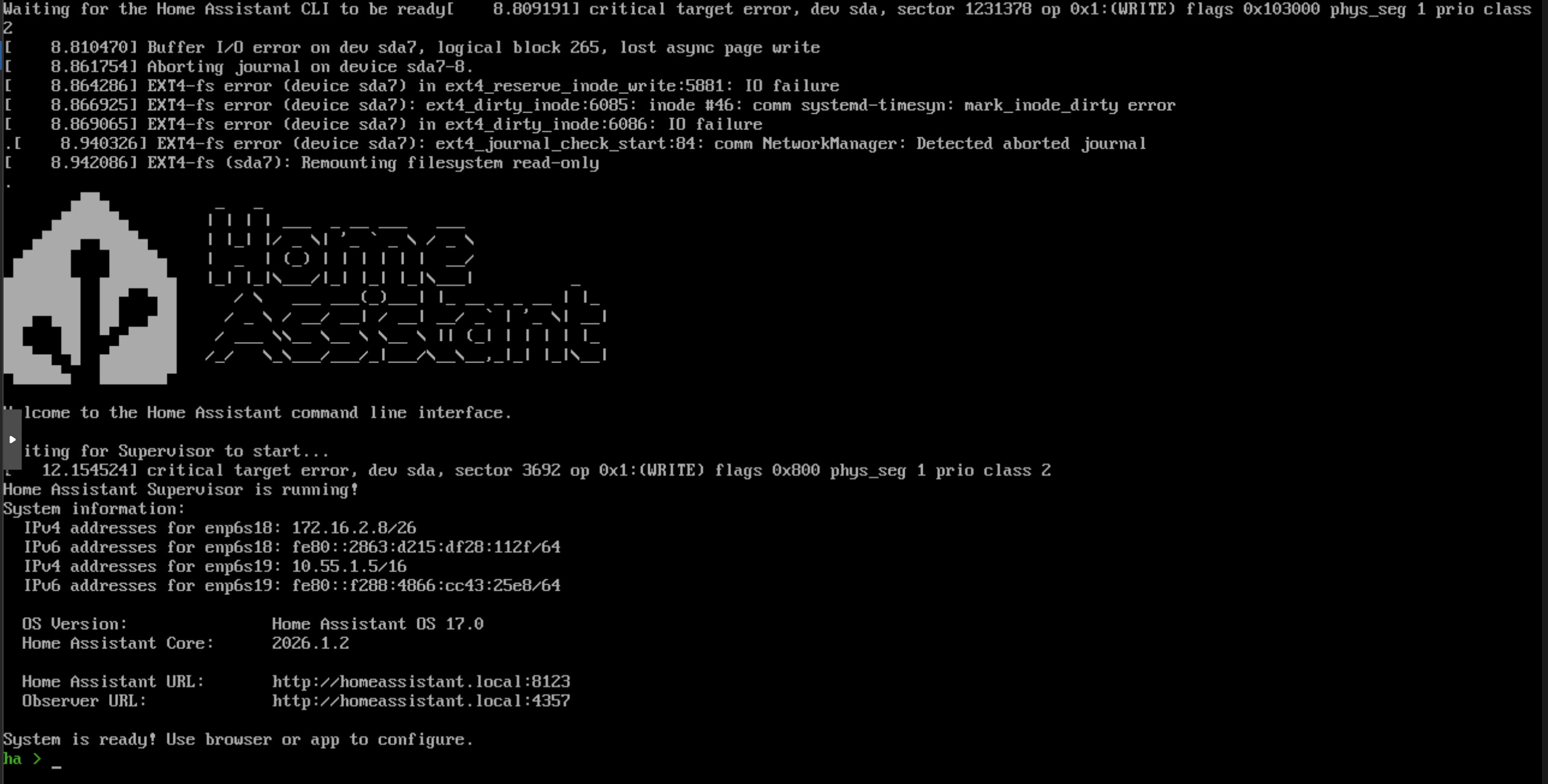
I’m reinstalling HAOS in Proxmox VM. Downloaded already twice qcow2 image and the result is the same: after booting up, I can see in console disc errors:

Is there any way to fix it???

Please check the node’s System Log.

There’s no error in PVE logs related to this VM’s disc. I have other VMs running and have no issues with them. And all of them run on enterprise ssd - intel optane.
Part of VM’s config, is something wrong there?

bios: ovmf
cores: 4
cpu: host,flags=+md-clear;+pcid;+spec-ctrl;+ssbd;+pdpe1gb;+aes
efidisk0: lvm-thin-intel:vm-103-disk-0,size=4M
machine: q35
memory: 8192
numa: 1
ostype: l26
scsi0: lvm-thin-intel:vm-103-disk-1,aio=threads,cache=writeback,discard=on,iothread=1,size=64G,ssd=1
scsihw: virtio-scsi-single

EDIT:
Seems like I’ve found the reason: it was more “performant” setting of VM’s disc. After changing to (default caching and I/O)):
scsi0: lvm-thin-intel:vm-103-disk-1,discard=on,iothread=1,size=64G,ssd=1
I don’t see errors in console…