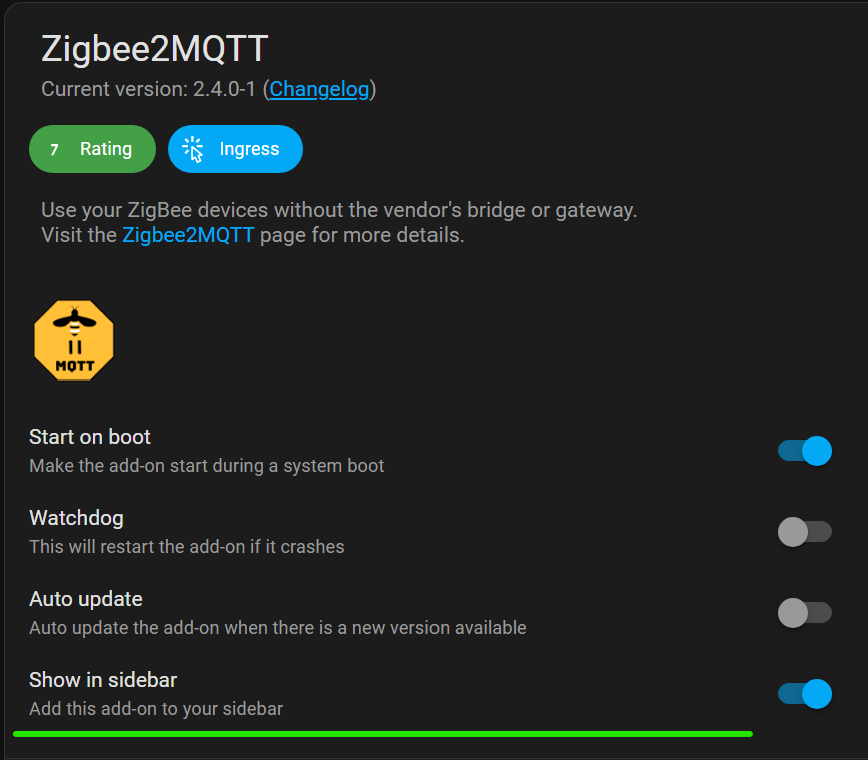
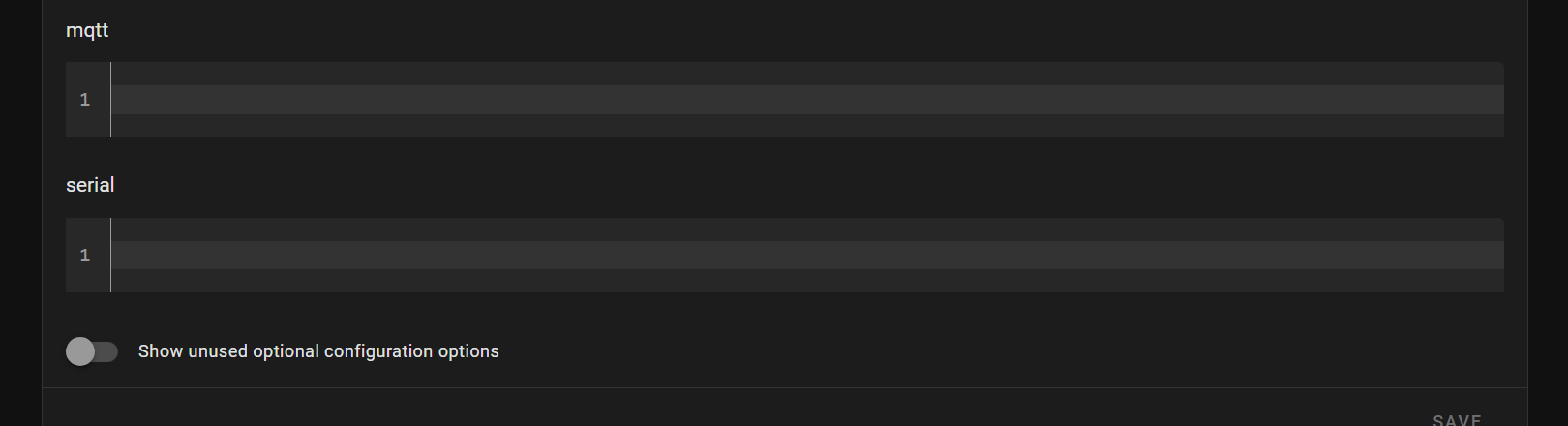
I haven’t done a fresh z2m install since they added the onboarding stuff. Is the onboarding page accessible?
Make sure ZHA is disabled before trying to start z2m. As @hedda said, you can’t run both at the same time on a single dongle, and z2m won’t be able to access the dongle if ZHA is connected.
This is not the correct thread to ask/discuss regardless since you already established that the hardware adapter firmware does work, so the problem must be software. Suggest start a new thread or post in Zigbee2MQTT discussions and move the Zigbee2MQTT discussions/questions there.
Your instructions saved my day! Thank you very much.
It works nice. It seems that i have to disregard (blank) the Add-on options and make it work by adding them on the onboarding page. I can not understand why but…it is how it is.
I could not find these tip elsewhere and even z2m discussions did not help.
Thanks again for the tip. Finally i found out that the onboard settings are not saved and everytime it restarts, the details are lost, but i can refill them.
Is there any way to keep them saved?
@simfun@LiQuid_cOOled again, please start new separate threads for your Zigbee2MQTT support questions/discussions, thanks! Those are off-topic and just spams everyone regardless if it is relevant to them or not.
Please let us keep this thread to pure hardware questions such as firmware updates, so always start separate threads for different Zigbee gateway application discussions
I don’t see any problem discussing about troubleshooting zbdongle’s behaviour. I checked on this topic and there is at least a post giving channel selection on z2m solution (software oriented). So why all this noise about it?
FYI. @Hedda
SONOFF has updated the Silicon Labs Multiprotocol Add-on (EZSP version upgraded to v16) and released a tutorial on running MultiPAN with the ZBDongle-E: