Good Morning,
While developing integrations, I kept running into friction around panels, so I stripped things back and built a true JavaScript dashboard using panel_custom in configuration.yaml to understand the workflow end-to-end.
After a lot of trial and error, I got it working. My takeaway is that the official docs feel incomplete/outdated (or at least not very “from-zero” friendly). Once you get past the initial hurdles though, custom JS panels feel like a major step up from what you can comfortably do in Lovelace.
Official docs:
https://www.home-assistant.io/integrations/panel_custom/
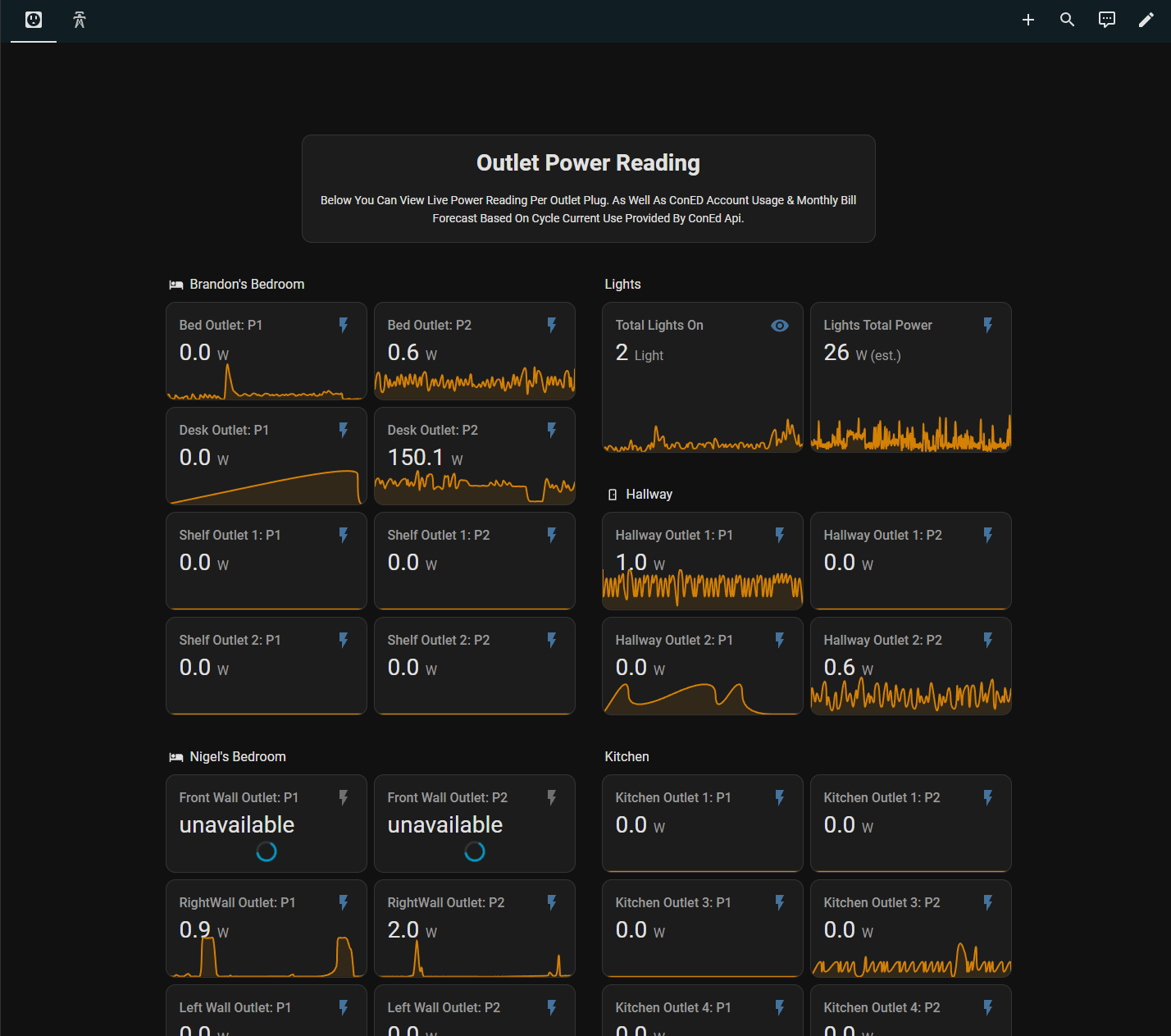
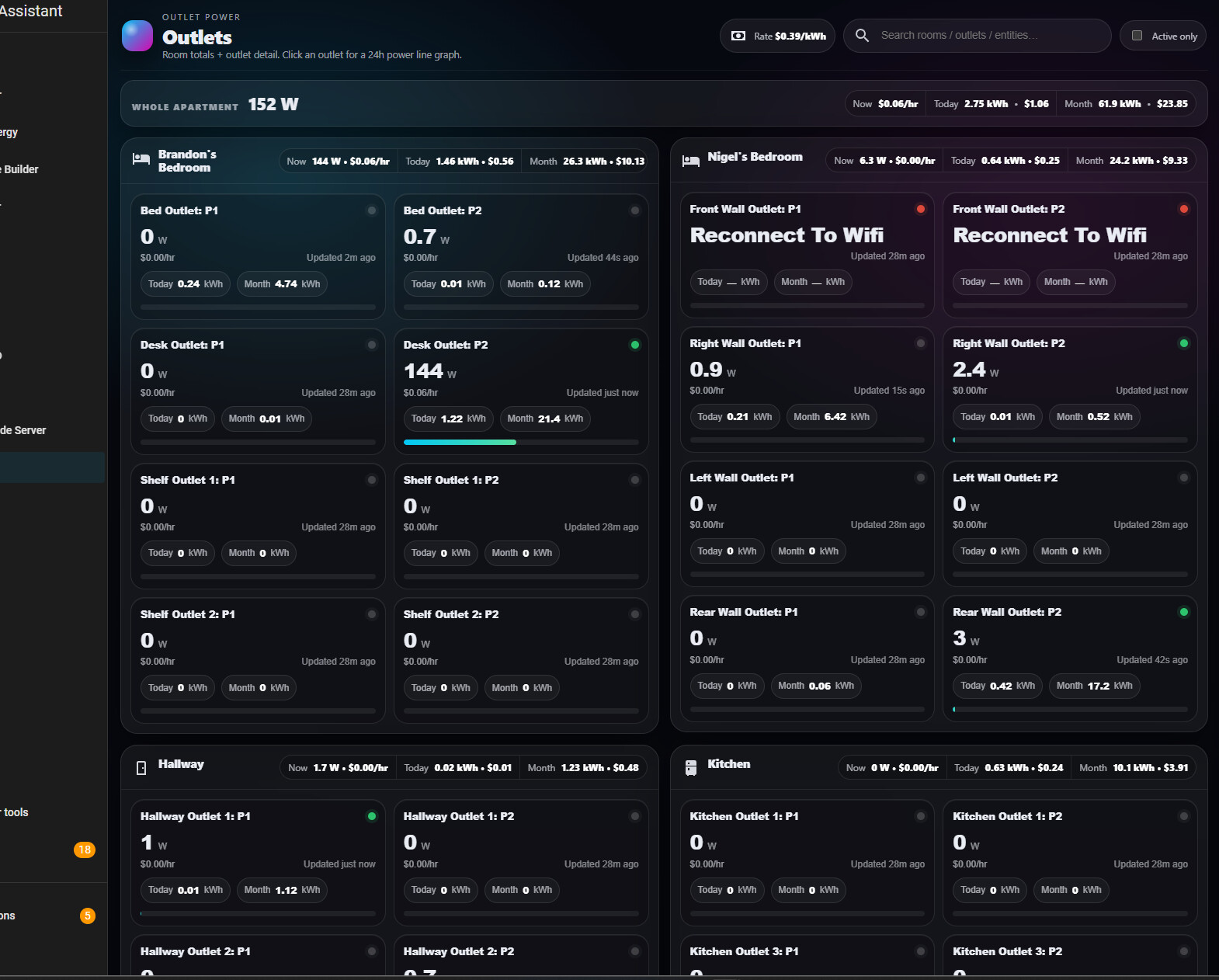
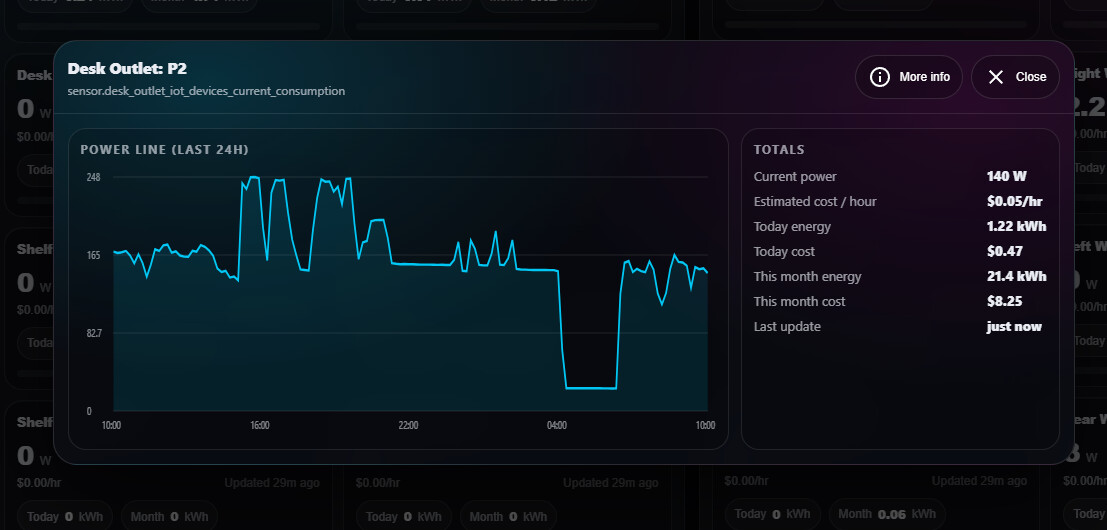
Example (Outlet Monitoring Dashboard)
Here’s a quick comparison of what I recreated for monitoring all my smart outlets:
Basic setup (minimal steps)
Basic setup (minimal steps)
1) Create the panel JavaScript file
Create a JS file inside your HA config:
<config>/www/example-panel.js
Anything in <config>/www is available at:
/local/example-panel.js
Source: https://www.home-assistant.io/integrations/panel_custom/
2) Register the panel in configuration.yaml
Add a panel_custom entry:
panel_custom:
  - name: your-panel-name
    sidebar_title: Your Panel
    sidebar_icon: mdi:view-dashboard
    url_path: your-panel
    module_url: /local/example-panel.js?v=1
    require_admin: false
Notes:
module_urlloads your JavaScript module- Bump
?v=1to?v=2etc. during development to avoid cache headaches - Optional
config:can be added and will show up aspanel.config
Source: https://www.home-assistant.io/integrations/panel_custom/
3) Implement your custom element in JS
In your JS file, define a custom element matching your panel name and render from hass updates (example pattern):
- Home Assistant sets
hass,panel,narrow, etc. on your element - You render UI based on
this._hass.states[...]
Feedback / Request
Has anyone found a solid, up-to-date “custom panel from scratch” reference (or example repo) that covers:
- recommended structure (plain JS vs Lit)
- best practices for state updates (using
hasschanges cleanly) - styling with HA theme variables (cards, typography, spacing)
- common pitfalls (cache issues, auth/401s, local paths)
Because once you get it working, it feels like a powerful direction but the learning curve is steeper than it should be with current documentation.