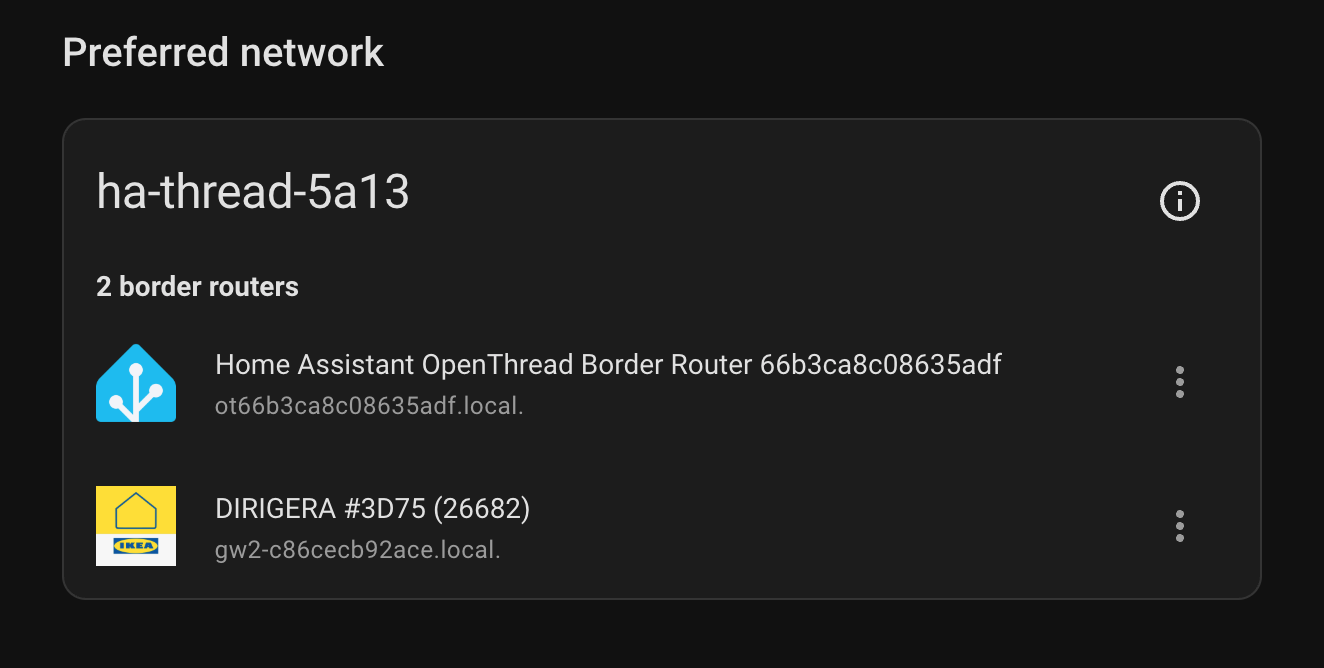
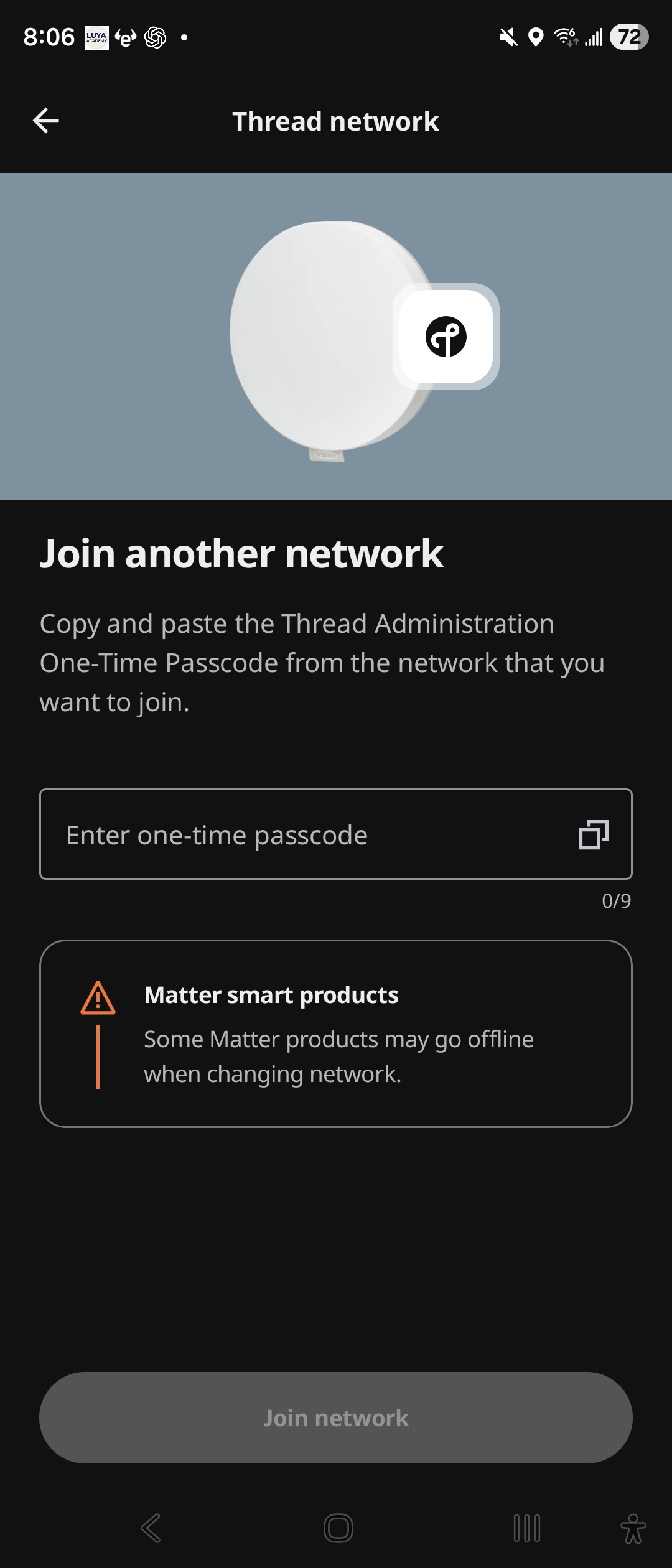
I was able to join DIRIGERA to my existing Thread network using the 9-digit passcode generated by Home Assistant’s OpenThread Border Router.
At the moment, I could not find any Home Assistant UI to generate this passcode, so I had to do it from the terminal. With some help, these were the exact steps that worked for me on my Raspberry Pi:
login
docker ps | grep -i openthread
docker exec -it addon_core_openthread_border_router ot-ctl
ba ephemeralkey generate-tap
At this point, generate-tap gives you the 9-digit code.
But that alone is not enough. You also need to start a temporary join session:
ba ephemeralkey start <9-digit-code> 300000
After that, enter the 9-digit code in the DIRIGERA app, and it should be able to join the network.
My current home assistant version is:
Core: 2026.4.3
Supervisor: 2026.04.0
Operating System: 17.2
Frontend: 20260325.7