My HA crashed over a week ago.
I always made automatic backups so i thought it was safe to reinstall HA and load a backup saved on a NAS.
Man was i wrong.
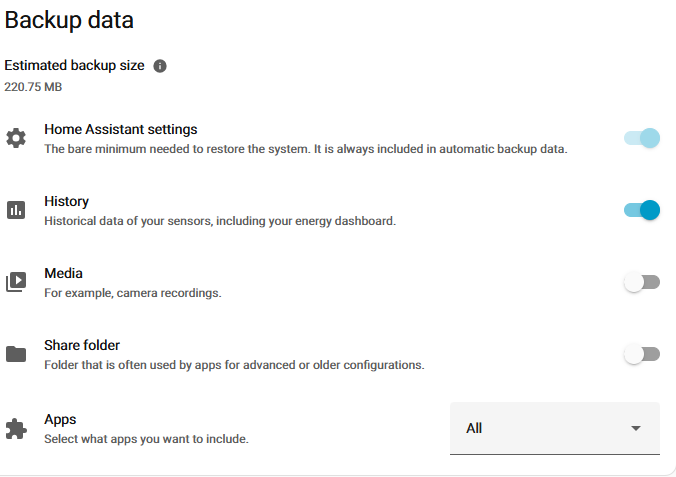
The HA history and settings weren’t in the backup so i have to recreate everything except de apps.
2 years of data and many hours work down the drain.
I’ve noticed that when i download the backup, which is created on the NAS, via HA it’s much bigger and containes a much bigger homeassistant.tar.gz.
So the backup on the NAS is not a full backup.
How to automatically create a full backup so i don’t have this frustating experience again?
I also had a Google backup but the same problem.
This doesn’t backup that is says it backups.
Only if you download it from HA it has it all.
I double checked it.
homeassistant.tar.gz is 1.3 GB in the downloaded backup and 107 MB in the backup put on the NAS.
. Do a full manual backup
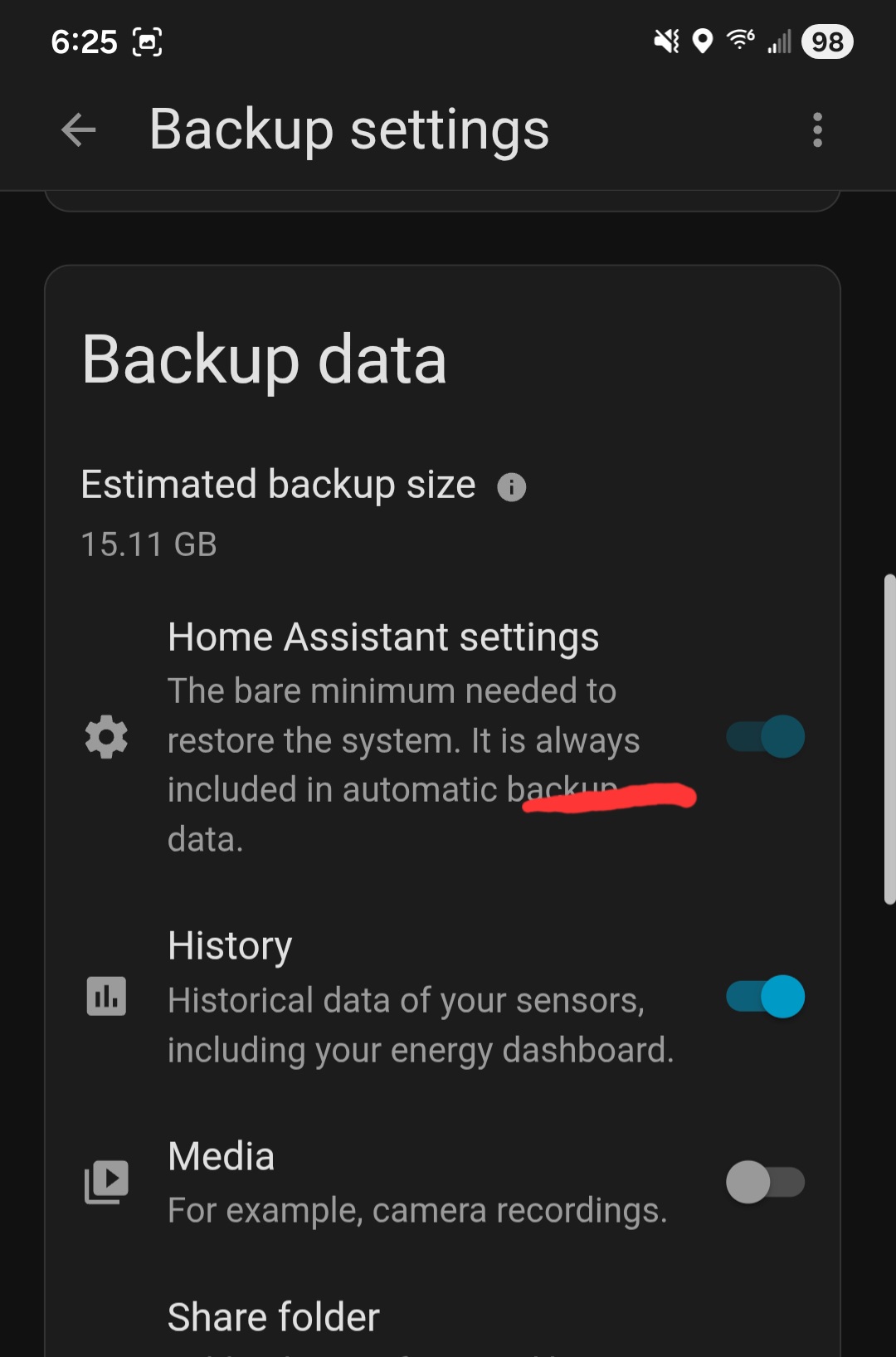
. Set automatic (system) backups to back up EVERYTHING (inclu. share folder)
. Create an automation that triggers once a day to do a full backup of everything (using hassio.backup_full).
Compare the manual, automatic, and automation backups. Try restoring each backup to see which fails you (starting with the full manual backup).
There’s a varying array of platforms to host HA on. . . my HA Green backup/restore has been flawless, but I can’t speak to anything else but running HA on an HA Green (or whether backups are reliable across the entire spectrum of HA host configurations).
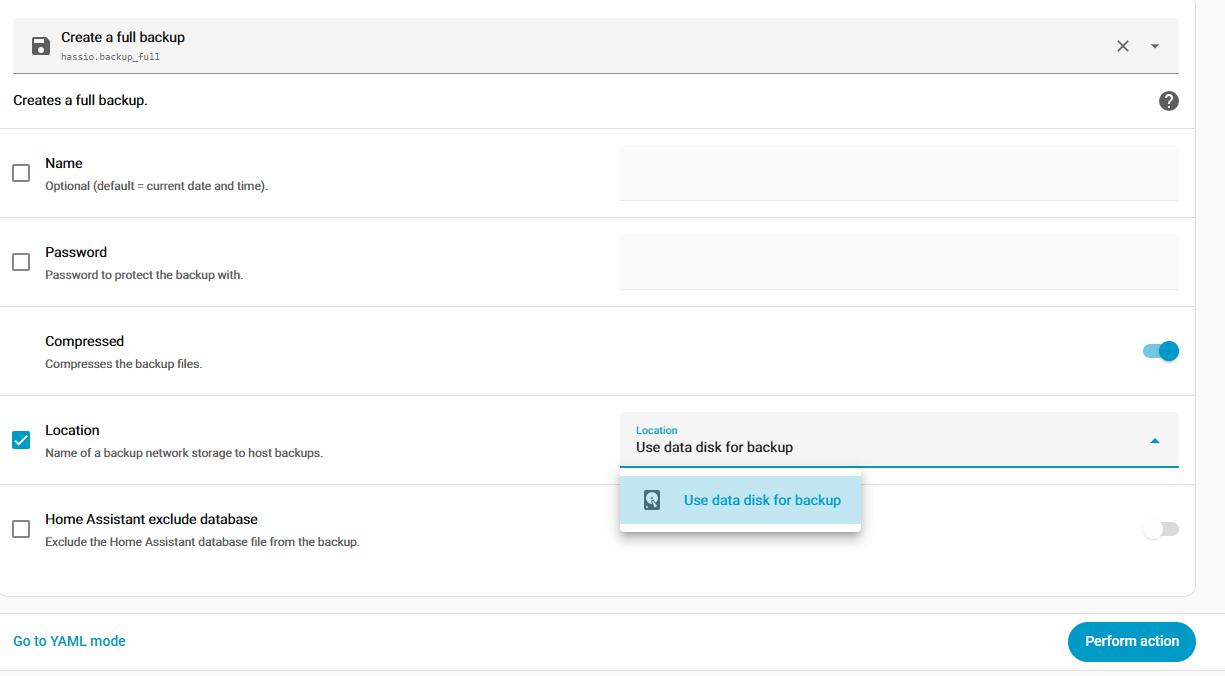
I did a full backup with hassio.backup_full.
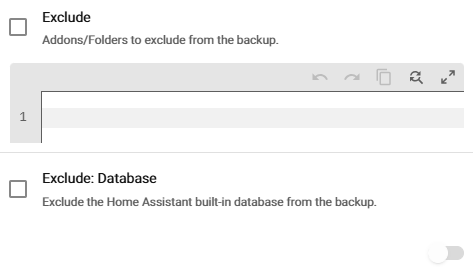
Had to uncheck “Home Assistant exclude database” which seems to be the default.
Well THAT’S NOT A FULL BACKUP!
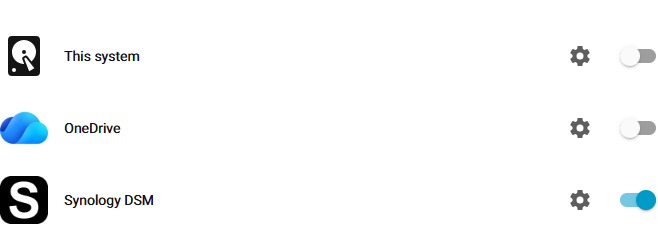
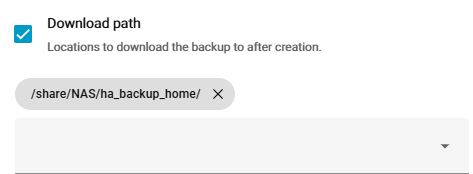
I can only choose the local system for backup, not the NAS or anything else.
And you’ve either located a nasty bug or you have a setting unique to your system! More likely) that’s getting in the way because that’s 100% not the intended behavior…
It doesn’t look like a bug because i had this on my former system which crashed and i have it on a newly installed sytem.
I have a workaround with a real full backup in an automation which stores the archive on a mounted share.
I had to
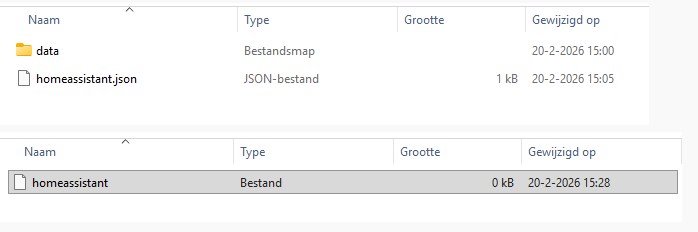
If i open the archive i now have a homeassistant.tar.gz which contains stuf while the automatic backup doesn’t.
Your picture don’t tell or show Anything which another can make any Assumptions or Context of !
As you don’t show the file-name of the file-folders etc. or the Data within data
I solved this problem with what @bob.t said with an automation which makes a real full backup with the “Auto Backup” integration you can find in HACS.
Uncheck every exclude so all is included.
It also give you more control over i.e. make multiple backups per day.
Mounted a network share on my NAS.
The NAS uploads the backups to OneDrive which i check regularly.
Now my homeassistant.tar.gz in the backup archive contains stuff while the automatic backup doesn’t.
I’m going to test restore my HA maybe once a month or so. It’s on Proxmox so isn’t hard to do.
I will look at this. I did a manual full back and restore. Everything seemed to come back working, except for a couple device handshakes which were easy to reset.
My manual full backup is about 110GB, will see how big the automatic one is tonight.