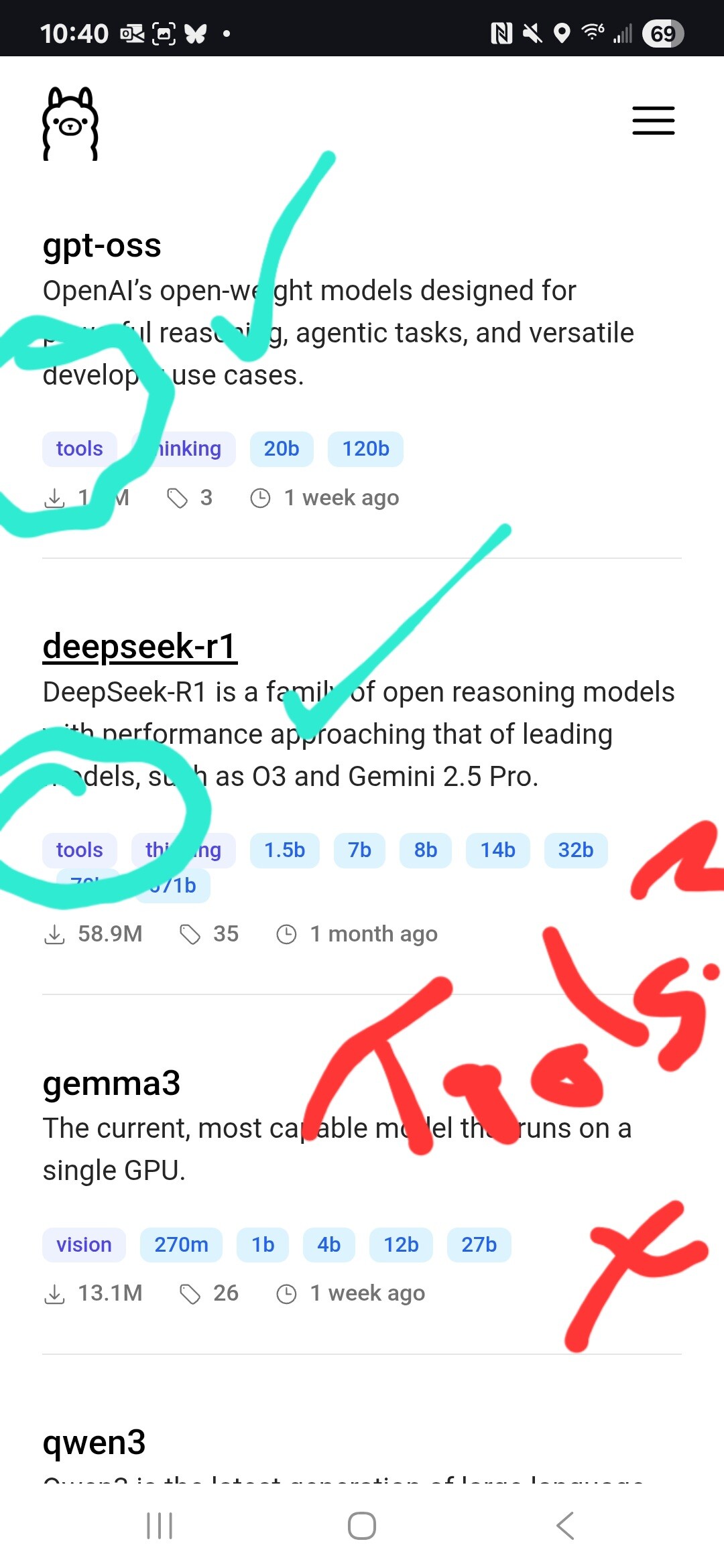
I’ve exposed a script to Voice Assist. It understands requests to run the script, and it runs successfully. But the LLM just responds with “Started”. I’ve tried three different ways to communicate the result: response_variable, a stop message, and set_conversation_response.
A simple example just to demonstrate:
script:
  flip_a_coin:
    alias: "Flip a Coin"
    description: "Simulates a coin toss and returns the result."
    mode: single
    fields: {}
    variables:
      coin_result: "{{ ['Heads', 'Tails'] | random }}"
      script_output: "{{ { 'coin_result' : coin_result } }}"
    sequence:
      - service: conversation.set_conversation_response
        data:
          response: "The coin landed on {{ coin_result }}!"
      - stop: "It's {{ coin_result }}!"
        response_variable: "script_output"
Thanks for the suggestion. I get exactly the same response (just ‘Started’) with https://ollama.com/library/llama3.2:3b, which claims tool use. In the HA Ollama integration I have “HA Assist” checked next to “Control Home Assistant”.
Can anyone get a better outcome with the script I show above?
I did a little research, and first of all, I can not find an action conversation.set_conversation_response so I think this is where the error is coming from.
Here is a Feature Request to make the set_conversation_response supported in a script (which seems to mean it isn’t currently supported in a standalone script).
I think the general problem is that the set_conversation_response has to be within the context of a conversation agent, i.e. the set_conversation_response has to know which conversation agent to hand off to, and I suspect that the script itself that is being run by a voice assistant nevertheless has no idea what conversation agent (if any) it is running with.