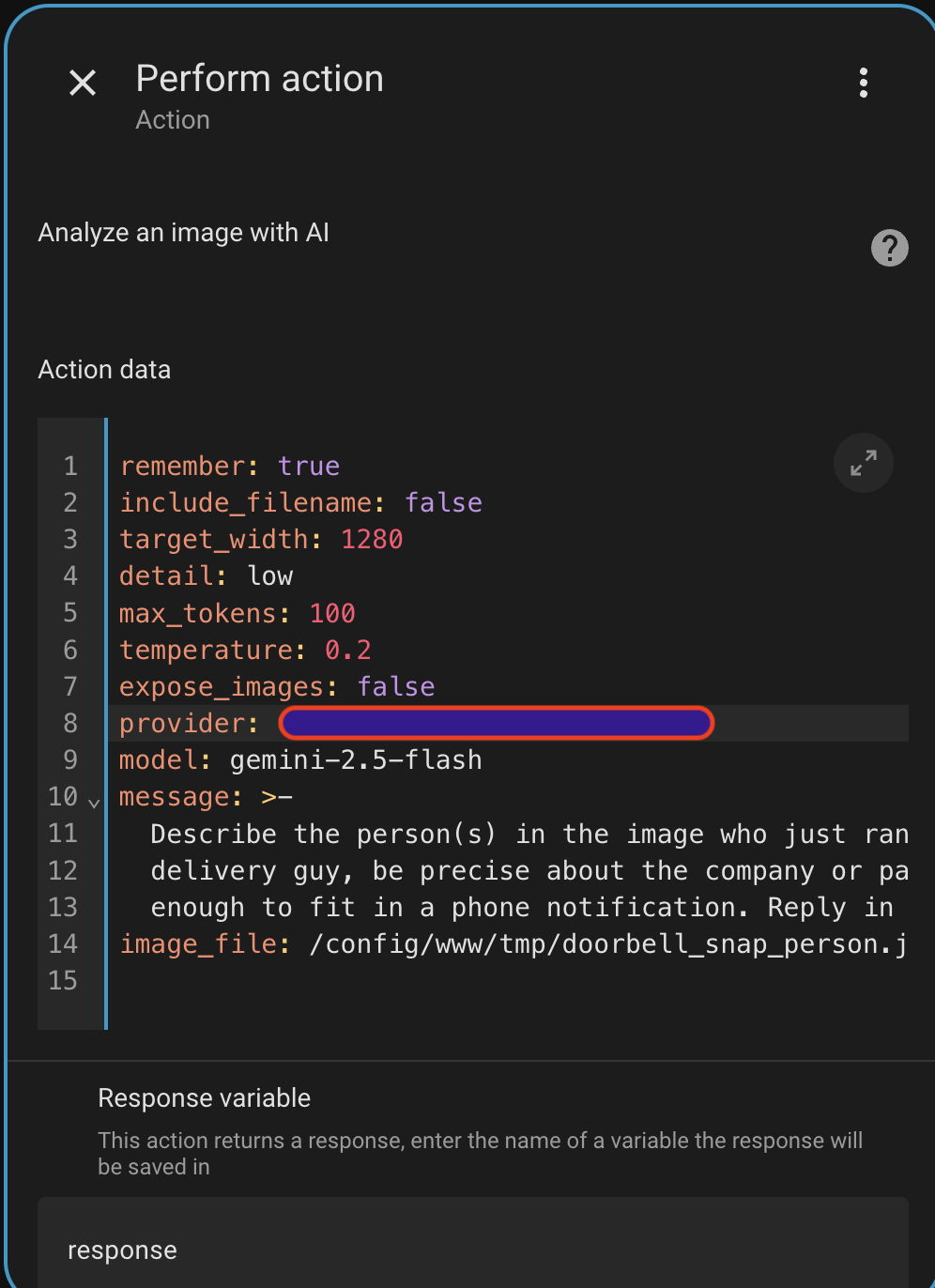
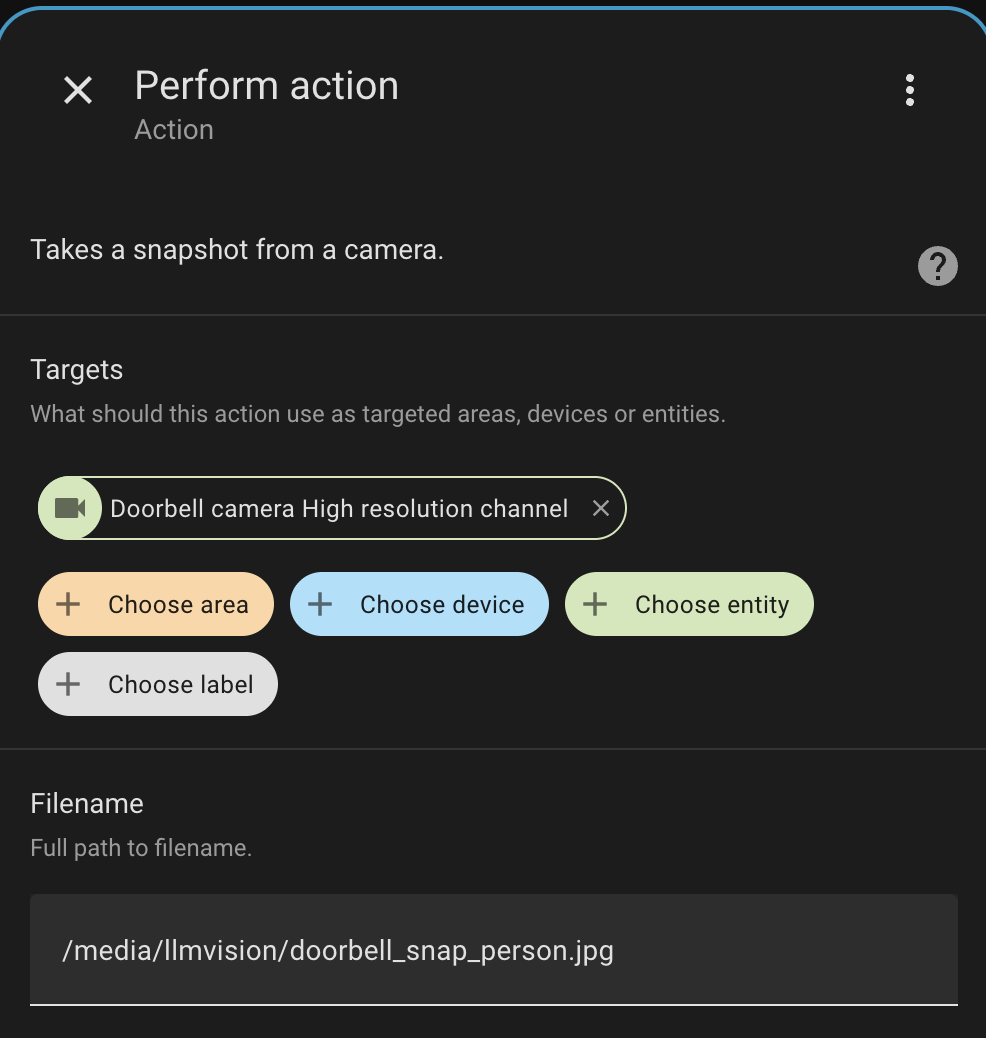
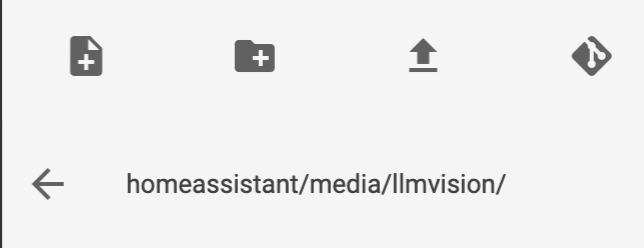
Perfect, indeed the docs make it work for my custom automation: {{ response.key_frame.replace('/config', '') }}.
Thanks.
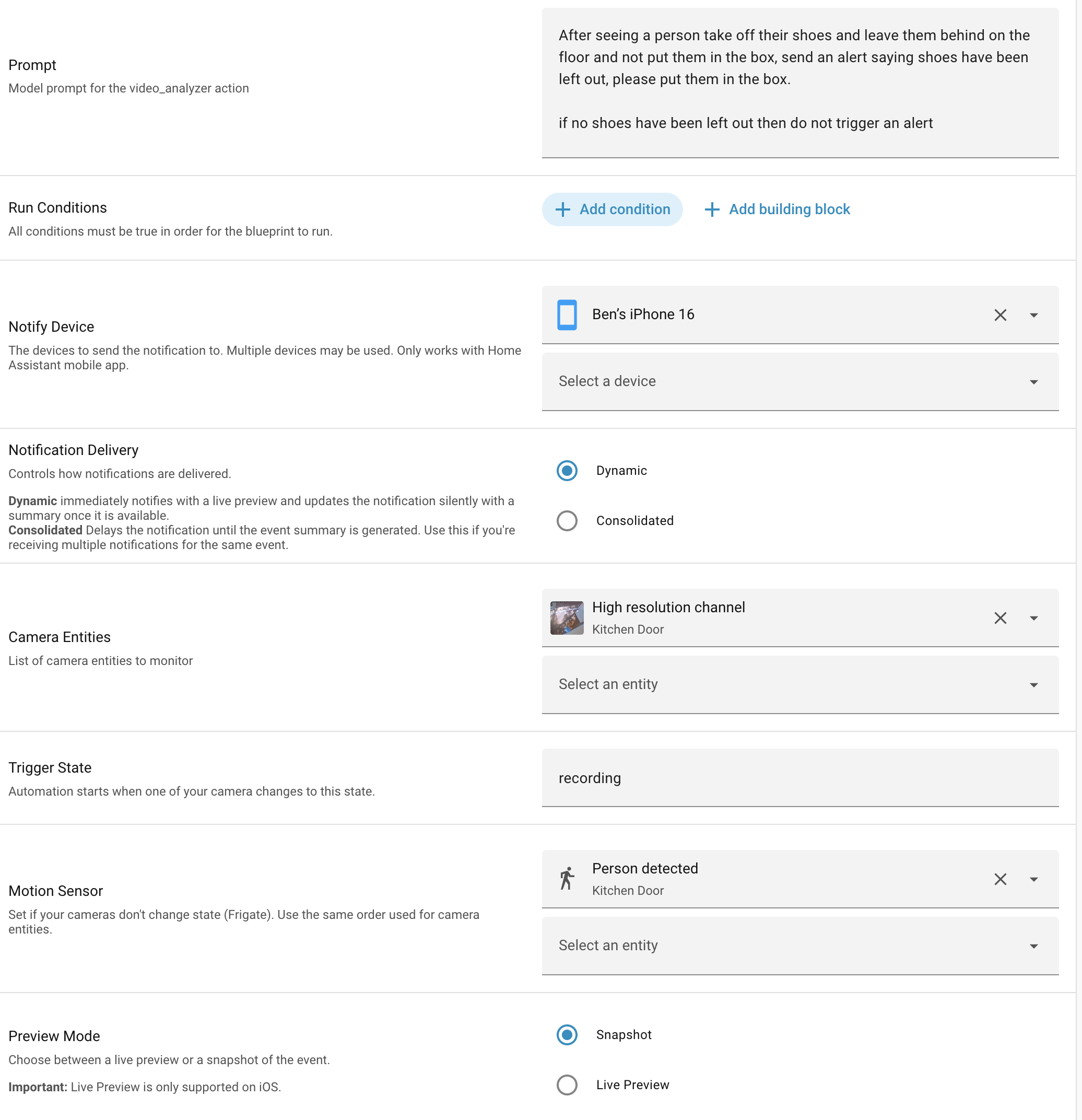
I’ve tested with the Blueprint though and it gets a couple errors.
Logger: homeassistant.helpers.template
Source: helpers/template.py:2990
First occurred: 12:24:35 (7 occurrences)
Last logged: 12:42:44

Template variable warning: 'camera' is undefined when rendering '{{ camera }} Snapshot'
Logger: homeassistant.components.automation.llm_ai_event_summary_v1_5_1
Source: helpers/script.py:2067
integration: Automation (documentation, issues)
First occurred: 12:24:35 (42 occurrences)
Last logged: 12:42:44

LLM AI Event Summary (v1.5.1): If at step 3: If at step 1: If at step 1: Choose at step 1: choice 1: Error executing script. Error for choose at pos 1: Cannot write `/media/snapshots/doorbell/last_motion.jpg`, no access to path; `allowlist_external_dirs` may need to be adjusted in `configuration.yaml`
LLM AI Event Summary (v1.5.1): If at step 3: If at step 1: If at step 1: Error executing script. Error for choose at pos 1: Cannot write `/media/snapshots/doorbell/last_motion.jpg`, no access to path; `allowlist_external_dirs` may need to be adjusted in `configuration.yaml`
LLM AI Event Summary (v1.5.1): If at step 3: If at step 1: Error executing script. Error for if at pos 1: Cannot write `/media/snapshots/doorbell/last_motion.jpg`, no access to path; `allowlist_external_dirs` may need to be adjusted in `configuration.yaml`
LLM AI Event Summary (v1.5.1): If at step 3: Error executing script. Error for if at pos 1: Cannot write `/media/snapshots/doorbell/last_motion.jpg`, no access to path; `allowlist_external_dirs` may need to be adjusted in `configuration.yaml`
LLM AI Event Summary (v1.5.1): Error executing script. Error for if at pos 3: Cannot write `/media/snapshots/doorbell/last_motion.jpg`, no access to path; `allowlist_external_dirs` may need to be adjusted in `configuration.yaml`
You are doing some awesome job. but, clearly every time LLVision is updated, the update is not always clean. If you need more tester before releasing the new version? btw, I stopped upgrading the versions for the same reason, I just get lost in the issues with LLM Vision upgrades despite of working as devOps engineer.
Hi @sybadm, unfortunately you’re right. Sometimes updates contain errors and I’m sorry about that.
I do my best to test all updates. We also have multiple betas before the public release. However, if there’s no feedback on these betas, it’s hard to fix any errors that I don’t encounter myself.
So yes, more beta testers are always welcome of course! I do understand that not everyone wants to or had time to test though.
If you do have any issues with LLM Vision, please create an issue on GitHub, or reach out on Discord!
hey @valentinfrlch , you don’t have to be sorry. You are the inspiration for many of us. What I was highlighting was more testing or helping hands if they are needed.
Thank you! Like you said, beta testers are essential for smooth releases. I’ll create a channel for beta version, so we can better coordinate and get real time feedback from testers. Join the discord here: LLM Vision
hello, nice integration, thanks! Question, I think I have set up all good, and do with some automations some data back like people and cars. However using the integration in the card, nothing is seen or shown. My idea is your integration watch live 3 camera’s and mention in a pushover message when something is happening or seen.
Any idea what could be wrong?
Configuration.yaml contains the folders mentioned in the hacs page:
I have LLM Vision and timeline Card.
I want the timeline card to only include events from my doorbell camera.
I have only the doorbell camera selected as a filter.
However it is still pulling events from “frankie cam” .I have frankie cam set up to do an image analyses every 15 minutes to check if my dog is in the frame. Because it is pulling events every15 minutes it is pushing events of my timeline card.
Should the camera filter stop this?
timeline-card shows all events but it is missing the the snapshot since the upgrade.
I’m running Home Assistant in Kubernetes container.
I have this in my HA configuration.
media_dirs:
  llmvision: /config/media/llmvision
I can see all snaphots are saved properly under /config/media/llmvision/snapshots
The instant notification shows the snapshot but I believe it fails to register the snapshot on timeline calendar? Which also affect the second notification after processing the snapshot, I only receive LLM description of the snapshot but the snapshot is missing.
I’ve been using LLM Vision to generate descriptions when someone rings my doorbell, and it’s been working flawlessly until recently (I noticed today, last good run was last week), now the notification I get on my phone says:
“Couldn’t generate content. Check logs for details”
I checked the API key etc, and i cant find anything obviously wrong, not sure where else to check…
The latest Blueprint (v1.51) seems to have some issues with OpenAI. the response back from the LLM is always " I dont see the description or images Please provide the text or a brief description of the images object and location and Ill create a title like Person seen at front door." So i think it is not getting the stream images to analyze. Swapping Gemini in for the same automation, no other changes, works fine …
Using the latest betas I’m getting no images in the Timeline, because the images cannot be accessed due to authentication issues? In the log I have, for example:
Login attempt or request with invalid authentication from XXX(192.168.50.187). Requested URL: '/media/llmvision/snapshots/77edc3f5-camera0.jpg'. (Mozilla/5.0 (Windows NT 10.0; Win64; x64; rv:142.0) Gecko/20100101 Firefox/142.0)
If so, I’m really wondering what I’m doing wrong… My config yaml is:
Okay, in case this affects anyone else it seems like the problem was if you have:
default_config:
you cannot have:
homeassistant:
  media_dirs:
    media: "/media"
later. At least, removing this second section completely fixed the authentication issues in my case (I was seeing no images in the timeline, and Failed to load resource: 401 in the logs)