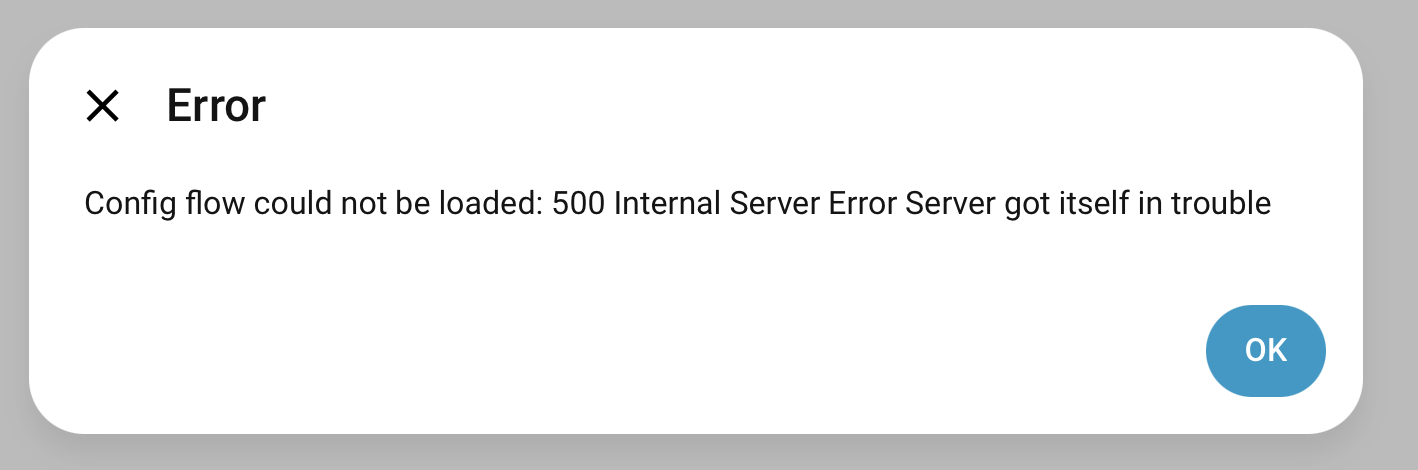
I had Local Tuya working perfectly (with one Tuya device). Stupidly / inadvertently created a new cloud API integration with the same credentials, which worked but nuked my original one and deleted my device. When I try to add the device back I get an error when I click configure. Have tried deleting / restarting / reinstalling – same error.
Think there must be some hangover stuff in a config file somewhere?
Using HA on Pi 5 with most up to date core etc (system updated yesterday so it’s not old code).
I believe I have found the issue and it is we’re using an old localtuya and this is the one that should be used tuya-local but the naming of the projects is all sorts of horrible
A user called @Wuhn on the Discord server posted an answer for me. See below. I read it and thought “that’s weird, that’ll never work” but actually it did and a couple of other users who reported on Github they were having the same issues also resolved them with the below solution. Definitely worth a try even if it seems counter-intuitive to think that adding a single ‘_’ would magically solve the problem – it does.
Get a SSH terminal module
Install it
Go on your SSH terminal
tape : cd /config/custom_components/localtuya/
tape : nano config_flow.py
Do : Crtl + F and search self.config_entry
Change it on : self._config_entry
Dear macleodal I’m very much interested into your solution BUT I dont know how I should use the the SSH terminal in that environment. Should I use an SSH terminal on my PC computer and connect to my Home Assistant Yellow box IP adress please?
Many thanks in advance and kind regards.
Fabrice
 I dont know how I should use the the SSH terminal in that environment. Should I use an SSH terminal on my PC computer and connect to my Home Assistant Yellow box IP adress please?