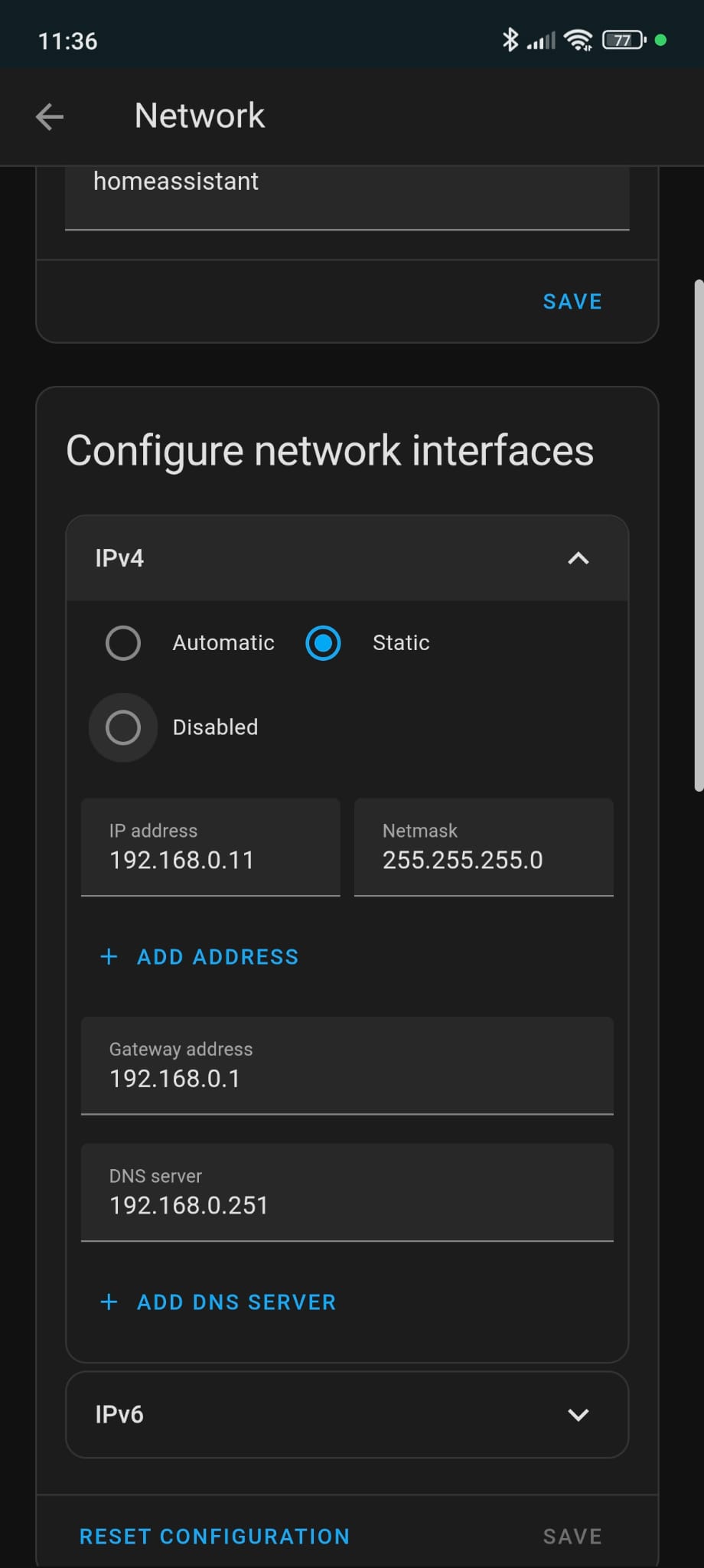
hi there, at home we are three people, 2 use iphones (I have icloud3 integration for them) and the other one uses android (myself), the point is the iphone devices report very well its position with no vpn working; on the other hand it is my android device, never working!!!
first question, do I have to enable tailscale for it to work? that´s a question I have not found answer for.
let´s say in advance that I have read the troubleshouting guide, several times.
If I understand correctly, icloud3 reads your phone position from Apples cloud, but it cannot see the android phone. The android phone has no way of communicating its position to HA unless HA is accessible from the cloud, or if your phone has access to your LAN. So as Hellis81 asked, the phone needs to be able to access HA while you are away from home.
Yeah… that is the local IP.
It will never work.
You need to some how connect the app using the external IP, some VPN or Nabu casa.
Or you need to use the very buggy google maps method. Not sure if that method will work now that google is removing functions from maps.
Using the local IP like you do here means as soon as you leave home the phone can’t tell HA where it is.
So either that url is not correct or there is something else that is wrong.
But it has to be external ip and you need to use this as your connected HA instance.
Your phone will never be able to contact your home assistant instance when you are not home, because home assistant equipment is not accessible by the network when you are on a public Wi-Fi or using data connection.
The only solutions that you have available to actually solve the problem you’re having is:
Number one, configure Nabu Casa’s service so that you have access to your home assistant when you are out and about. It’s cheap and you contribute to home assistance development when you do that.
Number two, set up something like tailscale or another form of VPN that allows you to get access to your home assistant instance when you are away — and keep your phone always connected to the VPN.
I personally chose the VPN route to solve this problem for me, and I report my location to my home assistant service using the owntracks method, so that I don’t have to send my location to Google or Apple or anything. In this situation that we are having at home, because I’m not actually using the play store version of the app, this setup also solves another problem for me, which is to get notifications when I’m not home. As long as I’m on VPN, home assistant can send me notifications and they do not travel through the Google Cloud. Needless to say, I am always on VPN when I’m not at home. I have the wire guard app on the phone, which automatically knows to disconnect from VPN when I get home, and to connect when I leave home, based on my Wi-Fi. To be clear, it’s not that I am stingy and I don’t want to pay for Nabu Casa’s service, but rather that there are other services at home that I would like to access when away, which would not be possible just by paying the Nabu Casa subscription.
Well you are sending it to owntracks then.
Wasn’t it owntracks that sold your data? I can’t remember.
But if you just use HA app then you really aren’t sending it to anyone but yourself.
I told you already in the third post on this thread: the iphones post their location in icloud, where the integration gets it. Find my phone like.The phome stores it on the cloud, HA pulls it from the cloud.
But for Android, the location is nowhere to get it from, other than the phone. the Phone needs to be able to contact HA to tell it its location.
Not really.
There is the Google maps method.
If I remember correctly you logged in on a computer and copied the cookie file to your HA.
That meant HA could log on to your Google account and get the location.
I used this many years ago, probably before the companion app existed.
It works, but it’s not very responsive.