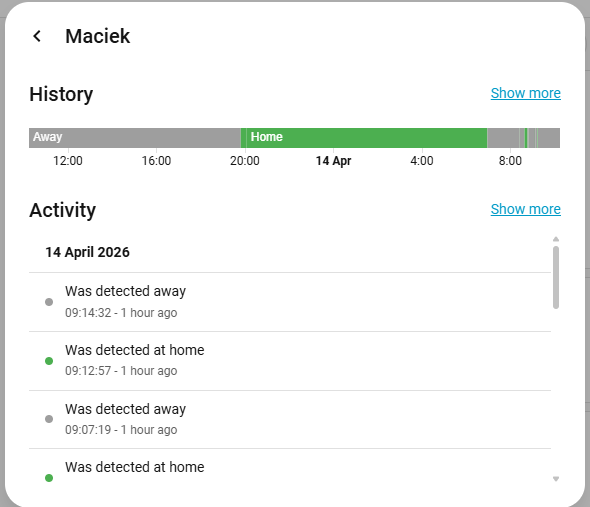
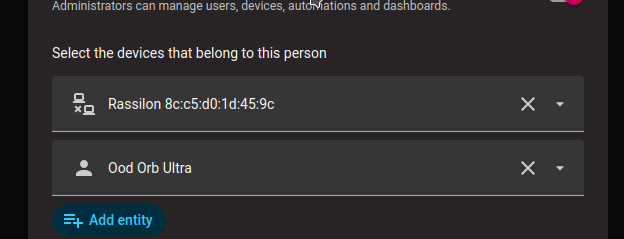
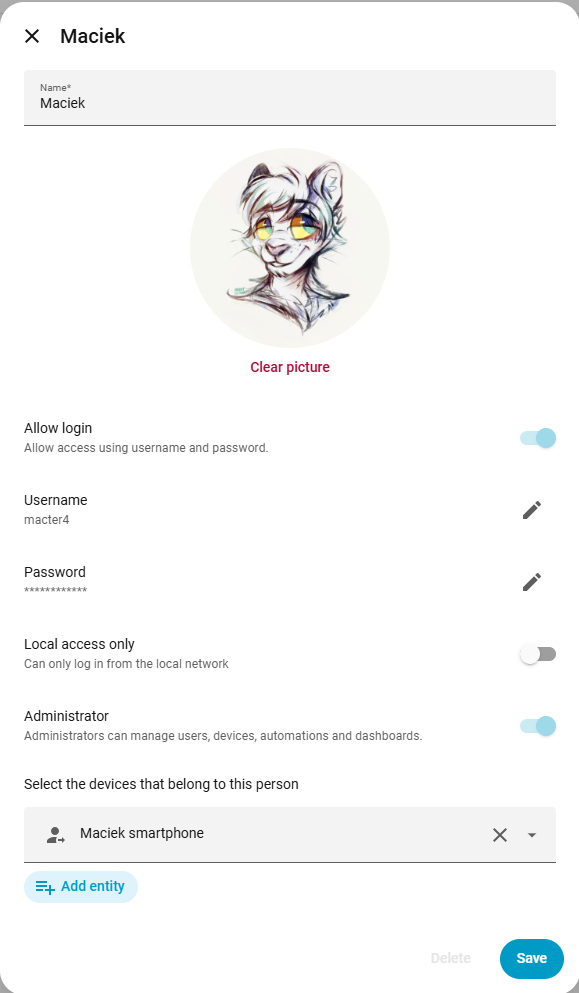
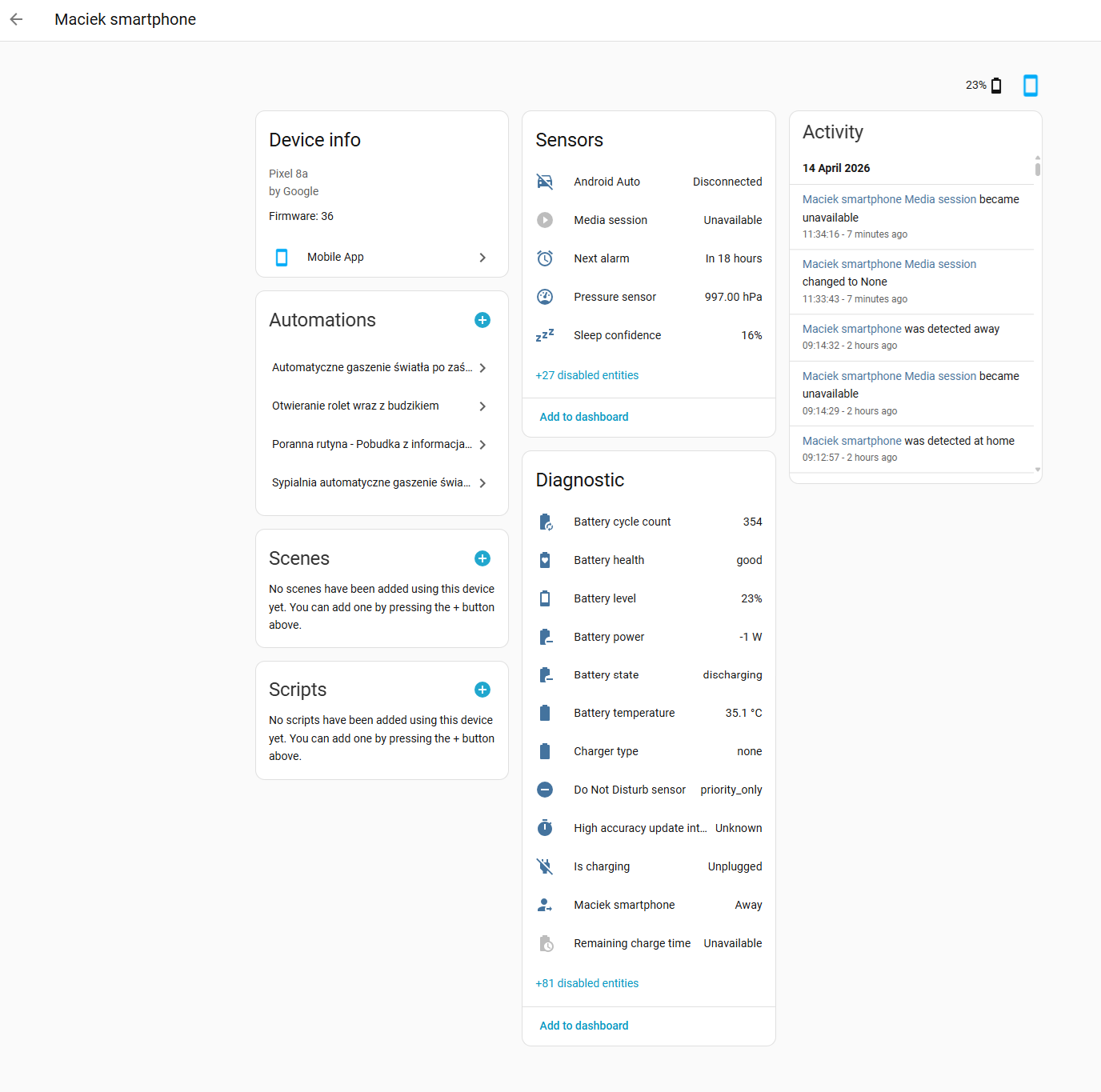
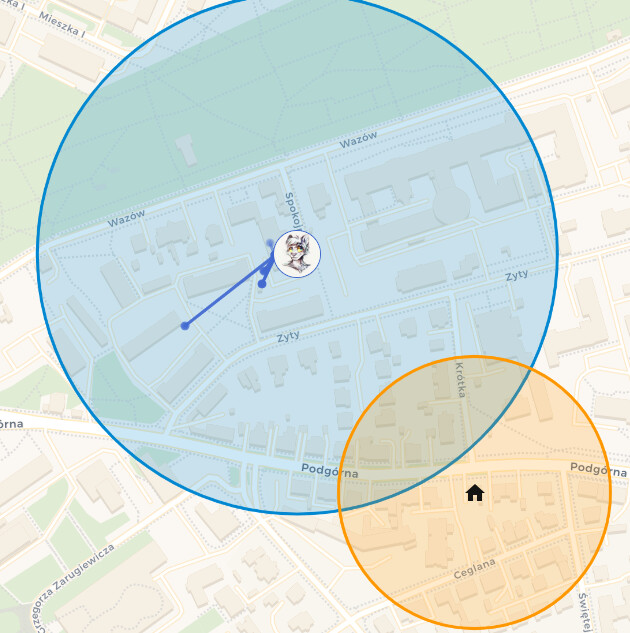
I have a strange issue where my status switches to “Home” for a second and then immediately reverts to “Away”. I spend most of my day close to my house, but far enough that Google Maps history doesn’t show me returning home. I even checked the map in HA to verify the location history, and it turns out the position where it registered the return (at 09:12:57 on the screenshots) isn’t even within that zone. Does anyone know where to look for more information in the logs to determine the cause? The location is provided by a Pixel 8a via the companion app. This is also the only device assigned to me that reports location.
Is there a way to check historical attribute values? The switching is random and lasts only a second (I’ve been experiencing this issue for at least 2 weeks), so it’s nearly impossible to catch it live.
What’s tracking your location? What entity, and what’s creating it?
It seems like you’re using a template or automation and there’s a delay between lat and Lon updating.
I’m almost 100% positive that this causing your problems. If you look at your map, it shows each point counting twice with each lat and separate Lin update. E.g.
Old lat, old Lon → new lat, old lon → new lat, new Lon
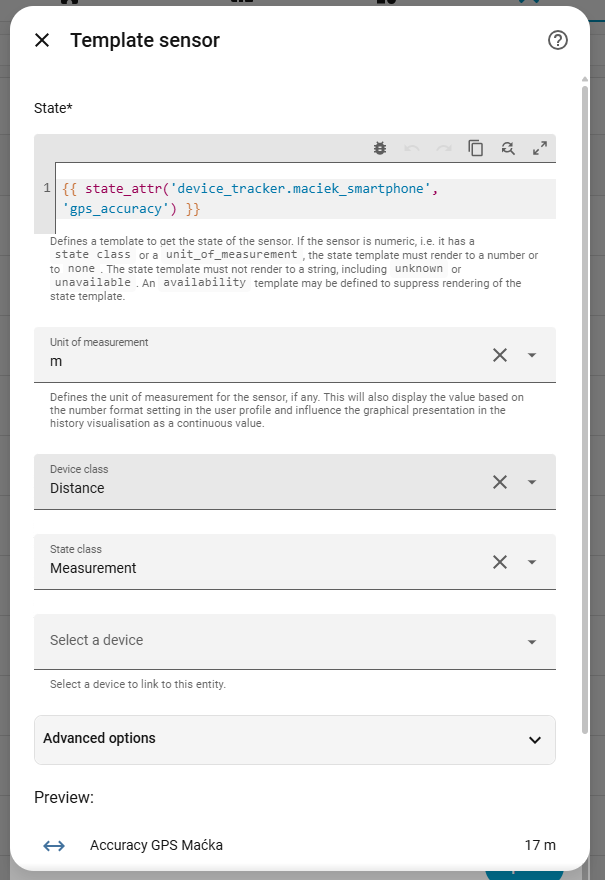
@anon11644107, you were right. After observing the data, I can confirm that the ‘Home’ state always triggers exactly when the location accuracy drops. It regularly hits 200m or more (it’s at 191m on the attached screenshot).
I don’t think I can do anything to improve the location reporting itself on this device. Shrinking the home zone might help a bit, but it won’t solve the core issue since the accuracy drops are so significant. One idea I have is to create a new zone for the place where I spend most of my time outside, but I’m not sure if HA allows two zones to be active at the same time.
Good catch! It is exactly the default 200m and I completely forgot that this can be changed. I’ve already set it to 100m and I will observe how it works now.
Sorry it took me longer than expected to get back to this—you know, life happens
But I can finally confirm that your suggestion regarding the accuracy setting completely solved my issue! The location jitter is gone, and everything works perfectly now.