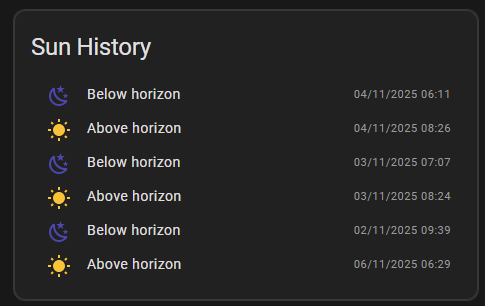
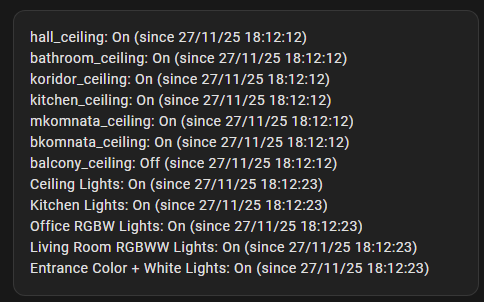
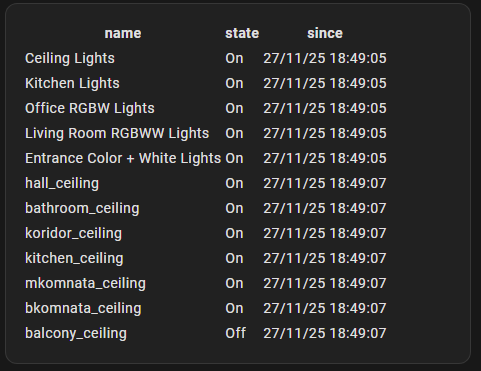
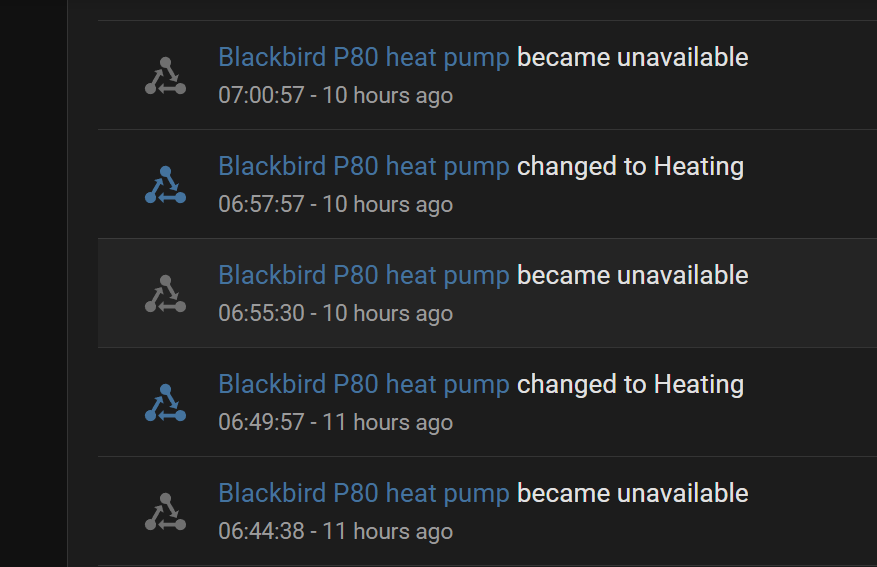
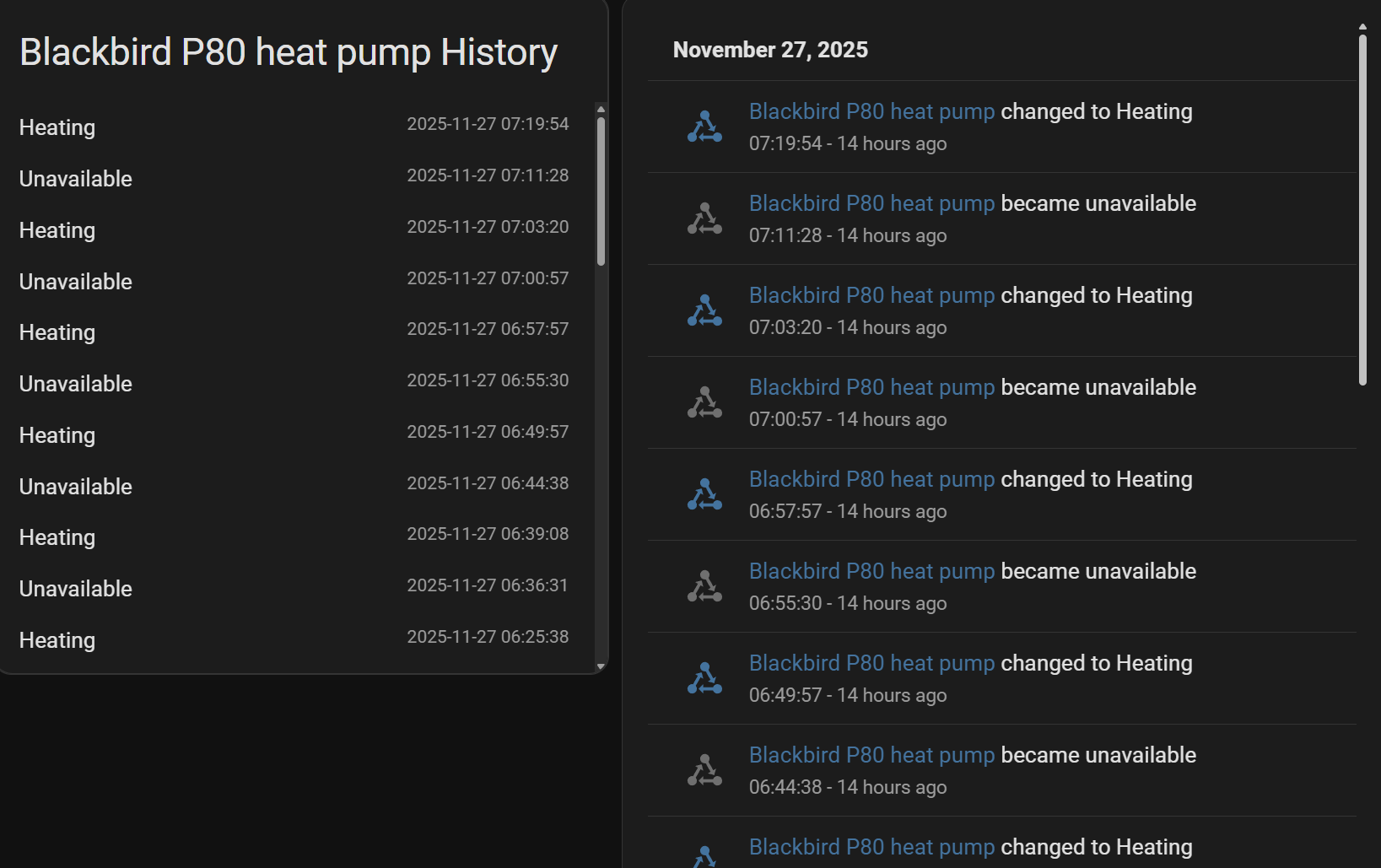
I checked out the Markdown card, took the 10 minute course, but there are no examples of how to integrate text with the state of that specific sensor which is listed in the activity card/lobook.
What am I missing?
For that method, you need to create a special template sensor which will store a history (like “100 last changes”) in an attribute (representing a list of entries “value, time”) of your needed entity.
Then you may print a list of these entries in Markdown.
Sorry , cannot give you right now an example of this template sensor.
This is a very interesting method which you better to learn. Meanwhile you may try that custom card I suggested.
which for me seemed close to custom card.
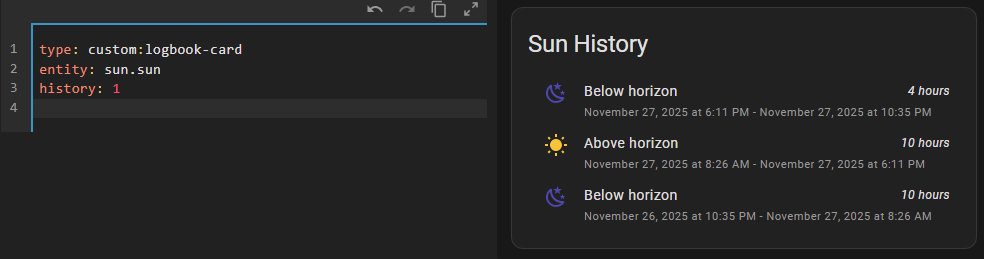
However, looking at the code and the output, there is always a second line which I cannot map to the code, how can I get rid of that.
I like your idea about the list but sadly don’t know how to populate that list of 100 last changes. Printing that list would be the next challenge since I don’t see examples in Markdown for that.
I’ll look a bit further based on your answer. Thanks!
P.S. For those who use card-mod - adding “mod-card” here is a quick way to make this card-mod style working. In card-mod 3.x this logbook-card worked fine w/o that “mod-card” thing, was broken in card-mod 4.0.0.
Make sure that logbook-card is properly installed.
I use HACS to install custom cards, so I do not need to care about that “resources” line.
If you prefer not to use HACS - then make sure that this “xxx.js” file is placed into “www” folder (since you use a “/local/xxx.js” path, here “local” stands for “www”).
Testing a version with card-mod is another step.
First make this card working w/o card-mod.
I would like to see the last 24 hours, sorted back in time, most recent on top.
I played around a bit with the show parameters but did not get what I want.
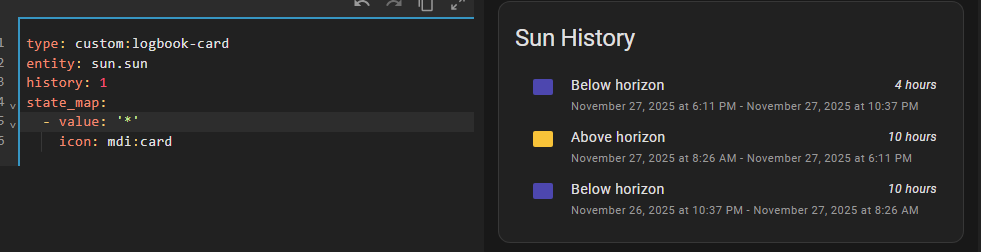
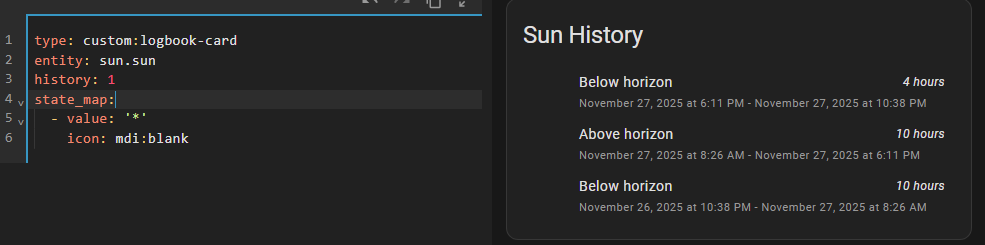
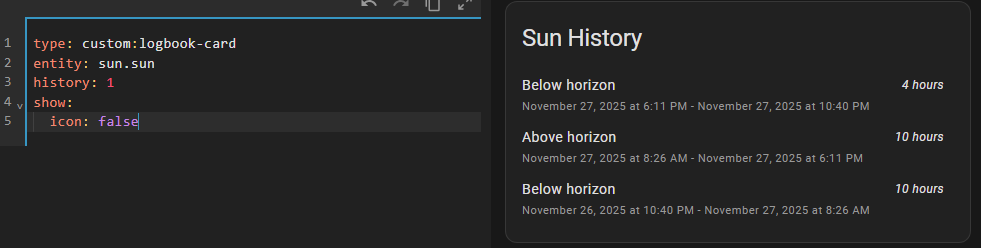
And lose the icon, tried a few options with icon: none, but nothing worked.