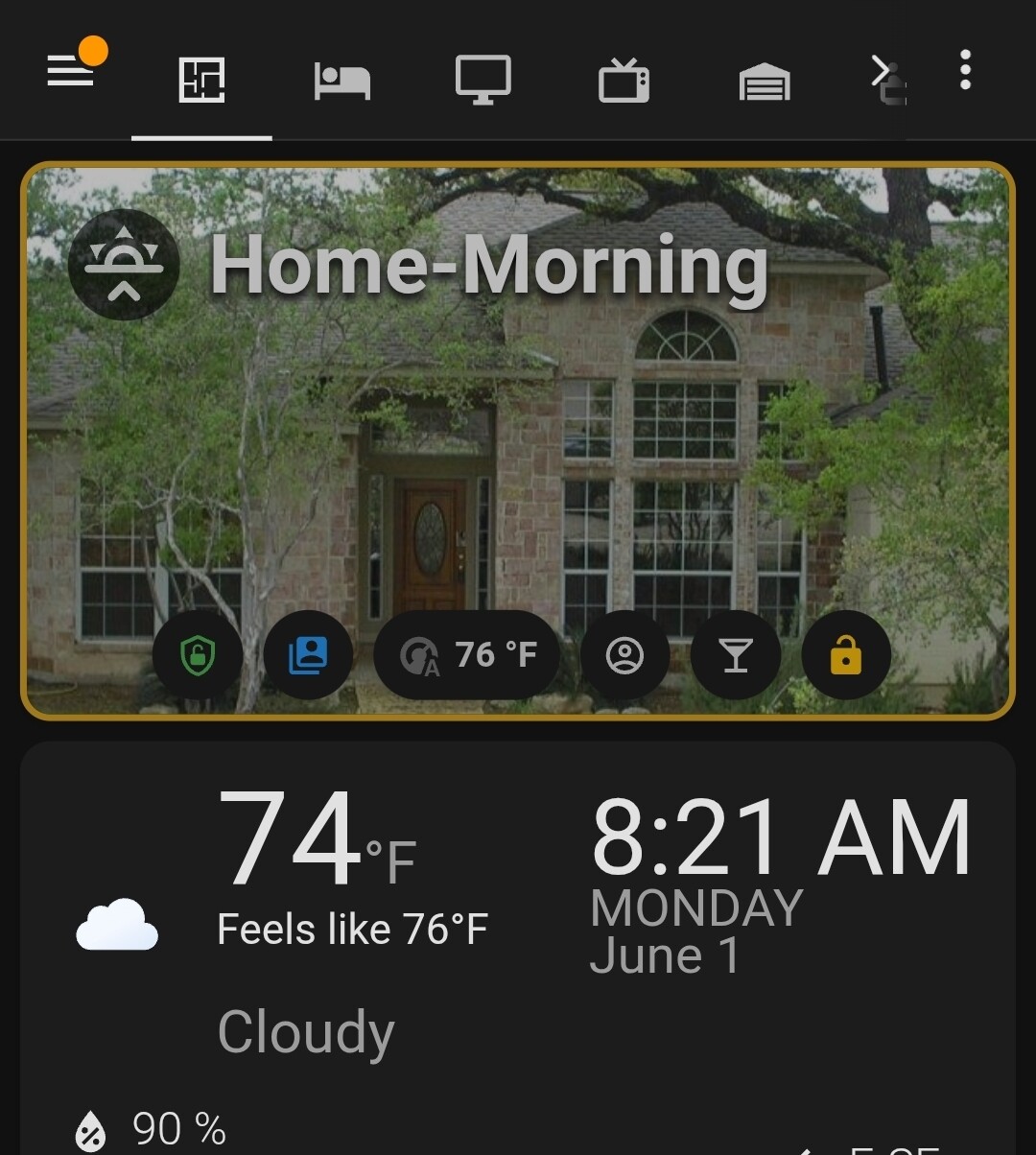
I’ve built a new custom home and am looking to hire an experienced Home Assistant expert to help design and implement a polished, long-term smart home set up / dashboard on iPad.
Looking for someone advanced with beautioful UI skills. The goal is to create something that is reliable, family-friendly, visually beautiful, and future-proof.
Ideally I’d like to start with a paid consultation to review architecture and dashboard strategy, then potentially move into implementation.
If you’re interested, please send:
Screenshots of your dashboards
Approximate rates
A brief description of your experience
Design matters to me. I’m less interested in cramming every sensor onto the iPad and more interested in creating an elegant experience that feels thoughtfully designed.
First where are you. Because geo matters - you dont want someone form Italy working US electrical standards. (radios, electric standards, regulations vary)
Second I see you're starting fresh but asking about dashboard? Strong suggestion to spec and build function first else your dashboards make no sense. Hell I'd completely IGNORE dashboards for now.
And finally the big one.
You REALLY NEED TO understand your system not just have someone install it. Because unlike something like control 4, it changes all the time and you need to maintain it. (c4 is generally driven as a service for you and this is not that) so id urge you to do the base research first.. If you're not to that point and need help researching stuff that's fine.... Ignore your dashboard requirement for now and focus on functionality. You'll find what you have and what you install drives how you present it and going for 'asthetics' first will lead you into a corner you may not escape.
Heck your last entry there was LLM and for that you don't need a single dashboard (ask me how I know)
How about letting everyone know what country at least and whsre you are on your project and. List of actual tasks you want to get started with.
For context, I’m in Maryland, USA. Most of the core infrastructure is already specified and either purchased or in process.
Current stack is roughly:
Home Assistant as the primary automation platform
Ubiquiti network (UDM Pro Max, Pro Max 48 PoE, U7 APs, Protect cameras, AI cameras, NVR, etc.)
Home Assistant Green currently running
Lutron lighting
Sonos audio
UniFi Protect cameras
Presence sensors some in, some planned throughout the house
Smart shades, locks, irrigation, robot vacuums, appliance monitoring, and some AI experimentation down the road
I completely agree with your point about understanding the system versus just having someone install it. That’s actually why I’m spending time learning Home Assistant, networking, UniFi, automations, dashboards, integrations, and how everything talks.
Where I may differ slightly is on the dashboard piece. It’s about family usability. My wife and kids aren’t going to open Home Assistant, dig through entities, or troubleshoot automations. They need a simple wall-mounted control center that shows things like:
Chores list
Upcoming Events on Family Cal
Is the washer or dryer running?
Are the robot vacuums stuck?
Is the garage door open?
Any overnight activity on the cameras?
Are the shades open or closed?
Is the sauna off?
/...What’s happening around the house at a glance?
So while I agree functionality comes first, I’m trying to build the user experience alongside the functionality because ultimately the family is going to interact with the dashboard
In our home, we find it more convenient to do that via voice using both Alexa and Siri.
For example, my wife finds it simpler to speak into her watch and ask if a door is closed/locked or set the thermostat or turn something on/off rather than use a tablet or phone. Alternatively, just speak to one of several Echos in the house.
In the morning, we are awakened by an announcement, via Sonos speakers, that summarizes the weather plus current and upcoming birthdays, anniversaries, and appointments sourced from our personal calendars.
As a consequence, we don’t have any wall-mounted tablets. I did create a custom UI for use on phones but it's not pretty, just practical. It's used to check on the house's status when we are away.
 I’m less interested in cramming every sensor onto the iPad and more interested in creating an elegant experience that feels thoughtfully designed.