Hello all
I am running HAOS as a vm on proxmox and all my backups are located on mon my nas
following a massive thunderstorm, when i restarted HA i received an error ha is in recovery mode.
I spent all afternoon to try to resolve this to no avail.
I decided to delete the current HA VM and rebuild a new one.
all went well with the reinstallation
I go to restore one of the backups (tar file) and i try to restore from that file.
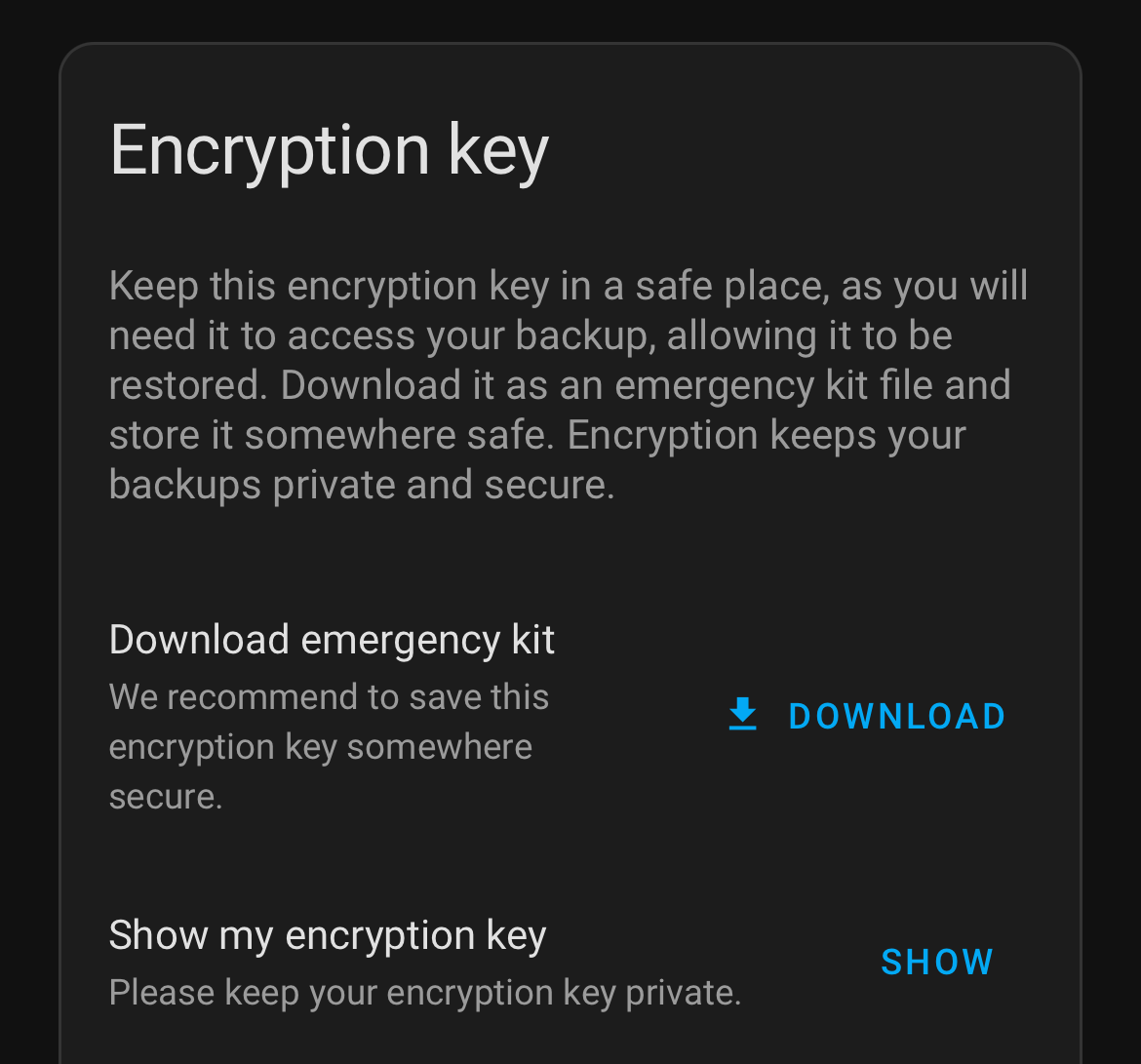
I is asking me for an encryption key i look at my settings in my new hA install and copy the encryption key from there an past it in the restore procedure. It failed.
I truly hope that someone will have a way to view the old encryption key for the previous build or if there is a way to import the TAR file in the new install
Did you setup backups in proxmox? If you did it will take a few minutes to restore. If you didn’t set up backups in promo do it now so you don’t have this issue again. I don’t think there is a way to bypass the encryption.
Because your new HA install has no idea what the encryption key for your old HA install is. If you didn’t download and save the encryption key from your old install, then you’re in trouble.
I do not have proxmox backups. Therefore I 'm very upset with myself for this stupidity.
I’m in the unfortunate process to rebuild my whole automation environment.
The silverning is that i get to streamline and improve my environment
i expect 3 days of work
Once again thank you all for your promptness and help
Just a thought what is the oldest backup you have as encryption was only introduced a few months ago. Well January apparently, Its a long shot but you never know
My oldest is from Jan 25 which is the first backup i made with the new rebuild. I used the previous backup to this one to rebuild HA then. Alas i did not turn off the encryption then.
FYI after 20 hours i just finished to install an integrate the basic addons.
Now i need to rebuild all my automations
However thank you for your help and patience. The folks on this thread are one of the main reasons that HA is so successful
I finally loaded all my integrations and devices in my new install of HAOS.
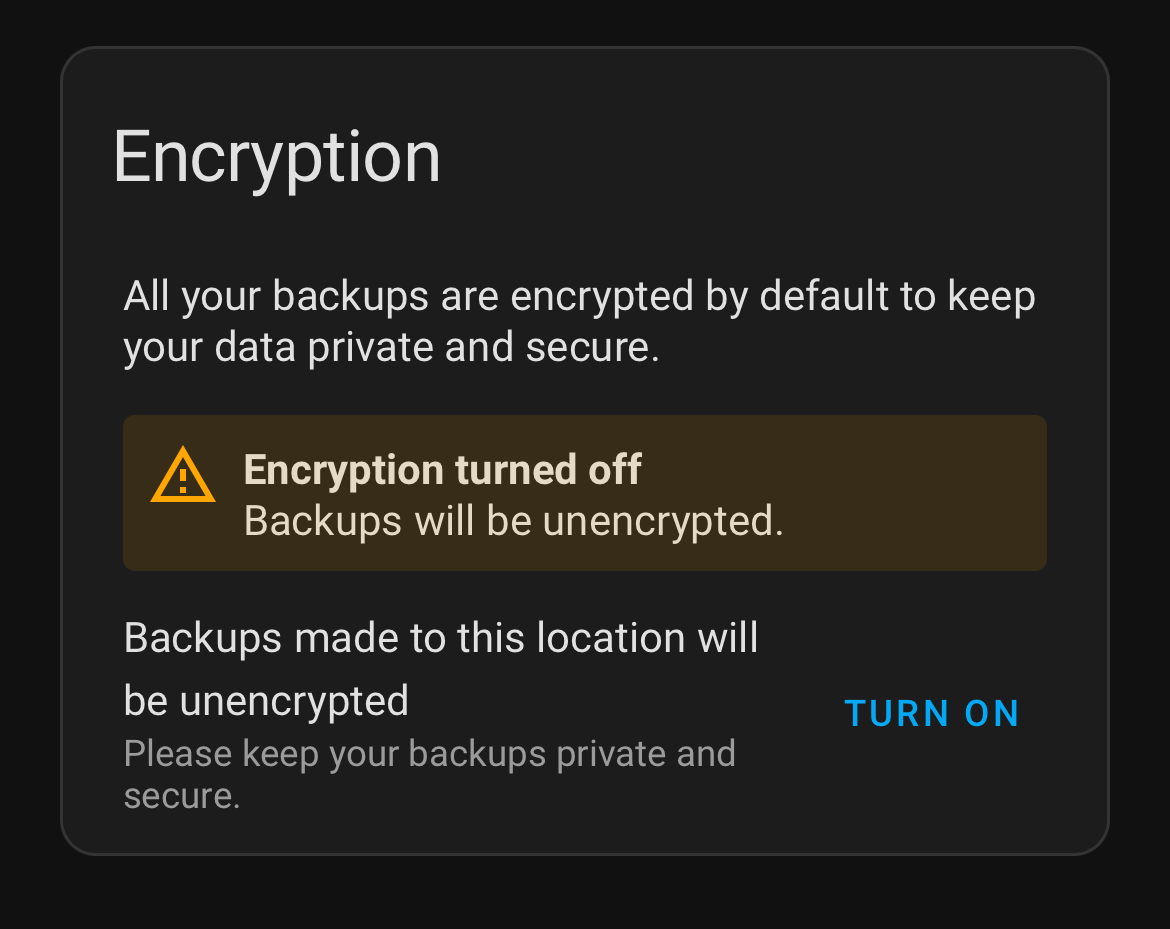
I was prepared to create a backup of the new solution and when i went to configure it i did not see the option to turn the encryption off. as per your screen.
I did download the emergency kit and saved it on my nas (that gets backed up to a secondary server on a weekly based and on a 3rd server on a monthly bases.
However i still fell that in my opinion and for my requirements encryption is of no interest.
Therefore I would recommend that the option (forced) to turn on or off the encrryption should be always present.
FYI i increased the backups retention to 10. Once all is running well i do not do much with my system except for letting it run. IMHO weekly backups are more than enough for me. however i’m happy to refer to your comments and learn from them
Once again thank you all for your time, patience and help
I am saying backup your proxmox VM’s as well as HA. VM’s are dead easy to restore if you use the snapshot method. You should be able to back these up to your nas easily.
Good point to check my backups every once in a while. I shutdown the VM running HA in proxmox, restore the VM from a snapshot, and the restore the HA backup. If all is well I then delete that new VM and restart the original one.