Lot of garbage of new sliders/entities on Default dashboard overview since update last week

Hi all!

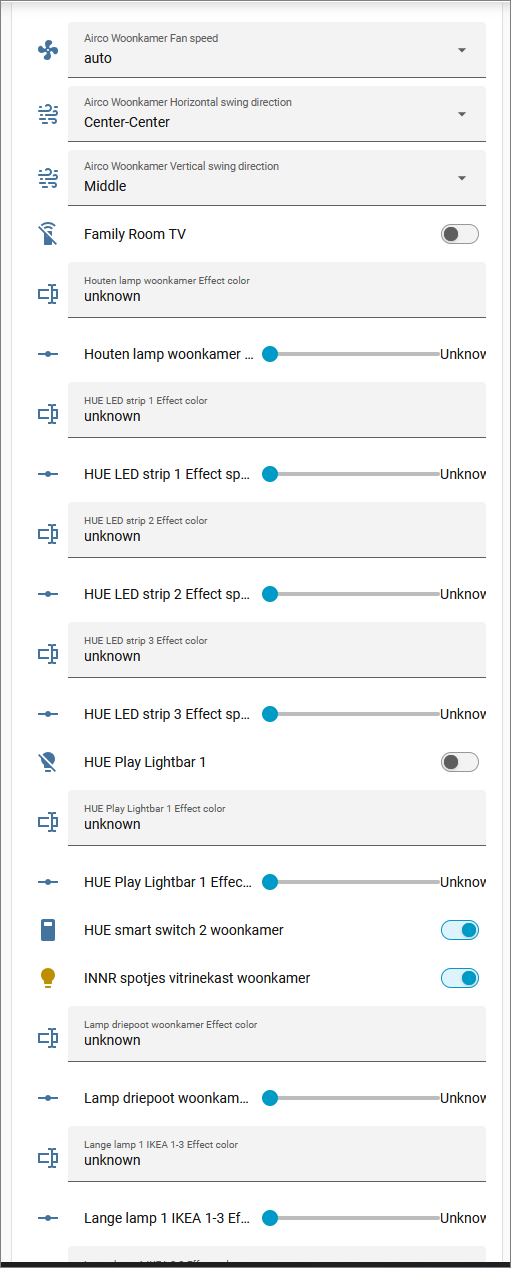
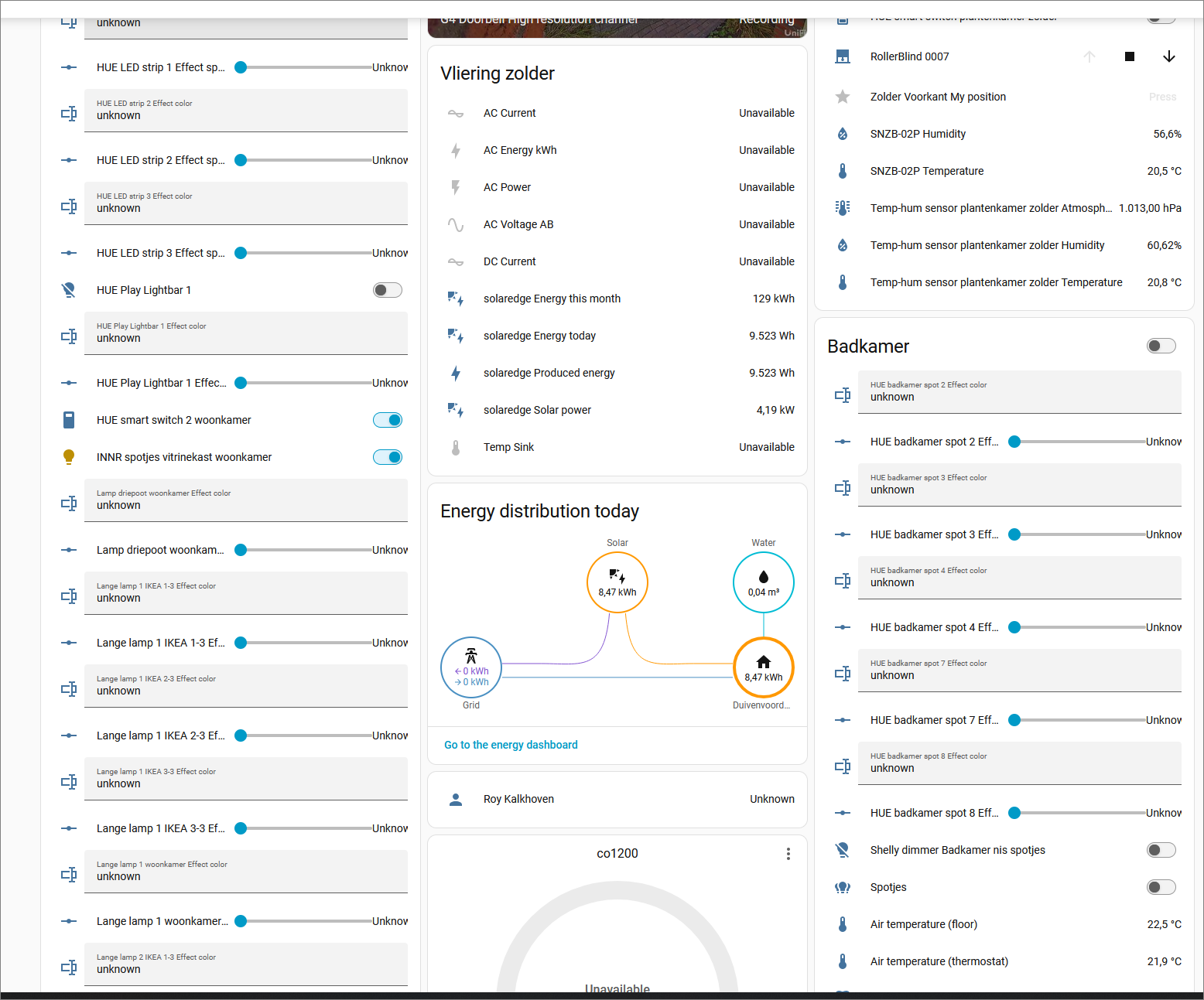
I am seeing a lot of new entities since the last update (May 5th or the end April update) on the Default overview dashboard. In my case it is mostly comming from the HUE 'effect speed' and 'Effect color'' entities. See attached screenshot. The extra problem is also that when I scroll on my phone over this dasboard I regulary move the sliders when scrolling down... very annoying.

More people who have this? And better: how to remove this shitload of entities from the default? It's wierd in the first place that they are there now...
Do you have an actual version?
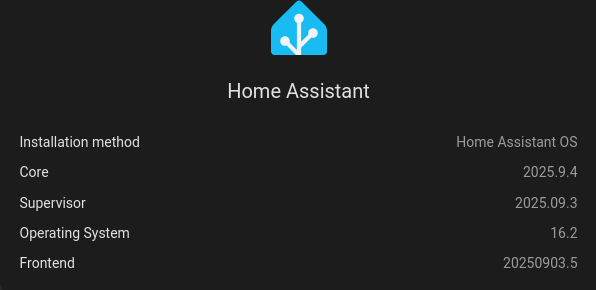
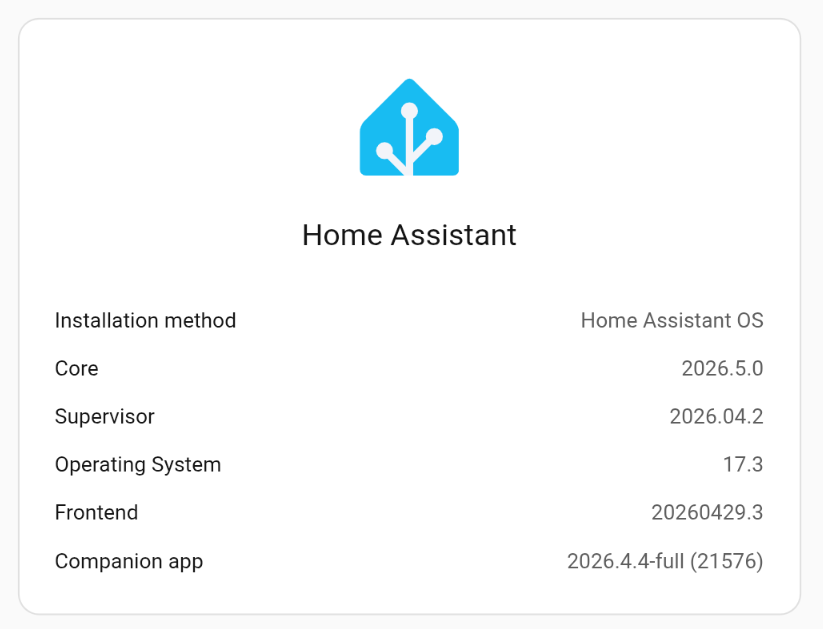
What versions are you running - what does this say?
Open your Home Assistant instance and show your Home Assistant version information.


Or can you return this? Link to System info – My Home Assistant

Hi, yes, forgot to mention.
Here you go;

If you're using an auto-populated dashboard & did not create your own, then the only way to remove them is to open each entity & set it to hidden from the cog menu:

I cannot imagine that the Default Dasboard of HA is doing this on purpose. I have to assume that more HA users see this now on their default dashboard;

Yes it is. Read here:
"The Home dashboard is prepopulated by default and shows your entities grouped by areas."

Basically, any entity with an area set will show up on that dashboard.

You have 3 options:

  • Create your own Dashboard & take control of what devices are shown in it.
  • Set the entities you don't want to see as hidden, like I explained in my previous post.
  • Remove the area from the unwanted entities.