I've been building an unofficial Home Assistant integration for Lymow robotic lawn mowers, and it's now feature-complete enough to share. It talks to the Lymow cloud (AWS IoT / MQTT) the same way the app does — no extra hardware needed — and exposes the mower as proper HA entities.
GitHub: GitHub - 8408323/ha-lymow: Unofficial Lymow integration for Home Assistant · GitHub
What you get
- Lawn mower entity — start mowing, pause, return to dock
-
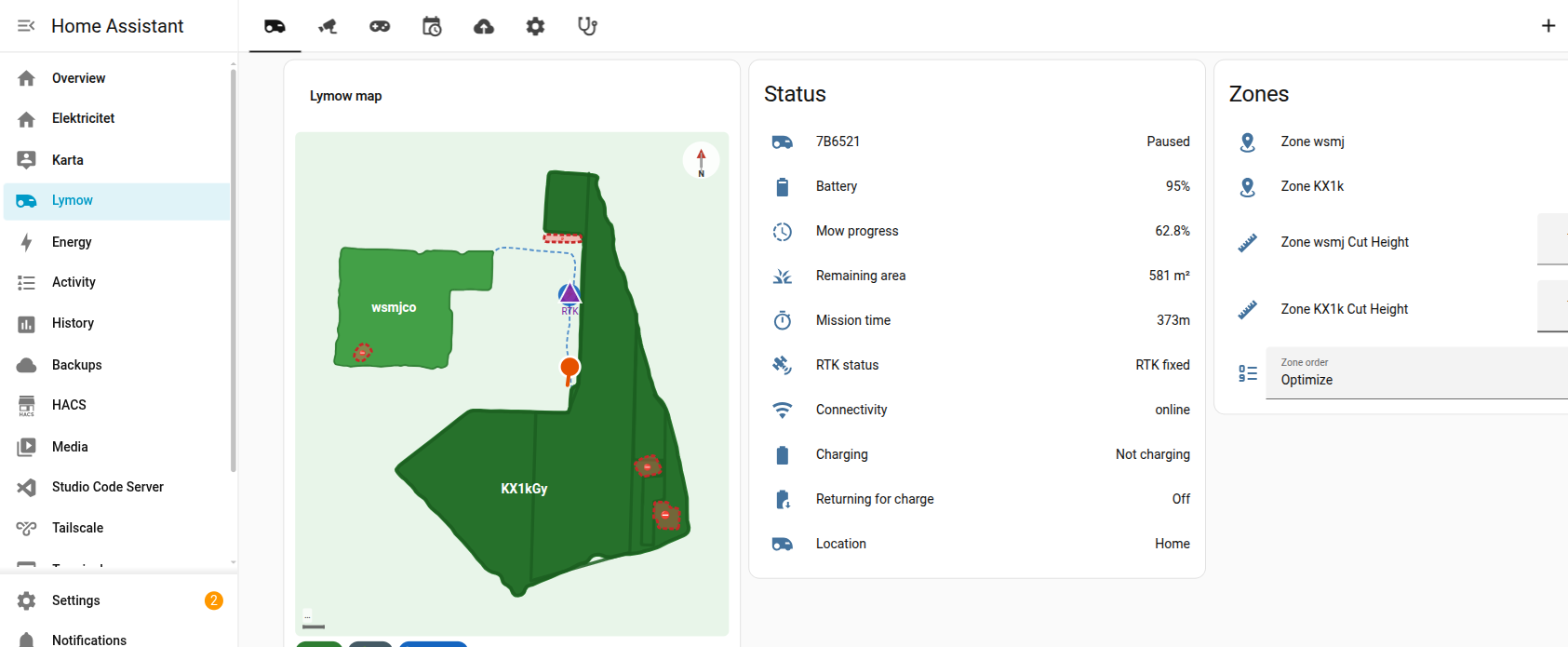
- Interactive map card (custom Lovelace card) — see go-zones, no-go zones, channels and the live mower position; edit zone boundaries over Wi-Fi (drag/insert/delete vertices), merge zones
-
- Per-zone control — mow specific zones, enable/disable, cut height, path spacing
-
- Mowing schedules — view, create, edit, enable/disable
-
- RTK diagnostics — full GNSS health (precision, per-band SNR/satellites, base-station status, data-error rate, differential age, LoRa bandwidth, antenna gain) as live sensors, without the Lymow app open
-
- Onboard camera — local RTSP stream + cloud WebRTC via
lymow.start_video_session
- Onboard camera — local RTSP stream + cloud WebRTC via
-
- Bluetooth manual drive — local BLE remote control via
lymow.ble_drive
- Bluetooth manual drive — local BLE remote control via
-
- Map backups — list, restore, rename and delete saved maps, with per-backup preview thumbnails
-
- Many device-feature switches (theft detection/lock, find-robot, notifications, headlight, ...), runtime/config numbers, and connectivity/diagnostic sensors
- Many device-feature switches (theft detection/lock, find-robot, notifications, headlight, ...), runtime/config numbers, and connectivity/diagnostic sensors

9 mm location precision, 25 GNSS satellites, base station online — all streamed live in HA without the app.
There is also a complete example dashboard in the repo (examples/dashboard.yaml) covering Overview/map, Camera, Drive, Schedules, Backups, Settings and Diagnostics. Every custom card it uses ships with the integration.
Install

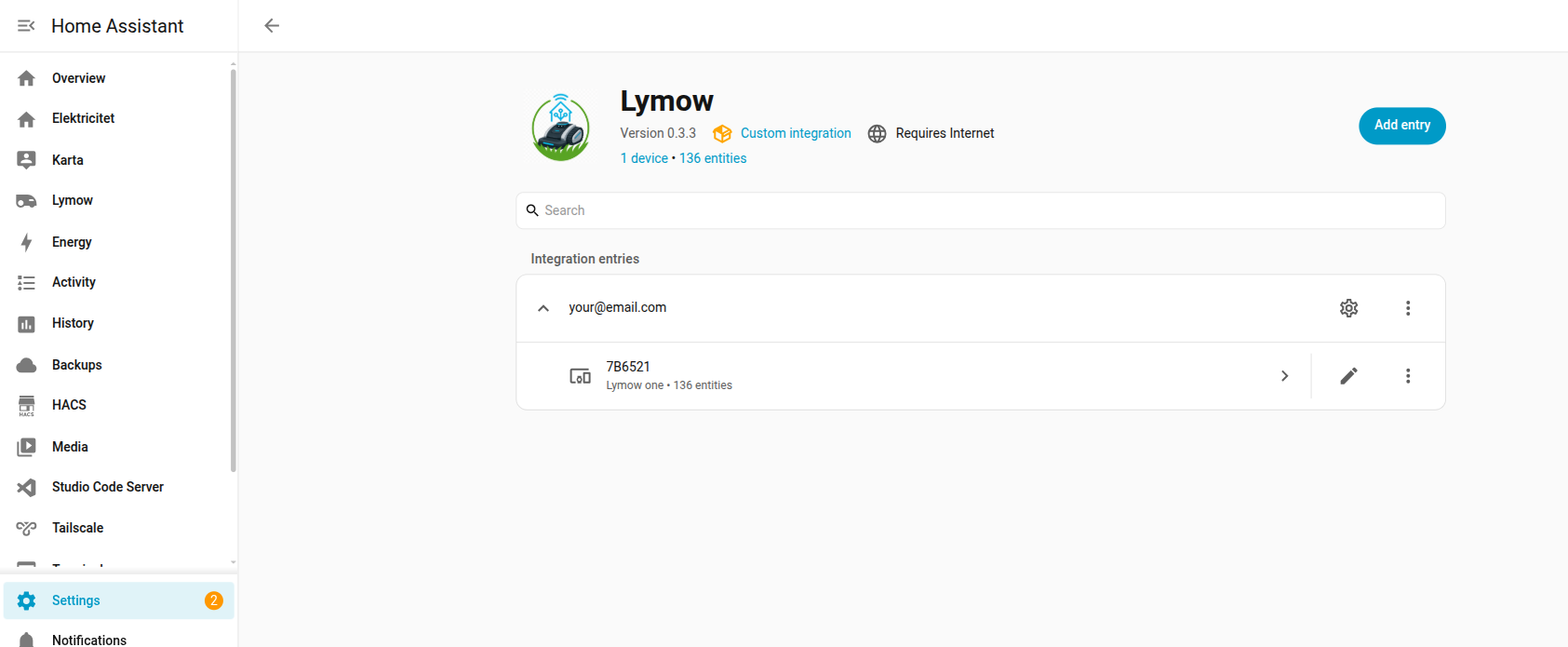
Or manually: HACS → ⋮ → Custom repositories → add https://github.com/8408323/ha-lymow as an Integration, install it, restart HA, then Settings → Devices & Services → Add Integration → Lymow.
Heads-up
This is unofficial and not affiliated with Lymow — reverse-engineered from the app's own traffic, so it may break if Lymow changes their API. No warranty; use at your own risk. Bug reports, feedback and contributions very welcome on GitHub!
Happy mowing! 