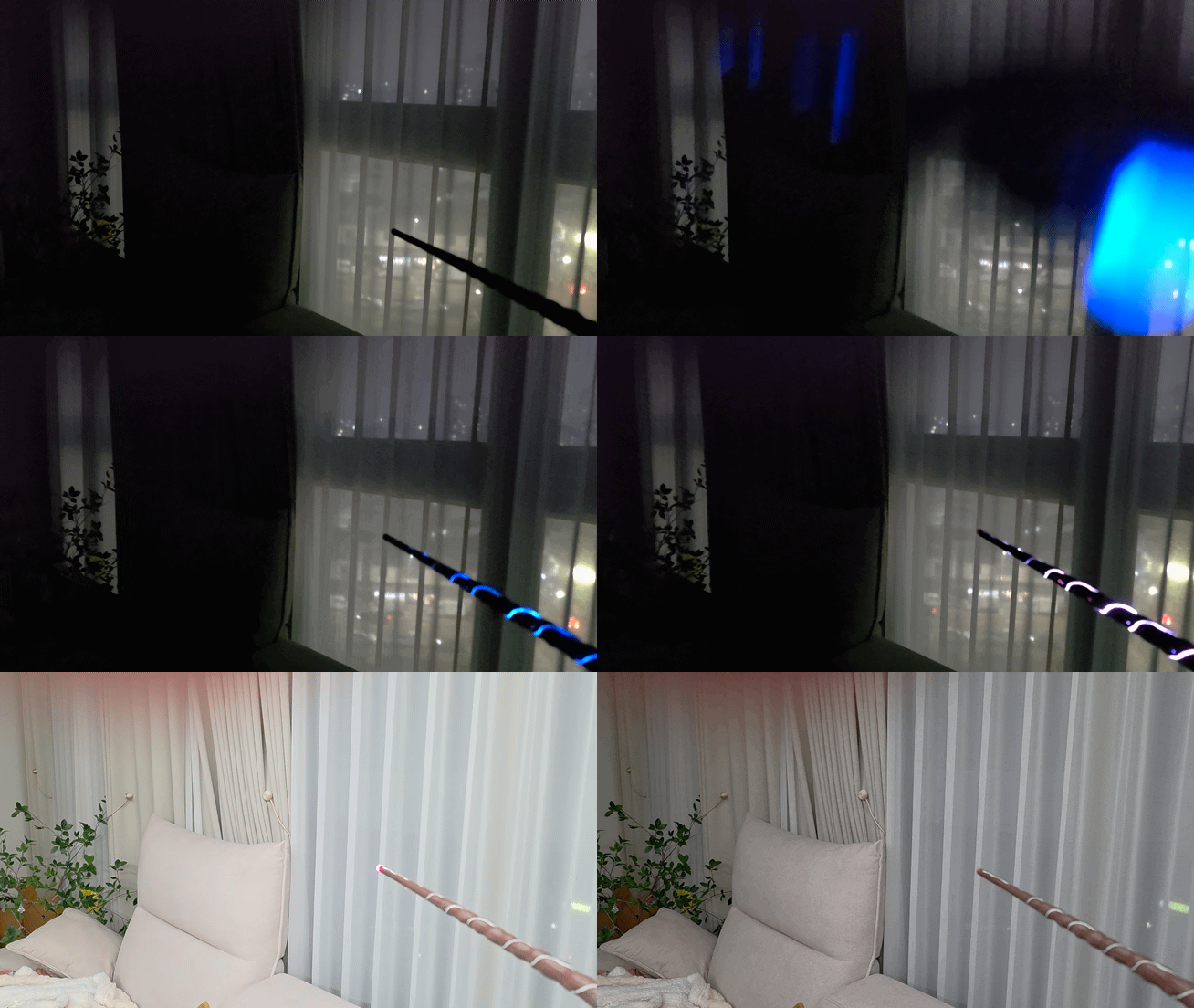
Magic Caster Wand Custom Integration

I’ve created a custom integration for the Magic Caster Wand.
I just received the wand today, so I’ve only completed some basic integration tests so far.
Additional features will be implemented gradually over time.
Please consider this as a reference for now, and any ideas or pull requests are very welcome.

light_on

4 Likes

Awesome, how to install?

Simply add the GitHub repository URL to HACS, and refer to the installation guide on GitHub for detailed instructions.

I saw that you didn’t release the tensorflow model. It is my understanding without this spells cannot be recognized, is that correct? If so would you mind pointing me in the direction of training my own or was this something that was pulled from the original app?. I just needed to read a bit more. Sorry about that.
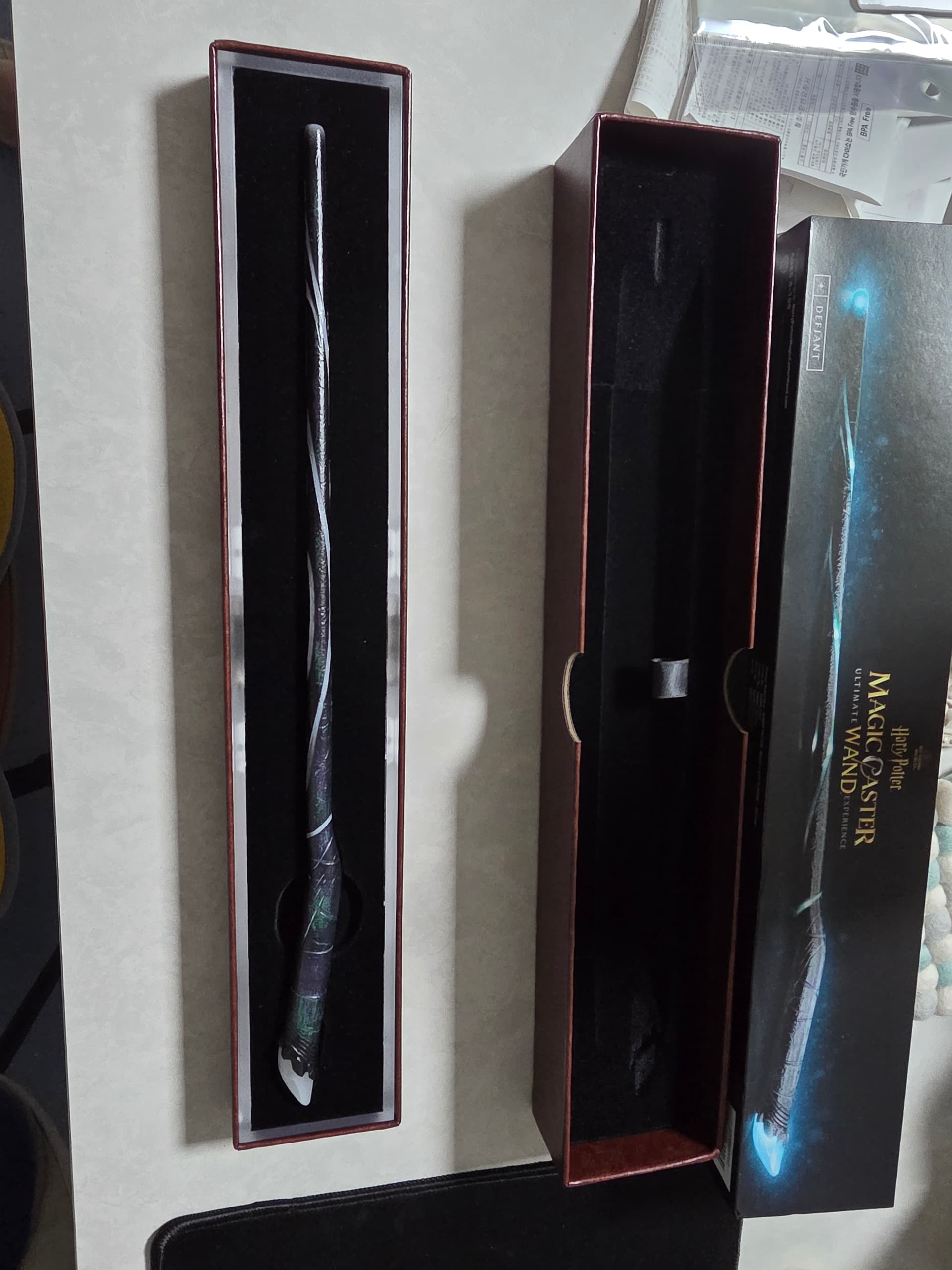
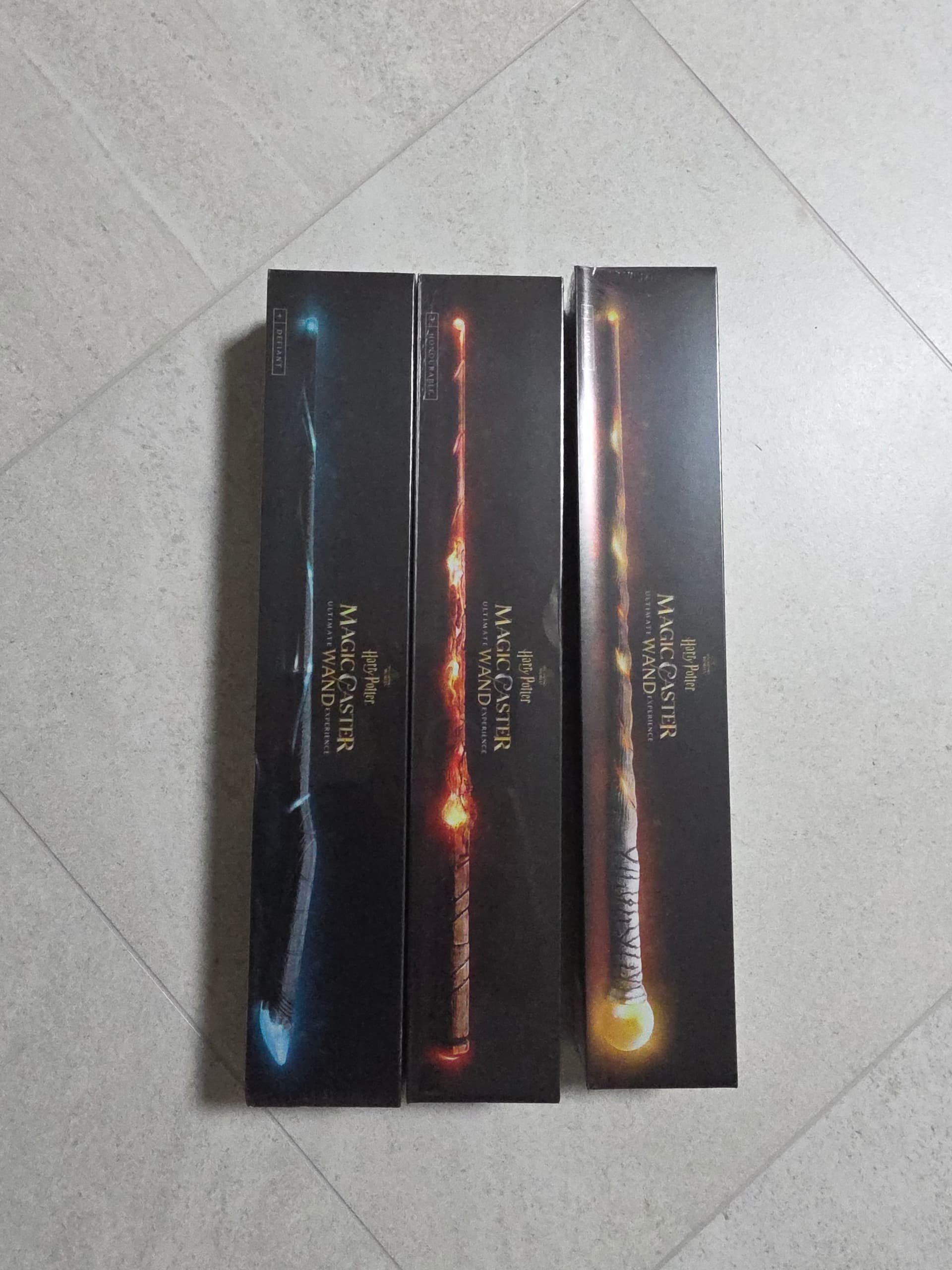
Thanks!!

1 Like

You must connect to the wand via Bluetooth(Switch) first in order to receive the spell values

I can’t wait to try this out. Thank you for sharing it!

But: sorry, what do you mean by “switch”? Do you mean you have to first pair the wand using the mobile phone app before it will start broadcasting detected spells?

No, I don’t mean pairing it with the mobile app.

When you configure the wand in Home Assistant, a ‘switch’ is created that connects to the wand.

What I meant is that you need to turn on this switch (to establish the connection) in order to detect the spells cast by the wand.

Thanks! I got it now. You mean this switch entity, which is the one with a “_connect” suffix.

After a few minutes the connect switch toggles to ‘off’. Do you have any suggestions for how to prevent that? (Is this BLE, so the wand is transmitting all the time anyway, and connect=off just means the integration is no longer listening?)

Also, repeated casts of the same spell aren’t detectable with an automation like your suggested one, because the state of the _spell entity doesn’t change. Can you think of any way around that?

It normally doesn’t turn off automatically. If it toggled to ‘off’, it means the connection to the actual device (the wand) has been lost. Please check if the wand is too far from your Bluetooth adapter or proxy, or if the battery is dead.

As for repeated casts of the same spell, you can use the last_updated attribute as a trigger in your automation.

Do you have recommendations on using the Calibration buttons? For example, what orientation should you hold the wand for each calibration? Or should I be holding it at all during calibration?

I’m seeing inconsistent button sensor states with respect to the wand, and I’m wondering if the wand worked better out of the box before I hit the calibrate buttons. Can I assume if I wanted to reset it, I would just delete the wand device and re-add?

The original app instructs users to calibrate the wand by holding it vertically (with the LED tip pointing up). However, in my experience, trying different orientations didn’t seem to make any noticeable difference. Actually, I wasn’t even able to use the original app myself, as I purchased the device after it had already been discontinued.

I implemented the calibration feature simply because it exists in the protocol. But to be honest, I am not exactly sure how the calibration mechanism works, or if it is even effective at all.

1 Like

Thank you, also, instead of deleting and re-adding, I actually changed the timeout duration of the device, and it looks like it went to original state (at least as home assistant is concerned). I ended up not calibrating again.

I’m seemingly getting better response by creating a 2 second timeout. I can kind of move the wand a bit to wake it up, then cast the spell. I’ve had greater success with recognition.