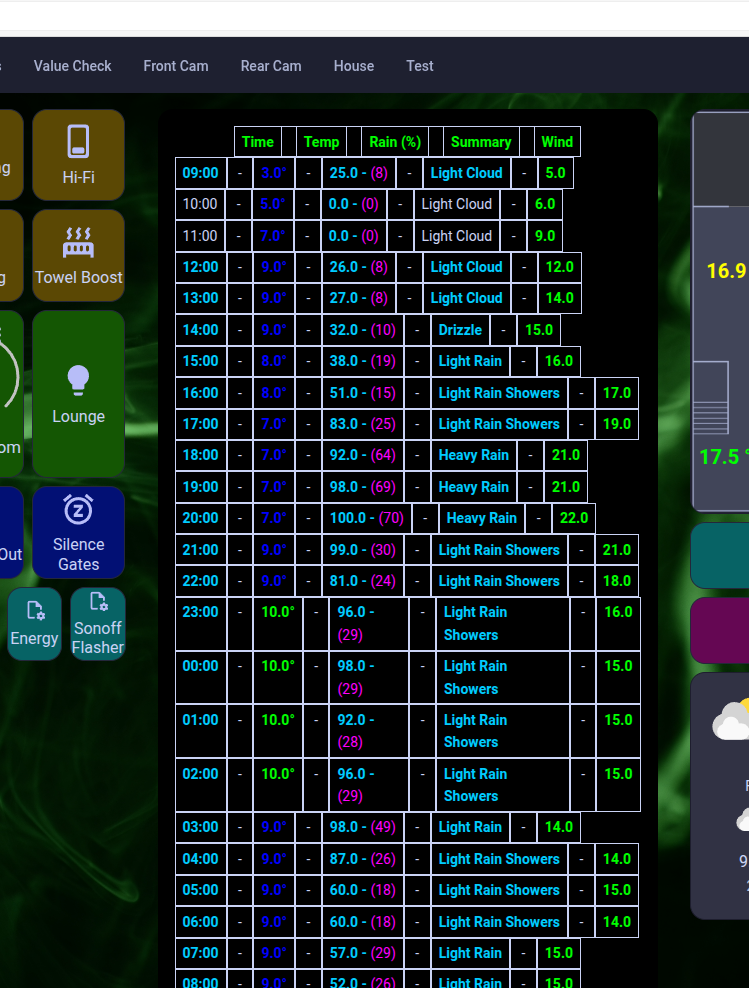
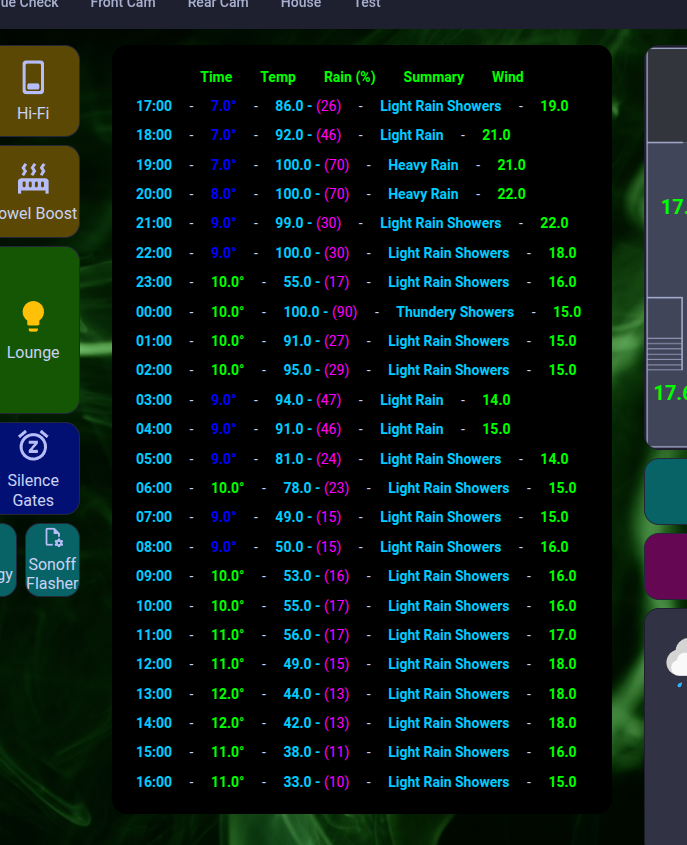
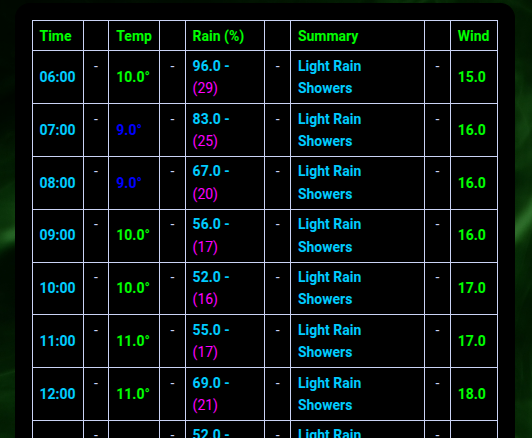
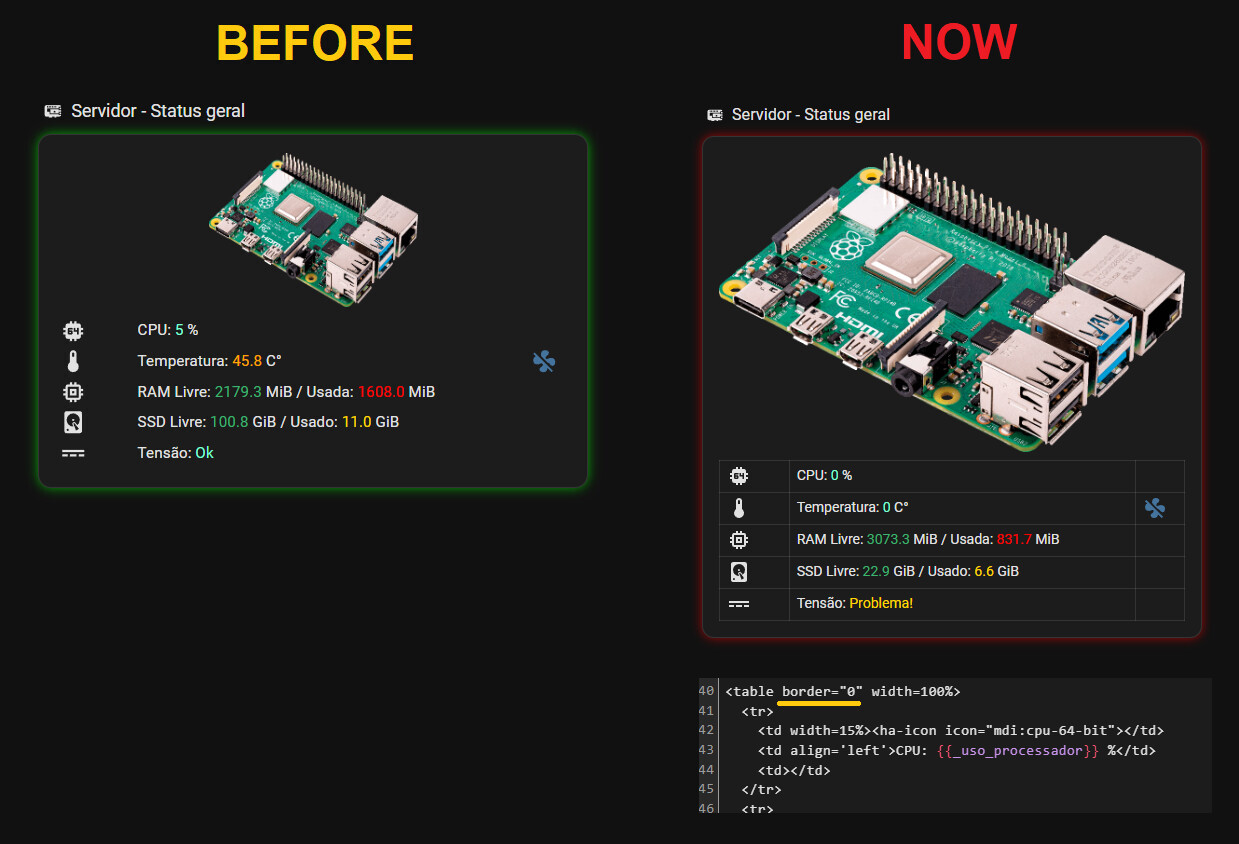
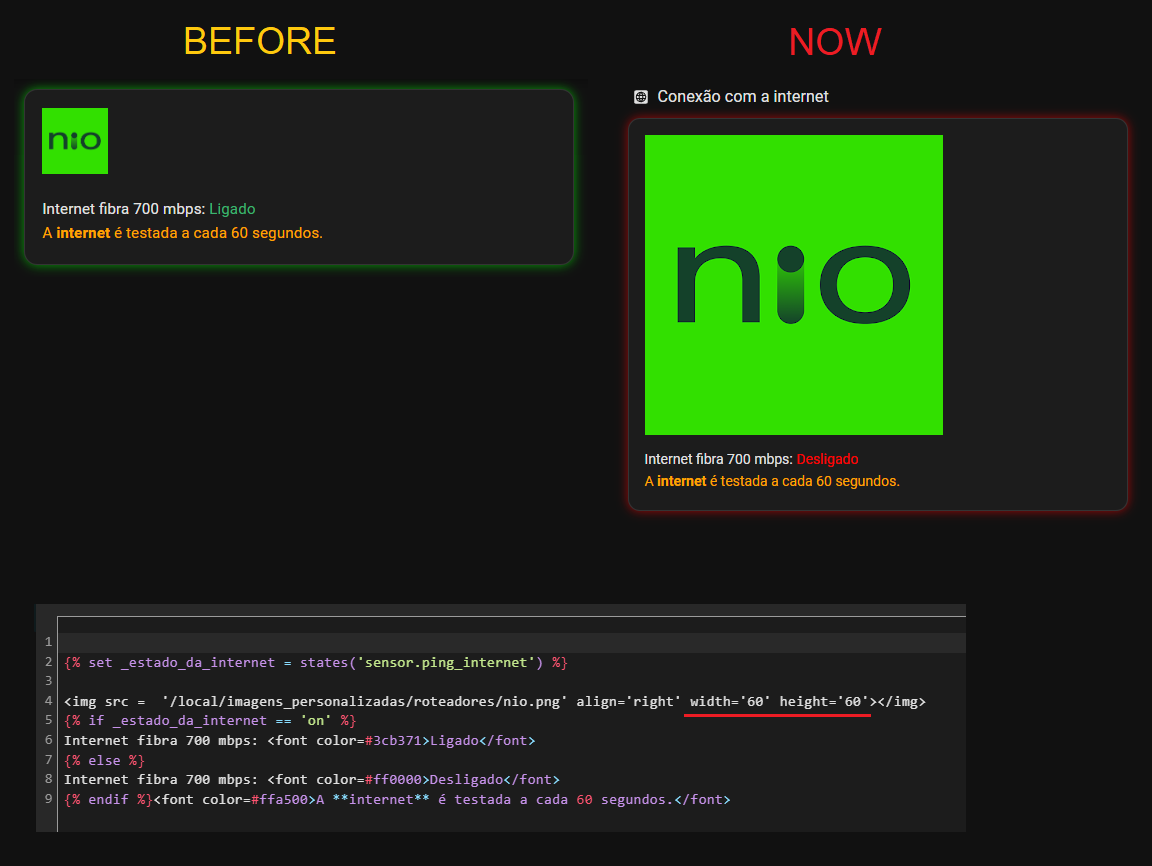
I have markdown code that presents a table. I believe that as a result of a recent change, there is now a border style being applied by default. However, whatever I’ve tried has failed to get rid of the border and revert it.
Thanks for the suggestion, but I’m trying to keep HACS minimal, as this is also in charge of my heating and hot water systems. I’d like to solve any problems natively wherever possible first. I’ll keep that suggestion in my back pocket, however, if no other solution presents.
Given how the table columns are completely out of line, however, I believe that this is more likely a bug rather than an intended feature.
Well, at least the columns are alligning … for the moment … but the borders are back, despite the code in the theme.
Why is HA making such a pigs ear of this? I mean… why do they take something that works great (or at least has done for me) and wreck it?
It’s not even showing properly on the tablet now either. It’s off the edge. I mean… why do they do things like this and think they’re making it better for people?
I’m not completey sure, but one comment in the beta channel on discord sounded like they replaced the markdown framework.
So the changes we see are most likely because of that and not to annoy users.
I hear you. I used to develop many, many years ago, but it seems to be the case these days that more developers are making wide ranging changes for the most miniscule of reasons and not thinking of the user base or the surrounding ecosystem. I had run-ins with Firefox developers who removed options and control because they thought it was safer for the average user; my argument being, that’s no reason to deny me the ability to do what I’ve been doing for years. Net result, I went to Vivaldi.
But when I read of add-ons being renamed to apps, for no other reason than it was potentially more appropriate, I sat back and pondered what that would mean for the ecosystem and the people who work on these things, and I thought that this was bonkers.
HA is an incredible platform, but I do think that some things are moving too fast and not undergoing reasonable testing before being pushed out, or no consideration for the breakage its going to cause.
I agree that there are some things that have happened which have caused major upsets and have been needed in order to move forward positively… (didn’t markdown already undergo a major re-write?) but things like this do make me fearful of where the core developer base are going, at what speed, and how much consideration/testing is taking place.
Perhaps my past experience is making me too twitchy.
Well I think the problem relies from being a VERY large project now with only a few core devs.
Al large part of the stuff in HA is maintained by user who created integrations and so on.
There’s also no paid tester group.
So this is very different from commercial projects many of us are working in case we work in the software business.
I took part in the beta testing of HA this month for the very first time,
as I was curious if a few of the changes might break the custom cards I developed.
There are also only a few active people here, so I can only tell everyone to take part if you have the possibility to easy restore in case of a problem (like when running HAOS in a VM in proxmos, so you can easily create and restore snapshots).
The developers in the discord are very present and active.
Sometime there have been multiple betas within a few hours with fixes for new findings.
So I guess the problem also relies in too few volunteer testers for the user base.
The border issue (and how to fix it) was also something that was detected in the beta phase.
But not the column problem.
Most likely nobody in the beta group had content that showed this problem.
It is also good to realize that Home Assistant started 13 years ago. In IT, that is a very long time. Things that made sense 13 years ago can become a major hindrance because the system has grown and changed. Every addition to a system introduces added complexity, especially when trying to keep it backwards compatible. At some point that simply becomes too much to handle, and bugs will pop up because of that.
The target audience has also shifted from the tech savvy to the more casual user. Because of that, requirements to the system change.
Libraries may have stopped being supported or have themselves undergone a major overhaul. Libraries may have become outdated while much more advanced versions are available. Believe me when I say you do not want a 13 year old library in your current system.
If you want things to remain as they are, there is no other option than to stop updating and not add any new hardware or integrations. A new integration may require a new library. A new library may not be compatible with before.Simply keeping libraries up to date is nore than a daytime job.
In order to be able to support new things, old things must go from time to time. I can assure you the developers do not do this at a whim, because they know changing things will affect over 2.000.000 instances of Home Assistant.
Come the new year, I might have more time on my hands than I anticipated and if that comes to pass (ie. redundancy) then I’ll have to drag myself up by my boot straps and get stuck in.
For most of my career I’ve told suppliers that if they want to find bugs, just give it to me and I’ll trip over the lot.
With version 2025.12.1, tables are aligned again, but the border still appears, even when set to “0”.
Images, however, no longer respect the size settings that worked before.
as posted in the Markdown topic I opened after then 2025.12 was released,
markdown-table-border-width: 0px
should take out all borders of your tables.
If it doesnt that would be very odd, so maybe add a minimal config that makes it not appear using that line in your current theme.
also, as there are many issues unsolved now, you should really check if there is not an open issue in the Frontend repo with this topic. Devs dont fix anything from a post in the community